




TQLGY
TQLGY 3 Pack Screen Protector for Google Pixel 7a with 3 Pack Tempered Glass Camera Lens Protector, Fingerprint Unlock Compatible, Ultra HD, 9H Hardness, Anti Scratch, Bubble Free
See current price
Check the current price and availability on Amazon.com.
View on AmazonAffiliate link — we may earn a commission at no extra cost to you. Learn more
- Special features
- Anti-Fingerprint
- Color
- Pixel 7a Clear
- Whats in the box
- Camera Lens Protector
- Manufacturer
- TQLGY
Key features
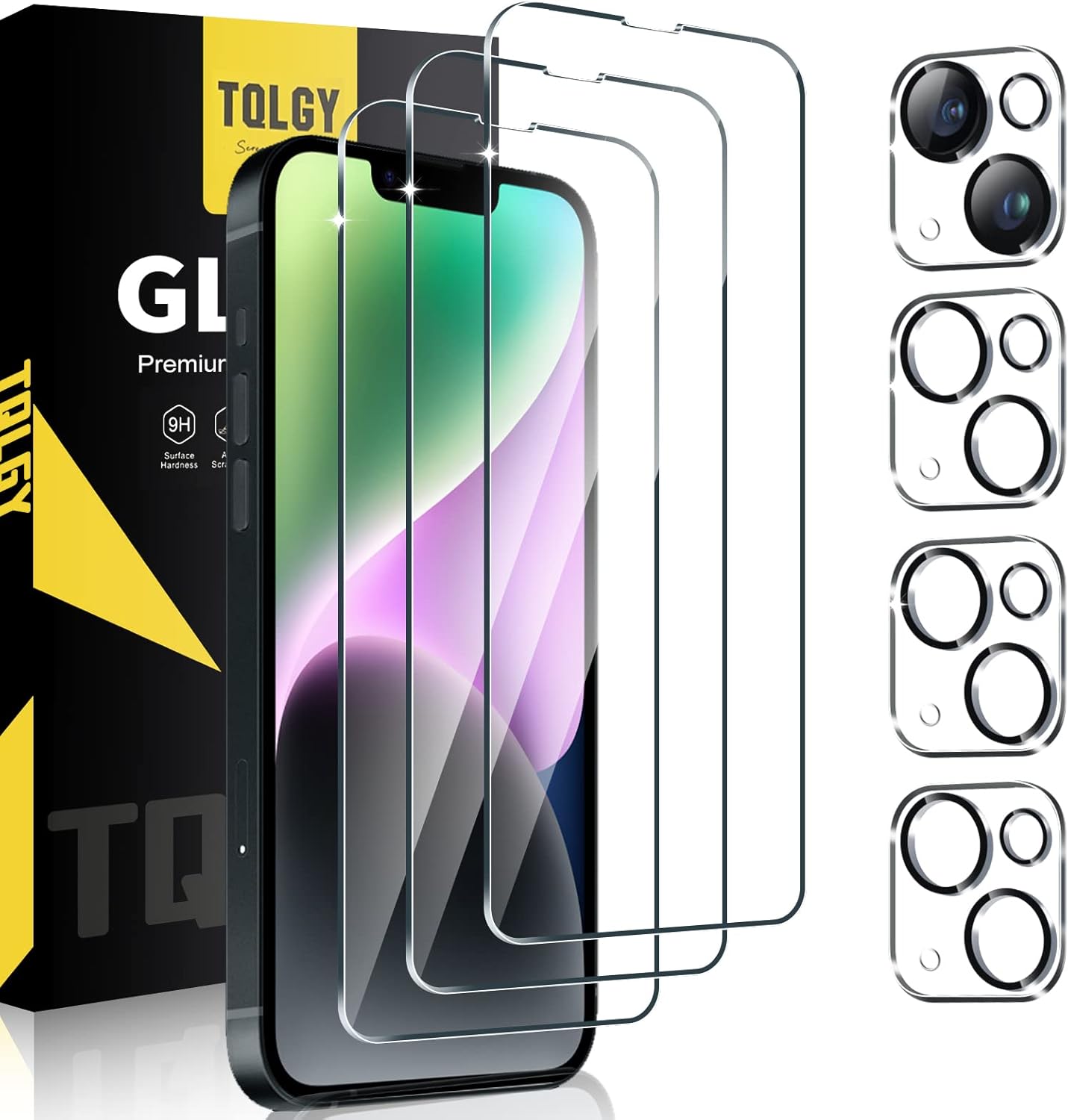
- [Compatible Model] TQLGY screen protector and camera lens protector are specially designed for Google Pixel 7a 5G 2023, [Not fit for Pixel 7 or Pixel 7 Pro]. Please check the phone model before buying. The product contains 3 packs tempered glass screen protectors and 3 packs camera lens protectors. Protects your phone perfectly in all aspects.
- [Fingerprint Unlock] This Pixel 7a screen protector is compatible with fingerprint sensor. Re-register your fingerprint twice time after the screen protector installed. (Attention: Please check your phone system and make sure to be the newest (Android 12) if you have the fingerprint issues.) 1. open "Settings" → open "System"→ open "System update"; 2. open "Settings" → open "Display" → open "Screen protector mode".
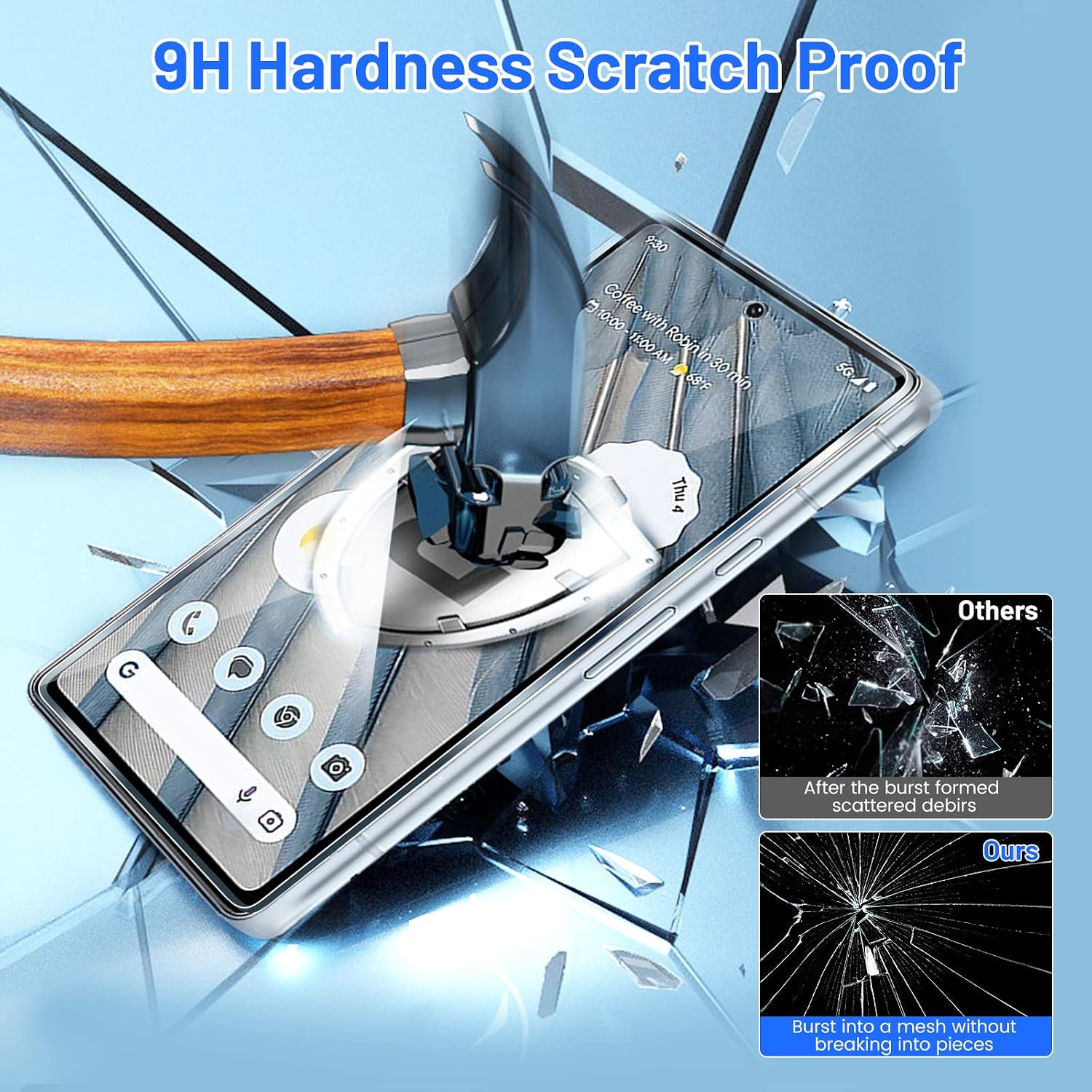
- [Double Protection] 9H Tempered glass screen protector will fit your phone screen perfectly. Precise laser cutting size provides maximum protection for the entire touchscreen surface of your Google Pixel 7a. Glass camera screen protector effectively protect entire camera lens from drops, scratches and other accidents.
- [High Definition] The surface of the protective screen is treated with a coating, effectively reduce fingerprints from sweat and grease, making the screen very easy to clean. light transmittance of 99.99%, keeping the original high resolution of pictures and videos.
- [Case Friendly] Extra space is left around the borders for the case to wrap around the edges of your mobile without interfering with the Screen Protector & Camera Lens Protector, compatible for most cases. Note: Because the edge of Google Pixel 7a phone is 2.5D curved edge, the screen protector designed by TQLGY only covers the viewable window of the phone, and does not cover the edge of the hand side.
- [After-Sales Service] Our customer service online provides you with 24-hour professional after-sales service. If you have any questions or any dissatisfaction, please feel free to contact us. TQLGY is determined to provide every customer with high-quality products and good service.
Specifications
| Item Weight | 3.2 ounces |
|---|---|
| Special features | Anti-Fingerprint |
| Color | Pixel 7a Clear |
| Whats in the box | Camera Lens Protector |
| Manufacturer | TQLGY |
| Country of Origin | China |
| Brand | TQLGY |
| Compatible Devices | Cellphone, Camera |
| Material | Tempered Glass |
| Item Hardness | 9H |
| Compatible Phone Models | Google Pixel 7a |
| Special Feature | Anti-Fingerprint |
| Finish Type | Glossy |
| Unit Count | 3.0 Count |
| Screen Size | 6.1 Inches |
| Screen Surface Description | Glossy |
| ASIN | B0C7H4BBDL |
About this product
TQLGY Screen Protector Tempered Glass Compatible Model: Google Pixel 7a 5G Material: 9H Hardness tempered glass, 99.9% HD Clarity and Touchscreen Accuracy Thickness: 0.33mm ultra thin Color: Clear Product Features: -HD transparency & 9H hardness -Anti scratch, anti shatter and anti fingerprint layers -Precision laser-cut tempered glass/polished with 2.5D round edges -Case friendly space and bubble-free easy to install Packaging Contents: 3 x Tempered Glass Screen Protector 3 x Camera Lens Protector 3 x Dust cloth 3 x Wet Wipe 3 x Micro Fiber Cloth 1 x Scratch Card How to install: STEP 1: After washing your hands, per-position the screen protector to the device (adhesive side downward ). STEP 2: Wipe the screen first with a damp cloth, Dry the screen with a dry cloth, then clear the left liquid with microfiber cloth. STEP 3: Clean the dust on the screen with black dust-absorb. STEP 4: Peel off the protective film from the glass screen protector. STEP 5: Correctly align the front camera hole and the edge of the screen and placement of protective film. STEP 6: Gently slide the edge of the protective film on the top of the phone and the film will fit perfectly. STEP 7: If there are bubbles, please use your fingers to slowly push the bubbles to the edge. Warranty Policy: If you encounter any problems, please feel free to contact us by email. We are willing to solve your problem as soon as possible and provide you with a satisfactory solution.
Similar products
![TQLGY [3+2 Pack] 3 Pack Screen Protector for Google Pixel 6 with 2 Pack Camera Lens Protector, Tempered Glass, 9H Hardness - HD - Bubble Free - Anti-Scratch - Easy Installation](https://m.media-amazon.com/images/I/719mZ1oma2L._AC_SL1500_.jpg)


See current price