


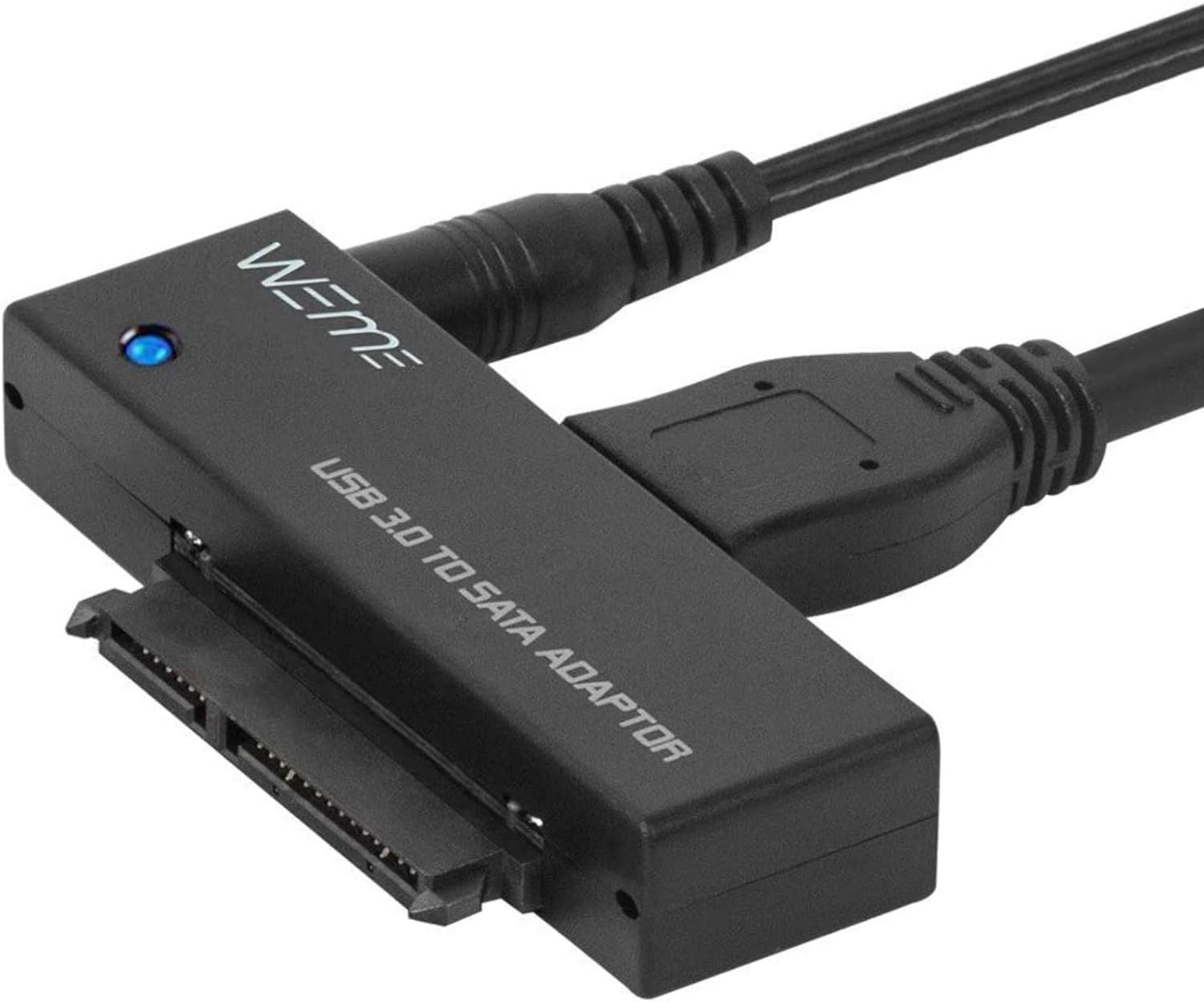
WEme USB C 3.0 to SATA External Hard Drive Dock Docking Station, SSD HDD Disk Duplicator Cloner for Dual Bay 2.5 3.5 Inch SATA I II III, Support UASP and Auto Sleep and 2X 12TB, Black
See current price
Check the current price and availability on Amazon.com.
View on AmazonAffiliate link — we may earn a commission at no extra cost to you. Learn more
- Hard Drive
- 12 TB
- Brand
- WEme
- Item model number
- WM-3024B
- Hardware Platform
- Sata
Key features
- WEme SATA Dock supports capacity up to 36TB (2x18TB); Support Win7 / 8/10 / XP / Vista / Linux / Mac Os. It can be connected to desktop / laptop / TV / PS4 / Smart Box as home entertainment video storage.
- WEme USB-C Drive Dock equipped with Type C cable, better match your Type C thunderbolt Notebook, Laptop & PC. USB 3.0 (5Gbps) Superspeed transfer rate and UASP supported. Copy 1G file only takes 4 seconds.
- WEme HDD SSD Cloner support Online duplicator between hard drive and PC & Offline Clone Function without connecting the computer. Tool-free & Driver-free, support Hot-swapping.
- Supports all 2.5" 3.5" SATA (I/ II/ III) HDD and SSD. Perfectly compatible with HDD from Seagate/ WD / HGST etc, and SSD from Intel/ Samsung/ Toshiba/ Jmicron etc.
- Smarter user-friendly design, automatically enter Sleep Mode to protect your hard drive after 30 minutes no operation
Specifications
| RAM | 12 TB |
|---|---|
| Hard Drive | 12 TB |
| Brand | WEme |
| Item model number | WM-3024B |
| Hardware Platform | Sata |
| Item Weight | 1.37 pounds |
| Product Dimensions | 6 x 4.72 x 3.78 inches |
| Item Dimensions LxWxH | 6 x 4.72 x 3.78 inches |
| Color | USB Type-C |
| Number of Processors | 1 |
| Manufacturer | WEme |
| Country of Origin | China |
| Hardware Interface | USB 3.0 |
| Item Dimensions LxWxH | 6 x 4.72 x 3.78 inches |
| ASIN | B07PX2HHD6 |
About this product
.WEme USB-C Hard Drive Dock supports data copy and clone between any two 2.5" and 3.5" SATA I/II/III HDD and SSD up to any capacity. Moreover, it adopts SuperSpeed USB3.0, data transfer rate up to 5Gbps, and SATA3 (6Gbps).Its excellent transmission performance and compatibility are convenient for data exchange and perfectly suitable for people who need to process clone data regularly, such as film and television production, Backup & processing IT data, Schools batch processing data, etcTo use the Offline Clone Mode:1: Insert the disks to A & B slots respectively. A is the source disk to be cloned, B is the target disk.2: Connect the 12/3A Power Adapter.3: Power on the docking station, press and hold the clone button for 3 seconds.4: When the LED indicator that marks 100% clone progress light up, quickly press the button again, then the offline clone starts.5: One by one 4 LED indicators will flash and be on 25%-50%-75%-100%. 4 LED lights will stay on when the offline clone is 100% completed.Notes - When cloning, the capacity of the disk (B) should be larger than the disk (A).- Please backup files in the target hard drive before cloning. Any files in the target hard drive will be overwritten when offline cloning occurs.- The cloned drive is in offline status after the clone finished. Please set the status of the disk to online on Computer "Disk Management".- Please make sure to connect the 12V3A power supply to offer stable power.- To avoid data loss, don't try to insert or withdraw HDD or SSD when the hard drive running.Questions:Q: HDD does not show up under Windows Explorer?A: Go to Disk Management, right-click the 'Unallocated' or 'Free space' to assign a drive letter for the disk.Q: Indicator stops flashing during offline clone period?A: The reasons may be partial damage of HDD, a virus in clone data or malfunction, etc.
Similar products


See current price