


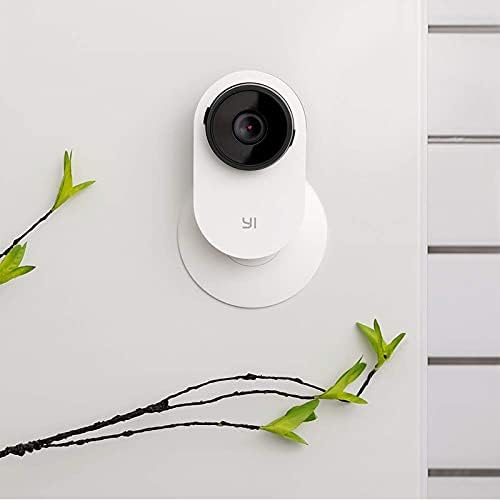


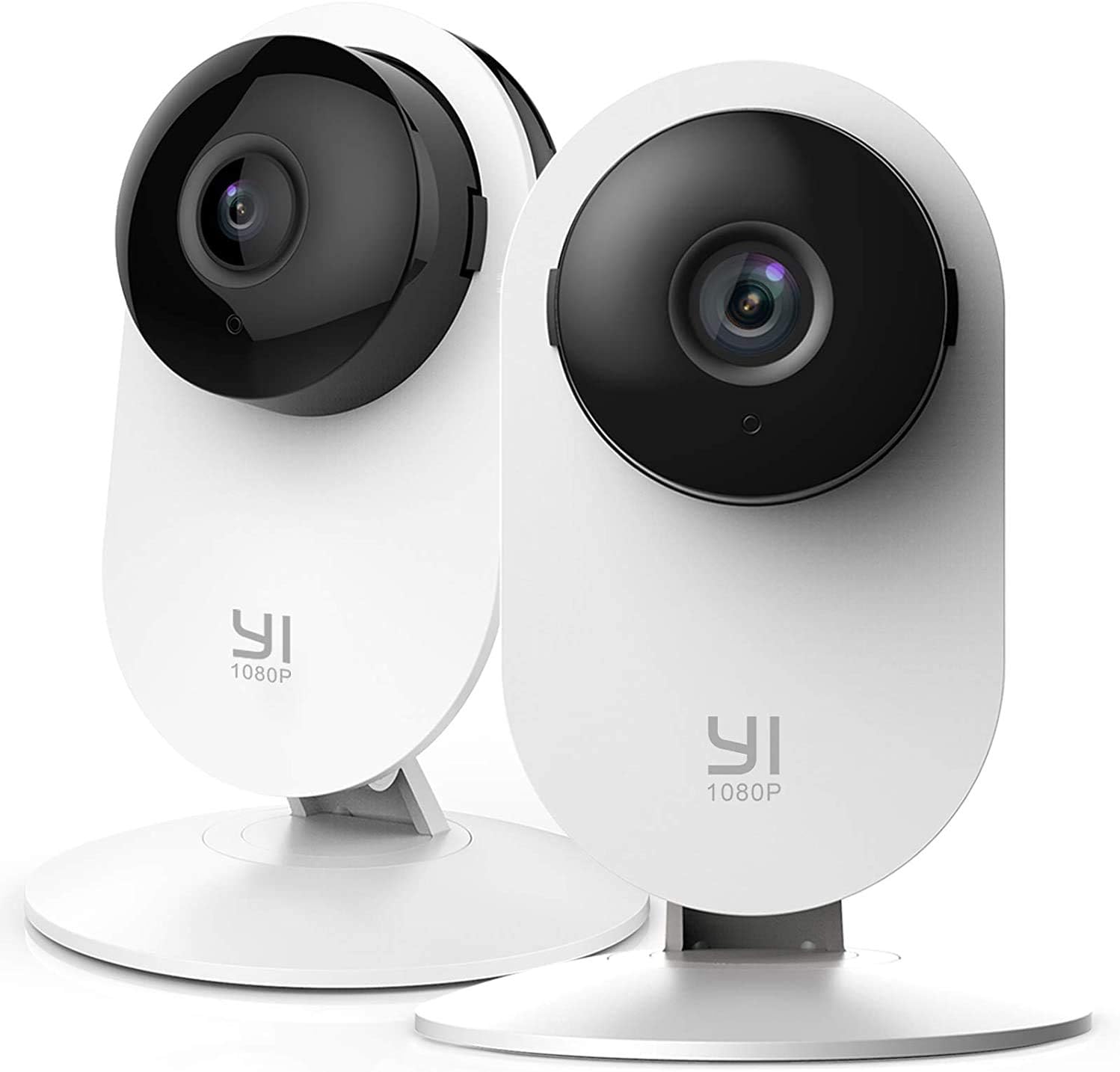
YI Smart Home Camera 3, AI-Powered 1080p 2.4G Wi-Fi Security System with Human Detection for Nanny Pet Monitor, 6-Month Free Cloud Service - Compatible with Alexa and Google Assistant, Y25 (87105)
See current price
Check the current price and availability on Amazon.com.
View on AmazonAffiliate link — we may earn a commission at no extra cost to you. Learn more
- Item Weight
- 9.6 ounces
- Item model number
- 87105
- Manufacturer
- YI Technology
- Recommended Uses For Product
- Pet
Key features
- Dedicated Version bundled with 6-Month of YI Cloud Storage: Enjoy 6-month of YI Cloud storage at no extra cost! This plan includes 7-day storage for all of your extra-long motion detection video clips. Never miss a moment, as soon as the YI Home Camera 3 detects motion it will start recording and finish once movement has stopped. With fast-forward speeds of up to 32x and graphic retrieval, jump directly to the important events of the day.
- Get Immediate Assistance with 24/7 Emergency Response Service - Through one click, instantly involve Noon light's Certified Emergency Dispatchers, who coordinate with police, fire, and EMS agencies to ensure the people or things you love are safe and sound. ( Optional Paid Service)
- Enhanced Alert System with Abnormal Sound Detection / Human Detection - Identify sounds within a range of 16 feet. Customize sound alert between 50dB to 90+dB and sensor sensitivity levels from high to low depending on your demand for dog/pet monitor. AI human detection filters “false positives” caused by unwanted objects or flying bugs.
- Privacy Mode with Scheduling Power Off - Customize stand-by time of your camera for each day of your week, so it works when you are working and rests when you are relaxing at home.
- Easy to View and Share with YI Home App - Monitor and control your camera in one convenient phone app. Customize settings according to your preferences and experience useful features: Activity Alerts, Camera Sharing with families, fun recording sharing to social media and more. (PC/Mac client supports viewing up to 4 live camera feeds on one screen)
- Your camera can not only stand on its base, but also mount on metal objects with magnetic base and any wall or ceiling. 1. Split the camera from the base. Turn the base counterclockwise to separate the camera from the base. 2. Drill locating holes on the base.
- How to Activate 6-month Cloud Service: Open YI HOME APP, choose this camera / Settings / My YI Cloud / Activate Half a year YI Cloud.
- Mounting type: Stick Up
Specifications
| Product Dimensions | 4.3 x 5.9 x 4.3 inches |
|---|---|
| Item Weight | 9.6 ounces |
| Item model number | 87105 |
| Manufacturer | YI Technology |
| Recommended Uses For Product | Pet |
| Brand | YI |
| Model Name | Y25 |
| Connectivity Technology | Wireless |
| Special Feature | Motion Sensor |
| ASIN | B01CW49USY |
About this product
Setting Up Your Camera With YI Home App 1.Install YI Home App and create a YI Home Account 2.Turn your camera on and select the '+' icon in YI Home App to add your camera 3.Select your Wi-Fi network and enter your Wi-Fi password, then select Connect to Wi-Fi 4.Scan the QR Code shown on the app, then select Next once the QR Code has scanned 5.Select Save, then select Start using to finish pairing 6.If connection failed, please push the Reset button and try again WiFi Settings 1.YI Home cameras will need to connect to a 2.4GHz band network. 5GHz WiFi band is not supported 2. Turning on the location service on the phone if you encounter Unknown SSID issue 3.Encryption mode must be set to WPA/WPA2 (mixed mode) or WPA2 4.Your Wi-Fi password must be 8-20 characters in length If you have any other problem, please contact us via support@yitechnology.com.
Similar products


See current price