

VIZIO Television & Video
Browse VIZIO televisions, smart TV models, and replacement remotes in the Television & Video category. Compare display formats, compatibility details, and named features before visiting Amazon.
156 results
Filters

VIZIO
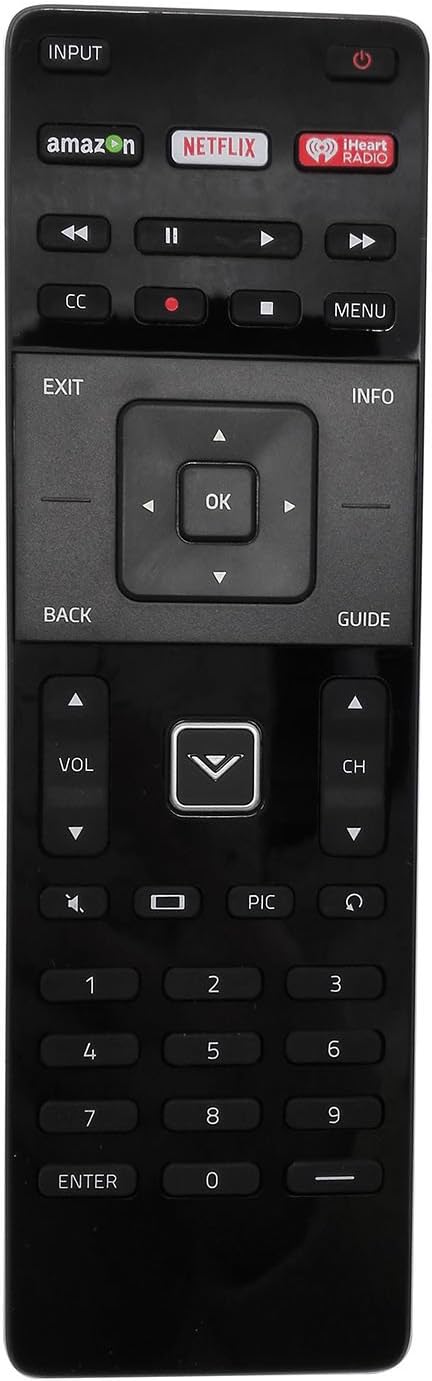
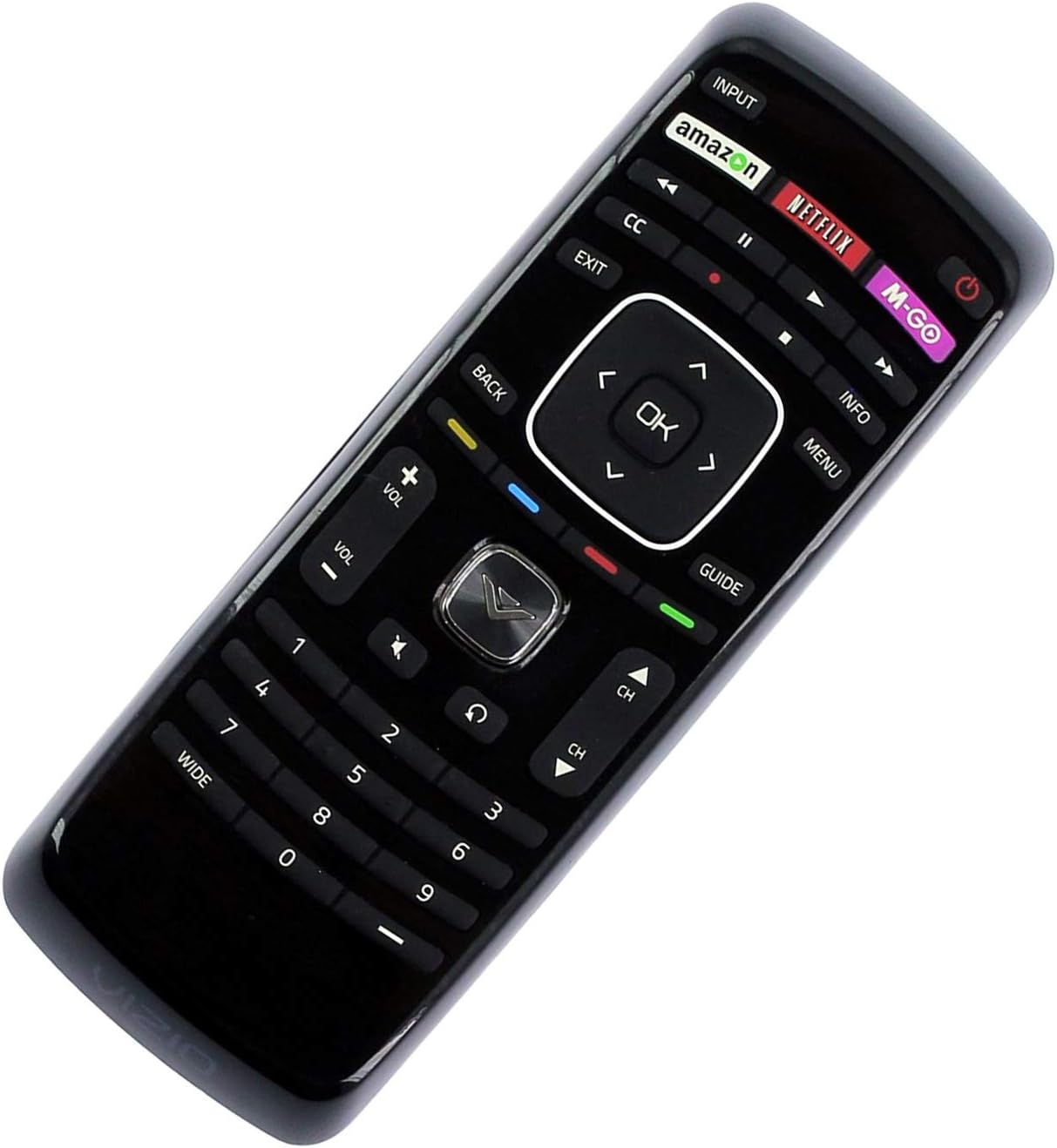
New VIZIO Universal Remote Control for 99% VIZIO Brand LED LCD TV-30 Days Warranty!
See current price






VIZIO Television & Video products
K-Catalog’s VIZIO Television & Video listings include televisions alongside replacement and universal remote controls. Browse the broader Television & Video category to compare products across the department, or view all VIZIO products for related listings.
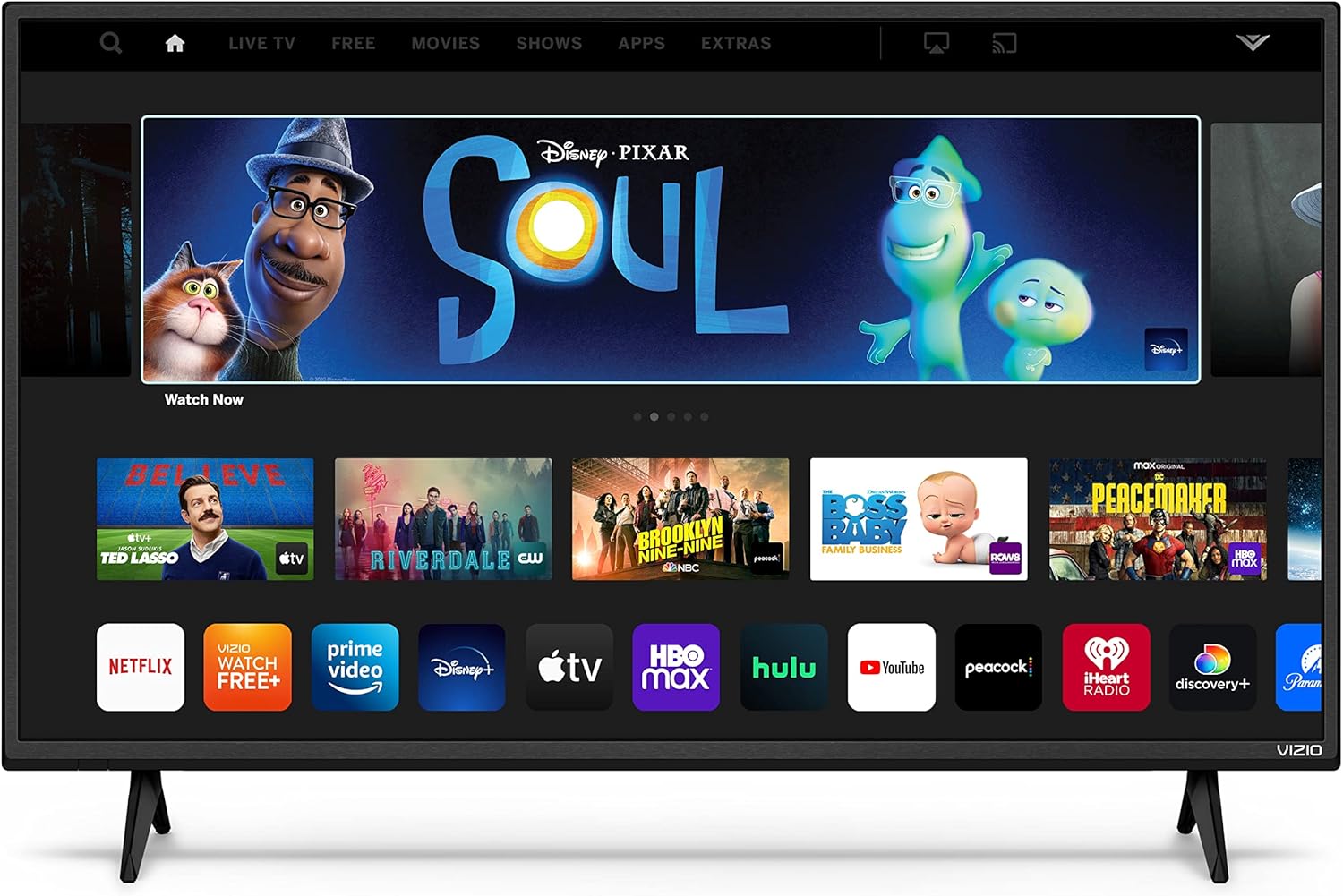
The sample includes a VIZIO V-Series smart TV with a 4K UHD LED display, voice remote, Dolby Vision, HDR10+, and Alexa compatibility. These named specifications can help shoppers narrow their search based on picture format, HDR support, voice control, and smart-home compatibility.
VIZIO televisions and display features
When comparing VIZIO TVs, pay attention to the screen technology and resolution shown in each title. LED and LCD televisions appear in the catalog, while the V-Series listing identifies a 4K UHD resolution. Smart TV functionality is also called out, along with features such as a voice remote, Dolby Vision, HDR10+, and Alexa compatibility.
Feature names are useful starting points, but the full product detail page should confirm the exact model, included accessories, supported functions, and connections. Visit VIZIO Televisions to focus specifically on the brand’s TV listings.
Replacement and universal remote controls
Several listings are remotes designed for specific VIZIO television models, including E Series and other LCD or LED TV model families. Some titles identify XRT122 remotes, while another names an XRT500 QWERTY dual-side remote with backlighting for VIZIO smart app and internet TVs. A universal VIZIO remote is also included in the sample.
Compatibility is especially important when choosing a replacement. Match the remote’s model references and listed TV type with the television you own. If the title lists a particular remote series or model family, use those details as a first check rather than relying only on a general VIZIO label.
How to choose between VIZIO models
Start by deciding whether you need a television or a replacement remote. For a TV, compare LED or LCD terminology, resolution, smart functionality, HDR formats, voice control, and Alexa compatibility. For a remote, prioritize the exact television model references, then check whether the control is universal, QWERTY, dual-sided, or backlit. Review the complete specifications before clicking through to Amazon for availability and current purchase details.