

Cables & Adapters for Phones and Mobile Devices
Compare cables and adapters for charging, syncing, connecting, and extending mobile devices. Check connector types, compatibility, construction, and intended use before choosing.
951 products in catalog
951 results
Filters
![JSAUX USB C to USB Adapter [2 Pack], USB Type C Male to USB 3.0 Female OTG Cable Thunderbolt3 to USB Adapter Compatible with MacBook Pro/Air 2019 2018 2017, Galaxy S20 S20+ Ultra Note 10 S9 S8-Black](https://m.media-amazon.com/images/I/61D1qjc8dVL._AC_SL1200_.jpg)


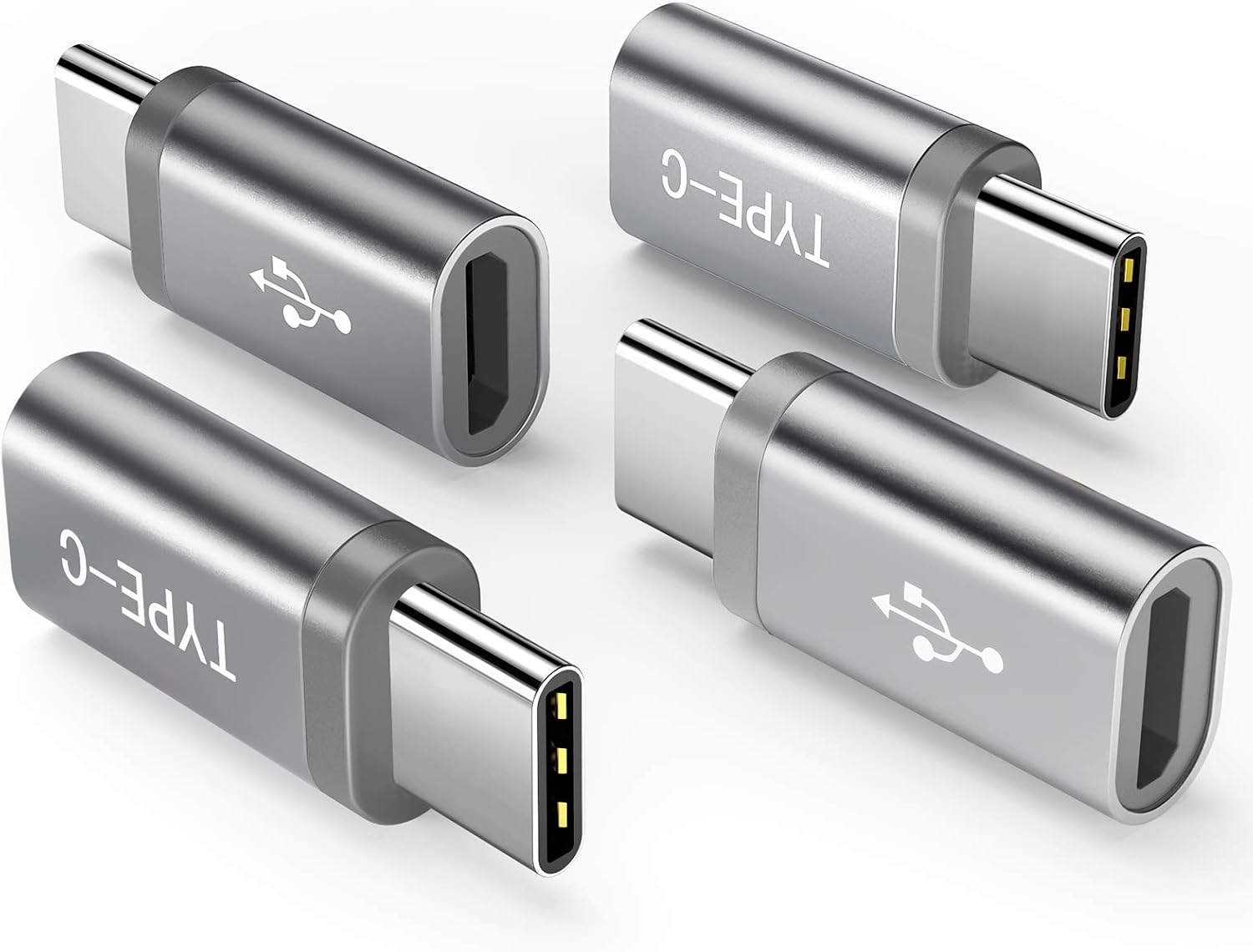
![Anker [2 in 1 Pack] USB-C (Male) to Micro USB (Female) Adapter, Allows Micro USB to USB-C Data Transfer, Uses 56K Resistor, Works with Galaxy S9, MacBook, iPad Pro, LG V20 and More](https://m.media-amazon.com/images/I/51-gkIpnY7L._SL1000_.jpg)


![RAMPOW USB C to USB Adapter [2-Pack, OTG, QC 3.0] - USB 3.0 Type C Adapter - USB-C Male to USB-A Female Converter for MacBook Pro/Air, Samsung Galaxy S8/S9/S10/S20, LG, Moto - Space Gray](https://m.media-amazon.com/images/I/71FOuv-Pt3L._AC_SL1500_.jpg)


![RAMPOW Micro USB to USB C Adapters [2-Pack, 5V/2.4A] - USB Type C Adapter - USB C Male to Micro USB Female Converter for MacBook Pro/Air, Samsung Galaxy S8/S9/S10/S20, LG, Moto - Space Gray](https://m.media-amazon.com/images/I/71IE4S7pi6L._AC_SL1500_.jpg)

Shenzhen Wuyishi Technology Co.,Ltd
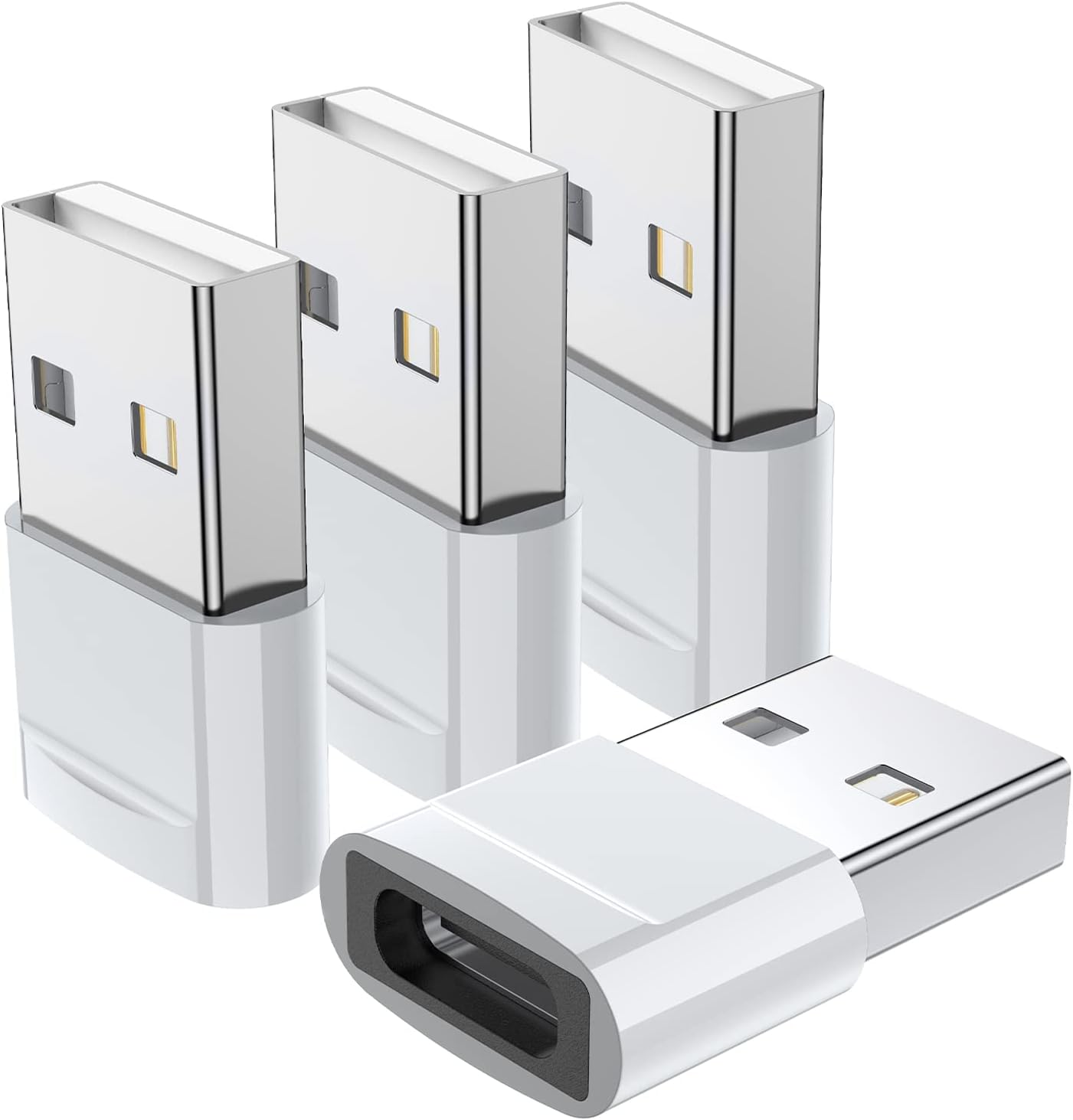
USB-C Female to USB-A Male Adapter 4-Pack, JSAUX Type C to USB Charger Cable Adapter Compatible with iPhone 13/12 Mini/Pro/Pro Max, Samsung Galaxy Note 10/20, S20/S21, Apple Watch Series 7 -Purple
See current price
![USB C to USB Adapter [2-Pack], Thunderbolt 3 to USB 3.0 OTG Adapter Compatible with MacBook Pro,Chromebook,Pixelbook,Microsoft Surface Go,Samsung Galaxy S8 S9 S10 S20 S21 S22 Ultra Plus,Note 9 10 20](https://m.media-amazon.com/images/I/61sJL1U7J4L._AC_SL1500_.jpg)

Samsung
Samsung USB to 21Pin Data Cable for Galaxy S5 and Note 3 N9000, White (Non-Retail Packaging)
See current price

![CableCreation [2-Pack] USB3.1 USB Female to USB C Adapter 0.5 FT USB C to USB A Female Adapter Cable Braided OTG 5Gbps Data Female USB A to C Male for MacBook Pro Air S21 S20 etc, 0.15m Space Gray](https://m.media-amazon.com/images/I/61vGIUbMDRL._AC_SL1500_.jpg)


![Blukar USB C Female to USB Male Adapter, [3 Pack] Type C to USB A Charger Cable Adapter Converter for Fast Charging & Data Sync, Compatible with iPhone 13/12/11 Pro, iPad Air 6, Galaxy S21/S20 etc.](https://m.media-amazon.com/images/I/619nTfk956L._AC_SL1500_.jpg)


Popular brands in Cables & Adapters
Cables and adapters connect phones, tablets, headphones, power accessories, and other mobile devices for charging, data transfer, or both. The right choice depends less on appearance than on matching the connectors and capabilities of every device in the setup.
K-Catalog brings together a broad selection of cables and adapters from brands including Anker, NetDot, CLEEFUN, Bynccea, IPAX, QianLink, Accessonico, Go Beyond (TM), ARKTEK, FanTEK, JSAUX, and Kit Me Out World. Use the available product specifications to compare compatible connections and construction details, then check the current price and purchasing information on Amazon.
How to choose a cable or adapter
Start by identifying the ports on both ends of the connection. A phone may use USB-C or another connector, while a wall charger, computer, vehicle port, or older accessory may use a different interface. An adapter can bridge those connections, but it cannot make incompatible devices work in every situation.
Consider the job the accessory needs to perform:
- Charging: Confirm that the cable and connected power source support the charging requirements of the device.
- Data transfer: Look for specifications that indicate whether the cable supports syncing or file transfers, not just power delivery.
- Audio or display connections: Check whether the adapter is designed for the intended audio, video, or peripheral connection.
- Everyday portability: A compact cable or adapter may suit a bag, desk drawer, or travel kit, while a longer cable can be more practical beside a bed or workstation.
Common cable and adapter uses
Some products are intended primarily for charging, while others support charging and data transfer together. Dedicated charging cables can be suitable for simple power connections, but they may not provide the functionality needed to connect a phone to a computer or compatible accessory.
Adapters are useful when the ports on two devices do not match. They can also help connect mobile devices to selected peripherals, but compatibility depends on the connector, operating system, power requirements, and any supported protocols. Read the complete specification rather than relying only on a familiar connector name.
For power-related accessories, browse Chargers & Power Adapters alongside this category. For vehicle use, Automobile Accessories may provide more specialized options.
Key features and specifications to compare
Connector type and gender are the first details to verify. Check both ends of a cable and determine whether an adapter uses a plug, socket, or combination of the two. A physical fit does not always guarantee full functionality.
Cable length and flexibility affect convenience. Short cables help reduce clutter and suit compact setups. Longer versions provide more reach but may be harder to organize. Look for a design that matches how the cable will be routed and stored.
Construction can influence everyday handling. Compare jacket materials, connector housing, strain relief, and any stated reinforcement. Flexible construction may help with frequent repositioning, while a sturdier exterior can suit travel or shared household use.
Charging and data specifications should be checked separately. A cable may physically connect two devices while supporting only limited charging or transfer functions. If a product lists supported standards, speeds, power capabilities, or device compatibility, compare those details with the requirements of the charger and device.
Brands represented in the catalog
The catalog includes products from Anker, NetDot, CLEEFUN, Bynccea, IPAX, QianLink, Accessonico, Go Beyond (TM), ARKTEK, FanTEK, JSAUX, and Kit Me Out World. Brand selection can help narrow a large catalog, but connector compatibility and listed specifications should remain the deciding factors for a particular setup.
For accessories used with wearable devices, Smartwatch Accessories is a related category to explore. Other useful additions may include Stands for hands-free placement or Stylus Pens for compatible touchscreen devices.
Practical buying and care tips
Keep cables loosely coiled instead of sharply folding them, especially near the connector ends. Avoid pulling a cable out by the cord, and inspect the plug, housing, and outer jacket regularly for visible damage. Replace an accessory if the connector becomes loose, the cable is frayed, or charging behaves inconsistently.
Before ordering, check the exact device model, port type, case clearance, and intended power source. If the issue involves a damaged port, unreliable charging, or another hardware problem rather than a missing connection, Maintenance, Upkeep & Repairs may be more relevant. The broader Accessories category can help when comparing other mobile-device add-ons.
Frequently asked questions
How do I know which cable connector I need?
Identify the port on the device and the port on the charger, computer, vehicle outlet, or accessory. Check both ends of the cable and compare the product’s compatibility details.
Can every cable transfer data?
No. Some cables are intended mainly for charging. If syncing or file transfer matters, look for specifications that explicitly describe data support.
Does an adapter guarantee compatibility?
No. An adapter may match the physical ports while still lacking support for the required power, audio, video, data, or device protocol. Review the full specifications before choosing.
Is a longer cable always more convenient?
Not necessarily. Extra length can improve reach, but it may add clutter. Choose a length that fits the intended space and storage routine.
What should I check before using a cable in a vehicle?
Confirm the cable matches the vehicle’s available port and the device connector. Consider routing, reach, case clearance, and whether the connection is intended for charging, data, or both.
How should cables be stored?
Coil them gently without tight bends, keep connectors protected from dust and moisture, and avoid placing heavy objects on the cable.