

Power Strips & Surge Protectors
Compare power strips and surge protectors by outlet layout, charging options, protection features, and cord design. Explore specifications to find a practical fit for your home, office, or entertainment setup.
1,743 products in catalog
1,743 results
Filters


Amazon Basics
Amazon Basics 8-Outlet Power Strip Surge Protector, 4,500 Joule - 6-Foot Cord, Black/Green
See current price


Amazon Basics
Amazon Basics 6-Outlet Surge Protector Power Cord Strip, 790 Joule, Black, 10-Pack
See current price
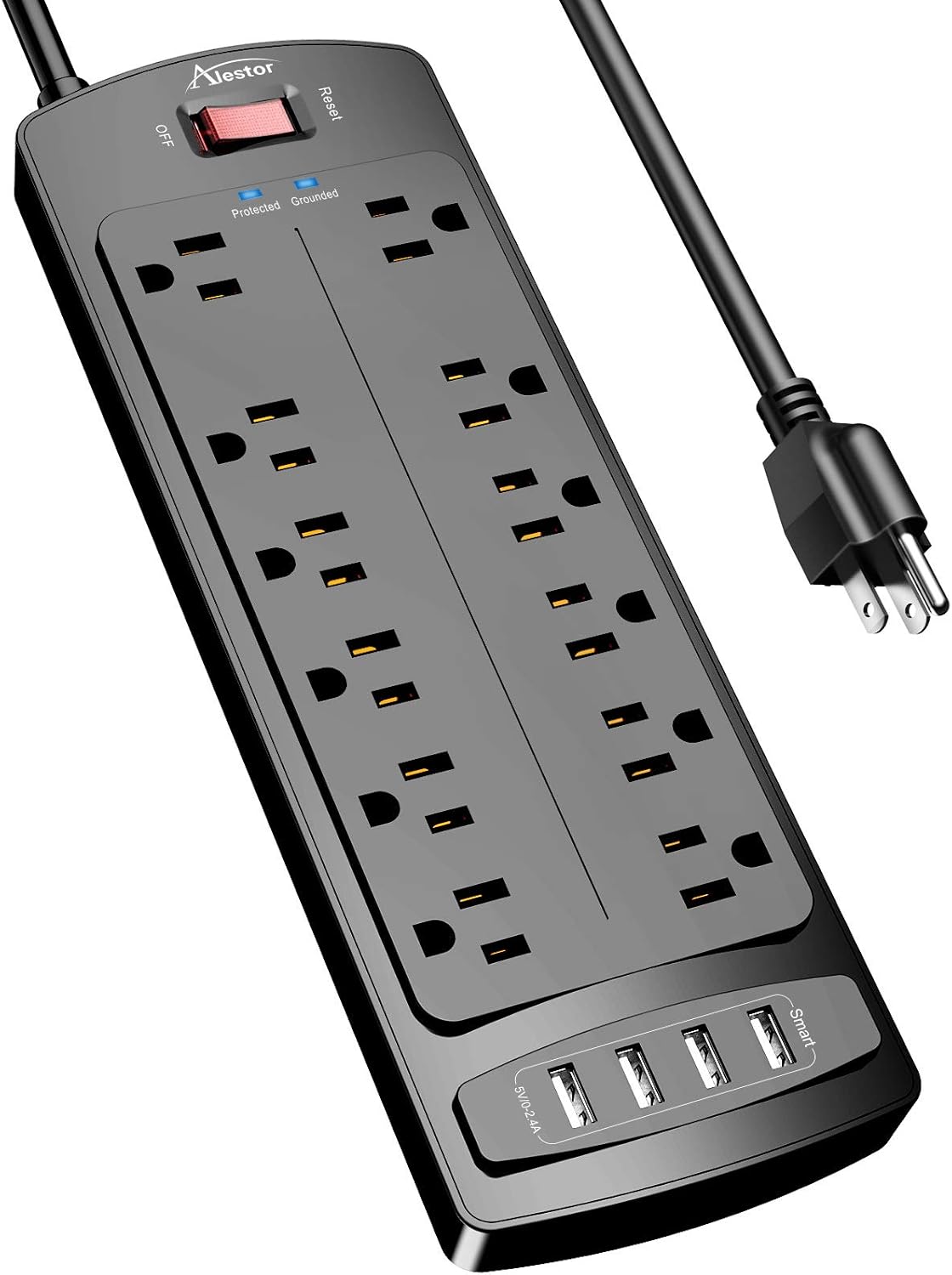


Amazon Basics
Amazon Basics Rectangular 6-Outlet, 200 Joule Surge Protector Power Strip, 2 Foot, White - Pack of 2
See current price

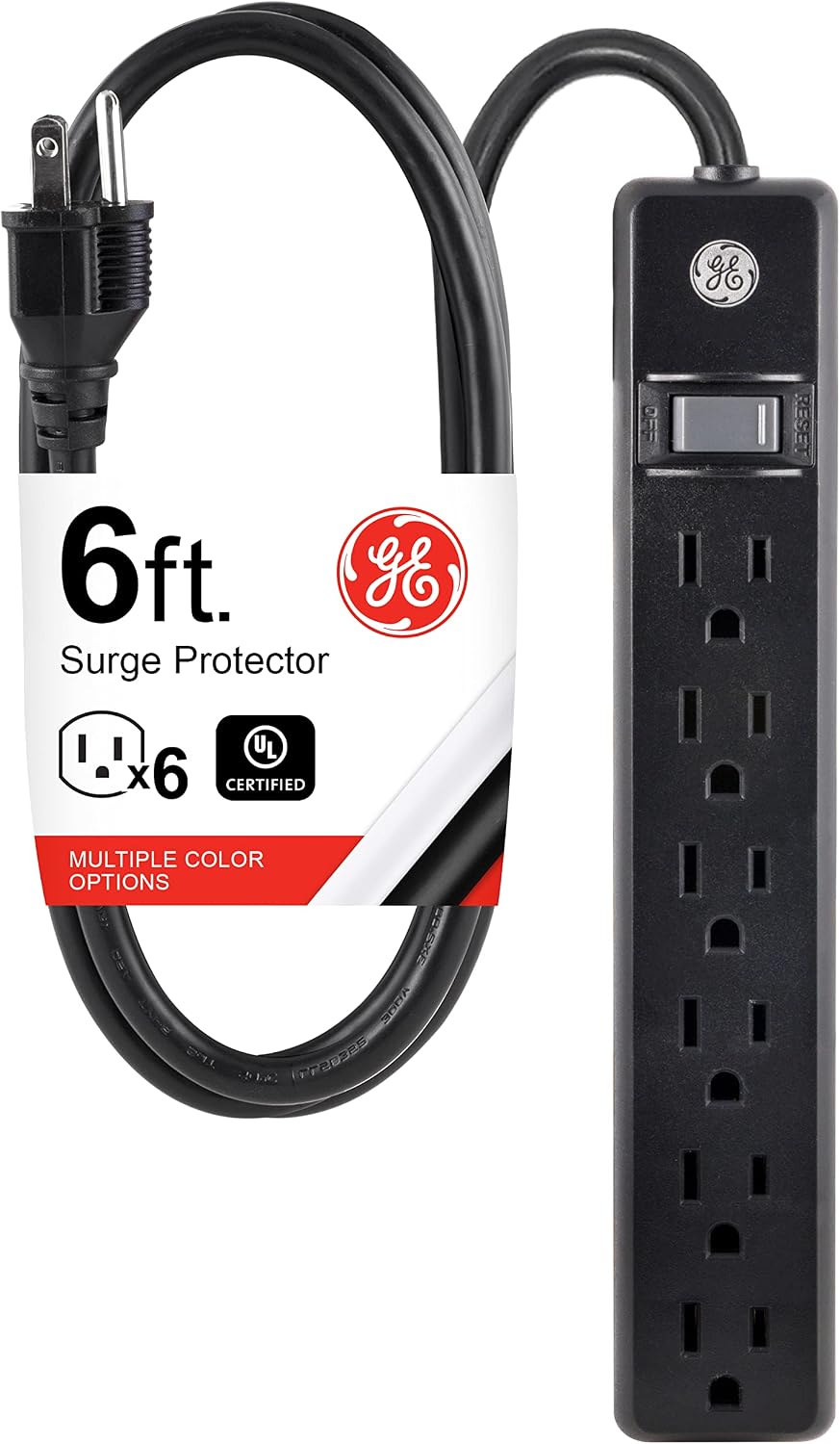


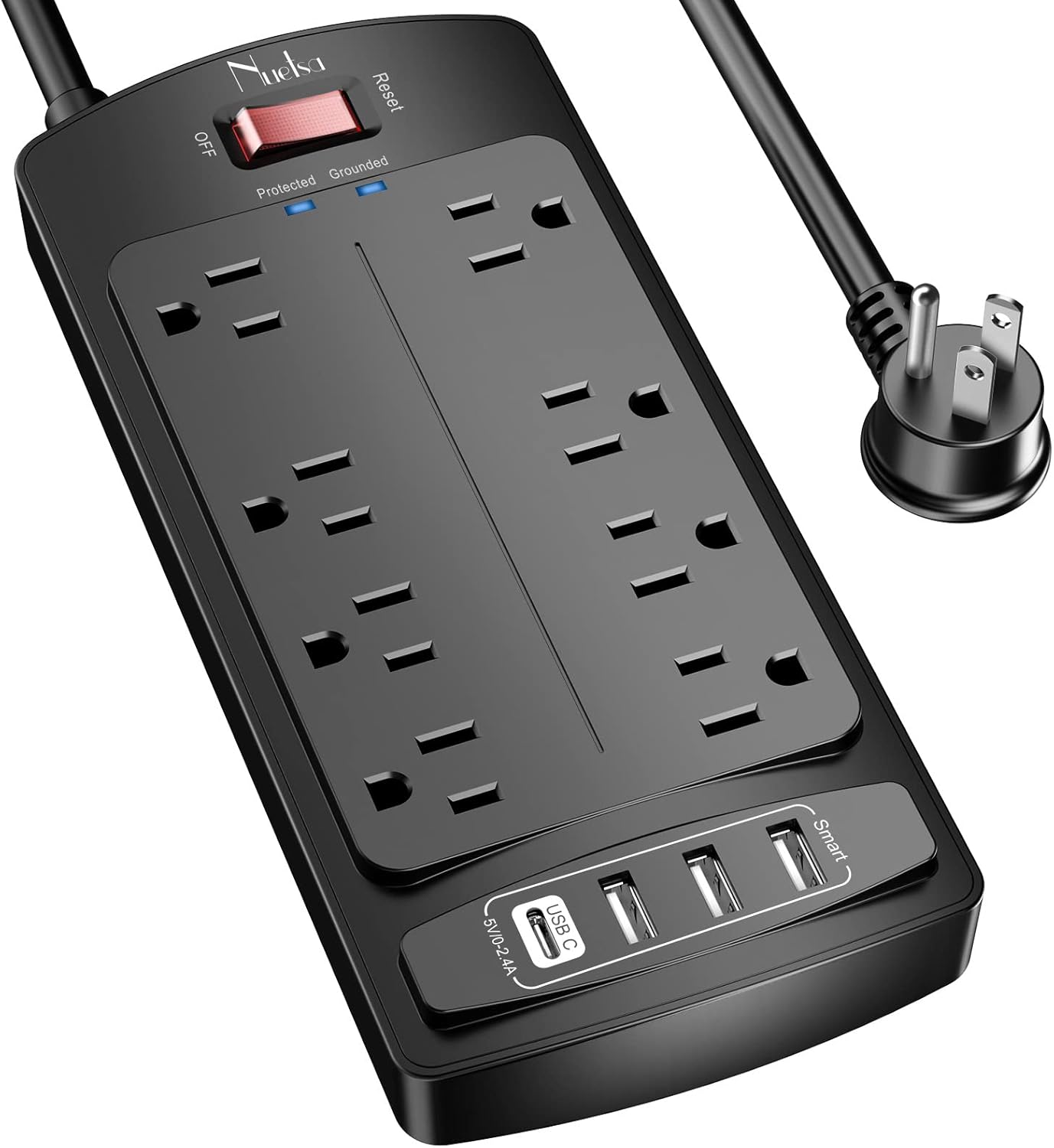


Philips Accessories
Philips 6-Outlet Extender Surge Protector, 900 Joules, 3-Prong, Space Saving Design, Protection Indicator LED Light, 2 Pack, Black, SPP3466BC/37
See current price


Popular brands in Power Strips & Surge Protectors
Power strips and surge protectors make it easier to power several devices from one wall outlet, but the right choice depends on how and where you plan to use one. Compare outlet spacing, cord length, mounting options, charging ports, and electrical protection rather than choosing only by appearance.
A basic power strip distributes power to multiple devices. A surge protector adds components intended to help guard connected electronics against certain voltage spikes. Because product features vary, check the listed specifications and safety information for each model before connecting valuable equipment.
How to choose a power strip or surge protector
Start by identifying the devices you need to connect and the space available. A compact strip may suit a nightstand or travel setup, while a larger unit can be more practical for a desk, media center, workshop, or shared workspace.
Consider these factors:
- Number and spacing of outlets: Count the power adapters you use, then look for enough room between outlets for bulky plugs and charging bricks.
- Cord length and plug design: A longer cord can help reach an outlet behind furniture, while a low-profile plug may fit better in tight spaces.
- Surge protection: If you are connecting computers, displays, networking equipment, or entertainment electronics, review the stated protection specifications instead of assuming every power strip provides the same level of protection.
- Switch and controls: A master switch can turn connected devices off together. Some designs also include individual controls or an illuminated power indicator.
- USB charging: USB-A and USB-C ports may reduce the need for separate wall chargers, but compare the listed charging output and port arrangement for your devices.
- Placement and mounting: Keyhole slots, adhesive options, or other mounting features can keep a strip accessible under a desk or beside a media cabinet when included in the product specifications.
Common types and useful setups
Power strips come in several practical designs, even when a catalog does not separate them into formal subcategories. Compact models are useful for small work areas, bedside tables, and travel bags. Long, narrow strips can fit along the back of a desk or entertainment unit, while tower-style designs may provide access to outlets from different sides.
A surge protector with widely spaced outlets is worth considering when several devices use large power adapters. Models with USB charging can help organize phones, tablets, headphones, and other small electronics. For a home office, focus on outlet access, cable reach, and compatibility with computers and peripherals. For an entertainment setup, consider whether the layout accommodates consoles, streaming equipment, displays, and audio components without sharply bending their plugs.
If keeping cords under control is also a priority, browse Cord Management for complementary organization products. Office Electronics Accessories may also be relevant when setting up a workstation.
Specifications and safety details to compare
Look for the electrical ratings provided by the manufacturer, including voltage, current capacity, and any stated energy or surge-handling specifications. These details help determine whether a strip is appropriate for the devices you plan to connect. Do not exceed the product’s listed capacity, and avoid using a power strip as a substitute for permanent wiring.
Check whether the product includes overload protection, a resettable breaker, or an indicator showing that protection is active. These features can make the unit easier to monitor, but they do not eliminate the need for safe use. Review plug orientation, housing design, heat-management information, and any listed safety certifications or compliance markings.
Do not connect high-draw appliances unless the product documentation specifically supports that use. Keep the strip away from moisture, avoid covering it with rugs or furniture, and replace it if the cord, plug, or housing shows damage. Follow the manufacturer’s instructions for mounting and placement.
Brands represented in the catalog
The catalog includes power strips and surge protectors from TESSAN, NTONPOWER, JACKYLED, SUPERDANNY, Tripp Lite, Mifaso, Belkin, Addtam, BESTEK, Anker, One Beat, and TROND. Brand selection can be useful when comparing construction details, charging features, protection specifications, warranty information, and product documentation, but the listed features of each individual model should guide the final choice.
Related accessories to consider
A power strip is only one part of a tidy electronics setup. Cable Organizer Bags & Cases can help store spare charging cables and adapters, while Mounts may help position equipment or keep a workspace clear. For older communication equipment and related connections, see Telephone Accessories. The broader Accessories & Supplies category provides additional ways to build out an electronics setup.
Frequently asked questions
What is the difference between a power strip and a surge protector?
A power strip primarily provides multiple outlets from one wall connection. A surge protector includes additional components designed to help protect connected equipment from certain electrical surges. Check the specifications to confirm which features a product provides.
How many devices can be connected to a power strip?
That depends on the number of outlets, the available spacing, and the strip’s electrical capacity. The combined load of connected devices must remain within the manufacturer’s listed limits.
Are USB ports on a power strip useful?
They can be convenient for charging compatible phones, tablets, and small electronics without occupying a standard outlet. Compare the type of USB ports and their stated output with the requirements of your devices.
Should a power strip be mounted?
Mounting can improve access and reduce loose cords when a suitable surface is available. Use only the mounting method recommended for the product and keep the strip accessible for inspection and switching.
Can a power strip be used with a heater or other high-draw appliance?
Only use it for equipment supported by the manufacturer’s instructions and electrical ratings. High-draw appliances can exceed a strip’s capacity, so check the documentation carefully before connecting them.