

Adapters for Headphones and Audio Devices
Compare adapters for connecting headphones, earbuds, phones, computers, and other audio equipment. Check connector types, device compatibility, signal support, and construction details before choosing.
1,066 products in catalog
1,066 results
Filters


Crispin Boyer (Author)
National Geographic Kids Why?: Over 1,111 Answers to Everything
See current price

![Lightning to 3.5 mm Headphone Jack Adapter, 3 Pack [Apple MFi Certified] iPhone 3.5mm Headphones/Earphones Aux Audio Adapter Dongle for iPhone 14 13 12 11 XS XR X 8 7 iPad, Support All iOS System](https://m.media-amazon.com/images/I/51mJyExRzIL._AC_SL1500_.jpg)


![[Apple MFi Certified] iPhone Headphone Adapter, 2 Pack 2 in 1 Lightning to 3.5mm Aux Audio and Charge Jack Adapter Splitter Dongle for iPhone 14 13 12 11 Pro Max XS XR X 8 7 6 iPad, Support iOS 16](https://m.media-amazon.com/images/I/61+CIgH+S1L._AC_SL1500_.jpg)




![JSAUX iPhone Headphone Adapter, Lightning to 3.5mm Adapter [Apple MFi Certified] iPhone Aux Adapter Compatible with iPhone 14/14 Pro Max/13/13 Pro Max/12/12 Pro Max/11/11 Pro Max/SE/X/XR/XS/8-Red](https://m.media-amazon.com/images/I/71E-aYE81HL._SL1500_.jpg)


Popular brands in Adapters
Adapters can solve a simple connection problem or add compatibility between newer and older audio devices. This category includes options for headphone, earbud, phone, computer, and other audio setups, so the right choice depends on the ports and functions your equipment supports.
Before selecting an adapter, identify the connectors on both devices and check whether the adapter needs to carry audio, provide microphone support, or work with controls such as volume and call handling. You can also compare related Headphones & Earbuds and other Headphones, Earbuds & Accessories if you are building a complete listening setup.
How to choose an audio adapter
Start with the source device and the headphones or earbuds you want to connect. An adapter is only useful when its input and output match the equipment, so check the connector shape and interface on each end rather than relying on appearance alone.
Consider these questions before comparing individual products:
- Which device sends the audio signal, and which device receives it?
- Does the connection need to support headphones, a microphone, or both?
- Is the adapter intended for digital-to-analog conversion, a simple physical connection, or both?
- Will it be used at a desk, in a vehicle, while traveling, or with a mobile device?
- Does the design need to accommodate a protective case or limited space around the port?
If an adapter will be plugged in and removed frequently, cable flexibility and strain relief may matter as much as the connector itself.
Common adapter types
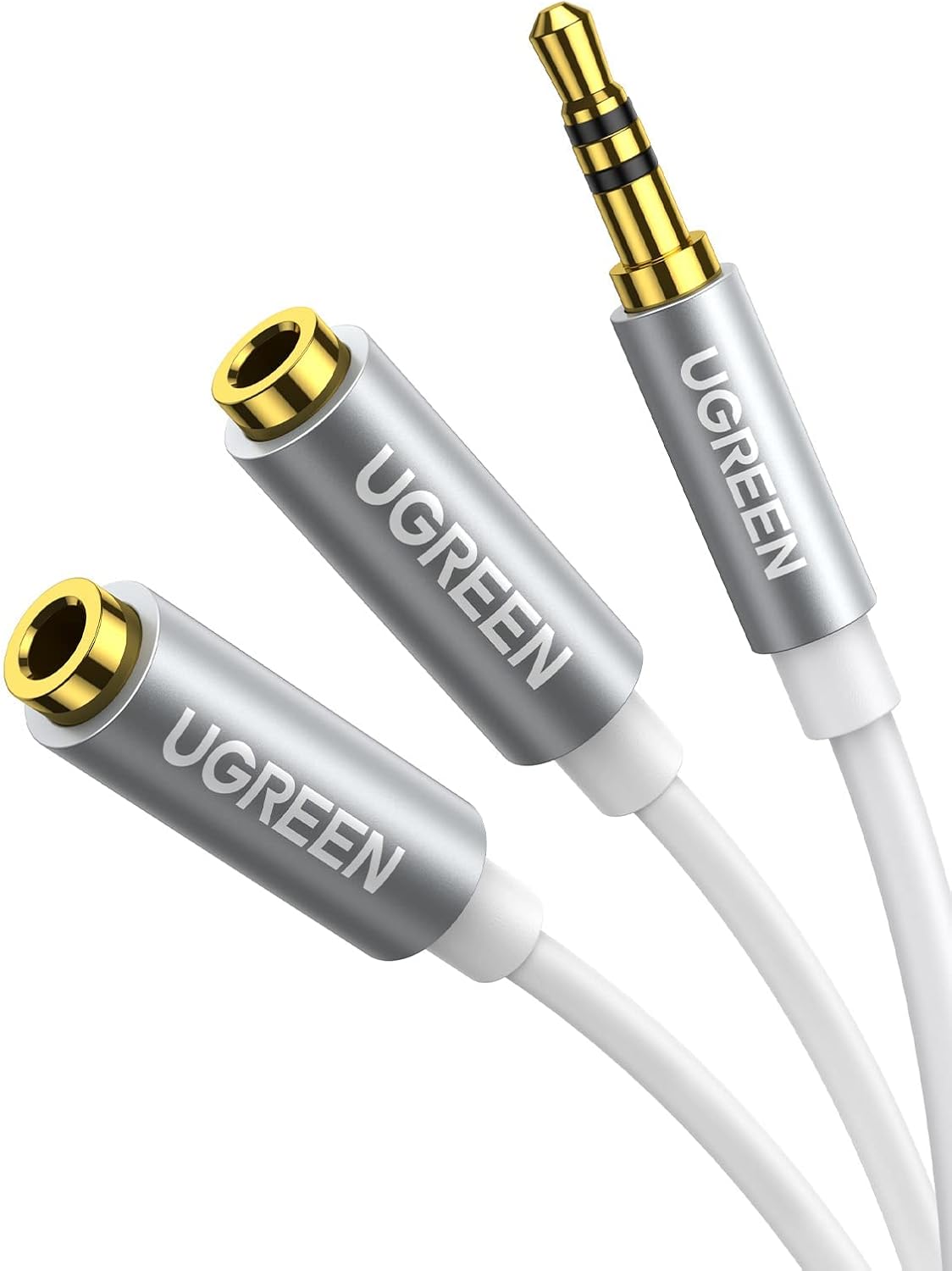
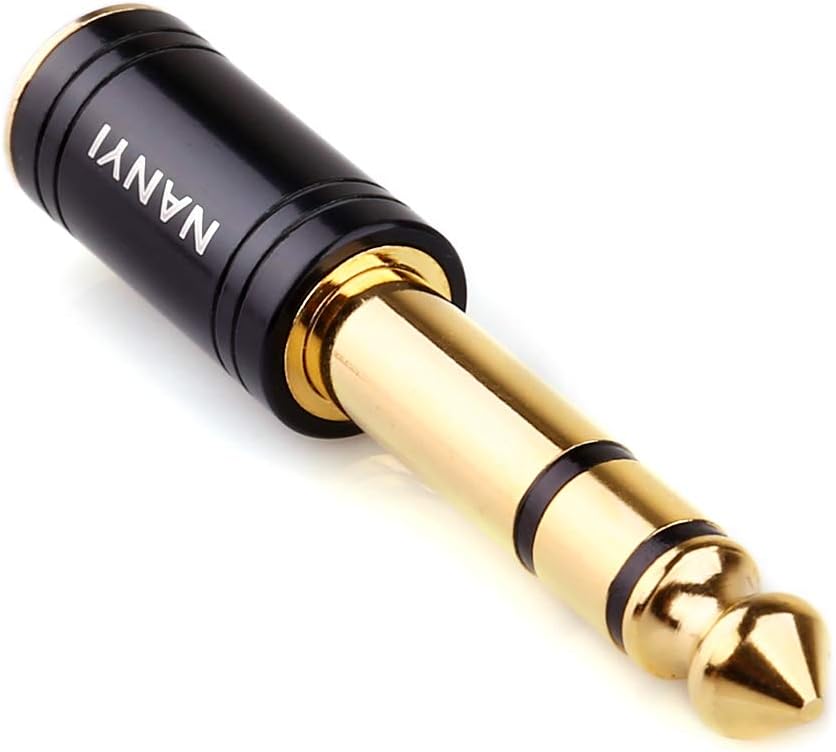
Headphone adapters are available in several practical formats. A simple plug adapter changes the physical connector style, while a cable adapter places some distance between the connected devices. Cable designs can be easier to use when a phone or laptop port is positioned awkwardly.
Digital audio adapters may connect USB-C or another digital port to wired headphones or an analog audio connection. These products can include built-in conversion hardware, so compatibility and supported audio functions should be checked carefully. Some adapters are designed for a single listening connection, while others may split or combine connections for specific setups.
Wireless-related adapters can also be useful when a device lacks the connection method you want to use. Check whether the product is intended to transmit audio, receive audio, or serve another role; similar-looking devices may not perform the same function.
Specifications and features to compare
Connector configuration is the first specification to verify. Look for the exact plug and socket types, orientation, and whether each end is male, female, or a combination. A connector that fits physically may still be unsuitable if the devices use different signal standards.
Audio and microphone support can vary. If you use a headset for calls or gaming, confirm that the adapter is designed to carry microphone input and supports the control functions you need. For music listening, check the stated audio compatibility and whether the adapter performs signal conversion.
Construction is important for a small accessory that may be carried daily. Compare the cable material, connector housing, strain relief, and overall form factor. A compact adapter can be convenient, while a longer cable may reduce stress on crowded ports.
Device compatibility should be considered across phones, tablets, computers, game systems, car audio equipment, and other sources. Operating-system or device-specific requirements may apply, particularly with digital adapters and products that include active electronics.
Brands represented in the catalog
The catalog includes adapters from DESOFICON, Belcompany, Veetone, esbeecables, zoyuzan, UGREEN, Ugreen Group Limited, JSAUX, MillSO, Mangotek, NANYI, and KINGTOP. Comparing products across these brands can help you evaluate connector layouts, cable designs, stated compatibility, and construction features without assuming that one brand suits every setup.
Practical compatibility tips
Check your device manual or manufacturer specifications when a port has multiple possible functions. Some USB-C ports support audio output while others are intended primarily for charging or data, and an adapter cannot add a function the source device does not provide.
If a phone or tablet is inside a case, measure the clearance around the port or look for a low-profile connector design. For desktop use, a short adapter can reduce cable clutter; for travel, a compact design with protected connectors may be easier to store alongside Cases.
For longer wired connections, compare Extension Cords separately rather than connecting multiple small adapters unnecessarily. If you are trying to improve the driving power or sound chain, an adapter may not replace a dedicated Amplifier. Ear comfort and replacement components are separate considerations; browse Earpads when fitting compatible over-ear headphones.
Frequently asked questions
Do all headphone adapters support microphones?
No. Some adapters carry only the listening signal, while others support headset microphones and inline controls. Check the product specifications for those functions.
Is a physical plug adapter the same as a digital audio adapter?
No. A physical adapter may only change the connector arrangement. A digital audio adapter can include conversion hardware and may have different device and operating-system requirements.
How can I check whether an adapter will fit with a phone case?
Compare the case opening with the adapter’s connector housing. A low-profile or extended connector may be more suitable when the case surrounds the device port closely.
Can an adapter connect any two audio devices?
No. The connectors, signal direction, audio standard, and device capabilities must all be compatible. Confirm the specifications on both devices before choosing an adapter.
Should I choose a cable adapter or a compact plug adapter?
A cable adapter can reduce strain and improve reach, while a compact plug adapter takes less space. Choose based on port position, portability, and how often the connection will be moved.