
Behringer
Behringer MICROAMP HA400 Ultra-Compact 4 Channel Stereo Headphone Amplifier,Silver
See current price

Compare headphone and personal-audio amplifiers by power, connections, portability, and compatibility. K-Catalog brings together specifications and features to help narrow your choices.
98 products in catalog
98 results
Behringer
See current price

FiiO
See current price


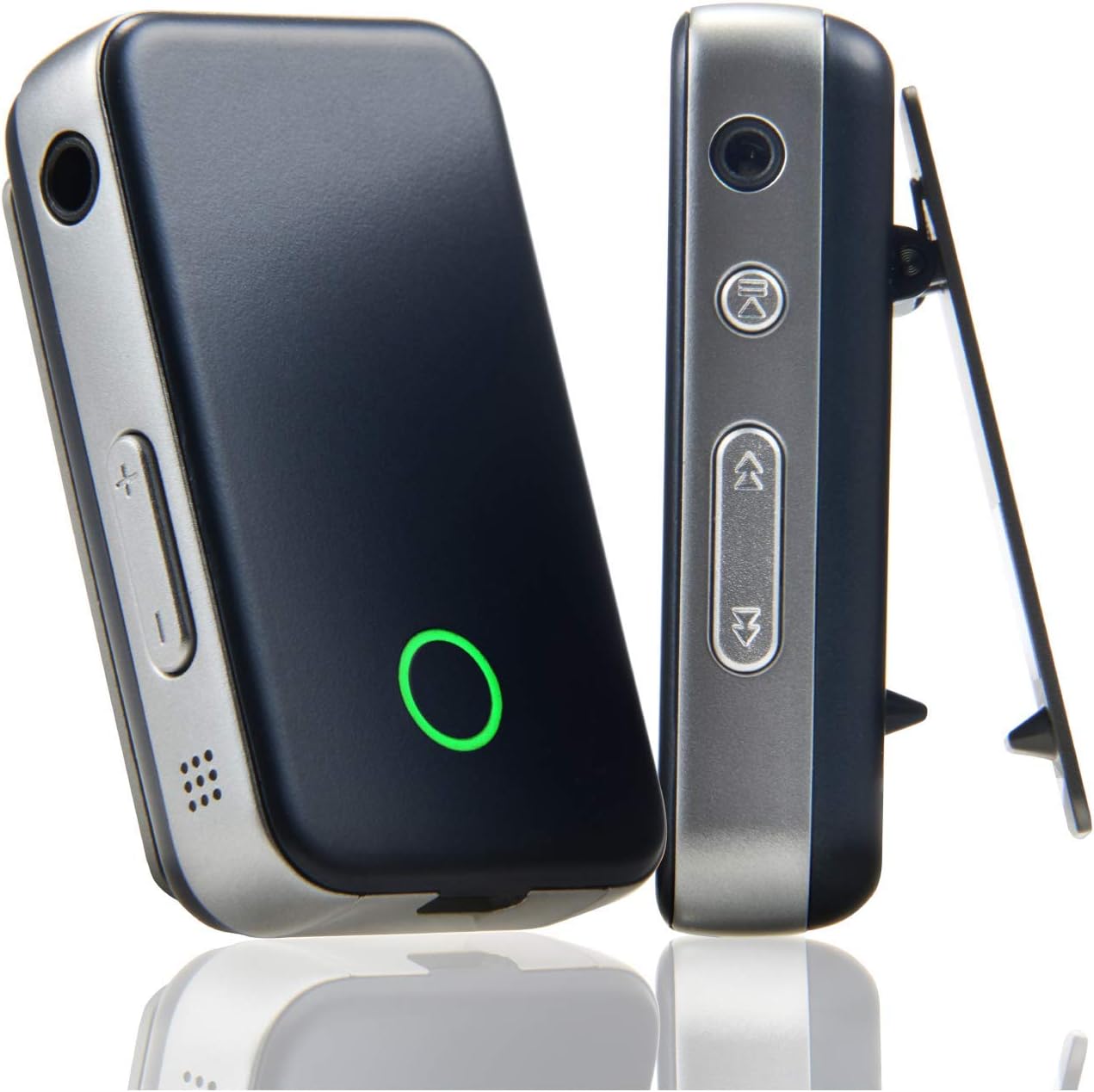


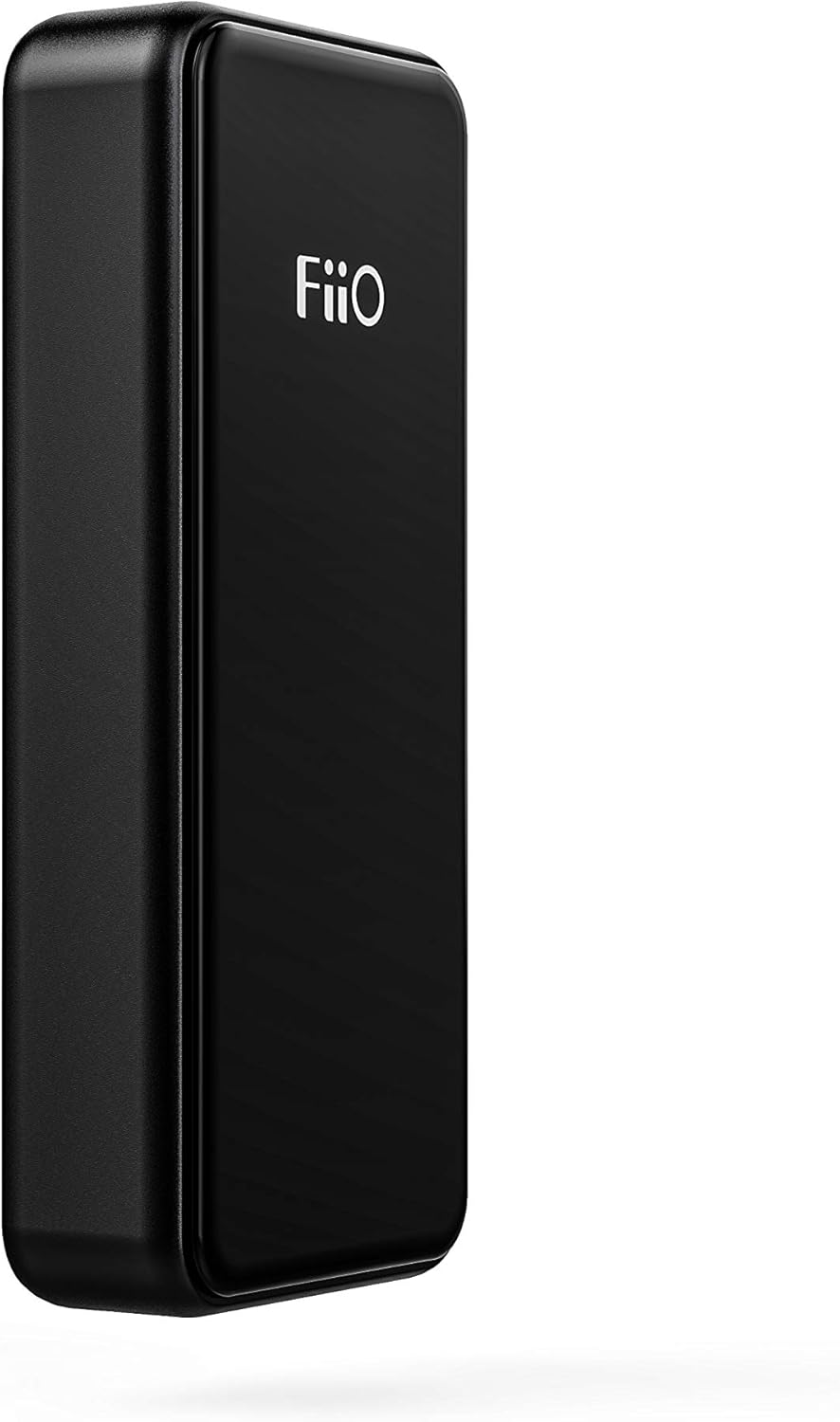

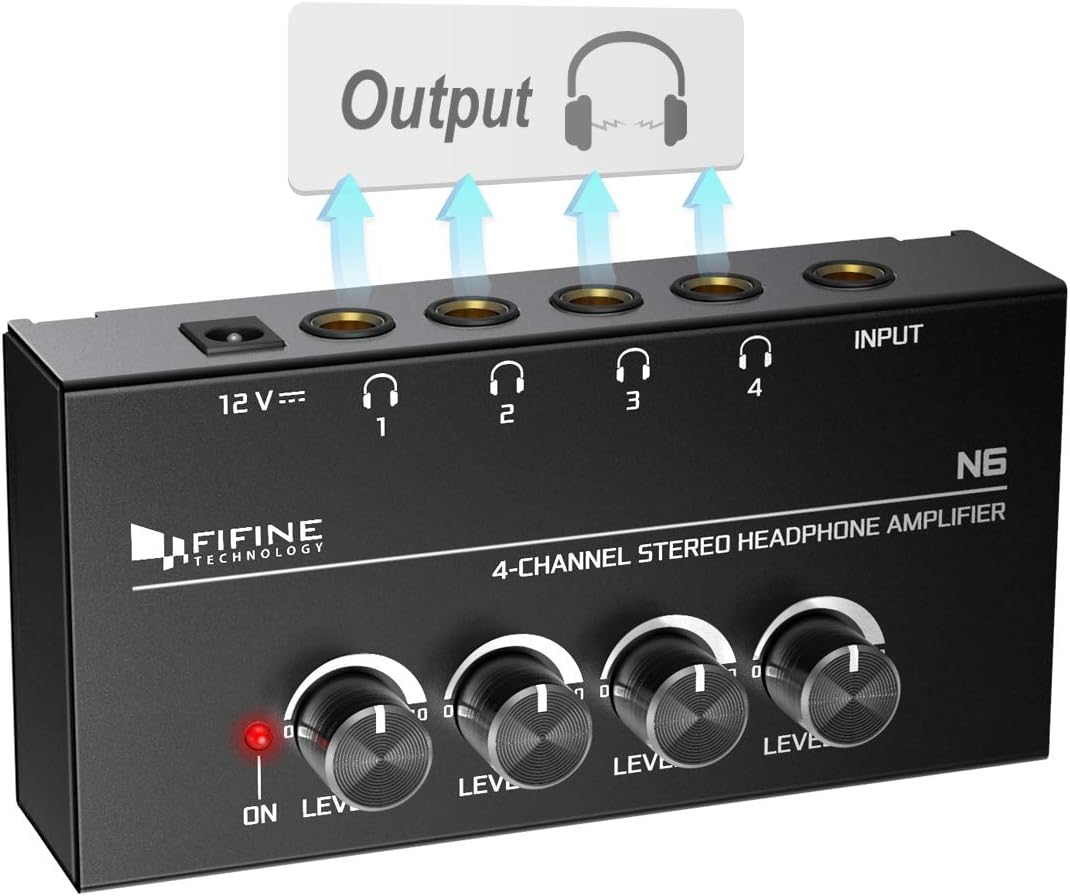

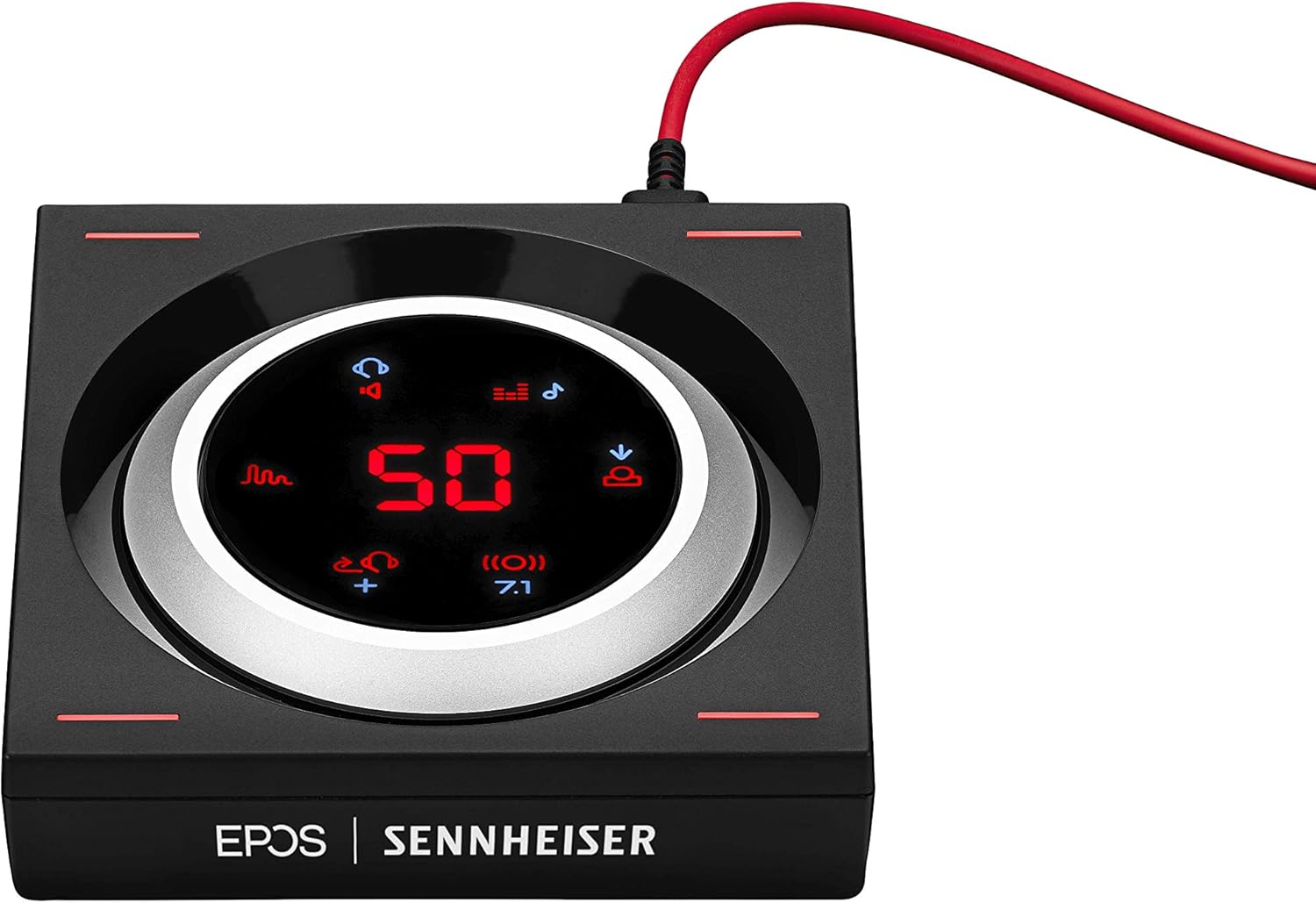
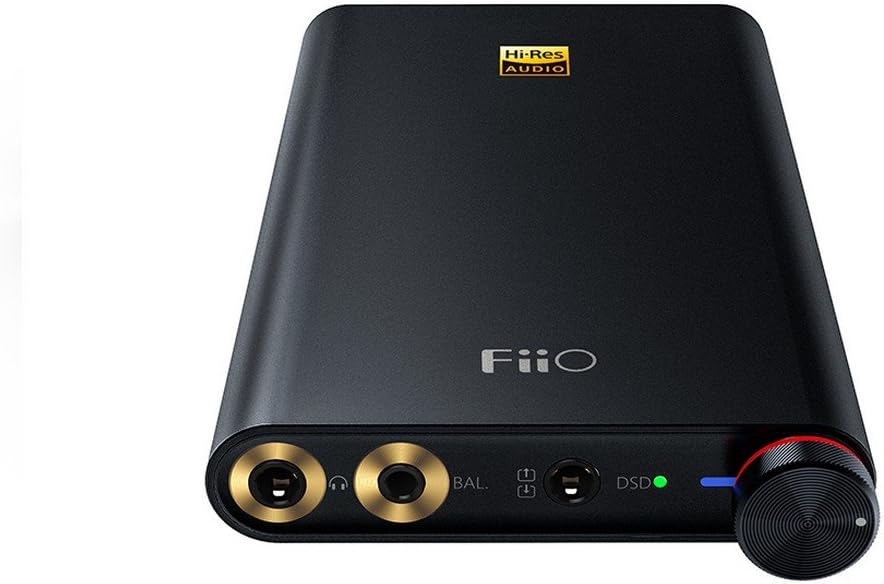

Abbingdon Music Research
See current price


Behringer
See current price
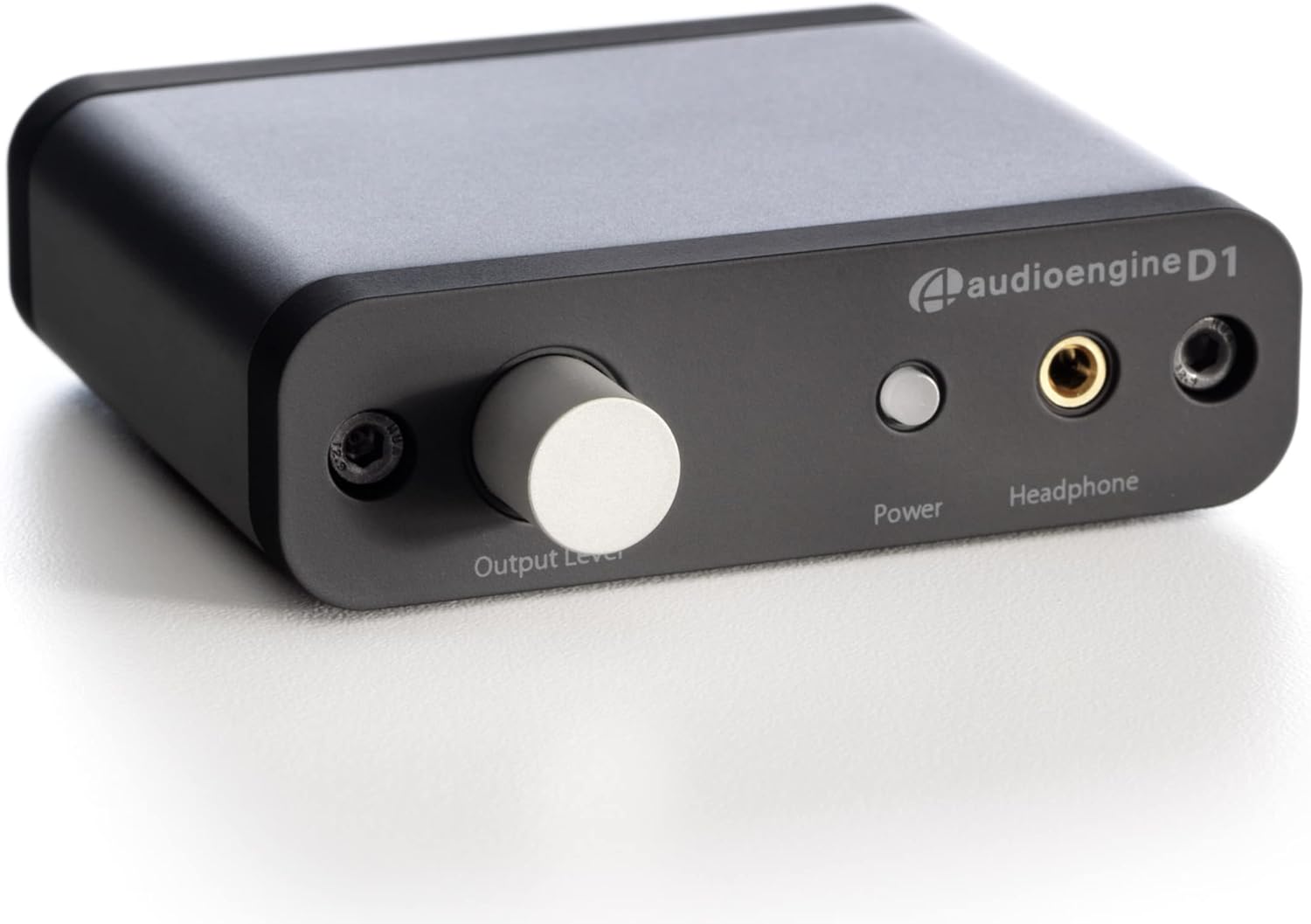

An amplifier can help match a source to headphones or earbuds by providing the appropriate output, connection options, and control. The right choice depends on your listening setup, the headphones you use, and whether you need a compact device for travel or a permanent desktop component.
This K-Catalog category sits within Headphones, Earbuds & Accessories, with products from brands including FiiO, IFI, Creative, Schiit, and AudioQuest. Compare the listed specifications and features, then follow through to Amazon for current product details.
Start by identifying the source and headphones the amplifier will serve. A phone, computer, game console, digital audio player, or home audio component may use different connections, while headphones vary in plug type and electrical requirements.
Consider these questions before comparing individual models:
Although this category does not use separate catalog subcategories, amplifiers can be compared by their intended role.
Portable models are designed for listening away from a desk. Size, battery operation, charging method, controls, and how the unit connects to a phone or player are especially important. Check whether the device works with the operating system and source hardware you plan to use.
Desktop amplifiers are suited to computer workstations, music systems, and dedicated listening areas. They may provide more room for physical controls, multiple inputs, and simultaneous connection to different audio components. Check the available outputs and whether the unit fits your desk and cable arrangement.
A combined DAC and amplifier can accept digital audio from a computer or other compatible source, convert it, and provide headphone output in one enclosure. This can simplify a setup, but it is still important to verify supported input types, output connectors, and compatibility with your operating system or source device.
Some shoppers specifically seek tube-based or specialized amplifier designs for their form factor, controls, or system-matching preferences. Compare the design, maintenance considerations, heat management, and connection layout carefully. Product descriptions should clarify what is included and how the unit is intended to be used.
Output and headphone matching should be near the top of the list. Look for the manufacturer’s power information at the relevant impedance, along with supported headphone impedance and sensitivity guidance. More output is not automatically better if it makes volume control difficult or does not suit the headphones.
Connections determine how easily an amplifier fits into an existing system. Check the input types, output types, plug size, balanced or single-ended operation where applicable, and whether a required cable is supplied. If your headphones use a different connector, review Adapters before buying.
Also compare:
The catalog includes amplifiers from FiiO, IFI, AIMPIRE, Bravo Audio, Creative, LOXJIE, Behringer, Hidizs, EPOS, Schiit, MYPIN, and AudioQuest. These brands cover a range of portable, desktop, combined DAC-and-amplifier, and personal-audio designs. Treat brand selection as a starting point, then compare the specifications of the individual products for your setup.
Your amplifier is only one part of the listening system. Browse Headphones & Earbuds if you are still choosing the listening device. For practical accessories, compare Cases, Earpads, and Extension Cords. A case can help with transport, while replacement earpads may affect fit and comfort; extension cords require attention to connector type and cable length.
Confirm every connection before ordering. A headphone plug may physically fit while still being unsuitable for a particular balanced output, and some devices require a specific adapter or cable arrangement. Do not assume that a USB connection provides the same function as an analog input; read the product specifications for the exact role of each port.
For desktop equipment, leave space for ventilation and arrange cables so the amplifier cannot be pulled from the desk. For portable use, check charging needs and whether the amplifier can operate with the source and headphones connected at the same time. If replacing earpads or using a case, make sure the accessory dimensions match the headphone design.
No. Many headphones and earbuds work directly from a phone, computer, or other source. A separate amplifier is most useful when you need a particular connection, added output capability, source conversion, or more control over a dedicated setup.
Neither is universally better. Choose portable equipment for mobile listening and desktop equipment when size, battery operation, and transport are less important than a fixed setup with accessible controls and connections.
A DAC amplifier combines digital-to-analog conversion with headphone amplification. It can accept a digital source and send the converted audio to connected headphones, reducing the need for separate components.
Compare the amplifier’s supported impedance, output power, connector type, and output configuration with the headphone specifications. Also verify whether the source uses a compatible input and whether any adapter is required.
It may, provided the headphones use compatible connectors and fall within the amplifier’s supported electrical range. Check output configuration and volume control carefully when switching between different headphones.