

DJ Equipment
Compare DJ equipment by setup type, connectivity, controls, and monitoring needs. K-Catalog helps you review specifications and features before choosing gear for home practice, live performance, or events.
466 products in catalog
466 results
Filters

Audio-Technica
Audio-Technica ATN3600L Replacement Stylus for AT-LP60 Turntable,Small
See current price


IMPRESA
Impresa Products 4 Oz Food Grade Grease for Stand Mixer Universally Compatible- MADE IN THE USA
See current price


Gartopvoiz
Record Player Needle, Gartopvoiz Diamond Stylus Replacement for Turntable, LP, Phonograph(Pack of 2) …
See current price


Retro Musique
Retro Musique Wooden Vinyl LP Record Storage Crate on Wheels for Easy Mobility | Holds 80-100 LP's
See current price


Gator
Gator Cases GK-1610 Gig Bag for Micro Keyboards and Controllers, 16 x 10x 3-Inches
See current price


Popular brands in DJ Equipment
DJ equipment covers the tools used to select, mix, monitor, and play recorded music. The right setup depends on how you perform, what devices you already own, and whether you need portable gear for events or a more permanent home studio arrangement.
Use this catalog to compare specifications and features across DJ hardware from brands including Audio-Technica, Ortofon, Numark, Pyle, Behringer, SHURE, Pioneer DJ, Hercules DJ, Hercules, Ion, Odyssey, and Pioneer.
How to choose DJ equipment
Start by defining the role each product will serve. A beginner building a compact setup may prioritize simple controls, computer compatibility, and an uncomplicated connection layout. A performing DJ may need responsive controls, flexible outputs, durable construction, and easy transport.
Consider these questions before comparing individual products:
- Will the equipment be used with a laptop, turntables, media players, or a combination of sources?
- Do you need a complete controller or separate components?
- Will you monitor through headphones, powered speakers, a mixer, or a venue sound system?
- Is portability important for mobile events and practice sessions?
- Does the equipment need to fit a specific desk, case, rack, or booth layout?
Matching the equipment to the rest of the setup can be more important than choosing the most feature-heavy option. Check the available inputs, outputs, software support, and power requirements together rather than evaluating one specification in isolation.
Main types of DJ equipment
DJ setups can include several different equipment types, each serving a distinct purpose.
DJ controllers
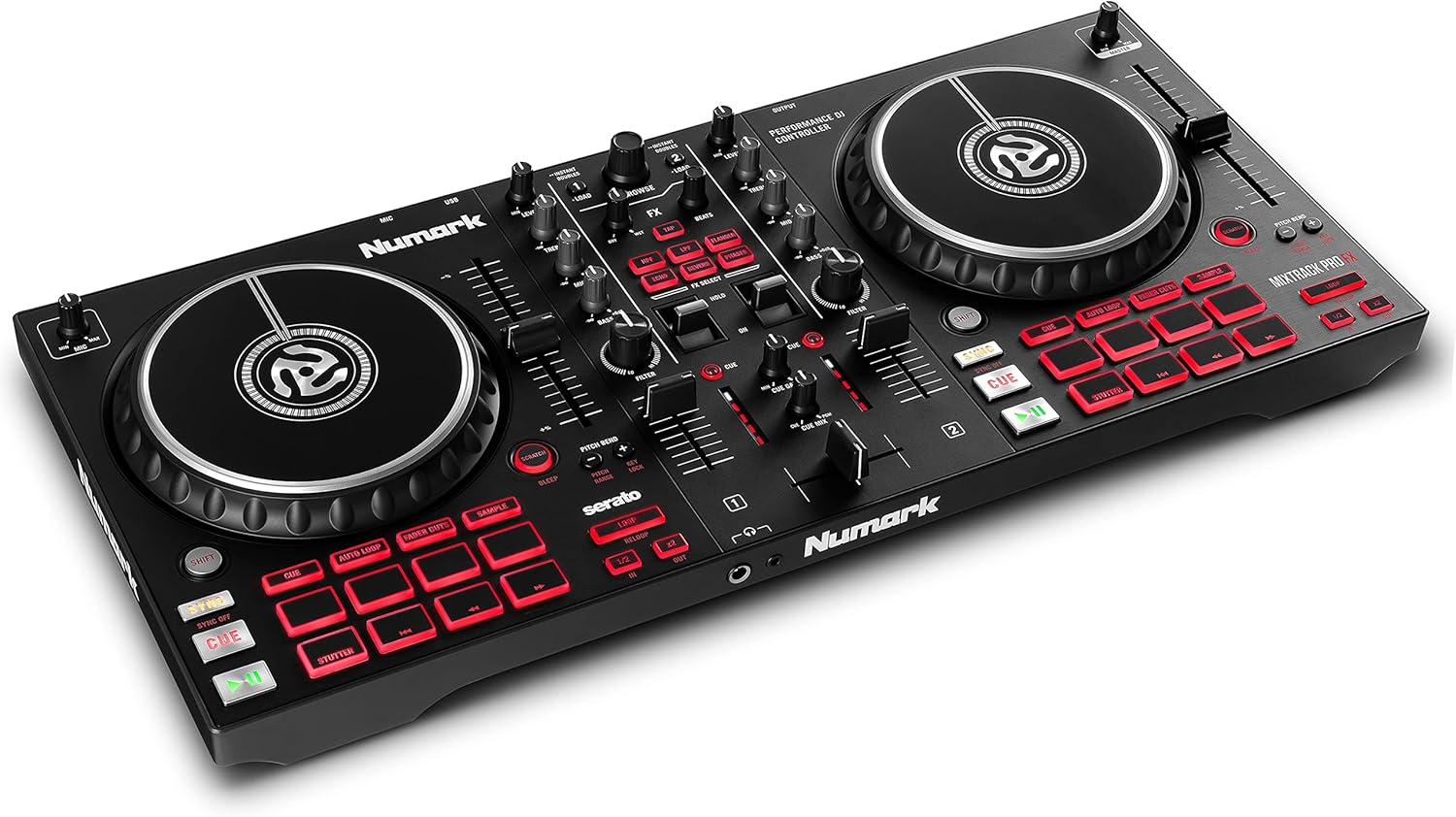
Controllers combine performance controls in a single unit and commonly connect to a computer or mobile device. They can suit new DJs who want an integrated setup, as well as experienced users who prefer a portable control surface. Compare the number and arrangement of channels, jog wheels, pads, faders, knobs, and connection options.
DJ mixers
A mixer combines and adjusts audio from multiple sources. Look at the channel layout, input types, output connections, equalization controls, crossfader design, and headphone monitoring options. A mixer may be a central component in a traditional setup using turntables, media players, or other external sources.
Turntables and cartridges
Turntables are used for vinyl playback and can also be part of a digital vinyl system, depending on the rest of the setup. Cartridge and stylus compatibility, drive type, tonearm design, speed control, and output configuration are important comparison points. Replacement stylus availability and the intended record format also matter.
Headphones and monitoring gear
DJ headphones should make it easy to cue a track while another track plays through the main system. Compare closed-back or other design characteristics, earcup comfort, cable style, connector type, adjustability, and handling. Monitoring equipment should suit both the listening environment and the available mixer or controller outputs.
Speakers, stands, and cases
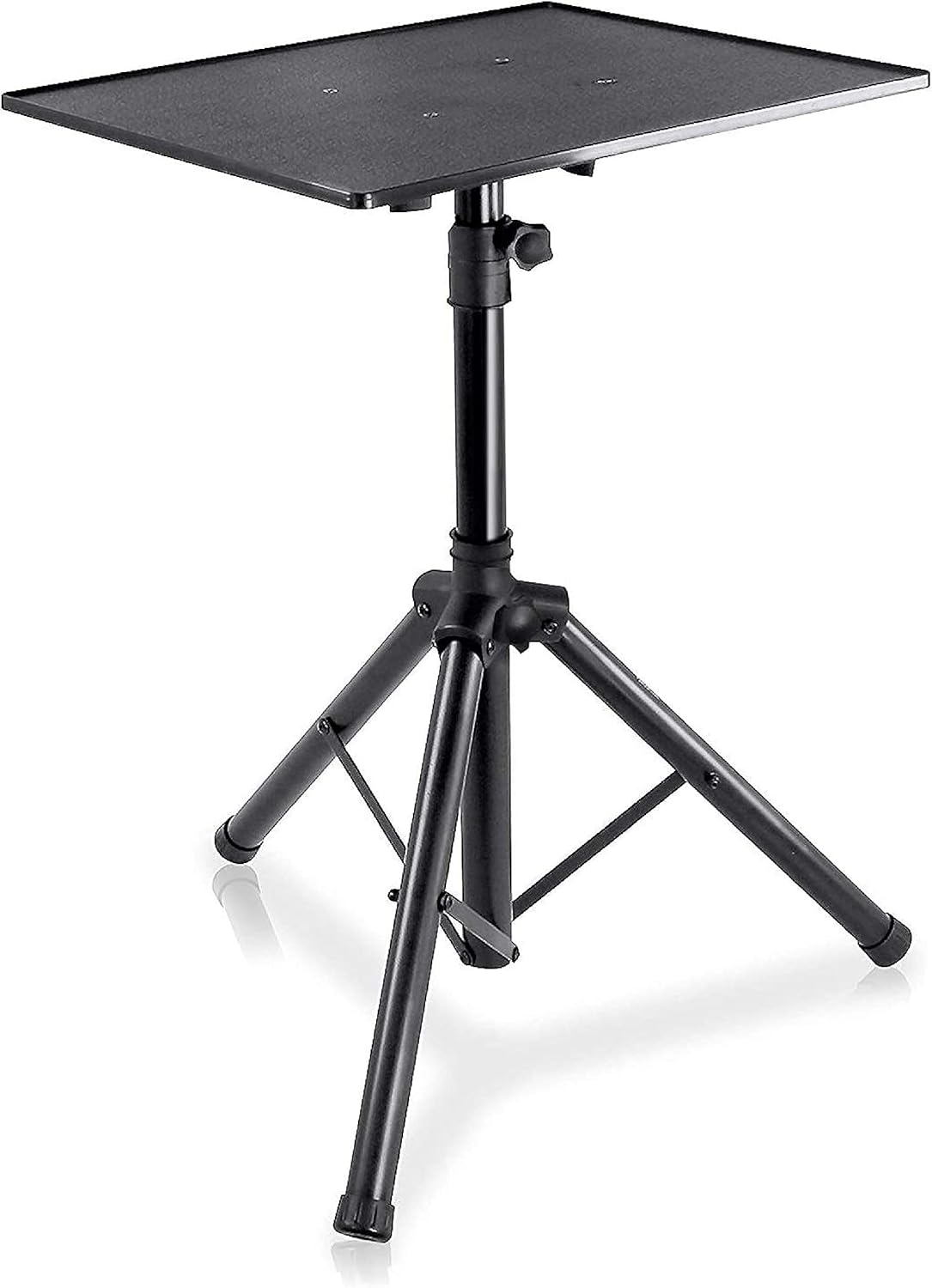
Powered speakers can simplify a portable setup by combining amplification and drivers in one enclosure. Compare input and output connections, placement requirements, size, and power compatibility. Cases, stands, and other accessories help protect equipment and organize a performance area, but they must match the dimensions and weight of the hardware.
Features and specifications to compare
The most useful specifications vary by equipment type, but several considerations apply across a DJ setup:
- Connectivity: Check USB, RCA, balanced, booth, microphone, headphone, and other connections against the devices you plan to use.
- Control layout: Compare channel controls, pads, jog wheels, faders, knobs, cue controls, and the spacing between them.
- Compatibility: Confirm support for your computer, operating system, mobile device, software, records, cartridges, or other sources.
- Power requirements: Review whether the product uses external power, USB power, batteries, or another arrangement.
- Portability: Consider dimensions, weight, handles, detachable cables, and compatible cases if the setup will travel.
- Build and maintenance: Check replaceable parts, cable access, ventilation, surface materials, and cleaning requirements.
For performance use, also consider how quickly controls can be reached and whether the connection panel will remain practical once every component is plugged in.
Brands represented in the catalog
The DJ Equipment catalog includes products from Audio-Technica, Ortofon, Numark, Pyle, Behringer, SHURE, Pioneer DJ, Hercules DJ, Hercules, Ion, Odyssey, and Pioneer. These brands may appear across different equipment types, so compare the specifications of each individual product rather than choosing by brand name alone.
Building a compatible setup
Compatibility is especially important when combining products from different manufacturers. Match the output of the source to the input of the mixer or speaker, and verify connector types before ordering cables or adapters. For turntable systems, check cartridge, stylus, tonearm, phono-level, and line-level requirements.
Keep the intended signal path simple: source to mixer or controller, then to headphones and the main audio output. If a microphone will be used, confirm that the mixer or controller has a suitable input and independent controls. For mobile use, plan cable routing and transport protection before adding optional accessories.
For adjacent equipment categories, browse Electronic Music and Karaoke Equipment to compare related audio and performance gear.
Frequently asked questions
What equipment does a beginner DJ need?
A basic setup may include a controller or mixer, headphones, a playback source, and speakers or another monitoring option. The best combination depends on the intended software, sources, and performance setting.
Are DJ controllers and mixers the same thing?
No. A controller generally combines multiple performance controls and often interfaces with software, while a mixer primarily combines and adjusts audio from connected sources. Some products can include functions associated with both.
What should I check before buying DJ headphones?
Check comfort, earcup design, cable and connector type, adjustability, and compatibility with the headphone output on your controller or mixer. Consider whether the headphones will be used mainly for cueing, general listening, or both.
Do all DJ turntables work with every cartridge?
No. Cartridge fit, tonearm compatibility, stylus design, tracking requirements, and output configuration can vary. Review the turntable and cartridge specifications together before choosing a combination.
What connections should DJ speakers have?
Choose connections that match the controller, mixer, or other source. Review input type, output or pass-through options, cable requirements, and power arrangements for the complete setup.
Is portable DJ equipment better for events?
Portable equipment can be easier to transport and set up, but size and weight should be balanced against control layout, connection options, durability, and the needs of the venue.