
Teenage Engineering
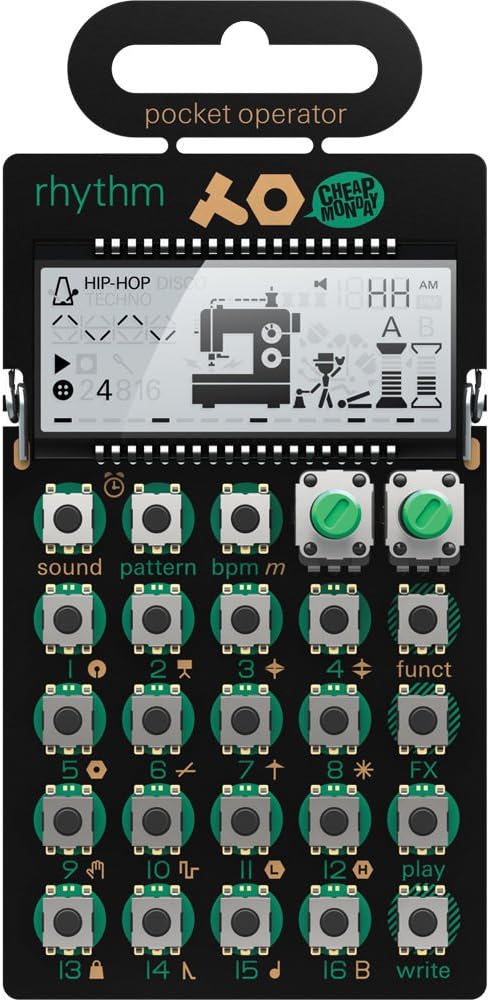
teenage engineering pocket operator PO-33 K.O! sampler and sequencer with built-in recording microphone
See current price

Explore electronic music instruments and gear for creating, performing, recording, and learning. Compare specifications, controls, connectivity, and workflow to find equipment that fits your setup.
32 products in catalog
32 results
Teenage Engineering
See current price
Teenage Engineering
See current price


ORASANT
See current price


Teenage Engineering
See current price
Teenage Engineering
See current price

Teenage Engineering
See current price


Electronic music gear can range from compact instruments for experimenting with sounds to hands-on production tools for arranging complete tracks. The right choice depends on how you create: with keys, pads, sequencing, sampling, live performance controls, or computer-based software.
Use this catalog to compare the features that shape the playing and production experience. Consider the instrument’s sound capabilities, control layout, connectivity, and compatibility with the rest of your setup before clicking through to see the current product details on Amazon.
Start by identifying the main role the instrument will play. A synthesizer may suit someone who wants to build sounds from oscillators, filters, and modulation. A sampler can be a better fit for working with recorded audio, while a groove-focused instrument may prioritize patterns, sequencing, and immediate hands-on control.
Also consider where you will use it:
A good match should support the way you already work rather than adding unnecessary complexity.
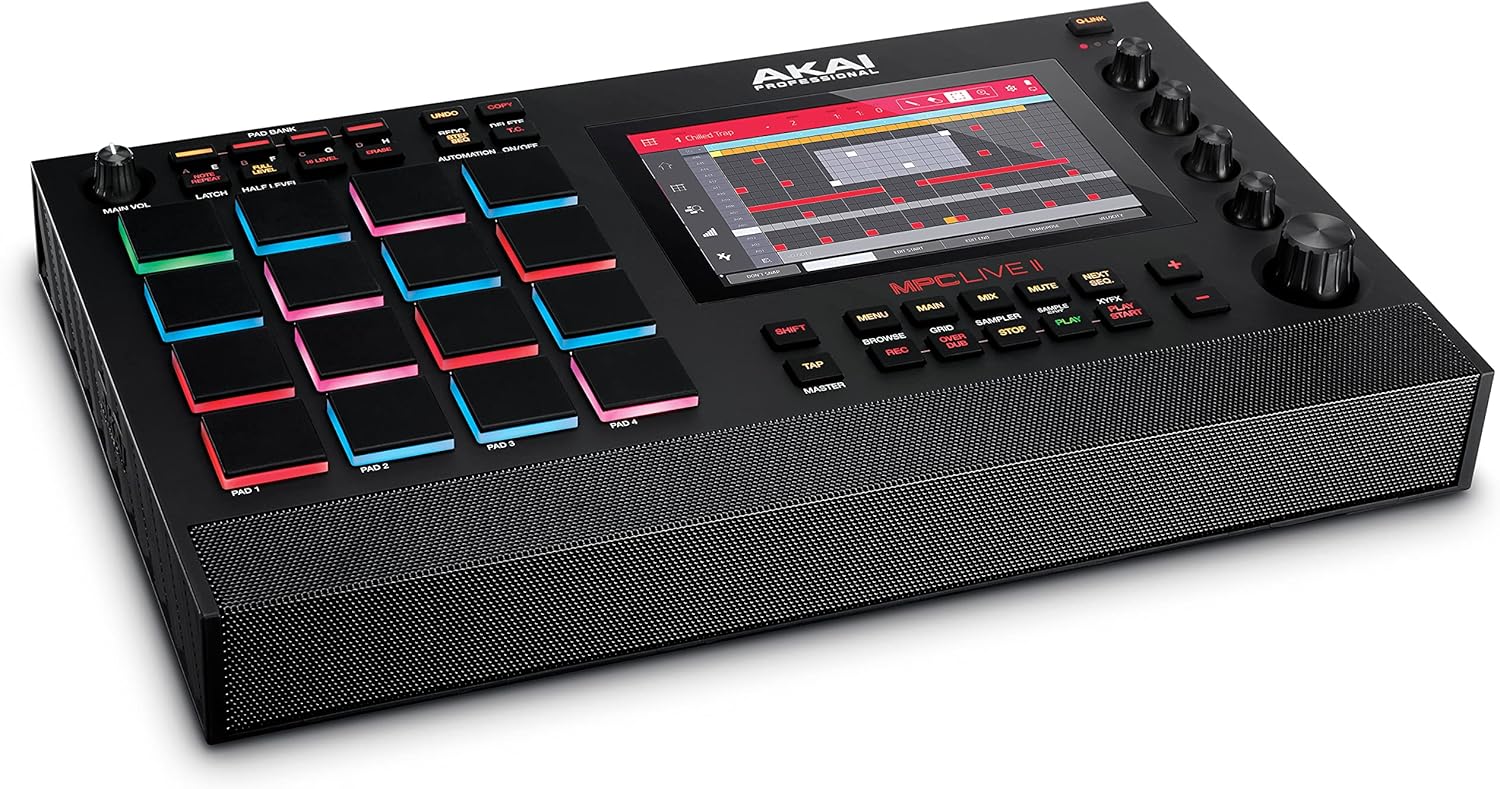
Electronic music is a broad category, so compare products by their central workflow instead of appearance alone. Keyboard-based instruments may feel natural for melodic playing, while pad-oriented devices can be more suitable for triggering samples, beats, and clips. Sequencer-centered equipment emphasizes repeating patterns and song construction, often with a more tactile approach than working entirely with a mouse.
Some instruments focus on synthesis and sound design, offering controls for shaping tone in real time. Others are designed around sampling, allowing a producer or performer to manipulate external or recorded sounds. Electronic drum and percussion tools can provide expressive triggering for rhythm parts, while MIDI controllers may send performance data to software or other hardware without generating sound on their own.
If your needs extend beyond instruments, compare the related DJ Equipment and Karaoke Equipment categories for performance-focused gear and vocal entertainment setups.
The most useful specifications depend on the instrument type, but several details are broadly important:
Do not overlook the physical layout. The number and placement of controls, the display, key or pad feel, and the ability to save or recall sounds can have as much impact as the core sound engine.
The catalog includes electronic music products from Teenage Engineering, Korg, Novation, Roland, AKAI, Blucoil, Alesis, Elektron, Mukikim, IK Multimedia, PAXCESS, and ORASANT. These brands cover a range of approaches, from compact creative devices and controllers to instruments designed for sequencing, synthesis, rhythm, or performance.
Brand alone should not determine the choice. Compare each product’s connections, control scheme, sound capabilities, power arrangement, and compatibility with your intended setup. Products from the same brand may be designed for very different workflows.
Before choosing, list the equipment you already own. Check whether the new instrument needs to connect to powered speakers, headphones, an audio interface, a computer, or another hardware device. MIDI connections can allow instruments and controllers to communicate, but MIDI data and audio are separate concerns; a device may send performance information without sending its generated sound through the same connection.
Think about signal flow as well. If you plan to record external audio, verify that the instrument accepts the required input. If you want to perform without a computer, confirm that the device can handle the desired sounds, patterns, and storage directly. For a desk setup, check the available space and whether the controls remain accessible once cables are connected.
Yes. Beginners can start with a focused instrument or controller and build skills gradually. An intuitive layout and clear documentation may be more useful than a long feature list.
A synthesizer generates or shapes sound itself. A MIDI controller typically sends performance information to compatible software or hardware and may not produce sound without another device.
Not always. Some products can create, sequence, and perform sounds independently, while others are primarily intended to control music software. Check the product’s connections and software requirements.
Compare their audio and MIDI connections, power needs, signal direction, and compatibility. Confirm whether you need an interface, adapter, hub, or separate audio connection.
Not necessarily. Compact products may offer a streamlined workflow and easier portability, though they can have fewer physical controls or connections. Compare the features that matter most to your process.