

Covers for eBook Readers
Compare eBook reader covers by device compatibility, materials, closures, and helpful reading features. Check the specifications carefully to find a cover suited to your reader and routine.
825 products in catalog
825 results
Filters
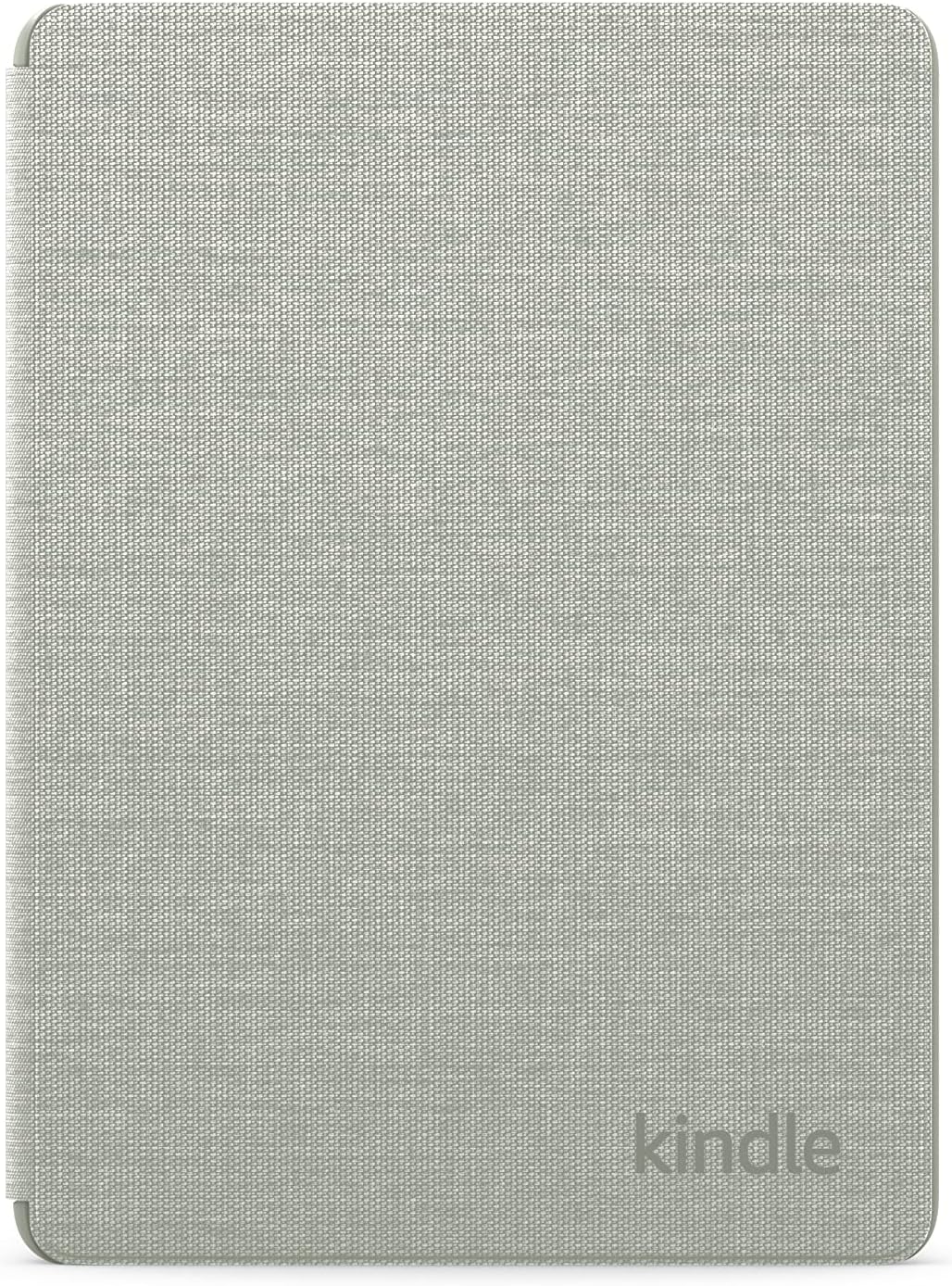


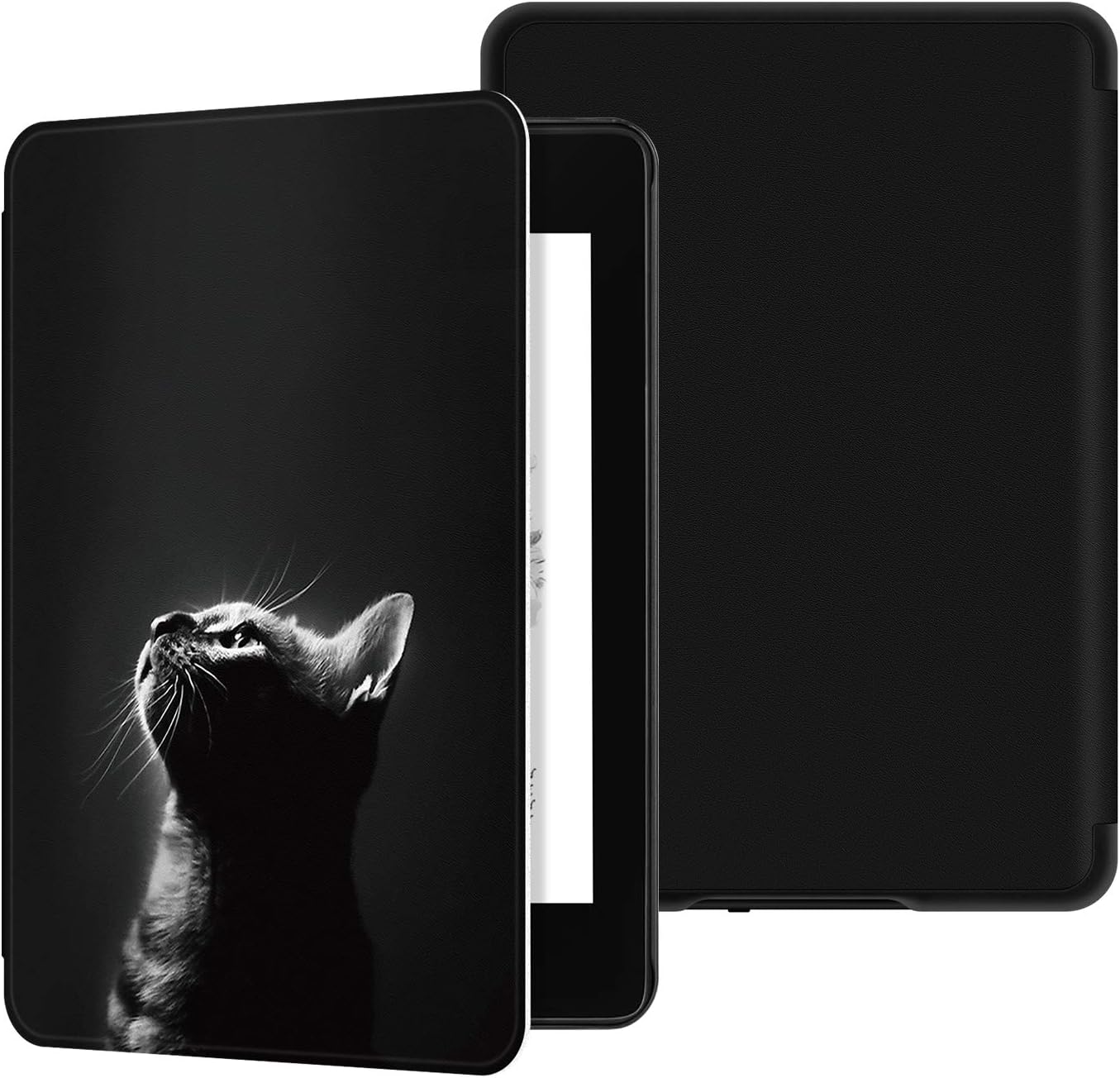


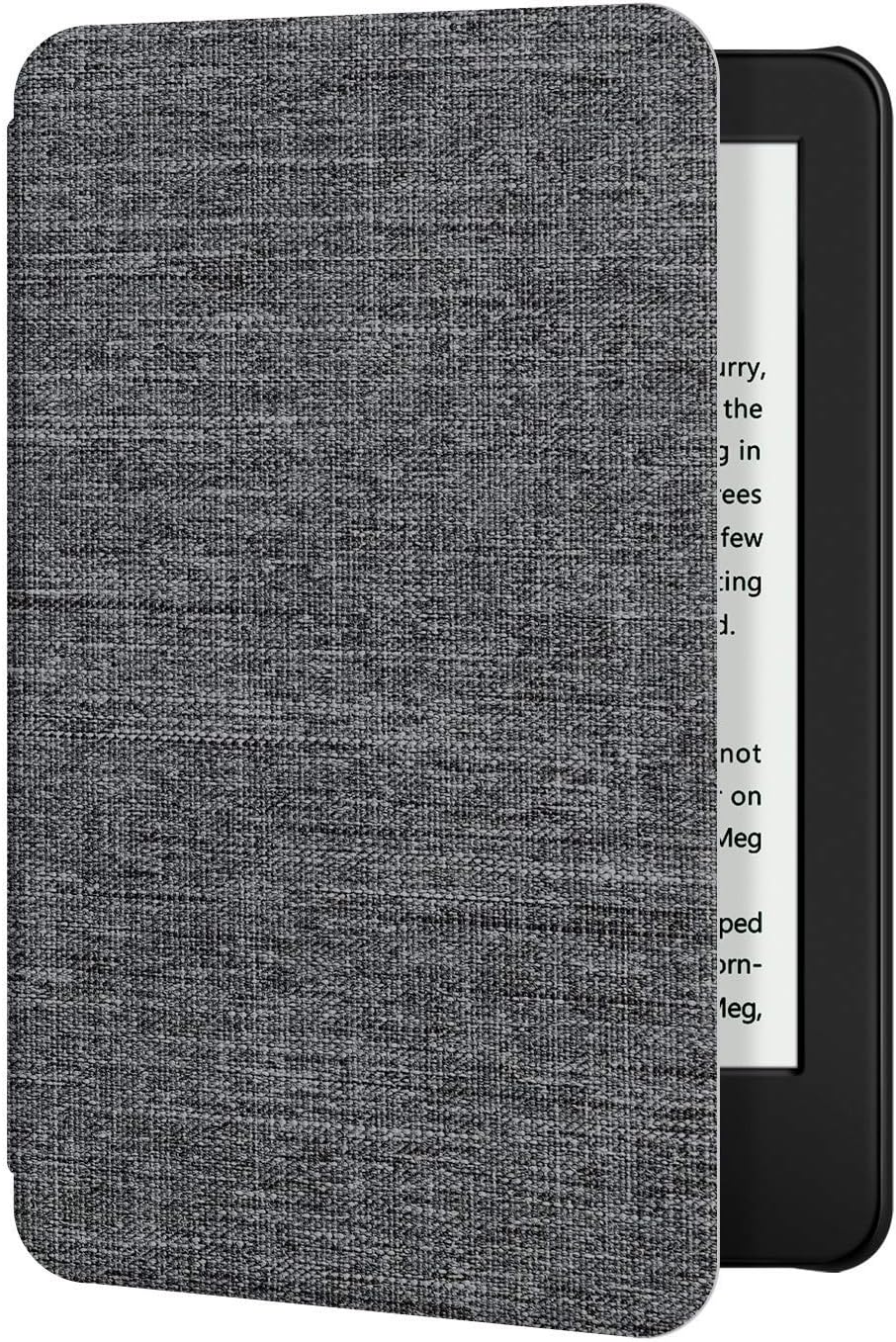


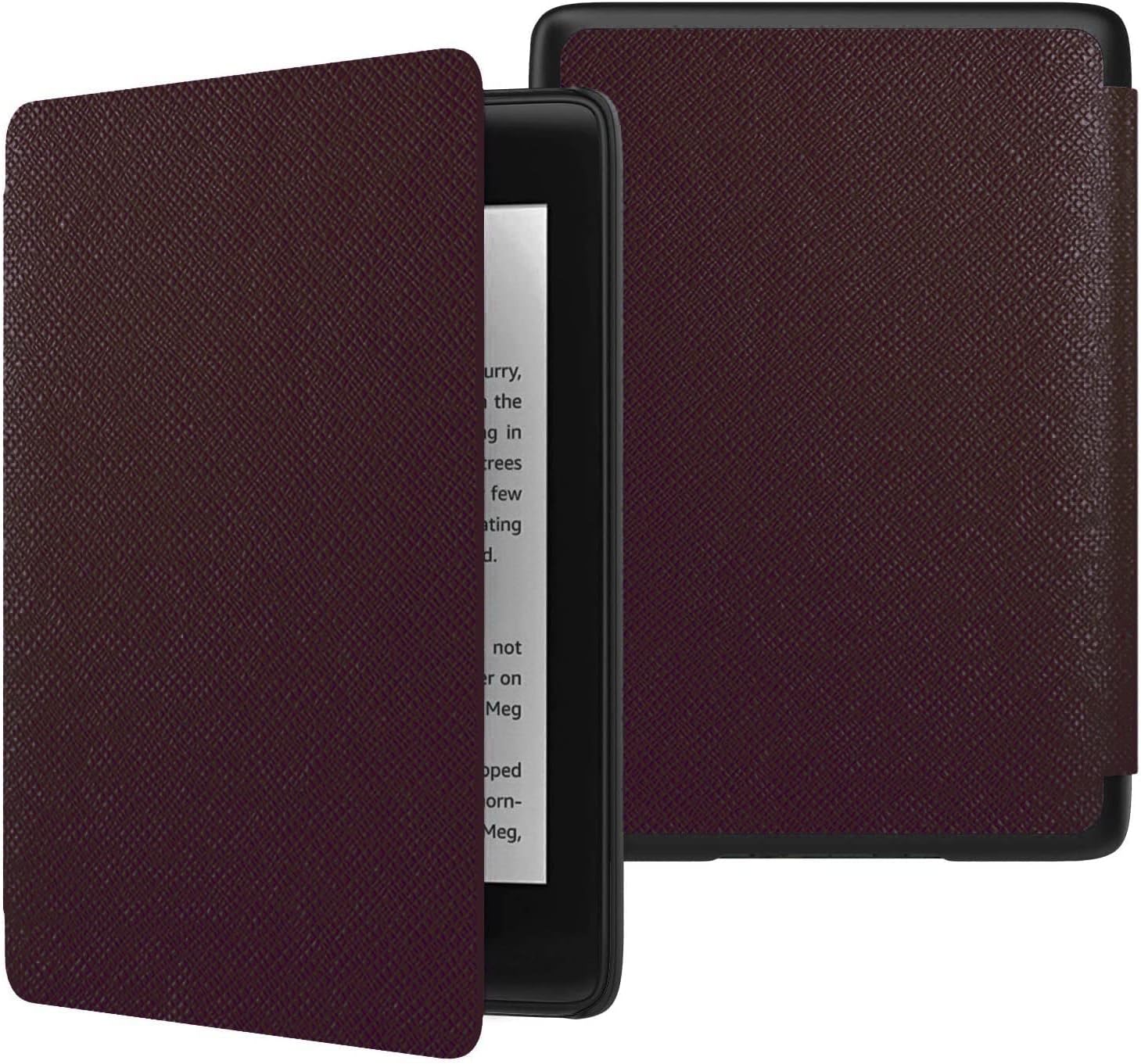

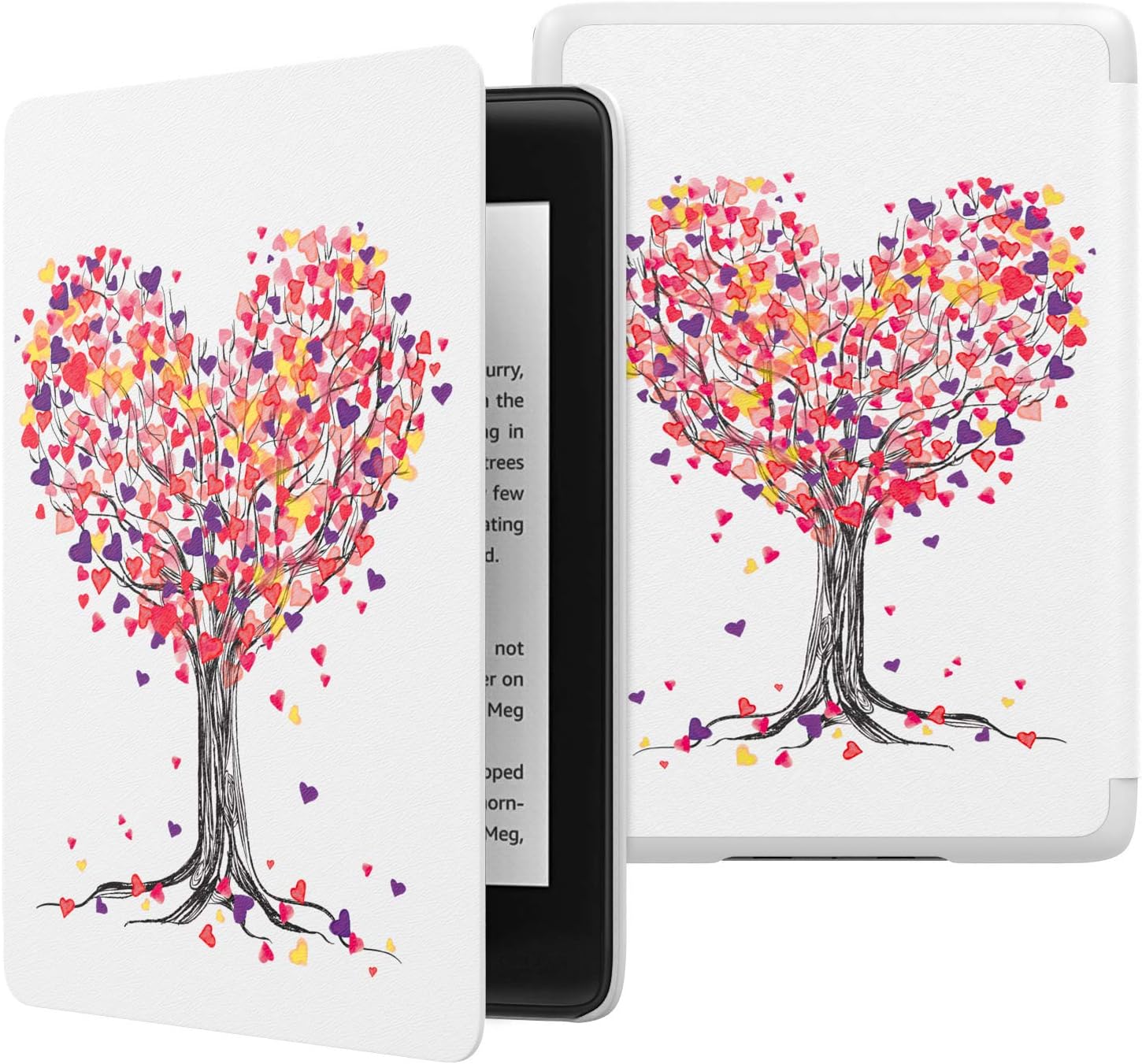
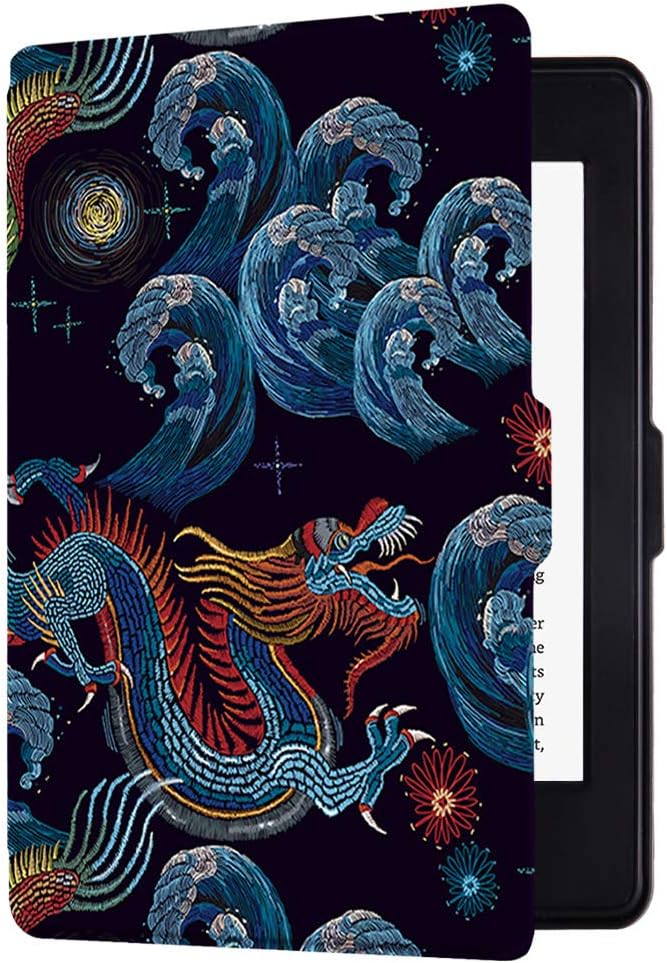

Popular brands in Covers
A cover can protect an eBook reader from scratches, dust, and everyday knocks while making it more comfortable to hold. The right choice depends on your exact device, how you carry it, and whether you prefer a slim protective shell or a cover with added functionality.
Before choosing, identify your eBook reader model and screen size, then compare the listed dimensions and compatibility details. For broader device options, browse eBook Readers alongside these covers.
How to choose an eBook reader cover
Start with compatibility. Covers are usually designed for particular device shapes, generations, or screen sizes. A cover that looks similar may not align with the buttons, charging port, camera, speakers, or power control on your reader. Use the product specifications and fit information rather than relying only on appearance.
Consider how you use the device:
- For commuting or travel, look for a secure closure and protection around the edges.
- For reading at home, a lightweight folio or cover with a stand may be more convenient.
- For frequent one-handed reading, check the cover’s weight, grip, and opening design.
- For children or shared devices, prioritize durable materials and a fit that stays securely attached.
Common cover styles
Folio covers typically wrap around the front and back of the reader and close like a book. They offer all-around protection and are often a practical choice for carrying the device in a bag.
Shell-style covers protect the back and sides while leaving the screen accessible. This style can be lighter and easier to remove, but the front of the screen may need separate protection. A Screen Protector can be considered when scratch protection is a priority.
Stand covers include a foldable front panel or rear construction that supports hands-free viewing. Check how stable the stand is at the intended angle and whether the design works well on a desk, tray, or other surface.
For a less structured option, compare Sleeves and Skins. Sleeves are useful for carrying a reader separately, while skins focus on surface coverage and appearance rather than the same level of impact protection as a fitted cover.
Features and specifications to compare
Material affects feel, durability, and bulk. Common cover constructions may include synthetic leather, fabric, plastic, silicone, or combinations of these materials. Check the description for surface texture, flexibility, and how the cover is constructed around the edges.
Other useful details include:
- Closure: Magnetic, elastic, snap, or flap closures can help keep the cover shut during transport.
- Interior lining: A soft lining may help reduce contact between the cover and the reader’s exterior.
- Auto sleep and wake: Some covers are designed to put a compatible reader to sleep when closed and wake it when opened. Confirm that the feature is supported by your device.
- Port and button access: Make sure the design leaves charging connections and controls easy to reach.
- Weight and thickness: A heavily padded cover may offer more protection but add bulk to a compact reader.
- Grip and handling: Textured surfaces, hand straps, or ergonomic features may improve comfort during longer sessions.
- Color and finish: Appearance matters when the cover is used every day, but it should not replace checking fit and protection details.
Brands represented in the catalog
The catalog includes covers from MoKo, Infiland, ACdream, FINTIE, Coodio, Dadanism, Ayotu, CoBak, AIMERDAY, kandouren, and Colorful Star. Amazon Digital Services, Inc is also represented. Compare each listing by compatibility, construction, closure, dimensions, and included features rather than choosing by brand name alone.
Care and compatibility tips
Keep the cover free of grit and dust that could rub against the reader’s surface. Follow the material-specific cleaning instructions, especially for faux leather, fabric, or textured finishes. Avoid using excess liquid near charging ports and controls.
If replacing an older cover, check the current device dimensions and connection layout instead of assuming that a cover for an earlier version will fit. A case that is too loose can shift during use, while one that is too tight may obstruct controls or place pressure on the device.
For additional reading comfort, you can also compare Reading Lights and browse the wider eBook Readers & Accessories category.
Frequently asked questions
How do I know which cover fits my eBook reader?
Check the device model, generation, screen size, and dimensions against the cover’s compatibility information. Also verify the position of buttons, ports, and other openings.
Is a folio cover better than a shell cover?
Neither is universally better. A folio generally provides front and back coverage, while a shell can be slimmer and quicker to remove. Choose based on how much protection and bulk you want.
Do all eBook reader covers support auto sleep and wake?
No. This feature depends on the cover design and device compatibility. Look for it in the listed specifications and confirm that your reader supports it.
Will a cover protect the screen from scratches?
A closed folio can help shield the screen during storage and transport, but protection varies by design. A separate screen protector may provide additional scratch resistance.
Can I use a cover with a reading light?
Many covers can be used alongside a clip-on or separate reading light, but the fit and placement may vary. Check that the light does not interfere with the cover, screen, or controls.