

Screen Protectors for eBook Readers
Compare screen protectors for eBook readers by device fit, surface finish, touch compatibility, and installation features. Find the specifications that suit your reading habits and setup.
19 products in catalog
19 results
Filters
Availability
Brand
Price

Nupro
NuPro Anti-Glare Screen Protector for Kindle Paperwhite (10th Generation-2018) 2-Pack
See current price

Nupro
NuPro Anti-Glare Screen Protector for All-New Kindle (10th Generation-2019) 2-Pack
See current price


![amFilm Anti-Glare/Anti-Fingerprint (Matte) Premium Screen Protector Compatible with Kindle, Kindle Paperwhite, Kindle Paperwhite 3 and Kindle Touch (2-Pack) [Lifetime Warranty]](https://m.media-amazon.com/images/I/61XSteYr9nL._AC_SL1500_.jpg)


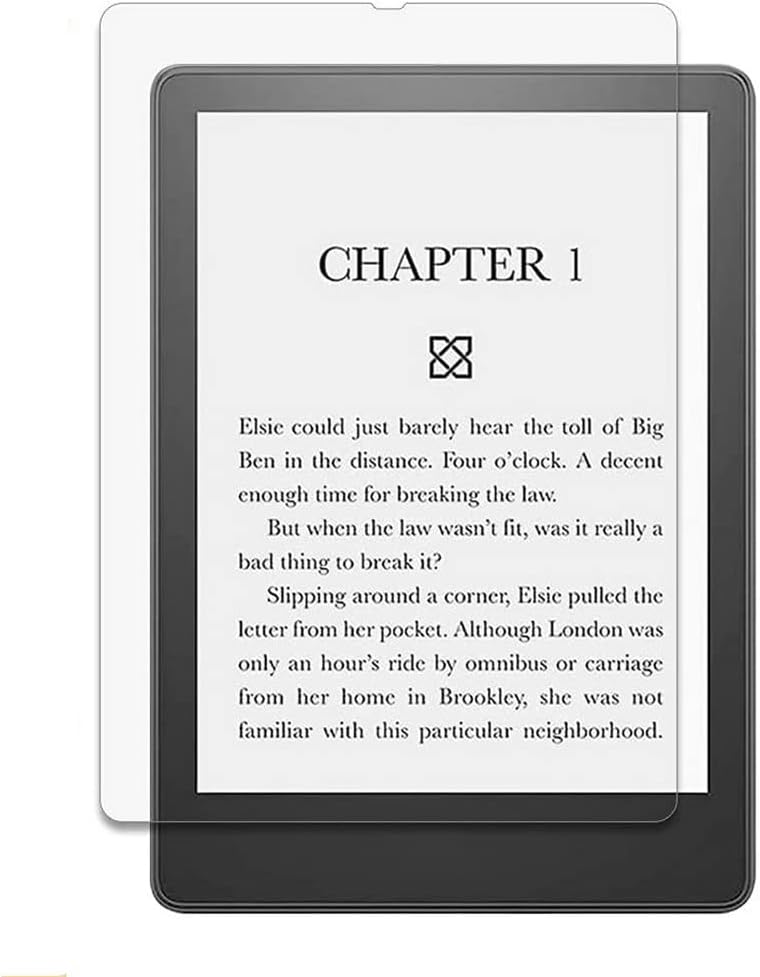


![Dadanism Screen Protector Fit Kindle Paperwhite 10th Generation, Eye Protect 4H Hardness Anti-Scratch Film, [2 Pack] PET Anti Blue Light Protective Film Fit Kindle Paperwhite 2018 - Blue](https://m.media-amazon.com/images/I/61ai3fNhOHL._AC_SL1500_.jpg)
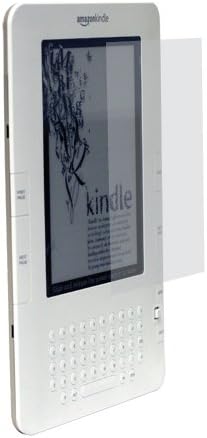
CaseCrown
Clear LCD Screen Protector for Amazon Kindle 2 E-Book Reader and Microfiber Cloth for Screen Cleaning
See current price
CaseCrown
Clear LCD Screen Protector for Amazon Kindle 2 E-Book Reader and Microfiber Cloth for Screen Cleaning
See current price
Popular brands in Screen Protectors
A screen protector can help keep an eBook reader’s display cleaner and reduce concern about everyday scratches, fingerprints, and contact with other items. The right choice depends on your specific reader, the way you carry it, and whether you prefer a clear screen or a more paper-like reading surface.
K-Catalog brings together screen protectors from brands including Nupro, Supershieldz, Moshi, CaseCrown, Grantwood Technology, Webookers WB, MoKo, Dadanism, amFilm, and Kepuch. Compare the listed specifications and features, then check the product details for compatibility with your device.
How to choose a screen protector
Start with device compatibility. eBook readers can differ in screen size, dimensions, bezel shape, camera or sensor placement, and touch-screen design. A protector made for a similar-looking reader may not align correctly, so check the supported device name and generation in the product specifications before selecting one.
Next, consider your reading environment. A glossy protector generally aims to preserve a clear, unobstructed view, while a matte or anti-glare finish may be more suitable for readers who find reflections distracting. Matte surfaces can also change the texture and appearance of the display, so compare finish descriptions carefully.
Your carrying habits matter as well. If the reader travels in a bag with keys, chargers, or other accessories, scratch protection may be a priority. For home use, clarity, easy cleaning, and a smooth touch response may matter more.
Protector types and finishes
Screen protectors are commonly distinguished by their surface treatment and construction rather than by separate product categories. When comparing listings, look for details such as:
- Clear or glossy finish: Suits readers who want the display to remain bright and easy to view through the protector.
- Matte or anti-glare finish: May help reduce reflections under lamps or near windows and can provide a less glossy appearance.
- Film protectors: Often emphasize a thin profile and flexible installation. Check the listed application method and whether the film is designed to cover the full display area.
- Tempered glass protectors: May offer a more rigid surface. Confirm that the added thickness does not interfere with a cover, case, or edge controls.
- Multi-pack options: Can be useful if you want a spare for a future replacement, but compare what is included in the package rather than assuming every listing has the same contents.
For additional protection around the device, compare screen protectors with Covers or Sleeves. These accessories serve different purposes: a screen protector stays on the display, while a cover or sleeve helps protect the reader during handling and storage.
Key features and specifications to compare
Exact fit is the first specification to verify. Check the compatible reader model, screen dimensions where provided, and whether the protector is intended for the entire front display or only the active screen area. Edge coverage can vary, particularly on readers with raised bezels or rounded edges.
Touch compatibility is important for eBook readers with touch controls. Look for listing information about touch sensitivity, responsiveness, or compatibility with the device’s normal controls. A protector that feels too thick or is poorly aligned may affect swiping and tapping.
Installation details can make a major difference. Compare whether the product includes an alignment guide, cleaning accessories, dust-removal tools, or instructions. Also check whether the protector is repositionable during installation and how bubbles are addressed in the product information.
Other useful specifications include thickness, transparency, scratch-resistance descriptions, fingerprint resistance, edge treatment, and whether the protector is case-friendly. These features should be considered together rather than in isolation. For example, a larger edge-to-edge design may require more careful alignment and may not suit every cover.
Brands represented in the catalog
The Screen Protectors catalog includes products from Nupro, Supershieldz, Moshi, CaseCrown, Grantwood Technology, Webookers WB, MoKo, Dadanism, amFilm, and Kepuch. Brand availability can vary by product specification, so use the brand name as one comparison point alongside fit, finish, included accessories, and installation method. Product pages provide the most relevant details for confirming device compatibility.
Installation and care tips
Before applying a protector, clean the display in a dust-free area and follow the supplied instructions. Align the protector with the reader’s edges and openings before pressing it into place. Avoid touching the adhesive side, and check for dust particles before completing the application.
After installation, use a soft, lint-free cloth for routine cleaning. Avoid abrasive materials and harsh cleaners unless the product instructions specifically permit them. If you use a cover, confirm that it closes without pressing against the protector’s edges. For readers carried outside the home, a Sleeves or cover can provide additional protection when the device is not in use.
If you are still deciding which reader and accessories to pair together, browse eBook Readers and related Skins for other ways to customize or protect the device. A Reading Lights comparison may also help if your reading setup needs better illumination.
Frequently asked questions
Do all screen protectors fit every eBook reader?
No. Screen dimensions, device shape, bezels, and control placement vary. Confirm the supported reader model and generation before choosing a protector.
Is a matte protector better for reading?
It depends on your environment and preference. Matte finishes may reduce reflections, while clear finishes may preserve a brighter, more transparent view. Compare the listed finish and use case.
Can a screen protector affect touch controls?
It can if the protector is incompatible, misaligned, or unusually thick. Check the product information for touch compatibility and follow the installation instructions carefully.
Should a screen protector work with a cover?
Many are designed to be used with covers, but edge coverage and thickness can differ. Check whether the listing describes the protector as case-friendly and confirm the cover does not press against its edges.
How do I avoid bubbles during installation?
Clean the display thoroughly, remove dust before applying the protector, align it gradually, and use any supplied smoothing or alignment tool. Follow the product’s specific instructions.