
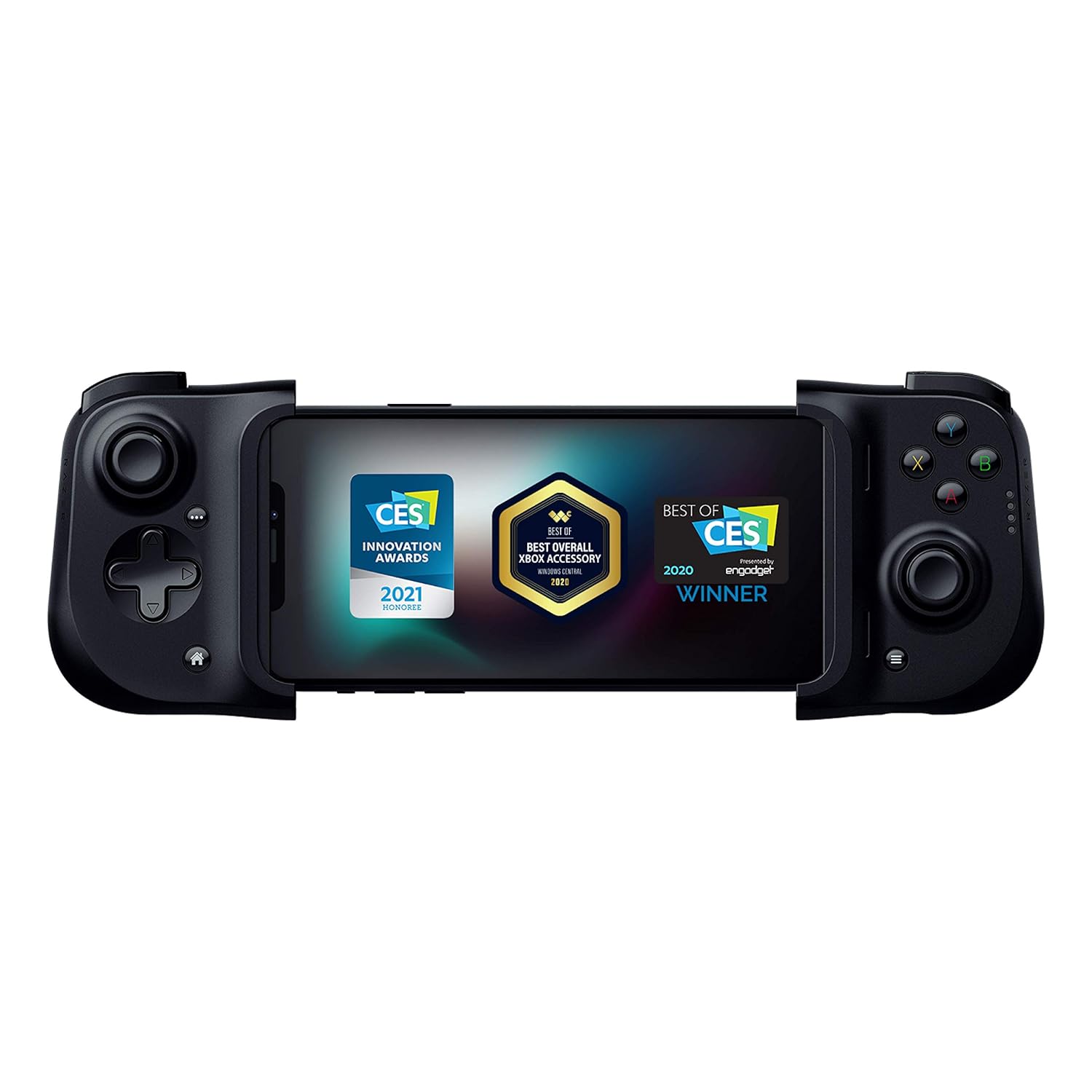
Gaming Accessories for Mobile Play
Compare mobile gaming accessories by compatibility, control layout, comfort, connectivity, and power needs. K-Catalog helps you review product specifications before visiting Amazon.
86 products in catalog
86 results
Filters

![BACKBONE One Mobile Gaming Controller for iPhone [PlayStation Edition] - Enhance Your Gaming Experience on iPhone - Play Xbox, PlayStation, Call of Duty, Roblox, Minecraft, Genshin Impact & More](https://m.media-amazon.com/images/I/61ANz9j8oiL._AC_SL1500_.jpg)
![CASEKOO [SGS Tested] Newly Matte Blue iPhone 14 Pro Case [10FT Mil-Grade Protection] Anti-Fingerprints & Anti-Scratch Durable Translucent Back Anti-Slip Frame iPhone 14 Pro Phone Case, Blue](https://m.media-amazon.com/images/I/71S2LcasD6L._AC_SL1500_.jpg)


![Newseego Mobile Game Controller Finger Sleeve Sets [12 Pack],Smooth Thin Anti-Sweat Breathable Full Touch Screen Sensitive Shoot Aim Joysticks Finger Set for Knives Out/Rules of Survival-Silver](https://m.media-amazon.com/images/I/81dJ-+4uzNL._AC_SL1500_.jpg)
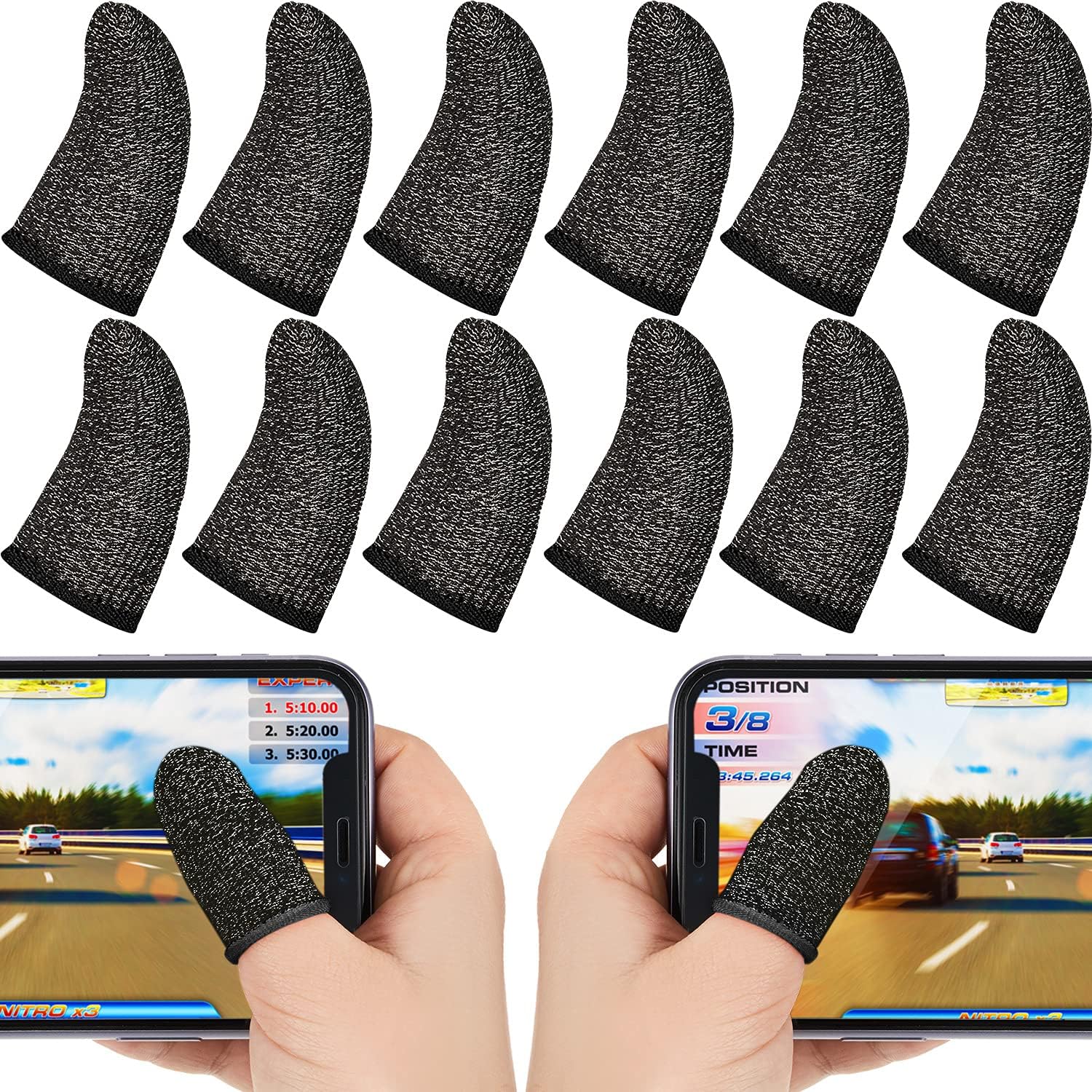


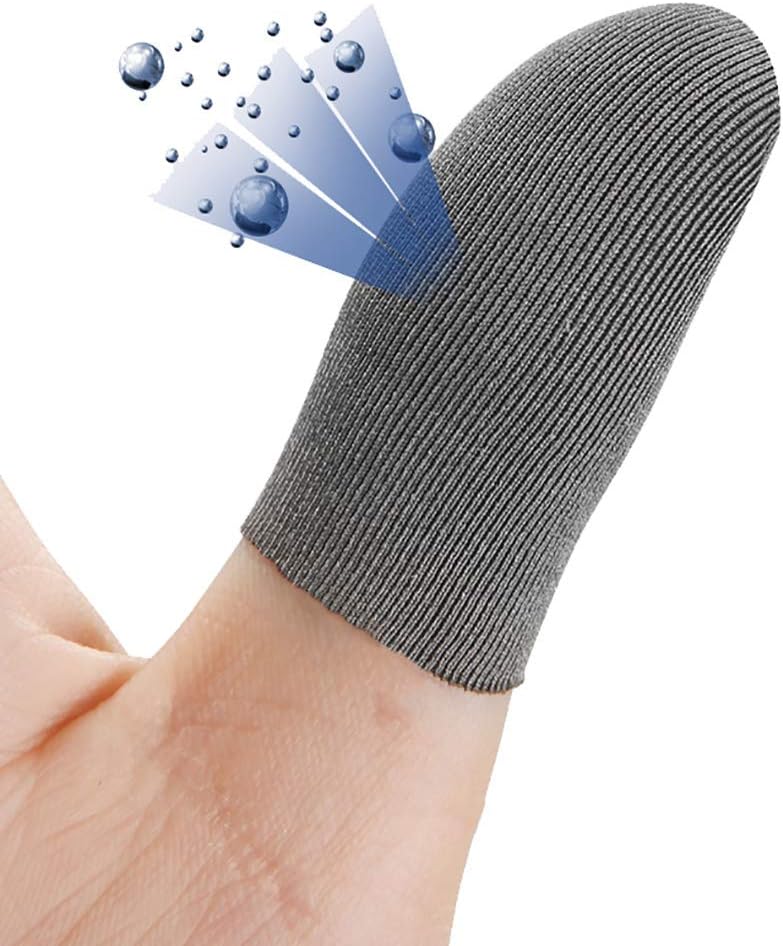


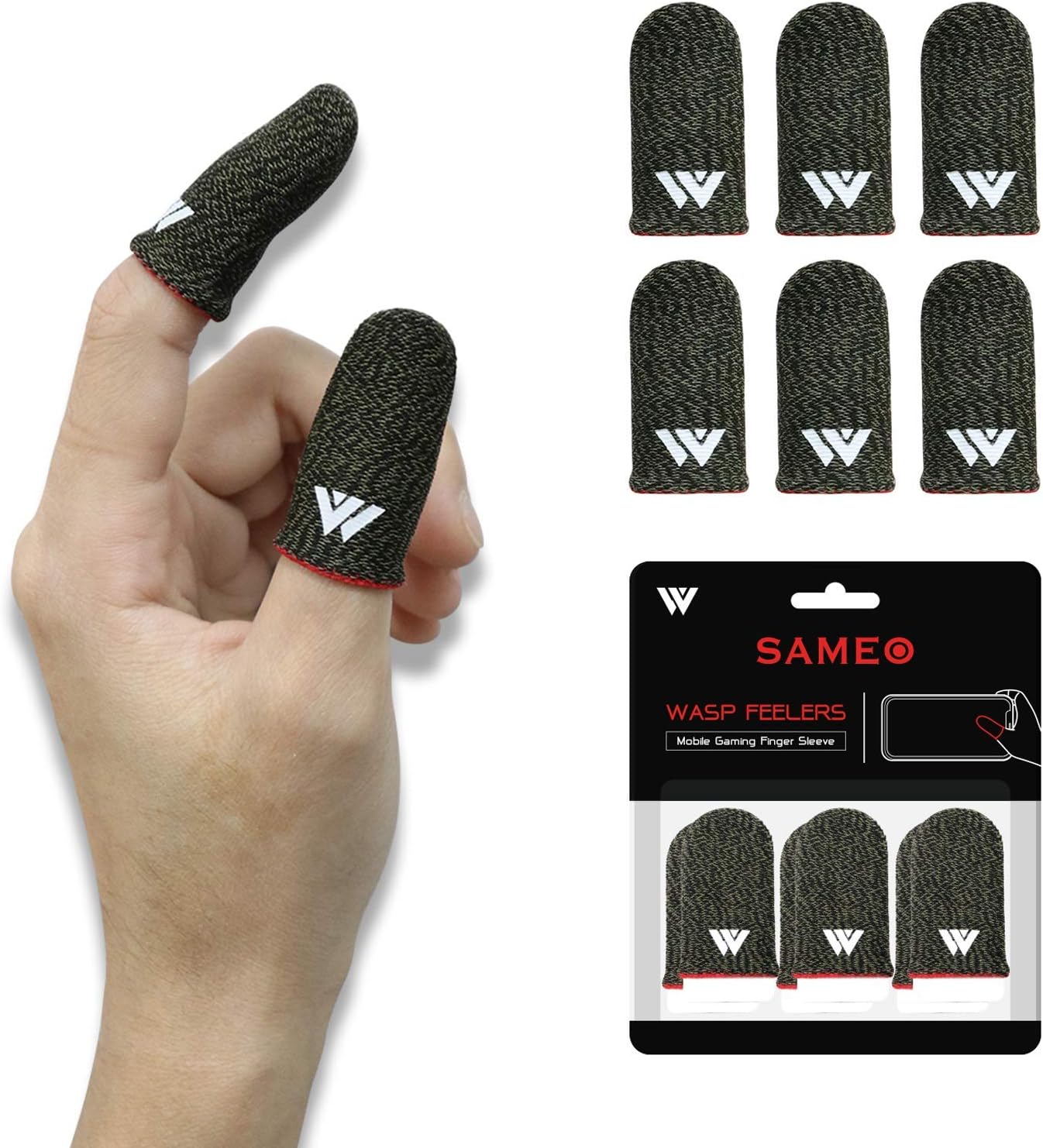


![Mobile Game Controller Finger Sleeve Sets [6 PCs],Anti-Sweat Breathable Touchscreen Finger Sleeve for Mobile Phone Games for PUBG/Mobile Legends/Knives Out(Black Red)](https://m.media-amazon.com/images/I/71ZUMYwXI2L._AC_SL1500_.jpg)
![Newseego Finger Sleeve Sets for Gaming Mobile Game Controller Thumb Sleeves [20 Pack], Anti-Sweat Breathable Touchscreen Sensitive Aim Joysticks Finger Set for Rules of Survival/Knives Out (Red)](https://m.media-amazon.com/images/I/819fLzbfHmL._AC_SL1500_.jpg)


Popular brands in Gaming Accessories
Gaming accessories can make mobile play more comfortable, responsive, and convenient, whether you use a phone for casual sessions or longer gaming sessions. The right accessory depends on your device, preferred controls, available space, and how you play.
K-Catalog brings together gaming-focused accessories from brands including GameSir, ipega, Newseego, Qoosea, kiniza, Outus, MOMOFLY, Gamevice, ECHZOVE, IUGGAN, Nuozme, and Black Shark. Compare the listed specifications and features, then click through to Amazon to check current availability and price.
How to choose gaming accessories
Start with the games and devices you plan to use. A controller designed for a smartphone may not suit a tablet, handheld setup, or a phone with a thick protective case. Check the product’s stated compatibility, supported operating systems, connection method, and physical dimensions before choosing.
Your preferred control style matters as well. Some players want physical buttons and analog controls for action games, while others may prioritize a secure grip, compact storage, or a simple setup for occasional use. If you play for extended periods, consider how the accessory distributes weight and whether your hands can reach every control comfortably.
Types of mobile gaming accessories
Gaming accessories can serve different roles, so compare products according to the problem they are meant to solve:
- Game controllers: Useful for players who prefer console-style inputs over touchscreen controls. Compare button layout, analog-stick placement, trigger design, and device fit.
- Phone grips and controller mounts: These can help stabilize a phone during play. Look for adjustable sections, supported device sizes, and whether the mount leaves ports and buttons accessible.
- Gaming triggers and touch-control aids: These may add physical actuation to supported touchscreen games. Confirm that the design is compatible with your phone and the game setup you use.
- Stands and viewing accessories: A stand can be helpful for tabletop play, streaming, or using a separate controller. For additional options, browse related Stands.
- Power and connection accessories: Longer sessions may require charging or a dependable wired or wireless connection. Compare cable requirements, charging access, and whether the accessory can be used while the phone is connected to power.
For accessories that extend beyond gaming, related categories such as Chargers & Power Adapters and Smartwatch Accessories may also be useful.
Key features and specifications to compare
Compatibility is the first checkpoint. Look for the phone sizes, operating systems, and connection types listed by the manufacturer. If you use a case, verify that the accessory can accommodate it or plan to remove the case during play.
Connection method affects setup and convenience. Wired accessories can reduce the need for separate batteries but may limit movement or block a port. Wireless models can provide a cleaner setup, but shoppers should check pairing requirements, supported devices, and power information.
Controls and layout should match your habits. Compare the number and placement of buttons, the presence of sticks or triggers, and whether the design suits the games you play most often. A familiar layout can be more important than having extra controls you will rarely use.
Comfort and build details are especially relevant for longer sessions. Check the shape of the grips, overall size, adjustable components, and stated materials. Also consider portability if you carry the accessory in a bag or switch between devices.
Brands represented in the catalog
The Gaming Accessories catalog includes products from GameSir, ipega, Newseego, Qoosea, kiniza, Outus, MOMOFLY, Gamevice, ECHZOVE, IUGGAN, Nuozme, and Black Shark. Treat brand as one comparison point, but rely on the individual product specifications for compatibility, controls, dimensions, connection type, and power requirements.
Setup and care tips
Before connecting an accessory, check the included instructions and confirm that your phone meets the stated requirements. Keep ports clear, avoid forcing a phone into an adjustable holder, and make sure the device is securely supported before playing. For wireless products, note pairing steps and keep track of charging needs. For wired products, avoid bending cables sharply at the connector.
If you are comparing accessories for repairs, cleaning, or general device upkeep, see Maintenance, Upkeep & Repairs. Shoppers outfitting a car or travel setup can also explore Automobile Accessories.
Frequently asked questions
Will every gaming accessory work with every phone?
No. Compatibility can depend on phone dimensions, operating system, case thickness, connection type, and the accessory’s supported games or control method. Check the product specifications before buying.
Are wired or wireless gaming accessories better?
Neither is universally better. Wired accessories may simplify power management, while wireless options can offer a less cluttered setup. Compare connection requirements, battery information, and your preferred playing position.
Can I use a gaming controller with a phone case installed?
It depends on the controller or mount. Check the supported device thickness and holder design. A bulky case may need to be removed for a secure fit or access to ports.
What should I compare for long gaming sessions?
Focus on grip comfort, weight, control placement, device stability, and power requirements. An accessory that fits your hands and keeps controls easy to reach may be more practical than one with extra features.
Do I need a stand if I already have a controller?
Not necessarily. A stand can be useful for tabletop play, charging, streaming, or keeping the screen at a comfortable viewing angle, but its value depends on your setup.