

Baby Monitors: Compare Features and Specifications
Compare baby monitors by viewing options, alerts, connectivity, and everyday setup features. K-Catalog helps shoppers review specifications before visiting Amazon for current product details.
506 products in catalog
506 results
Filters




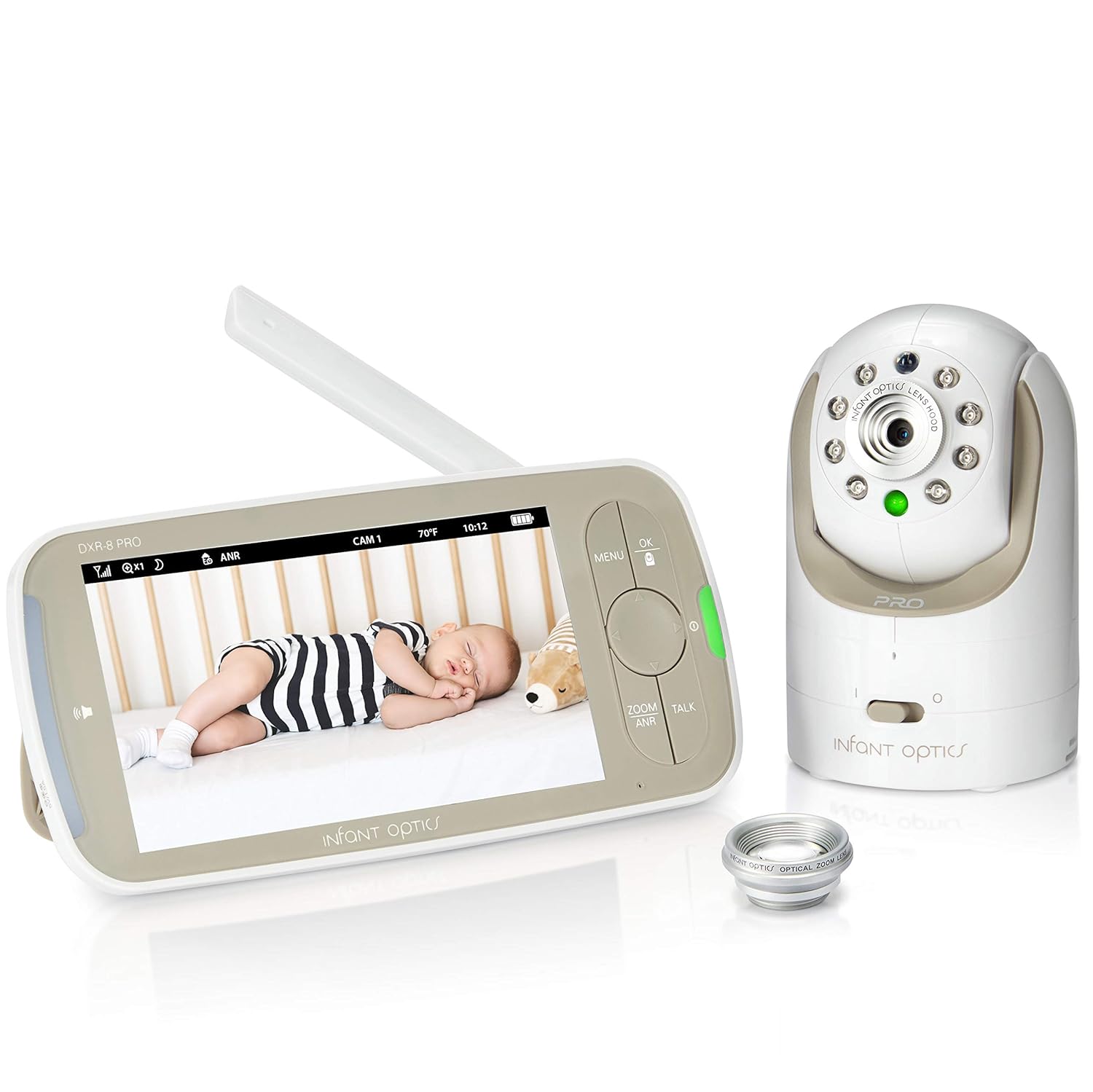

Infant Optics
Infant Optics DXR-8 Rechargeable Battery Official Accessory (Will NOT Void Warranty)
See current price




Popular brands in Monitors
Baby monitors can help caregivers check on a child from another room, but the right choice depends on the space, the child’s age, and how alerts should work. Some shoppers want straightforward sound monitoring, while others prefer video, remote access, temperature information, or additional movement-focused features.
Use this category to compare product specifications and features across monitors from brands represented in the catalog. A monitor can support attentive caregiving, but it should complement—not replace—safe sleep practices and direct supervision.
How to choose a baby monitor
Start with the monitoring style that fits your routine. An audio monitor may be suitable when hearing sounds is the main priority and a simple setup is preferred. A video monitor can make it easier to visually check a crib or room without entering immediately. Connected models may suit caregivers who want access through a phone or another networked device.
Consider the layout of your home as well. Thick walls, multiple floors, and the distance between the child’s room and the caregiver’s usual location can affect which connection method is practical. If the monitor will be moved between rooms, portability and charging arrangements may matter more than advanced features.
Types and features to compare
Audio and video monitoring
Audio-only models generally focus on sound transmission and alerts. Video models add a camera and display or app-based viewing. Compare the display experience, camera positioning, viewing angle, and whether the product is intended for use in one fixed location or can be repositioned as needed.
Local and connected monitors
Some monitors use a dedicated parent unit, while others connect through a home network and a mobile app. Dedicated-unit designs can be convenient when a separate screen is preferred. Connected options may offer remote viewing, but they also require attention to network availability, account setup, app compatibility, and privacy settings.
Sound, motion, and room alerts
Look for the types of notifications provided and how they are presented. Depending on the model, alerts may relate to sound, movement, room conditions, or other monitoring functions. Compare alert sensitivity and adjustment options so the monitor fits the normal activity and noise level of the child’s room without creating unnecessary interruptions.
Key specifications to compare
- Power and battery: Check whether the camera, parent unit, or both use wall power, rechargeable batteries, or another arrangement. Consider runtime, charging access, and what happens during an outage.
- Range and connection: Review the stated connection method and whether the setup is local, app-based, or dependent on a home network.
- Night viewing: For video models, compare low-light or nighttime viewing features and how clearly the room can be seen in dark conditions.
- Two-way communication: This can be useful for speaking or listening through the monitor, but compare how the feature is activated and whether it is available from the parent unit, app, or both.
- Room information: Some products may provide information such as room temperature or other environmental readings. Check how that information is displayed and whether the sensor location makes sense for the room.
- Mounting and placement: Compare tabletop use, wall-mount options, included hardware, cable length, and the ability to adjust the camera angle. Keep cords securely out of a child’s reach.
- Expansion: If monitoring more than one room is a possibility, check whether the system supports additional cameras or viewing locations.
Brands represented in the catalog
The Monitors catalog includes products from Motorola, Summer Infant, VTech, Moonybaby, HelloBaby, Sony, Babysense, Infant Optics, Levana, Nanit, Angelcare, and ITODOS. Brand availability can vary by product and feature set, so compare the specifications of individual listings rather than choosing by brand name alone.
When narrowing the options, give priority to the features that affect daily use: clear viewing or sound, dependable placement, manageable alerts, suitable power options, and a connection method that matches your home. The Safety category also includes related equipment for creating a safer environment around the home.
Setup and safe-use tips
Place a camera where the crib or sleep area is visible without positioning the device or its cord within reach. Follow the manufacturer’s mounting and cable-routing instructions, and inspect the setup if furniture or the child’s mobility changes. Avoid treating a monitor’s alert as proof that a child is safe; use it as one part of an overall supervision routine.
For connected devices, use the latest available device and app settings, protect account access, and review privacy controls. Before relying on a monitor overnight, test its placement, alert volume, charging routine, and connection from the locations where it will be used.
Other child-safety products may address different hazards. Consider Gates & Gate Extensions for access control, Guards & Locks for cabinets and fixtures, or Edge & Corner Guards for sharp furniture edges. Bathroom Safety, Electrical Safety, and Harnesses & Leashes cover additional situations beyond monitoring.
Frequently asked questions
What is the difference between an audio and video baby monitor?
An audio monitor transmits sounds, while a video monitor adds visual viewing through a screen or connected device. The better fit depends on whether hearing alerts is sufficient or visual checks are important.
Should a baby monitor use Wi-Fi?
Not necessarily. Wi-Fi models can support app-based or remote access, while monitors with a dedicated parent unit may offer a simpler local connection. Compare setup, network dependence, privacy controls, and where the monitor will be used.
Where should a baby monitor be placed?
Place it according to the manufacturer’s instructions so the sleep area is visible or audible, while keeping the device and cords safely away from the child. Recheck placement as the child grows or the room changes.
Are room-temperature alerts a substitute for checking the room?
No. Environmental readings can provide useful information, but they should not replace direct checks, appropriate sleep clothing, or following safe-sleep guidance.
What should be compared when choosing a monitor for travel?
Look at portability, power requirements, setup time, connection method, battery arrangements, and whether the monitor works reliably in the locations where it will be used.