
Xbox Series X & S Games
Compare Xbox Series X & S games by genre, gameplay style, edition, and compatibility. K-Catalog helps you review the details before checking the current listing on Amazon.
22 products in catalog
22 results
Filters
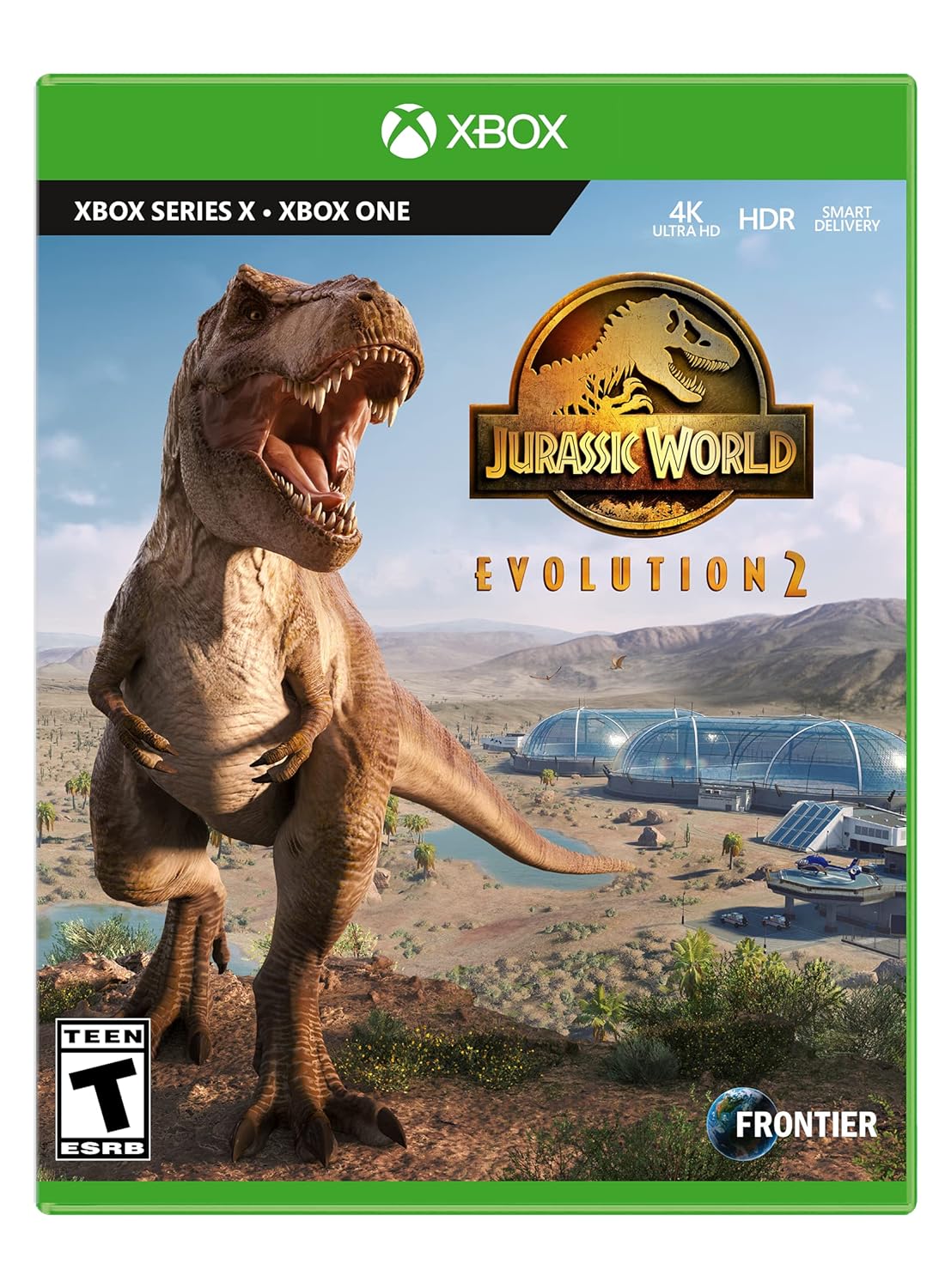
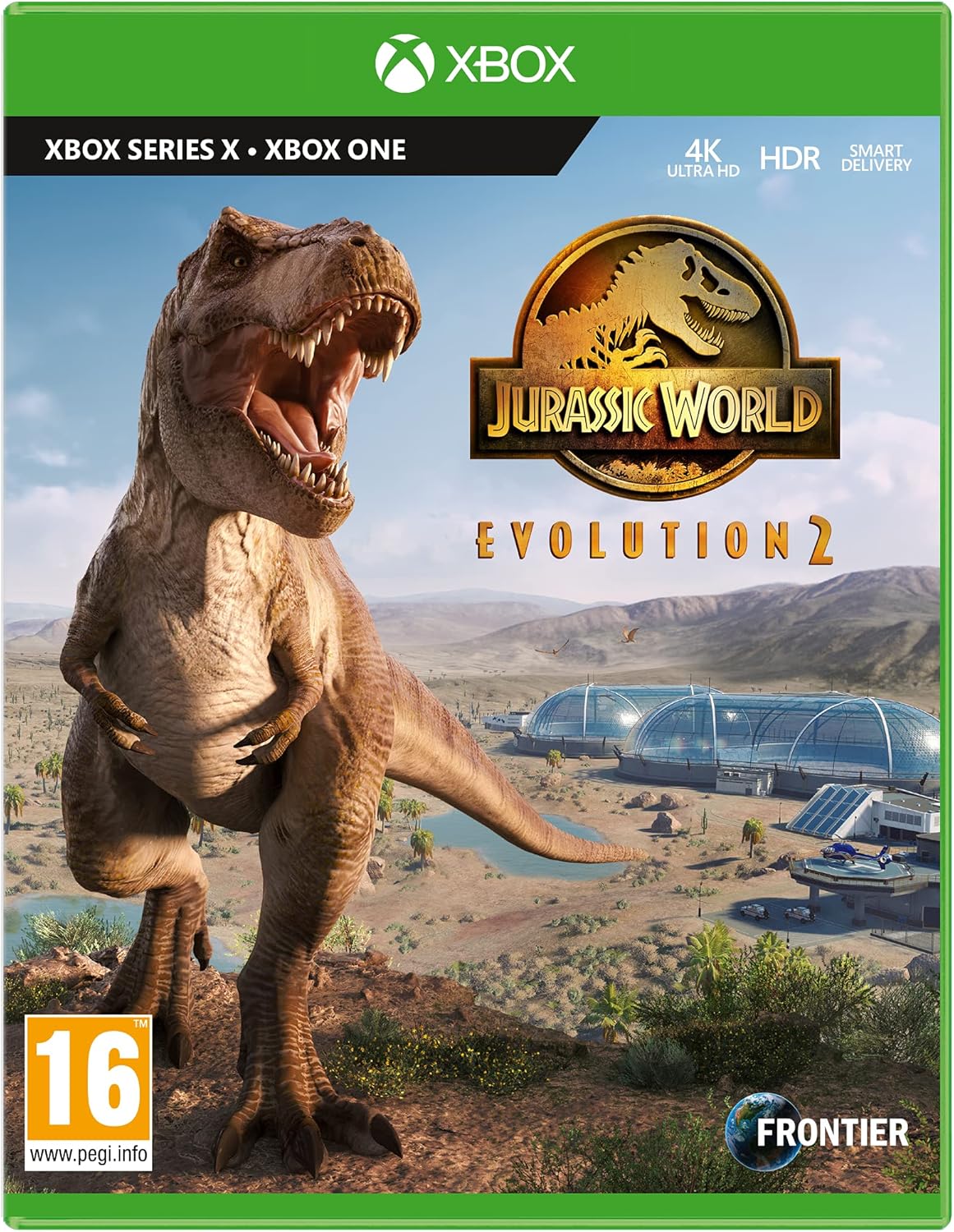




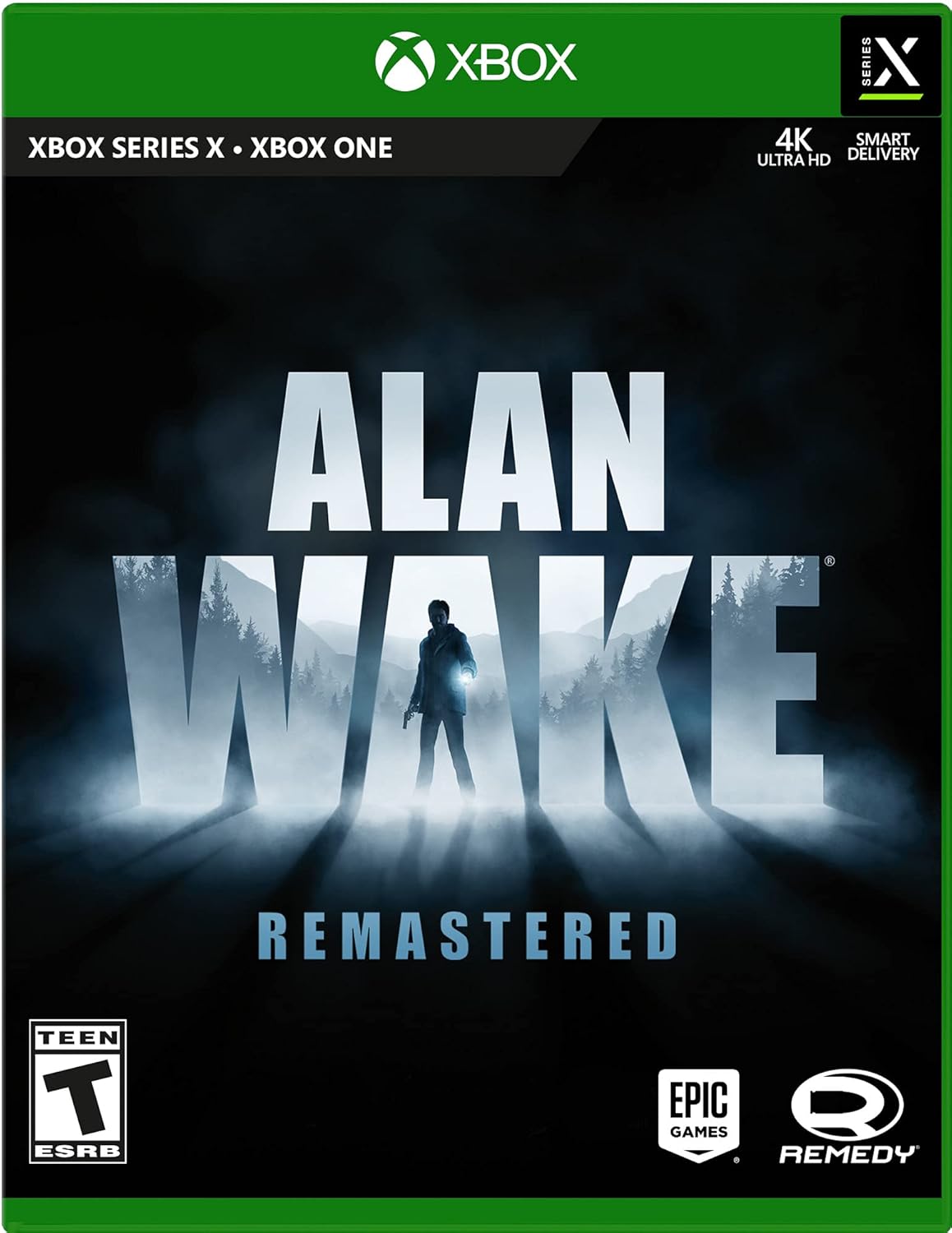
Activision
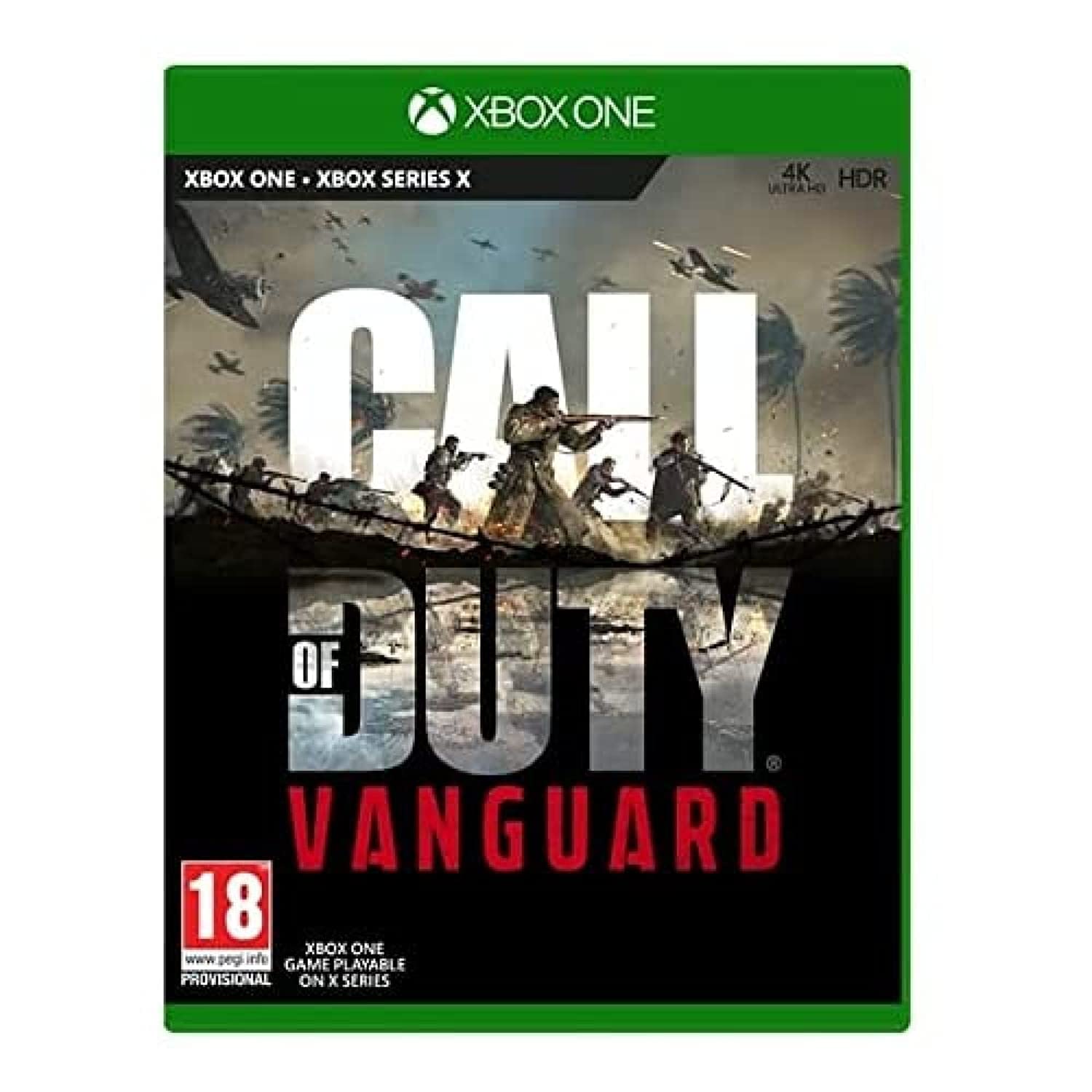
XBSX Call of Duty Black Ops: Cold War - Standard LATAM Spanish/English/French - Xbox Series X
See current price


Electronic Arts
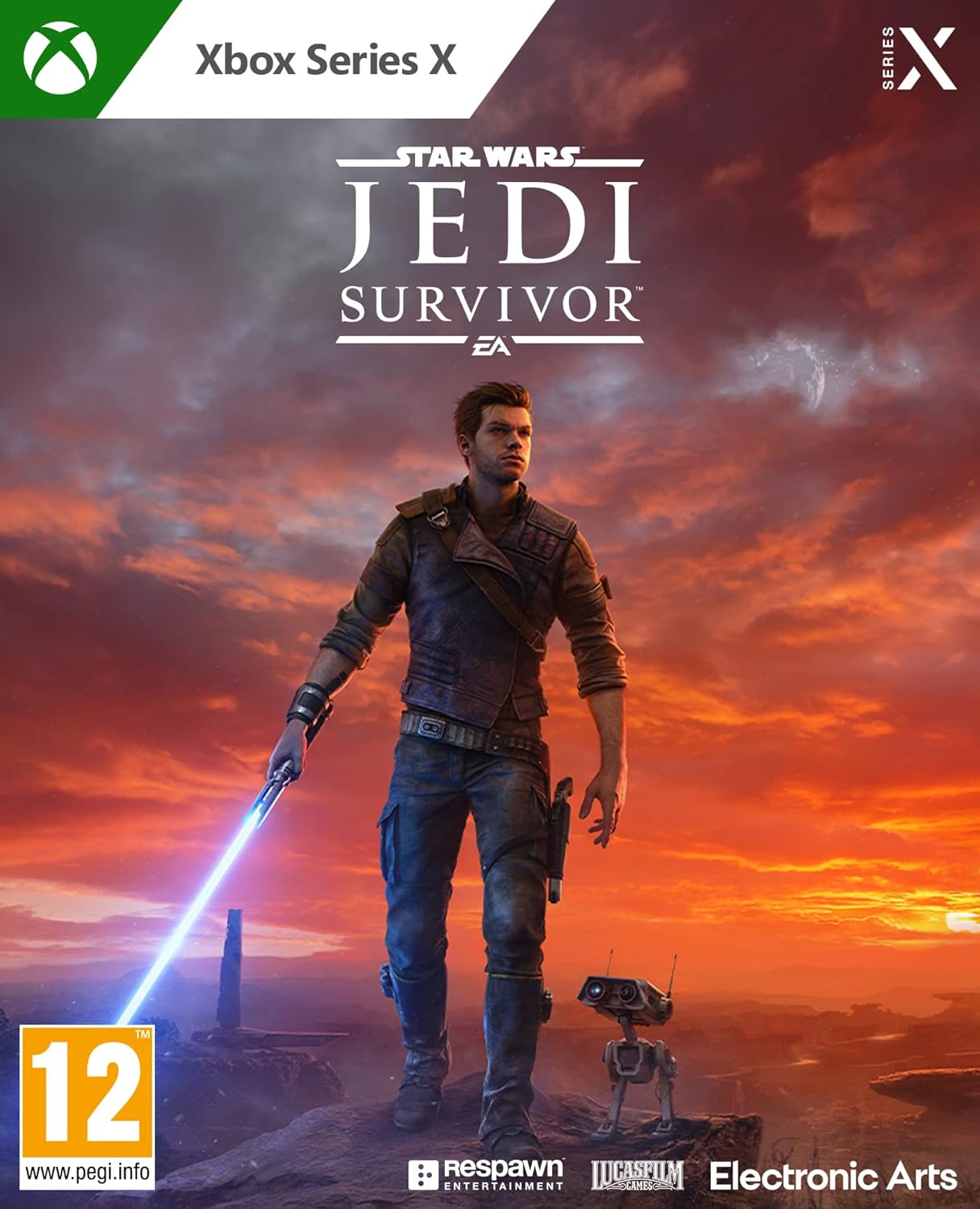
Star Wars Jedi: Survivor XBOX X Video Game English EU Version Region Free
See current price


Popular brands in Games
Whether you want a story-driven adventure, competitive multiplayer, or a family-friendly title, choosing the right Xbox Series X & S game starts with understanding how you plan to play. Product listings can differ in genre, player options, editions, and technical requirements, so comparing specifications is useful before making a decision.
This catalog includes games from publishers and brands such as Electronic Arts, Microsoft, Epic Games, Warner Bros., Sega of America, Activision, Maximum Games, CI Games, and Square Enix. Use the available product details to narrow your choices by the kind of experience you want and the way you use your console.
How to choose an Xbox Series X & S game
Start with the gameplay experience rather than the cover or franchise name. Consider whether you prefer a lengthy single-player campaign, repeatable competitive matches, cooperative play, sports, racing, strategy, role-playing, or action-focused gameplay.
Key questions to ask include:
- Who will play? A solo player may prioritize story and progression, while a household may need local multiplayer or accessible controls.
- How will you play? Check whether the game supports the number of players and multiplayer modes you need.
- What type of commitment fits? Some games are designed for short sessions, while others reward longer campaigns or ongoing progression.
- Which edition is listed? Standard, deluxe, complete, or bundle editions may include different content, so compare the included features carefully.
- Is the listing suitable for your setup? Review the platform, format, language, and any required online services shown in the product details.
Popular types of Xbox games
The Games category covers a wide range of play styles. Action and adventure titles often emphasize exploration, combat, missions, and narrative progression. Role-playing games may add character development, equipment systems, branching choices, or a larger world to explore.
Sports and racing games suit players who enjoy structured matches, events, tournaments, or vehicle customization. Strategy and simulation games usually reward planning, resource management, and careful decision-making. Competitive shooters and online-focused games may place more emphasis on matchmaking, teamwork, and repeat play.
For younger players or shared households, look for age guidance, difficulty options, local multiplayer support, and content information. A game with simple controls may be a better fit for casual play, while experienced players may prefer deeper systems or more demanding challenges.
Features and specifications to compare
Product pages can provide important details that are easy to overlook. Compare the following before selecting a title:
- Platform compatibility: Confirm that the listing is intended for Xbox Series X, Xbox Series S, or both as applicable.
- Format: Determine whether the product is a physical game, a digital code, or another format, and make sure it suits your console and purchasing preferences.
- Player support: Check local multiplayer, online multiplayer, cooperative modes, and whether separate accounts or subscriptions may be needed.
- Language and region details: Review the listed language options and regional compatibility when these details are provided.
- Included content: Compare the base game with editions that add expansions, cosmetic items, bonus missions, or other downloadable content.
- Storage and downloads: Some games may require substantial installation or updates, so review the listing information and available console storage.
- Age rating and content: Use the listed rating and content descriptors to determine whether the game is appropriate for the intended player.
Brands represented in the catalog
K-Catalog’s Xbox games listings include products associated with Electronic Arts, Sold Out, microsoft, Epic Games, Warner Bros, Sega of America, Activision, Maximum Games, Activision Inc., CI Games, Sega Of America, Inc., and Square Enix. Brand names can cover different genres and editions, so compare the individual game listing rather than relying on the publisher alone.
A familiar publisher may offer several kinds of games, while similar genres can differ significantly in player modes, content, and technical requirements. The product description and specifications are the best place to confirm what a particular listing includes.
Complete your Xbox setup
Games are only one part of the console experience. If you need a second controller, a headset, charging equipment, storage, or another add-on, browse the Xbox Series X & S Accessories category separately. Accessories can affect how comfortably you play and whether a title’s multiplayer features are practical for your setup.
You can also return to the broader Xbox Series X & S category when comparing games with console-related products. Before buying, confirm that the selected game and any required accessories match the console model and play style.
Frequently asked questions
Are all Xbox Series X & S games compatible with both consoles?
Check the individual product listing for platform information. Compatibility can depend on the specific edition and format, so do not assume that every listing is identical.
What should I check for multiplayer games?
Look for the supported number of players, local or online modes, cooperative features, and any stated online service requirements. Also confirm whether extra controllers or headsets are needed.
How do I choose a game for a family?
Review the age rating, content descriptors, difficulty options, local multiplayer support, and control complexity. These details can help match a game to the intended players.
What is the difference between game editions?
Editions may vary in included expansions, bonus content, cosmetic items, or downloadable features. Compare the complete contents of each listing instead of choosing by edition name alone.
Should I check storage requirements?
Yes. Installation files and updates can require meaningful console storage. Review the product information and make sure the console has enough available space before starting the download or installation.
Where can I check the current product details?
After comparing specifications and features in K-Catalog, follow the product listing to Amazon to review the current availability and purchase information.