
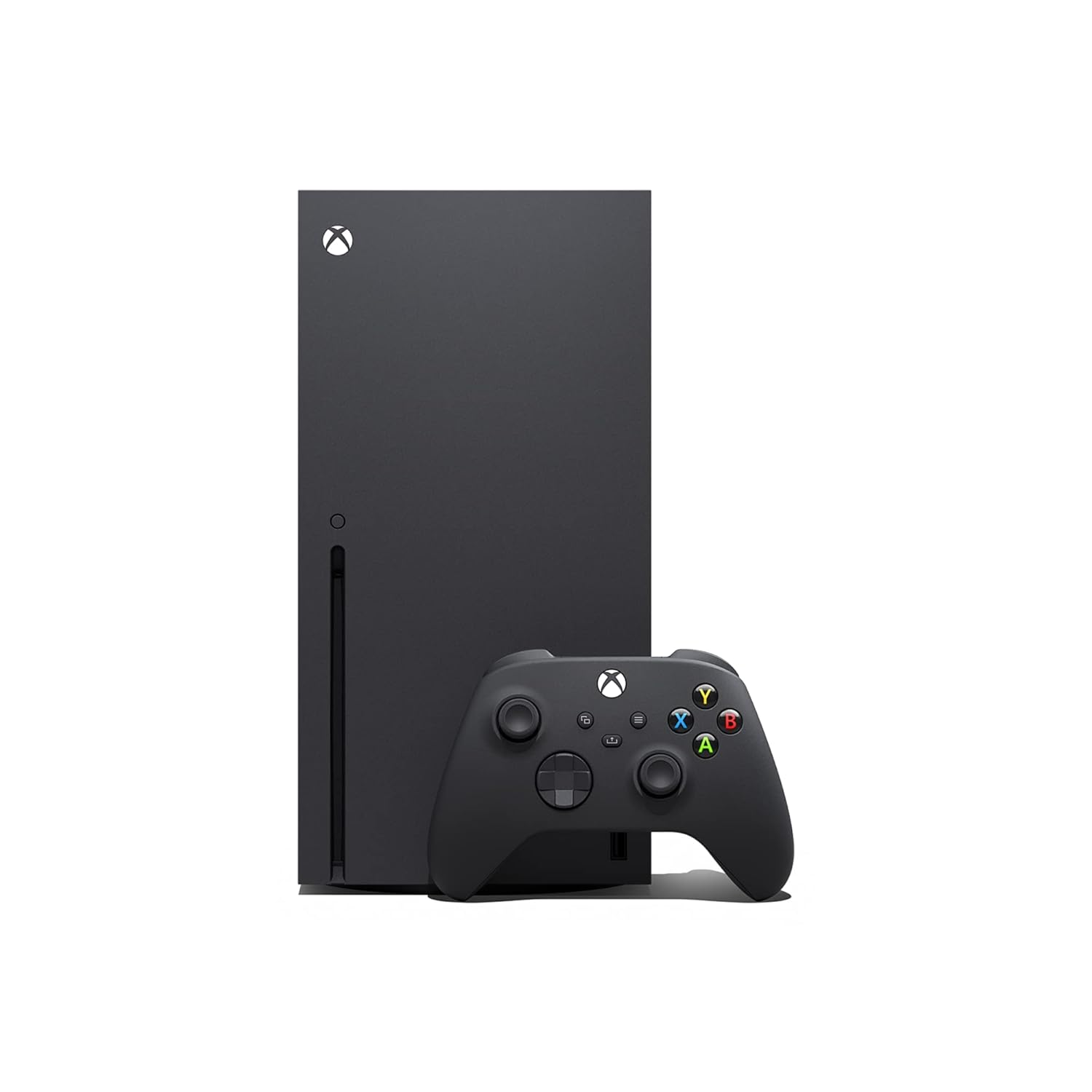
Xbox Systems: Compare Consoles and Features
Compare Xbox systems by console generation, condition, connectivity, storage, and included accessories. K-Catalog helps you review specifications before visiting Amazon for the current listing details.
1,227 products in catalog
1,227 results
Filters
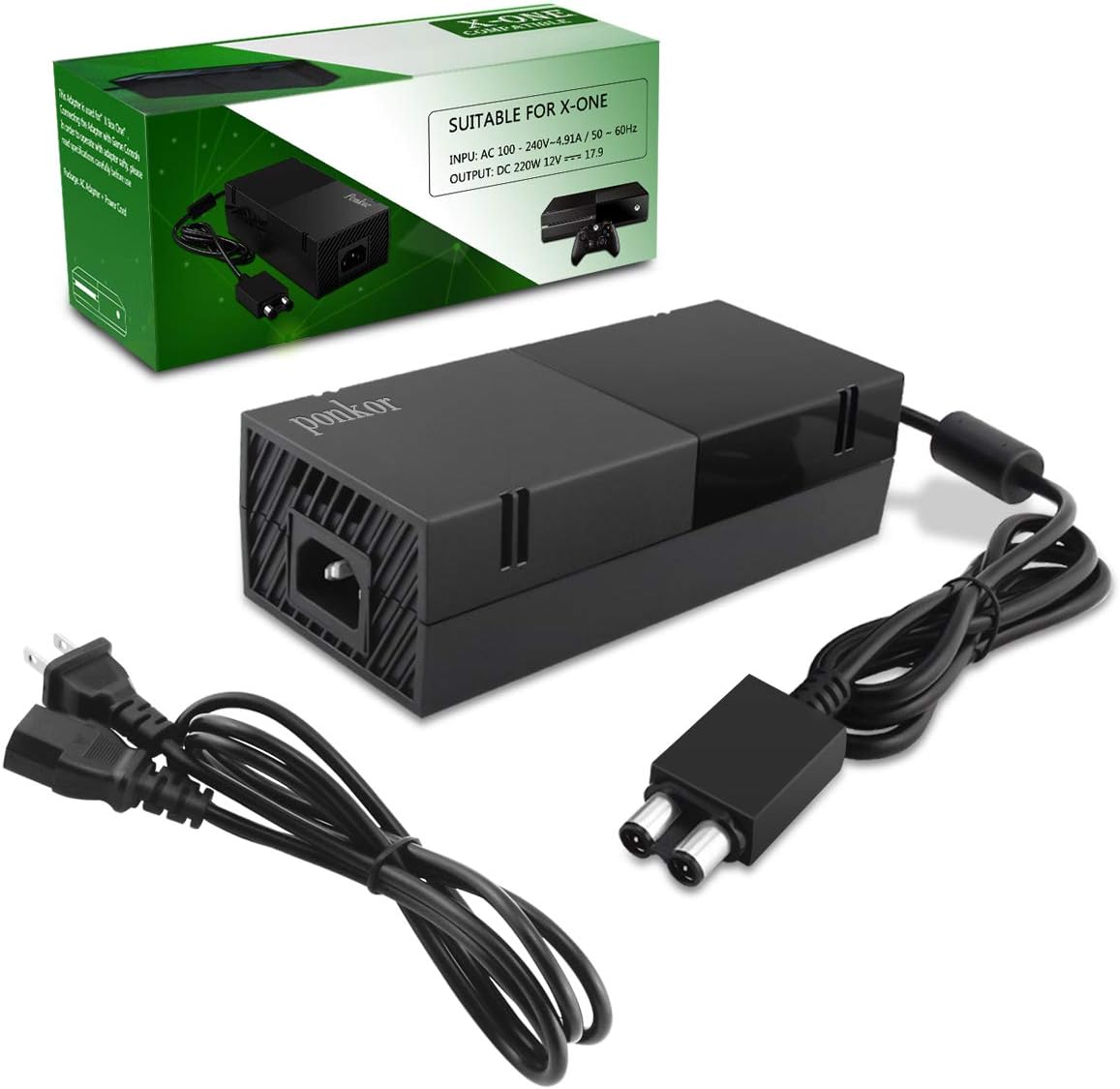


microsoft
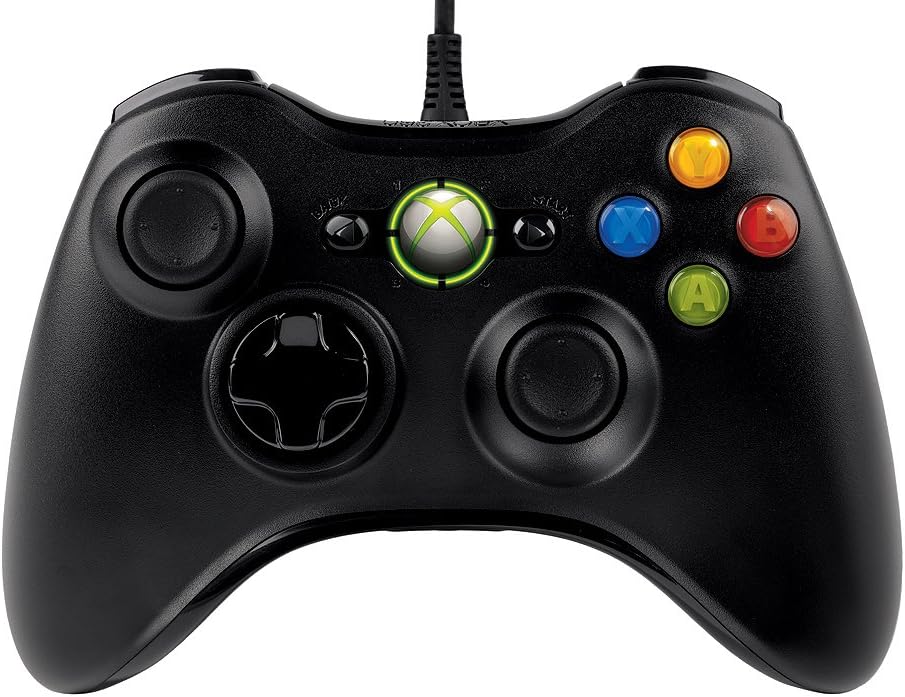
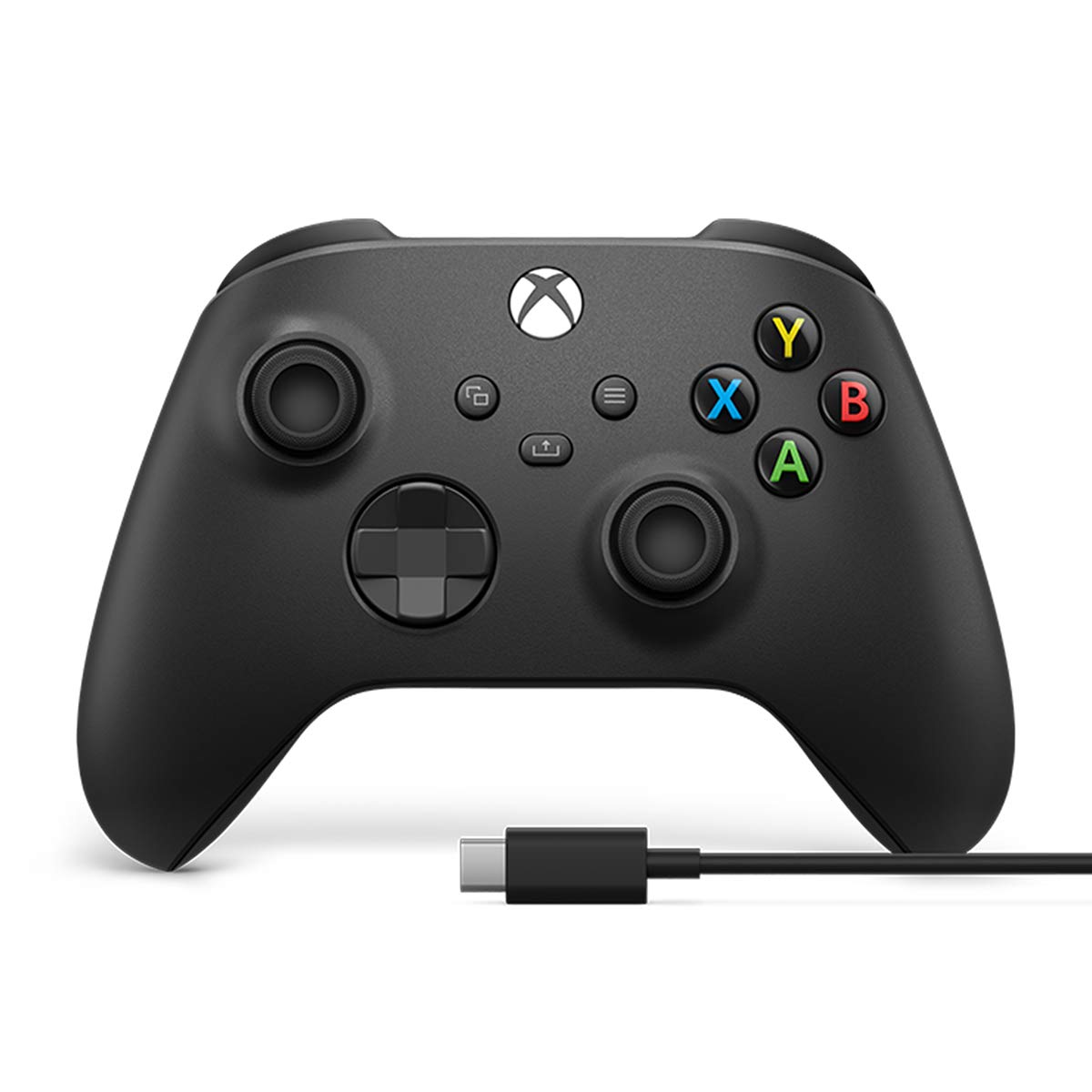
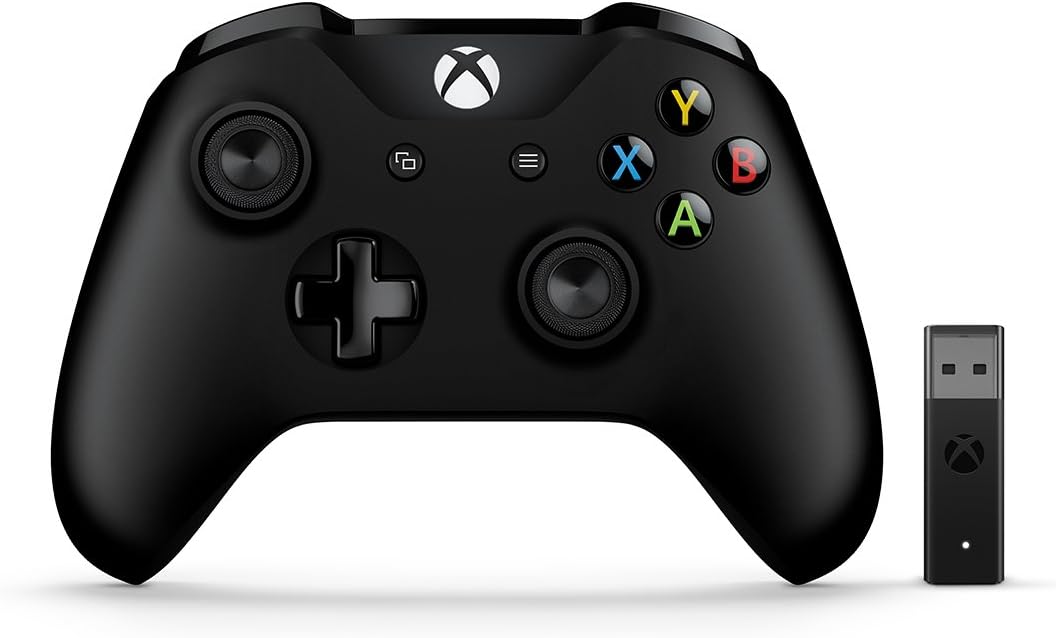
Xbox Wireless Controller: 20th Anniversary Special Edition – Xbox Series X|S, Xbox One, and Windows
See current price

Rockstar Games
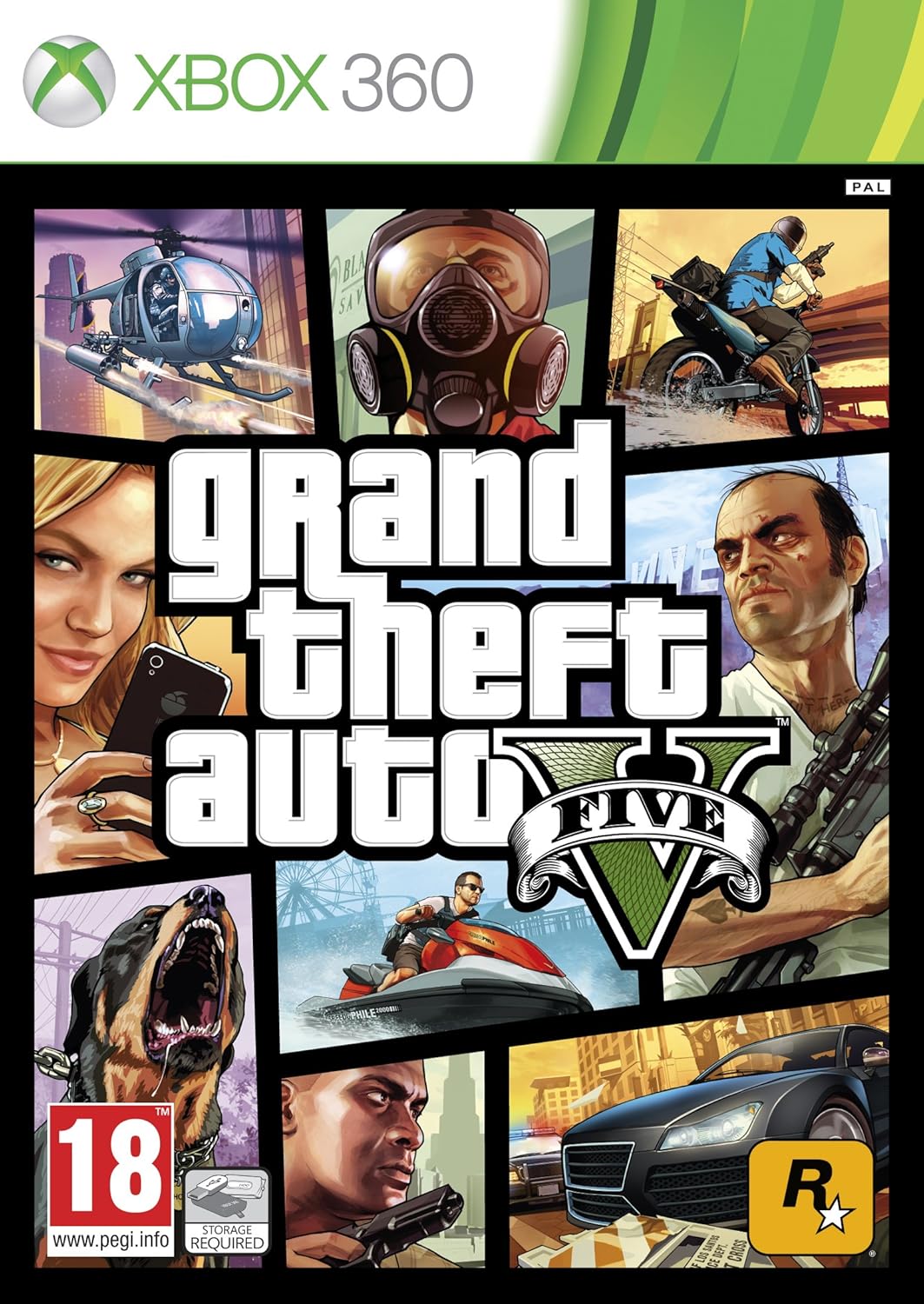
Red Dead Redemption: Game of the Year Edition - Xbox One and Xbox 360
See current price
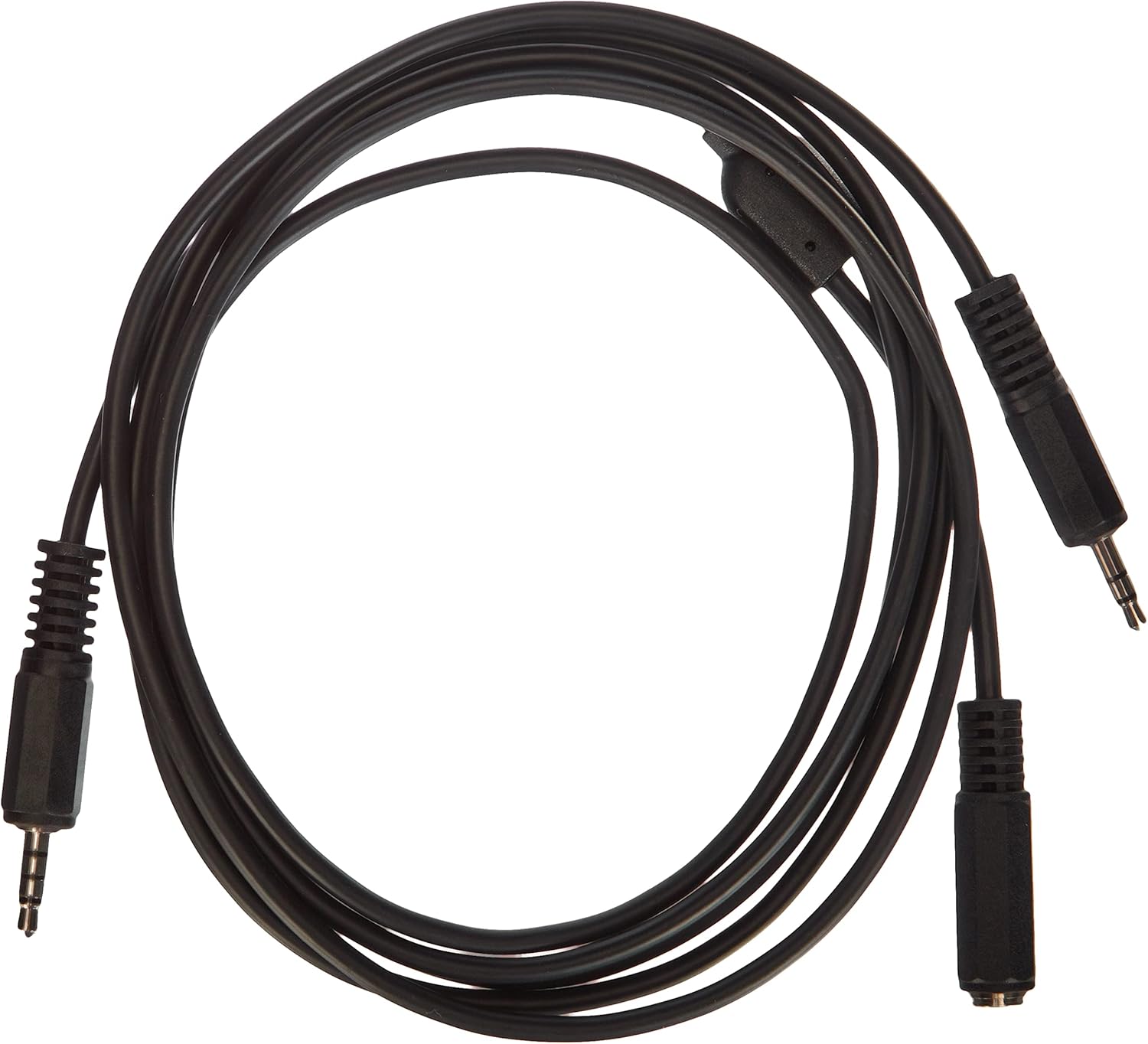
![Power Supply Brick Power Adapter for Xbox One, [Low Noise Version] UKor Xbox AC Adapter Replacement Charger Power Cord Cable for Microsoft Xbox One,100-240V Voltage](https://m.media-amazon.com/images/I/71gtznywQUL._AC_SL1500_.jpg)

Trenro
2X Black Battery Pack Cover Shell Case Kit for Xbox 360 Wireless Controller (Black)
See current price





Seagate
Seagate Game Drive STEA2000428 2 TB Portable Hard Drive - External - Yellow, Blue
See current price
Popular brands in Xbox Systems
Xbox systems can appeal to collectors, longtime players, and shoppers looking for a console for a specific library of games. Because older systems vary widely in condition, included equipment, and compatibility, comparing the complete listing matters as much as comparing the console itself.
This category sits within Legacy Systems, where older gaming hardware can be compared by system family. Use the product details to identify the right Xbox generation, check what is included, and confirm that the system fits your television, controllers, games, and available space.
How to choose an Xbox system
Start by deciding how you plan to use the console. A collector may prioritize original packaging, physical condition, regional compatibility, and completeness. A player may care more about whether the system powers on, which cables and controllers are included, and whether it supports the games already in their collection.
Pay close attention to the listing description and photos. Important details can include:
- The Xbox generation and exact console revision
- Whether the system is new, used, refurbished, or sold as-is
- Included controllers, power equipment, video cables, and manuals
- Disc-drive condition and compatibility with the games you intend to play
- Storage capacity and any included storage accessories
- Console color, finish, and physical condition
- Regional format or power requirements
If a listing does not clearly identify an accessory or cable, treat it as not confirmed and verify the details before buying.
Types of Xbox systems to compare
Xbox systems may differ substantially by generation, hardware design, and intended use. Earlier consoles can be attractive to collectors and players building a retro setup, while later legacy systems may offer features that are more convenient for modern televisions and living rooms. The right choice depends on the games, accessories, display, and connection options you already have.
When comparing similar listings, look beyond the console name. A complete system with the correct controller and cables may be more practical than a console-only listing, while a replacement unit may suit someone who already owns the necessary accessories. For collecting, matching the original packaging and condition may be more important than convenience.
For shoppers comparing other older gaming platforms, K-Catalog also includes Nintendo Systems, PlayStation Systems, Sega Systems, Microconsoles, and Atari Systems.
Key specifications and features
Connectivity is one of the first specifications to check. Older consoles may use video connections that are not found on newer televisions, so confirm the required cable type and whether additional equipment will be needed. Check controller connection methods as well, particularly if you want to use original wired controllers or compatible replacements.
Storage can affect convenience, especially when comparing systems with different built-in capacities or included storage accessories. If the listing mentions an internal drive, memory unit, or removable storage, compare that information with the games and saved data you expect to use.
Condition and completeness deserve equal attention. Look for descriptions of exterior wear, ports, buttons, disc drives, power functions, and signs of previous repair. Confirm whether the listing includes the original controller, power supply, video cable, and any other equipment needed for setup.
Compatibility should be checked rather than assumed. Game support can vary by console generation, region, format, and software edition. If you are buying for a particular title or accessory, verify compatibility in the listing and consult the relevant manufacturer information when needed.
Brands represented in the catalog
Microsoft and Xbox are represented in this category, along with brands associated with games, accessories, and related gaming equipment. The catalog includes Electronic Arts, Activision, Activision Inc., Ubisoft, Ubi Soft, Bethesda, and 2K, as well as accessory brands such as Turtle Beach, Mcbazel, and Nyko.
These brand listings can help narrow a search, but the console’s exact specifications and included equipment should guide the decision. Brand names alone do not confirm compatibility, condition, or completeness.
Tips for buying a legacy Xbox
Before choosing a listing, make a short checklist of the games, controllers, cables, and display equipment you plan to use. Then compare each listing against that checklist. Confirm the system’s region, power requirements, included accessories, and stated operating condition.
For used hardware, inspect photos for cracks, missing panels, damaged ports, heavy discoloration, or signs of liquid exposure. If you are building a collection, note whether the original box, inserts, manuals, and matching accessories are included. If you are buying a replacement console, verify that your existing controllers and cables are suitable for that generation.
After identifying a suitable listing, review the complete product information on Amazon to check the current availability and seller-provided details.
Frequently asked questions
What should be included with an Xbox system?
A complete setup commonly requires the console, a compatible controller, power equipment, and a video cable. Check the individual listing because included accessories vary.
Are older Xbox systems compatible with every Xbox game?
Compatibility depends on the console generation, game format, region, and software edition. Verify support for the specific game you want to play before purchasing.
What condition details matter most for a used Xbox?
Check whether the console is described as working, refurbished, or sold as-is. Also review the condition of the disc drive, ports, controller, power supply, and exterior.
Do I need special equipment to connect a legacy Xbox to a modern television?
Possibly. Connection types vary by system, so compare the console’s required video cable with the inputs available on your television before buying.
Is a console-only listing a good choice?
It can be suitable if you already own compatible controllers, cables, and power equipment. Otherwise, a listing with the required accessories may be more convenient.