
Amazon Basics
Amazon Basics USB 2.0 Extension Cable - A-Male to A-Female Adapter Cord - 3.3 Feet (1 Meters) , Printer
See current price

Compare home audio accessories by connection type, compatibility, construction, and setup needs. K-Catalog helps you sort through specifications before visiting Amazon to choose an option.
3,483 products in catalog
3,483 results
Amazon Basics
See current price
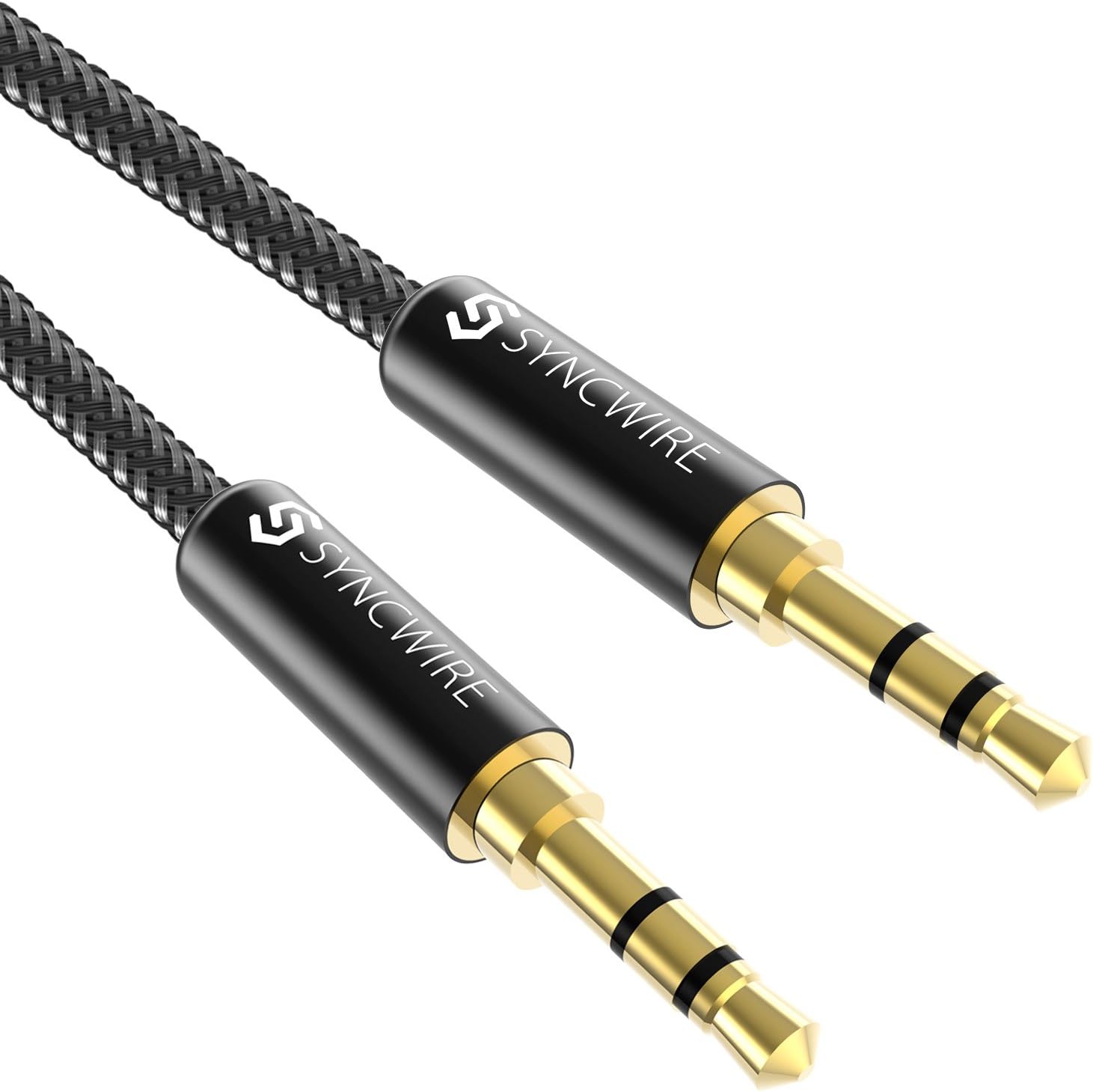

Amazon Basics
See current price

Amazon Basics
See current price

Amazon Basics
See current price


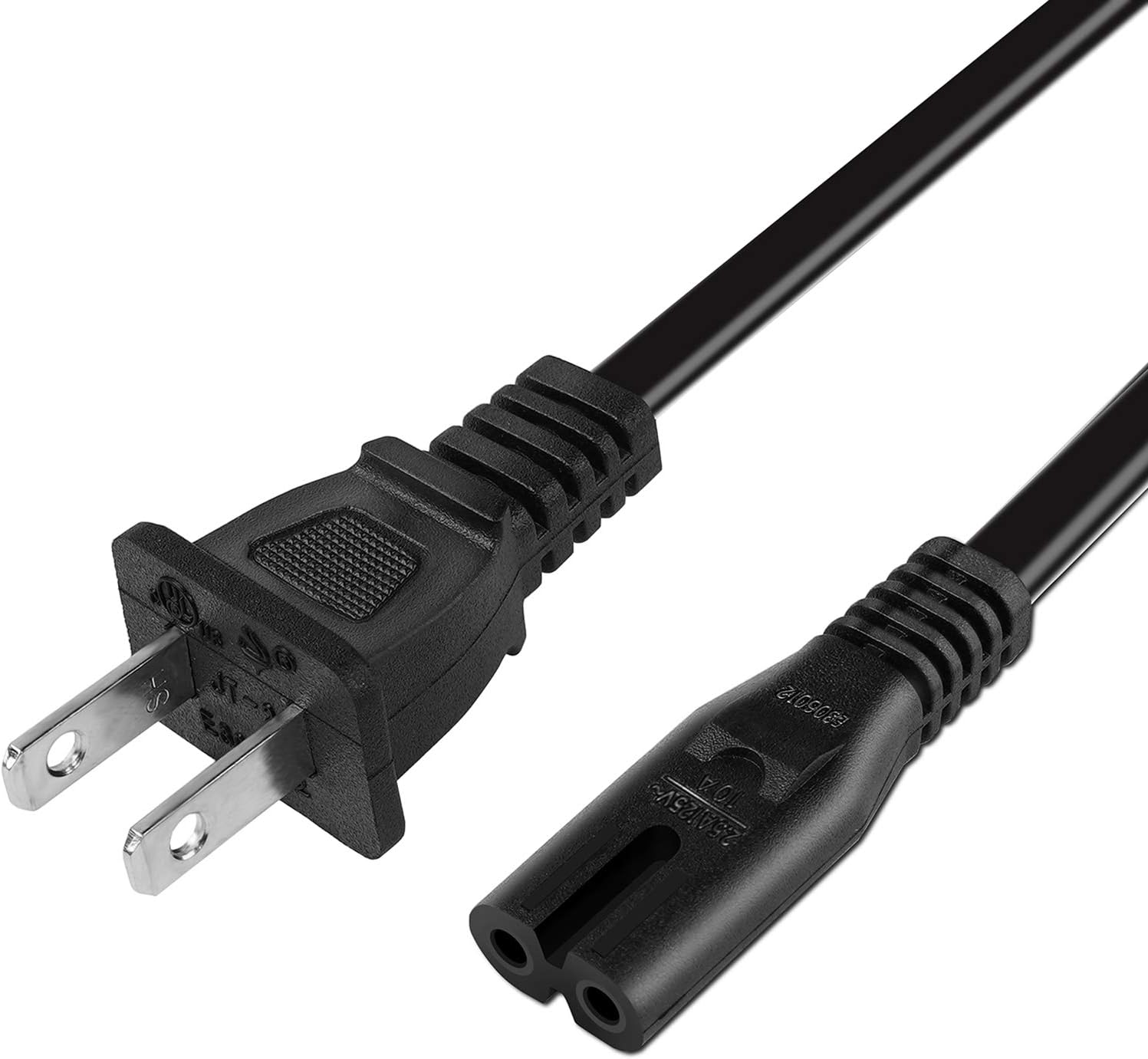
![oldboytech 2 Pack AUX Cable, Auxiliary Cable [16ft/5M, Hi-Fi Sound] 3.5mm Nylon Braided AUX Cord for Car Compatible with Stereos, Speaker, iPod iPad, Headphones and More(Grey)](https://m.media-amazon.com/images/I/71fmwkxUa5L._AC_SL1500_.jpg)


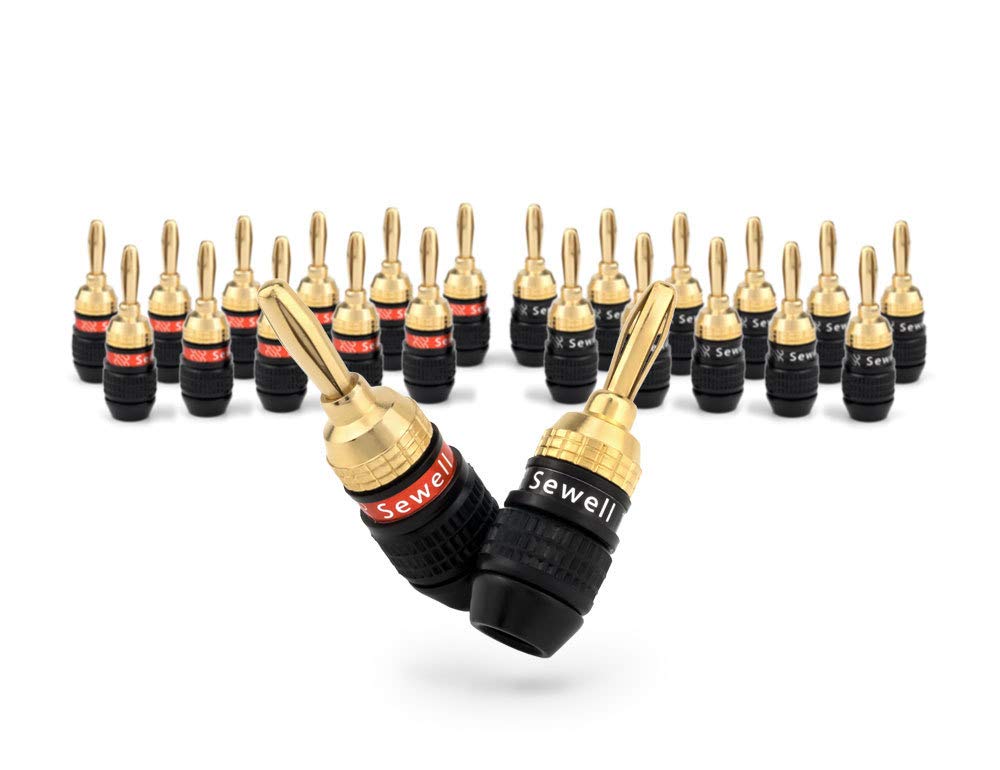


Home audio accessories can solve connection problems, expand an existing setup, or make everyday listening more convenient. The right choice depends less on appearance than on whether the accessory matches your equipment, signal type, available space, and intended use.
From cables and adapters to power accessories and installation solutions, this category brings together practical items for many audio systems. Use the specifications to narrow the selection rather than assuming that accessories with similar names will work interchangeably.
Start by identifying the equipment you already own and the connection you need to make. Check the output on the source device, the input on the receiver, speaker, amplifier, or other component, and whether the connection carries audio, power, or both.
Consider these questions before comparing products:
If you are still planning the main system, browse Home Audio for a broader view of components and listening equipment.
Home audio accessories vary widely, so it helps to consider the part of the system they support. Cable and adapter options are useful when connecting components with different ports or when replacing a worn connection. Power supplies and related accessories require especially careful compatibility checks. Mounting, placement, and organization products may help keep equipment secure and cables manageable.
For the equipment connected by these accessories, explore related K-Catalog categories:
These categories can help clarify what an accessory needs to connect to, even when the accessory itself is listed separately.
Connector names are only part of the comparison. Look for the full connector description, including size, shape, gender, and whether the plug is straight or angled. An adapter that appears similar may not support the same connection standard or physical fit.
For cables, compare length, conductor and shielding descriptions, jacket flexibility, and strain relief. These details can matter when a cable runs behind furniture, through a media cabinet, or along a frequently adjusted setup. If the cable will be routed near power cords or other electronics, a well-shielded design may be worth considering.
For digital connections, confirm that the accessory supports the relevant signal format and equipment requirements. For power products, carefully match electrical specifications and the device connector. A physical fit alone does not confirm safe compatibility.
The catalog includes a broad selection from MonoPrice, kenable, VCE, Cable Matters, CableCreation, HOSA, Co2CREA, UGREEN, PWR+, Ancable, C2G, and Mediabridge. These brands are represented across the home audio accessory selection; compare each listing by its specifications, included pieces, connector details, and intended use rather than by brand name alone.
Before ordering, inspect the labels or manuals for every device involved. If replacing an accessory, compare the old item’s connector and electrical markings with the new listing. Take note of clearance around ports, especially when equipment sits close to a wall or inside a crowded cabinet.
Keep signal cables separated from unnecessary bends and avoid pulling a cable by its cord. Labeling connections can make future troubleshooting easier. For accessories used with powered equipment, disconnect the system before changing connections and follow the manufacturer’s safety guidance.
When a setup requires several conversions, list each connection in order from source to destination. This makes it easier to identify where an adapter is needed and reduces the chance of buying an accessory that has the right-looking plug but the wrong function.
Identify the source and destination devices, then record each available port and the signal or power requirement. Compare those details with the listing specifications.
No. Cables can differ by connector, signal format, wiring, shielding, length, and intended application. Matching the complete specification is more reliable than matching appearance.
Length can affect installation convenience and cable management. Choose a length that reaches comfortably while limiting unnecessary slack, and check the listing for relevant design details.
Verify voltage, current requirements, polarity, connector size, and device compatibility. Do not rely on the connector shape alone.
An adapter may change the physical connector, but it may not convert every signal type. Confirm that the adapter is designed for the specific connection and equipment involved.