

Network & Cable Testers
Compare network and cable testers by the connections they support, the faults they identify, and the features that make field testing easier. Review specifications before choosing equipment for installation, maintenance, or troubleshooting.
91 products in catalog
91 results
Filters


iMBAPrice
iMBAPrice - 4-in-1 Remote Network Cable Tester USB/BNC/Rj11/Rj45 LAN Cable UTP STP Wire Tester
See current price

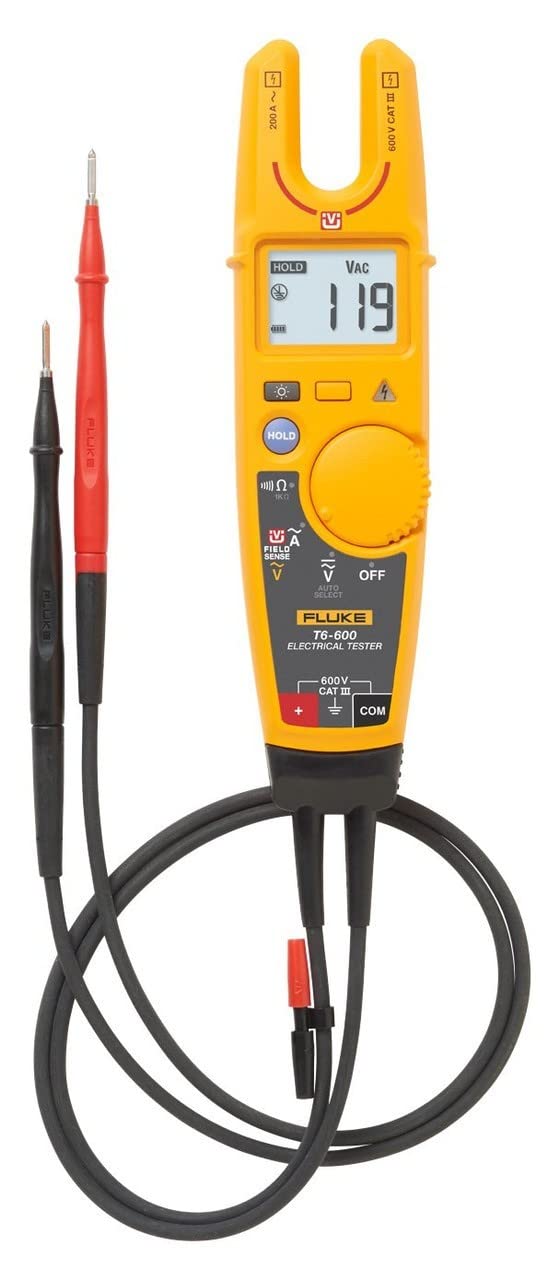

Klein Tools
Klein Tools VDV526-100 Network LAN Cable Tester, VDV Tester, LAN Explorer with Remote
See current price


Fluke Networks
Fluke Networks MT-8200-60-KIT IntelliTone Pro 200 Toner and Probe Kit, IntelliTone Probe and Toner Kit,Multicolor
See current price
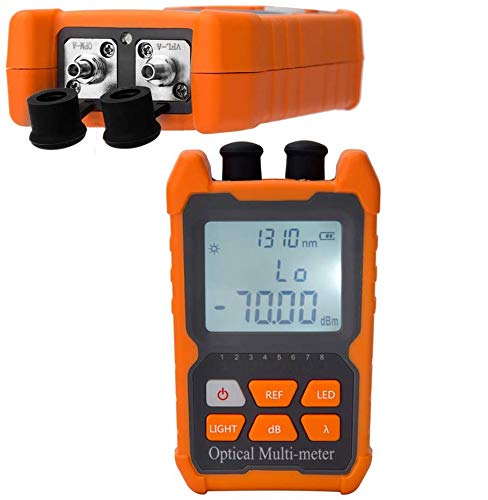


Optimal Shop
Optimal Shop Network Cable Tester Test Tool RJ45 RJ11 RJ12 CAT5 CAT6 UTP USB LAN Wire Ethernet
See current price


Zoostliss
Zoostliss Network Cable Tester RJ45 RJ11 RJ12 UTP LAN Cable Tester Networking Tool
See current price


Fluke Networks
Fluke Networks 19800009 TS19 Telephone Test Set with Angled Bed-of-Nails Clips, yellow
See current price
Popular brands in Network & Cable Testers
Network and cable testers help technicians check wiring, identify connection problems, and verify that installed cabling is arranged as expected. The right tester depends on the cable types and network environments you work with, the detail needed from each test, and whether the tool will be used at a bench, in a server room, or on active job sites.
This category includes equipment for basic continuity checks as well as more capable diagnostic work. Compare the listed specifications and features carefully, since similar-looking testers can support different connectors, test methods, and workflows.
How to choose a network or cable tester
Start with the cables and connections you need to test. A tool intended for twisted-pair network cabling may not support coaxial, telephone, USB, fiber-optic, or other cable types. Check the supported interfaces and connector compatibility rather than relying on the product name alone.
Next, consider the type of information you need:
- Basic verification: Useful for checking continuity, wire mapping, open circuits, shorts, crossed pairs, and reversed connections.
- Cable identification: Helpful when several cables run through a panel, wall, rack, or ceiling space.
- Network troubleshooting: Some testers are designed to provide additional information about connected network equipment or cabling conditions.
- Installation verification: A suitable tester can help confirm that newly terminated or repaired cables are wired consistently.
For occasional home or small-office work, a compact tester with straightforward indicators may be sufficient. Installers and maintenance teams may prefer a clearer display, remote units, expanded test functions, and a design intended for repeated field use.
Features and specifications to compare
Supported cable types and connectors are among the most important specifications. Check whether the tester matches the cabling already installed and the projects you expect to handle. If adapters are required, confirm which ones are included and which must be sourced separately.
Test functions determine how useful the tool will be when diagnosing a fault. Look for details about continuity, pinout or wire mapping, cable identification, short-circuit detection, and fault location where relevant. A simple pass/fail result may be convenient, while a more detailed readout can help narrow down repairs.
Display and indicators affect usability. LED indicators can be quick to read, while a screen may show more information about the detected condition. Consider visibility in dim equipment rooms, bright outdoor locations, or cramped work areas.
Also compare practical details such as:
- Remote testing capability for cables installed between separate rooms or locations
- Battery type, battery access, and expected operating convenience
- Automatic or manual test operation
- Memory, export, or documentation functions when test records matter
- Housing design, control layout, and portability
- Included leads, remotes, adapters, carrying cases, or other accessories
Choosing a tester for the job
For basic patch-cable checks, prioritize simple operation, clear results, and compatibility with the connectors you use most often. For structured cabling installation, look for wire-map detail, remote testing, durable construction, and features that help organize multiple cable runs.
A tester used for network troubleshooting should be evaluated separately from a continuity checker. Confirm what the product actually measures and whether it is intended for passive cable testing, connected network equipment, or both. If the work involves electrical characteristics beyond cable wiring, browse the broader Electrical Testing category for additional test equipment.
When work includes physical measurements of panels, enclosures, or installation spaces, Dimensional Measurement may also be relevant. Other inspection equipment can be found through the wider Test, Measure & Inspect catalog.
Brands represented in the catalog
The catalog includes network and cable testers from NOYAFA, Klein Tools, Fluke Networks, KOLSOL, DBPOWER, Zoostliss, GESD, VXSCAN, PAC, Seesii, Cruiser, and TEMPO. These brands are represented across the available listings; compare each product by its own specifications, supported connections, included accessories, and intended application rather than by brand name alone.
Practical testing tips
Before testing, label or identify both ends of the cable when possible and disconnect equipment if the tester instructions call for a passive cable check. Verify that the tester is configured for the cable type and connector in use. For installed runs, use the appropriate remote unit and document the result alongside the cable location.
Keep connectors clean and protect tester ports from dust, moisture, and excessive force. Replace or recharge batteries as needed, and check test leads and removable adapters for damage. If a result seems unexpected, repeat the test with a known-good cable or confirm that every adapter is seated correctly.
Frequently asked questions
What does a network and cable tester check?
Depending on the model, it may check continuity, wire order, open circuits, shorts, crossed pairs, cable identity, or other network and cable conditions. Review the individual specification list for the exact functions supported.
Can one tester handle every cable type?
No. Cable testers vary in their supported connectors and cable formats. Confirm compatibility before choosing a product, especially when your work includes more than standard network cabling.
Is a basic continuity tester enough for installation work?
It can be suitable for simple wiring checks, but installation work may benefit from wire mapping, remote testing, cable identification, and clearer fault information. Choose based on the level of verification required.
Should cables be disconnected from network equipment before testing?
Follow the tester’s instructions. Some tools are intended for passive cable runs, while others may support specific connected-network tests. Using the wrong mode can produce misleading results or risk equipment damage.
What accessories are useful with a cable tester?
Remote units, interchangeable adapters, test leads, carrying cases, and cable identifiers can make field work more practical. Check the listing to see which accessories are included with each product.