
CyberPower
CyberPower CPS1215RMS Rackmount Surge Protector, 120V/15A, 12 Outlets, 15 ft Power Cord, 1U Rackmount
See current price

Compare PDUs by outlet layout, electrical specifications, mounting style, and monitoring features. Use the catalog to narrow options for racks, workstations, entertainment systems, and other equipment.
23 products in catalog
23 results
CyberPower
See current price


Philips
See current price

American DJ
See current price
American DJ
See current price


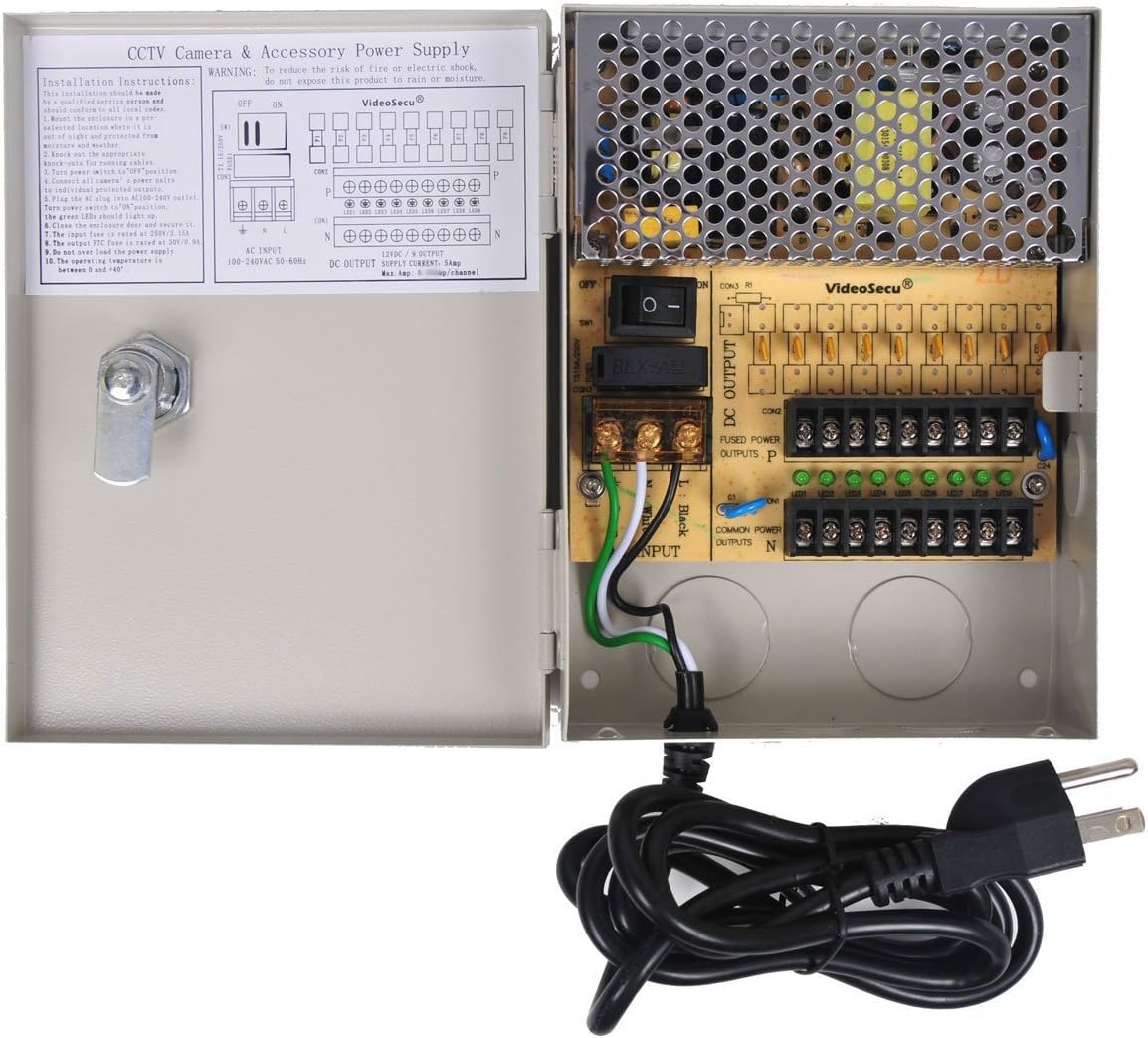
VideoSecu
See current price

A power distribution unit, or PDU, delivers electrical power from one input connection to multiple devices. PDUs are commonly used in equipment racks, offices, studios, networking setups, and entertainment systems where several devices need organized access to power.
The right model depends on the equipment being connected, the available circuit, and how much control or monitoring is needed. Compare the specifications carefully rather than choosing by outlet count alone.
Start with the devices the PDU will serve and the environment where it will be installed. A compact unit may suit a desk or media setup, while a rack-oriented PDU may be better for servers, networking hardware, audio equipment, or video systems.
Consider these questions before comparing models:
A PDU distributes power; it does not necessarily convert voltage or change plug standards. For other power-management needs, compare AC Adapters and Power Converters separately.
PDUs can be grouped by their level of functionality, even when a catalog does not separate them into individual subcategories.
The best type depends on whether the priority is simple access to outlets, easier rack organization, electrical visibility, or control over connected equipment.
Input and output ratings are among the most important details. Check the input plug, input voltage, maximum current, and any listed total power capacity. The PDU should be appropriate for the circuit and connected load, with suitable allowance for normal operating conditions.
Next, compare the outlet configuration. Look at the outlet count, outlet type, spacing, orientation, and whether outlets are grouped or individually controlled. Closely spaced outlets can be difficult to use with large power adapters, while widely spaced or alternating layouts may make bulky plugs easier to arrange.
The cable also matters. Review its length, exit direction, plug style, and whether it can reach the intended wall outlet or power source without creating tension. For rack installations, check the mounting orientation, included hardware, and available clearance.
Other features to evaluate include:
Do not assume that similarly named features work in the same way across every model. Read the manufacturer’s specifications for limits, supported functions, and installation requirements.
The PDU selection includes products from EVERSECU, American DJ, VideoSecu, Tripp Lite, Evertech, Pyle, Veho, Philips, Conntek, Henxlco, MonoPrice, and CyberPower. These brands may focus on different form factors, outlet arrangements, and feature sets, so comparing the specifications of individual products is more useful than relying on brand name alone.
Match the PDU to the electrical requirements of the connected equipment and the circuit supplying it. Avoid exceeding the listed current or power limit, and do not connect high-draw equipment unless the PDU and circuit are designed for that load.
Keep ventilation openings clear, route cables so they are not pinched or exposed to unnecessary strain, and avoid placing the unit where moisture or spills are likely. In a rack, secure the PDU properly and keep power cables organized so they do not obstruct equipment access or airflow.
If the setup requires voltage isolation rather than simple distribution, an Isolation Transformer may address a different need. If you are unsure about circuit capacity, plug compatibility, or installation, consult a qualified electrician or the equipment manufacturer.
A PDU distributes power from one input connection to multiple outlets. It may also include features such as surge protection, metering, switching, or monitoring, depending on the model.
Both can provide multiple outlets, but PDUs are often designed with equipment organization, rack installation, load specifications, and management features in mind. The exact difference depends on the product’s design and listed functions.
Compare the PDU’s input voltage, current limit, and total power rating with the requirements of every connected device. Leave appropriate capacity for normal operation rather than selecting a unit that is already at its limit.
A standard PDU distributes the voltage supplied to it; it does not automatically convert voltage. A power converter or another purpose-built device may be needed for voltage conversion.
Yes, some models may suit desks, studios, entertainment systems, or other installations. Check the dimensions, mounting options, cable length, outlet layout, and intended use before selecting one.
Confirm the rack orientation and available space, mounting hardware, outlet direction, input plug, cable reach, electrical rating, and compatibility with the equipment’s plugs.