

Streaming Media Players
Compare streaming media players by video quality, connectivity, audio support, interface, and compatibility. Use the available specifications to narrow down options for your television and home entertainment setup.
401 products in catalog
401 results
Filters
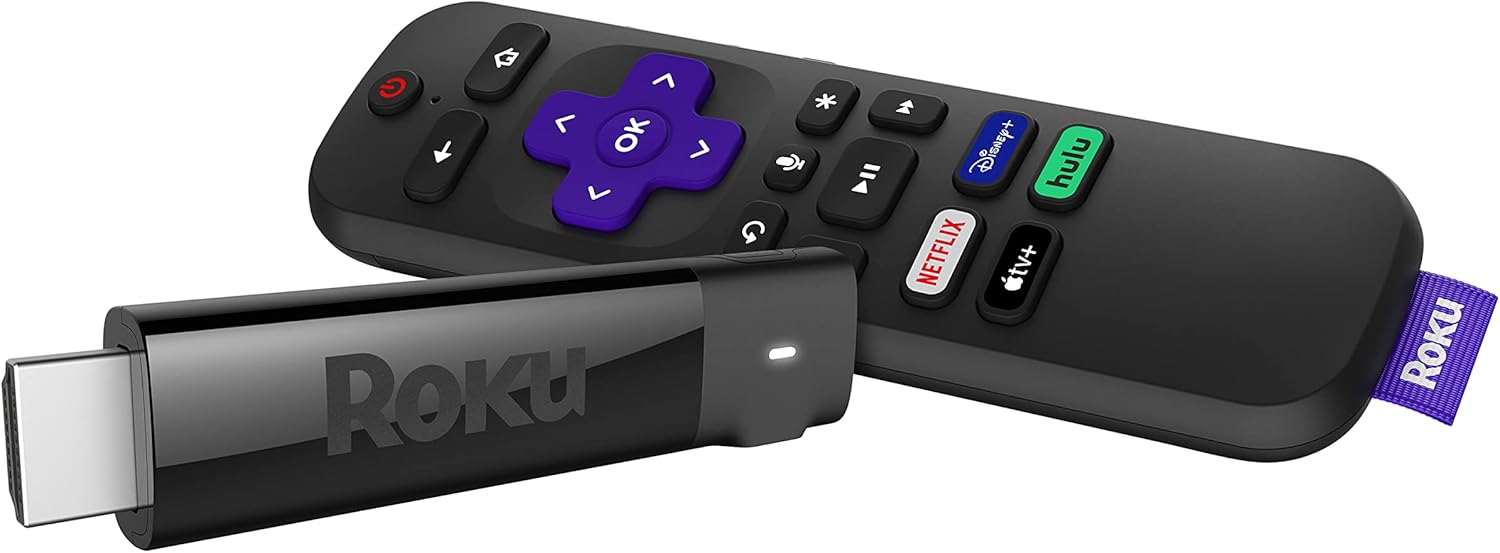


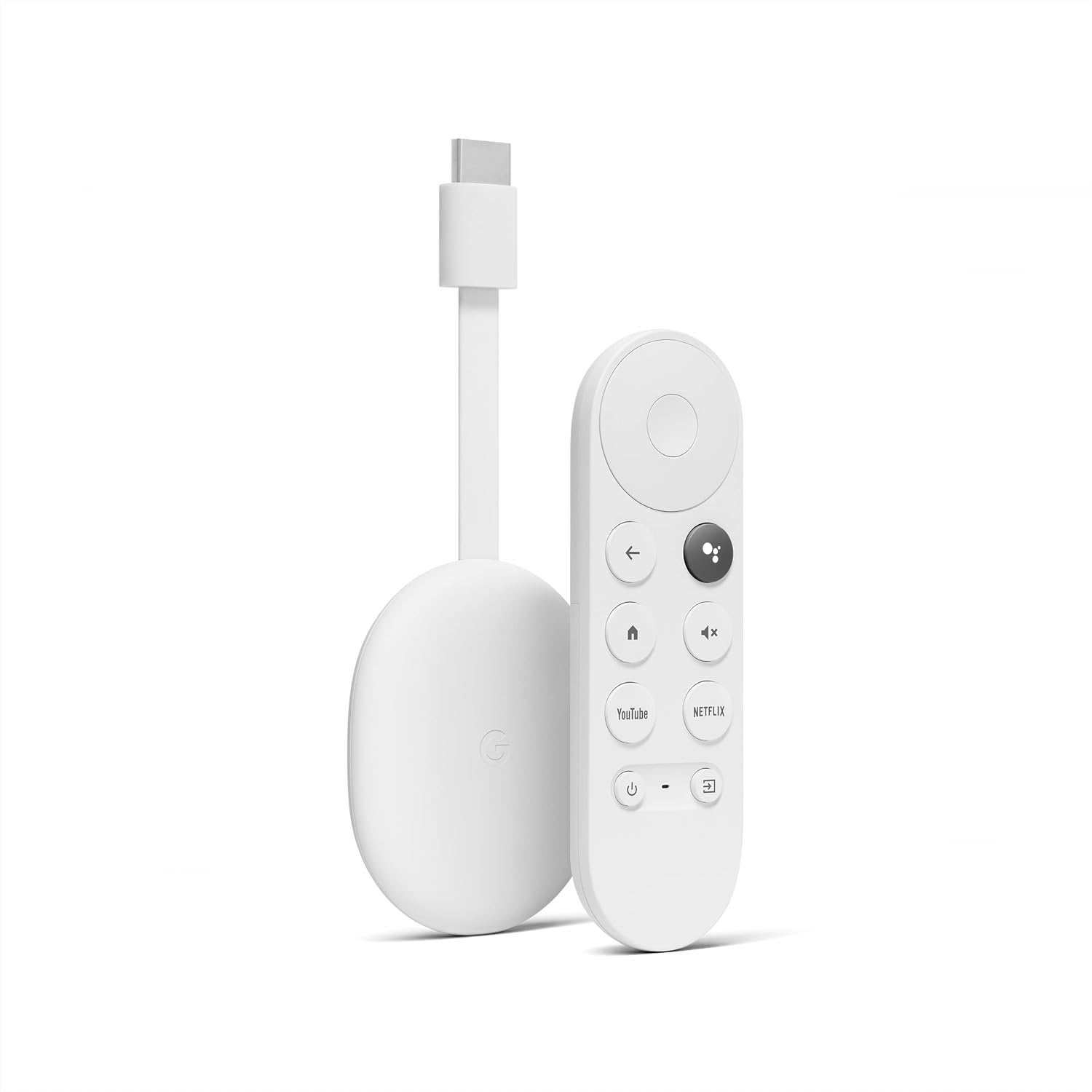


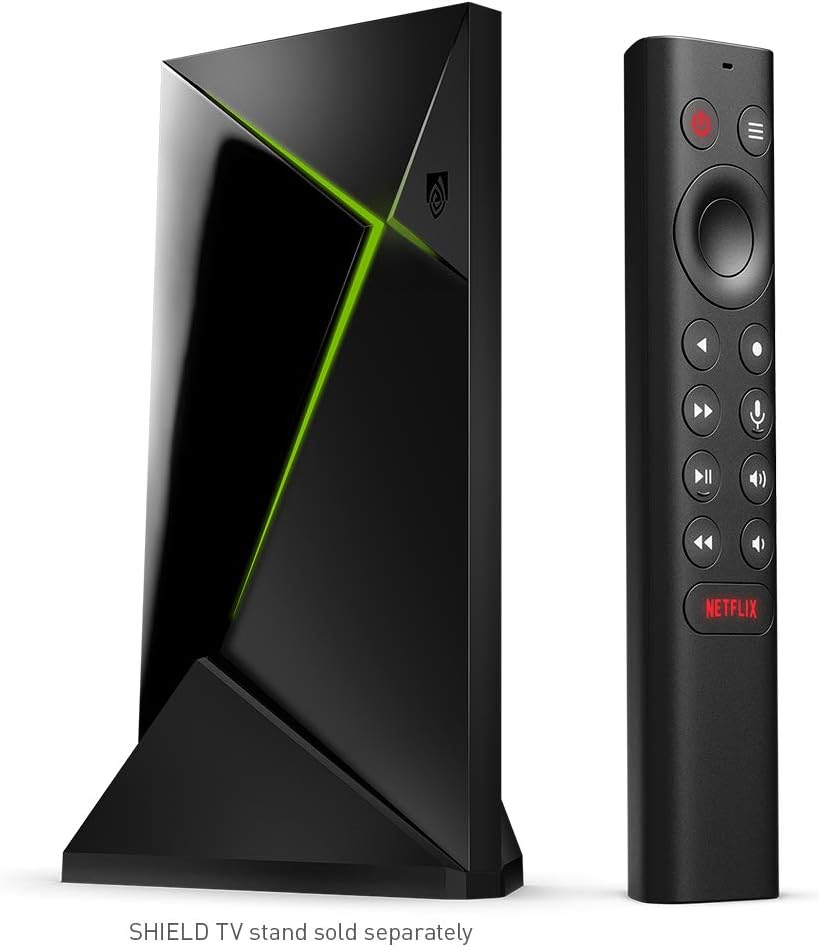


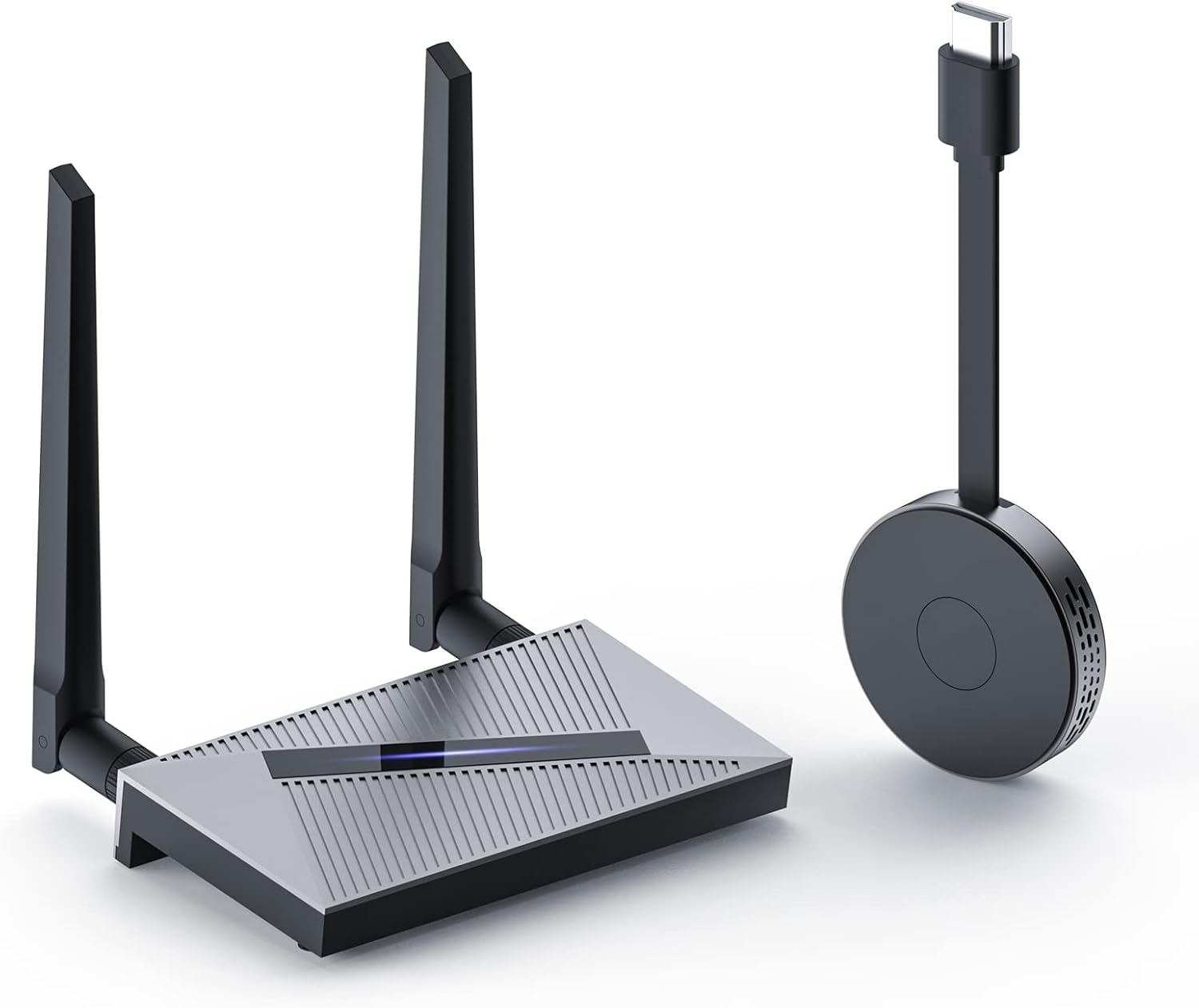

Popular brands in Streaming Media Players
Streaming media players add streaming capabilities to a television or help replace an outdated smart TV interface. They connect to your display and home network, then provide access to compatible streaming services, apps, and other digital content.
K-Catalog brings together a broad selection of streaming media players for shoppers comparing technical specifications and features. The right choice depends on your TV’s inputs, your preferred video and audio formats, network setup, and how much control you want over the viewing experience.
How to choose a streaming media player
Start by checking the connection between the player and your television. Most current setups use HDMI, but it is still important to confirm that the player’s output and the TV’s available input are compatible. If the device will connect to a soundbar or receiver, consider how video and audio signals will pass through the system.
Next, consider how you use streaming services. A simple interface and responsive remote may matter most for everyday viewing, while advanced users may prioritize broader format support, casting, voice controls, or access to locally stored media. Review the listed app and platform compatibility rather than assuming every player supports the same services.
Video and audio features to compare
Resolution is one of the most visible specifications. A player may be designed for standard high-definition output, 4K playback, or another display format. Match the player to the television and the content you expect to watch; a higher output capability does not automatically improve content that is available at a lower resolution.
Also compare support for high-dynamic-range formats when relevant to your TV. HDR compatibility can vary by device, television, app, and content, so look for clear format information in the product specifications.
Audio support deserves attention in a home theater setup. Check whether the player works with the audio formats used by your soundbar, AV receiver, or television. If you use external speakers, review available audio connections and signal-handling features instead of focusing only on video output.
Connectivity, controls, and everyday use
A stable network connection is essential for streaming. Wi-Fi is convenient for most rooms, while an Ethernet connection can be useful when the player is near a router or when a wired connection better suits the household network. Compare the available network options, wireless standards, and port selection.
Other practical features include:
- Remote control design: Look for shortcut buttons, voice input, backlighting, or a layout that suits the people using the device.
- Casting and screen sharing: These features can make it easier to send content from a phone, tablet, or computer to the television.
- Storage and local playback: If you keep media on a drive or networked computer, check supported file types, storage connections, and playback capabilities.
- Power and placement: Compare the device’s size, power connection, and whether it can sit near the TV or be hidden behind it.
- Interface features: Search tools, profiles, parental controls, and app organization can affect how easy the player is to use every day.
Brands represented in the catalog
The catalog includes streaming media players from brands such as Roku, TiVo, YAGALA, Nyrius, Western Digital, Sling Media, C Cosycost, Sidiwen, EASYTONE, EVER EXPRESS, MINIX, and Sony. Treat brand as one comparison point, then examine the individual product’s operating system, supported services, connections, video specifications, and included accessories.
Because device capabilities can differ within the same brand, compare the complete specification list for each option. Pay particular attention to compatibility with your TV, audio equipment, network, and preferred streaming services.
Building a compatible entertainment setup
A streaming player is only one part of a television system. Browse Televisions when you are comparing the display itself, or see Accessories for related cables, remotes, mounts, and other equipment. For physical media, Blu-ray Players & Recorders and DVD Players & Recorders may be more suitable than a streaming-focused device.
Before choosing, confirm the TV’s available ports, the player’s power requirements, the network connection you plan to use, and the audio path to any external equipment. Shoppers can check the current price and full product details on Amazon before buying.
Frequently asked questions
Do streaming media players work with any television?
Most require a compatible video input, commonly HDMI. Check the player’s output and your television’s available inputs before choosing a device.
Is 4K support necessary?
It depends on your television and viewing habits. A 4K-capable player may suit a 4K display, while a high-definition model may be sufficient for an older or smaller TV.
Should I choose Wi-Fi or Ethernet?
Wi-Fi offers flexible placement, while Ethernet provides a wired connection when the player is close enough to the router. Compare the network options with your home setup.
Can a streaming player connect to a soundbar?
It may, depending on the player, television, soundbar, receiver, and connection method. Check supported audio formats and available HDMI or other audio connections.
Can I use a streaming player for personal media files?
Some devices support local or network media playback, but file formats, storage connections, and network features vary. Review the individual specifications carefully.
What should I check before ordering?
Confirm video resolution, HDR and audio support, network connectivity, app compatibility, remote features, ports, power requirements, and compatibility with your television.