INSIGNIA
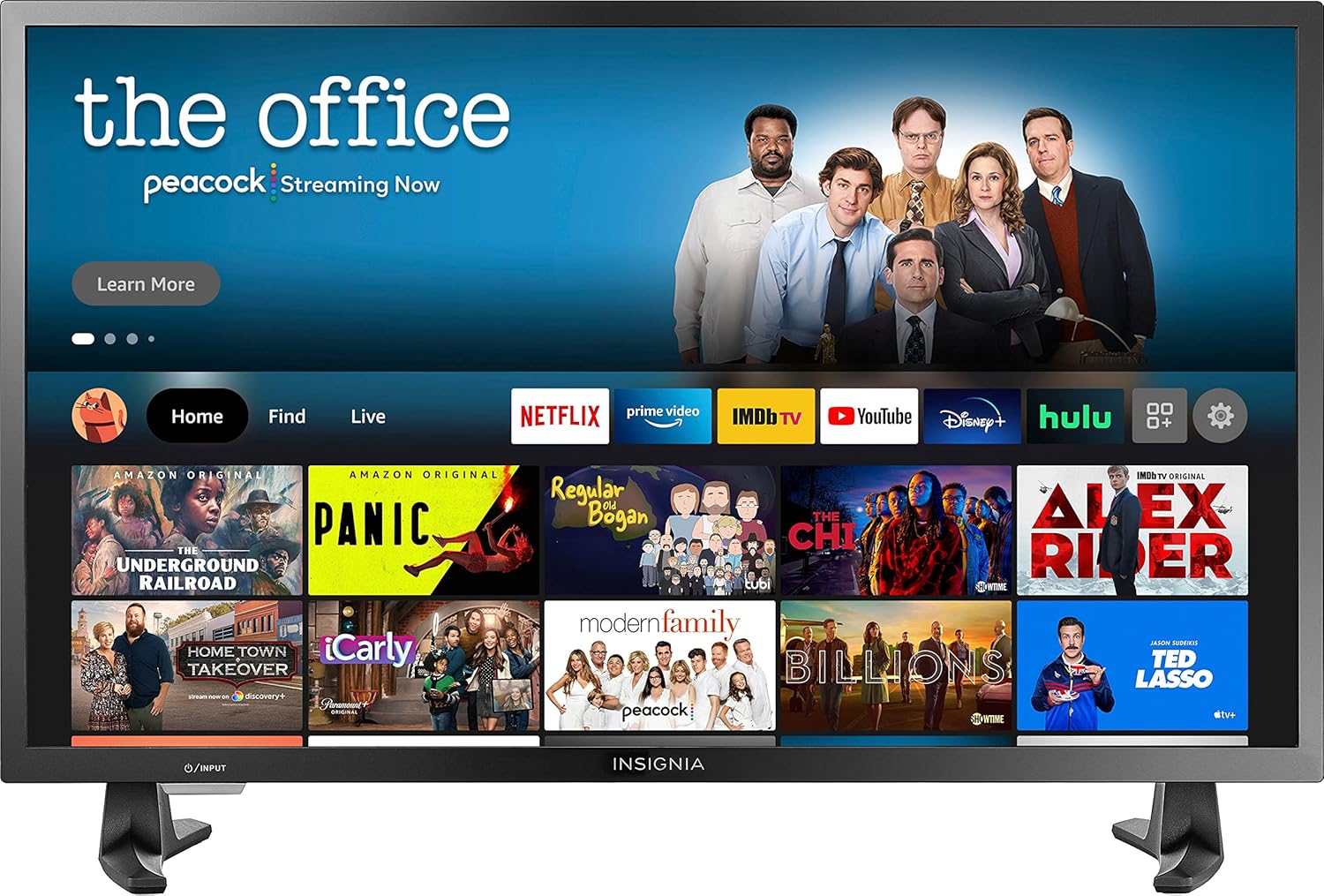
INSIGNIA 32-inch Class F20 Series Smart HD 720p Fire TV (NS-32DF310NA19, 2018 Model)
See current price

Compare televisions by screen size, display technology, resolution, smart features, connectivity, and design to narrow down the right fit for your room and viewing habits.
950 products in catalog
950 results
INSIGNIA
See current price



INSIGNIA
See current price

Toshiba
See current price
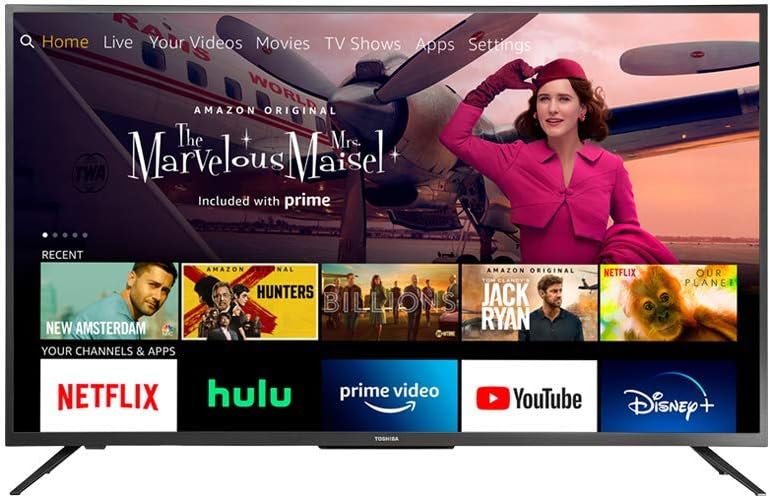
Toshiba
See current price
Toshiba
See current price


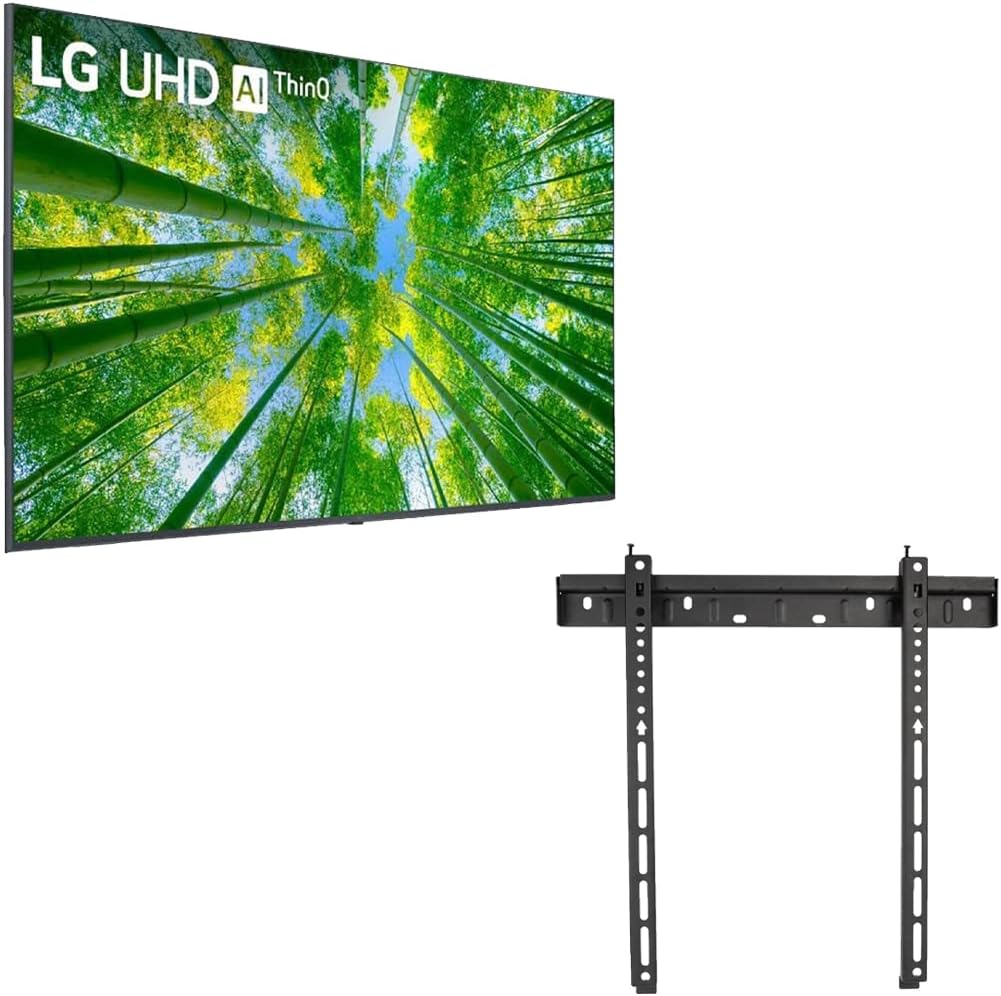
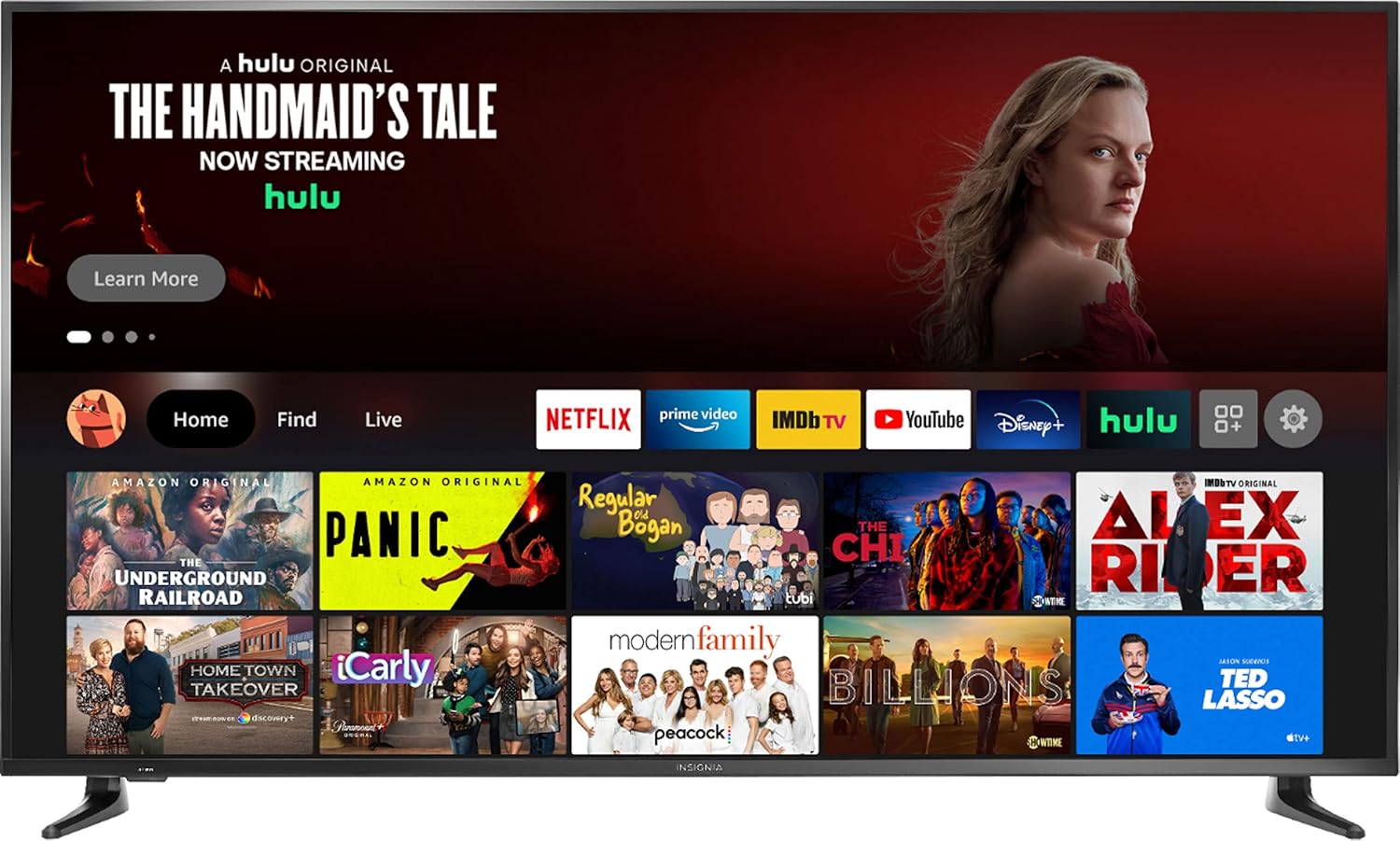
INSIGNIA
See current price
Choosing a television involves more than picking a screen size. The display technology, resolution, refresh behavior, operating system, sound options, and available connections all affect how a TV fits your home. K-Catalog helps you compare product specifications and features before visiting Amazon to check current availability and price.
Start by considering where the television will go, how far viewers will sit from the screen, and what content you watch most. A model for casual broadcast viewing may have different priorities from a TV used for gaming, movie nights, or a home theater setup.
Measure the available width and height, including space for the stand or wall mount. A larger screen can create a more immersive viewing experience, but it needs appropriate viewing distance and a layout that does not make the room feel crowded. Check the product dimensions both with and without the stand if you are comparing furniture placement or wall mounting.
Also consider light. A bright room may call for a display that handles reflections effectively, while a darker viewing space can make contrast and shadow detail more important. If several people watch from different positions, viewing-angle performance may be worth comparing.
Televisions may use different display approaches, including LED-based screens and self-emissive technologies such as OLED. Each has different strengths involving brightness, contrast, black levels, viewing angles, power use, and price. Compare the stated display type rather than assuming all televisions will produce the same picture.
Resolution is another key specification. Higher resolution can provide more detail, particularly on larger screens or when sitting closer. It is still useful to check the content sources you plan to use, since not all broadcasts, discs, and streamed programs are available at the same resolution.
Smart TV capabilities can provide access to streaming services, apps, voice control, and other connected functions. Compare the operating system, app support, interface, included remote, and whether the TV supports the services your household uses. Built-in smart features may reduce the need for a separate device, though a dedicated Streaming Media Players category can help when you want another platform or interface.
For gaming, compare input lag information when available, refresh-related specifications, supported gaming features, and the types of HDMI connections provided. Movie viewers may want to examine HDR support, contrast-related specifications, and compatibility with external audio equipment.
Sound quality varies by television design and room. Review the listed speaker configuration and audio formats, then check whether the set supports the connection used by your soundbar, receiver, or other equipment. A television can also serve as part of a larger Home Theater Systems setup.
Before choosing a model, list the devices you expect to connect. Common considerations include:
Check the number and location of ports, especially if the TV will be wall mounted or placed in a narrow entertainment center. For older televisions or equipment, Accessories and Analog-to-Digital (DTV) Converters may be relevant to compatibility, depending on the setup.
The television catalog includes models from Samsung, LG, Panasonic, Sony, TCL, VIZIO, Sceptre, Hisense, Toshiba, INSIGNIA, SEIKI, and Sharp. Comparing specifications within and across these brands can help identify differences in display type, smart platform, connectivity, dimensions, and included features. Brand familiarity can be a useful starting point, but the individual model’s specifications should guide the final comparison.
If you plan to use physical media, also check the available inputs and consider dedicated Blu-ray Players & Recorders or DVD Players & Recorders for compatible discs and recording needs.
Confirm the TV’s VESA mounting pattern, weight, and mounting requirements before buying a wall bracket. If using the included stand, verify that the furniture is stable and wide enough. Leave room for ventilation and ensure cables can reach without sharp bends or strain.
During setup, select the correct picture mode for the room and viewing preference, then review privacy, account, network, and automatic-update settings on connected models. Keep the remote and power connections accessible, and avoid placing the screen where direct sunlight or heat could affect viewing or installation.
Choose a size based on the room, viewing distance, furniture or wall space, and personal preference. Always compare the listed dimensions with the stand included.
No. A television can be used with external devices, including a streaming player. Smart functionality is useful when you want built-in apps and connected features.
The right connections depend on your equipment. Check HDMI quantity, ARC or eARC, USB, antenna, legacy inputs, networking, and Bluetooth support against your devices.
Higher resolution can show more detail, but the benefit depends on screen size, viewing distance, and the resolution of your content sources.
Many televisions can connect to a soundbar, but compatibility depends on the available audio outputs and supported formats. Compare those specifications with the soundbar before choosing.