

Electronic Dictionaries, Thesauri & Translators
Compare electronic dictionaries, thesauri, and translators by language support, lookup tools, portability, and ease of use for work, study, travel, or everyday reference.
69 products in catalog
69 results
Filters

Merriam-Webster (Editor)
Merriam-Webster's Collegiate Dictionary, 11th Edition, Jacketed Hardcover, Indexed
See current price

Merriam-Webster (Editor)
Merriam-Webster's Pocket Dictionary, Newest Edition, (Flexi Paperback) (Pocket Reference Library)
See current price

Central Florida Expressway Authority
Uni Prepaid Portable Toll Pass, Automatic Payment for Nonstop Travel Through 19 States
See current price

Merriam-Webster (Editor)
Merriam-Webster's Dictionary and Thesaurus, Newest Edition, Hardcover
See current price

Merriam-Webster (Editor)
Merriam-Webster's Dictionary for Children, Newest Edition, 2021 Copyright
See current price
Brian Cooksey (Author), Stephanie Briones (Illustrator), Danny Schreiber (Editor), Bryan Landers (Editor)
An Introduction to APIs
See current price


Merriam-Webster (Author, Editor)
Webster's Federal Street Press Thesaurus for Students, 3rd Edition, Paperback, Grades 6 and Up, 352 Pages
See current price




Merriam-Webster (Editor)
Merriam-Webster's Intermediate Dictionary, Newest Edition, (The Authoritative Middle School Dictionary)
See current price



Shenzhen Timekettle Technologies Co., Ltd
Timekettle M2 Language Translator Earbuds - Supports 40 Languages & 93 Accent Online, Instant Voice Language Translator with Bluetooth & APP, True Wireless Earbuds for Music and Call Fit iOS & Android
See current price
Popular brands in Electronic Dictionaries, Thesauri & Translators
Electronic dictionaries, thesauri, and translators provide dedicated tools for looking up words, exploring synonyms, and communicating across languages. The right device depends on whether you need reference material, spoken or typed translation, language-learning support, or a compact tool for use away from a computer.
This category is part of Office Electronics, alongside equipment that supports everyday workplace and study tasks. Compare the available specifications and features to narrow the selection before checking the current product details on Amazon.
How to choose an electronic dictionary or translator
Start with the situations in which the device will be used most often. A dictionary or thesaurus may suit writing, studying, proofreading, and vocabulary building, while a translator may be more useful for conversations, travel, or multilingual communication. Some products are designed around a single reference function; others combine several tools in one device.
Consider these questions before comparing models:
- Which languages or language combinations are needed?
- Will the device be used mainly for typed entries, spoken phrases, or both?
- Is a full keyboard important for frequent word searches?
- Does the device need to fit in a pocket, briefcase, or school bag?
- Will it be used at a desk, while traveling, or in changing environments?
- Are pronunciation, example usage, synonym searches, or phrase translation priorities?
Main types to compare
Electronic dictionaries and thesauri
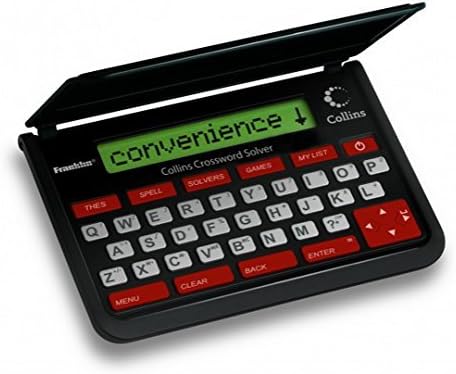
These devices focus on word definitions, spelling, synonyms, antonyms, pronunciation, and related reference functions, depending on the product. They can be a practical choice for students, writers, language learners, and anyone who wants a focused alternative to a general-purpose device.
Pay attention to the scope of the included reference content, search methods, screen readability, and keyboard layout. A device with quick entry and clear navigation can be more useful than one with a longer feature list if searches are frequent.
Portable language translators
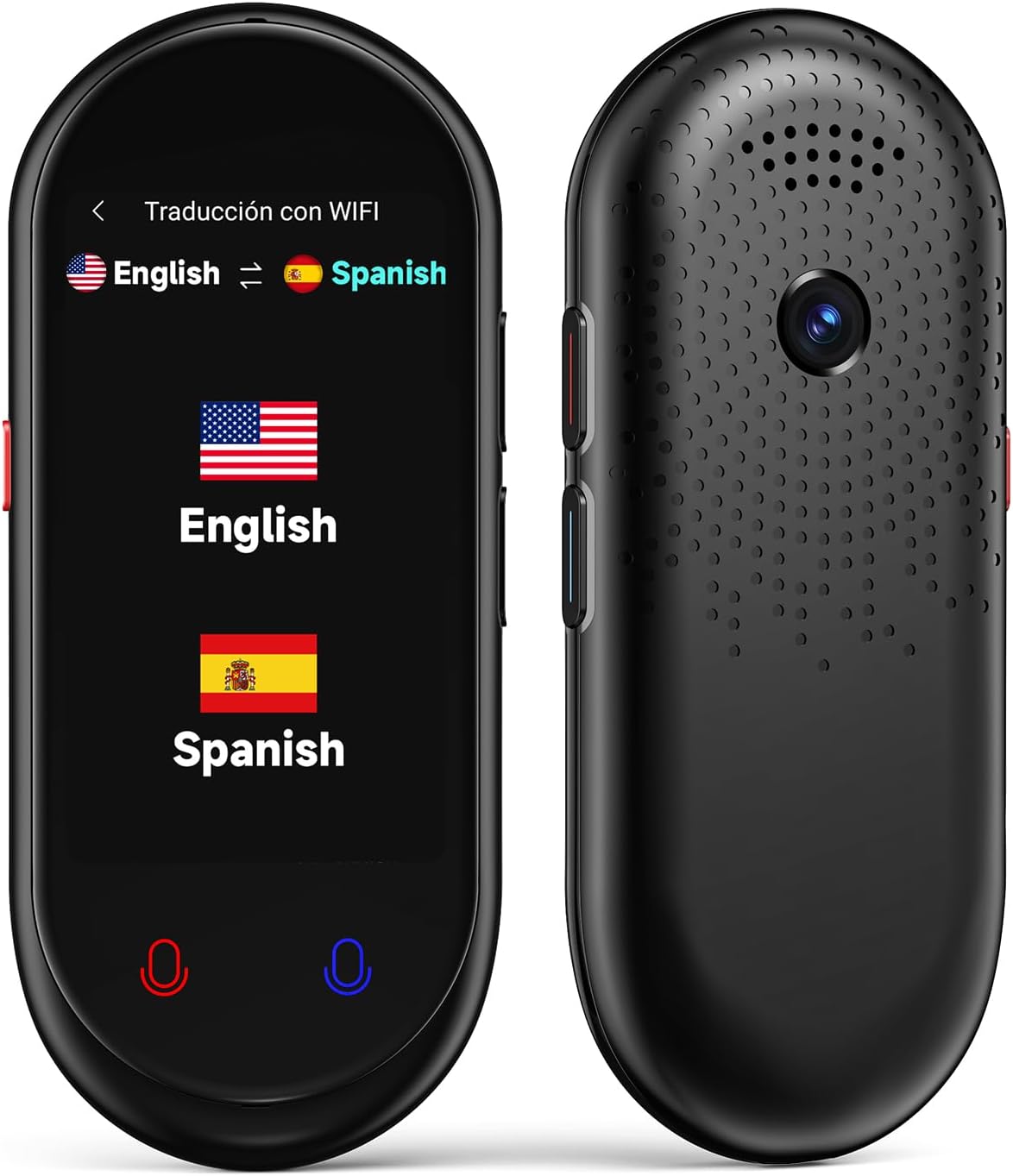
Translators are intended for moving between languages and may support typed, spoken, or phrase-based translation. For these products, compare supported languages carefully rather than assuming that every device handles the same language pairs or translation modes.
Also examine how the device accepts input, how results are displayed, and whether its operation matches the intended setting. A simple interface may be preferable for casual travel, while broader language functionality may matter more for frequent multilingual communication.
Specialized reading and learning tools
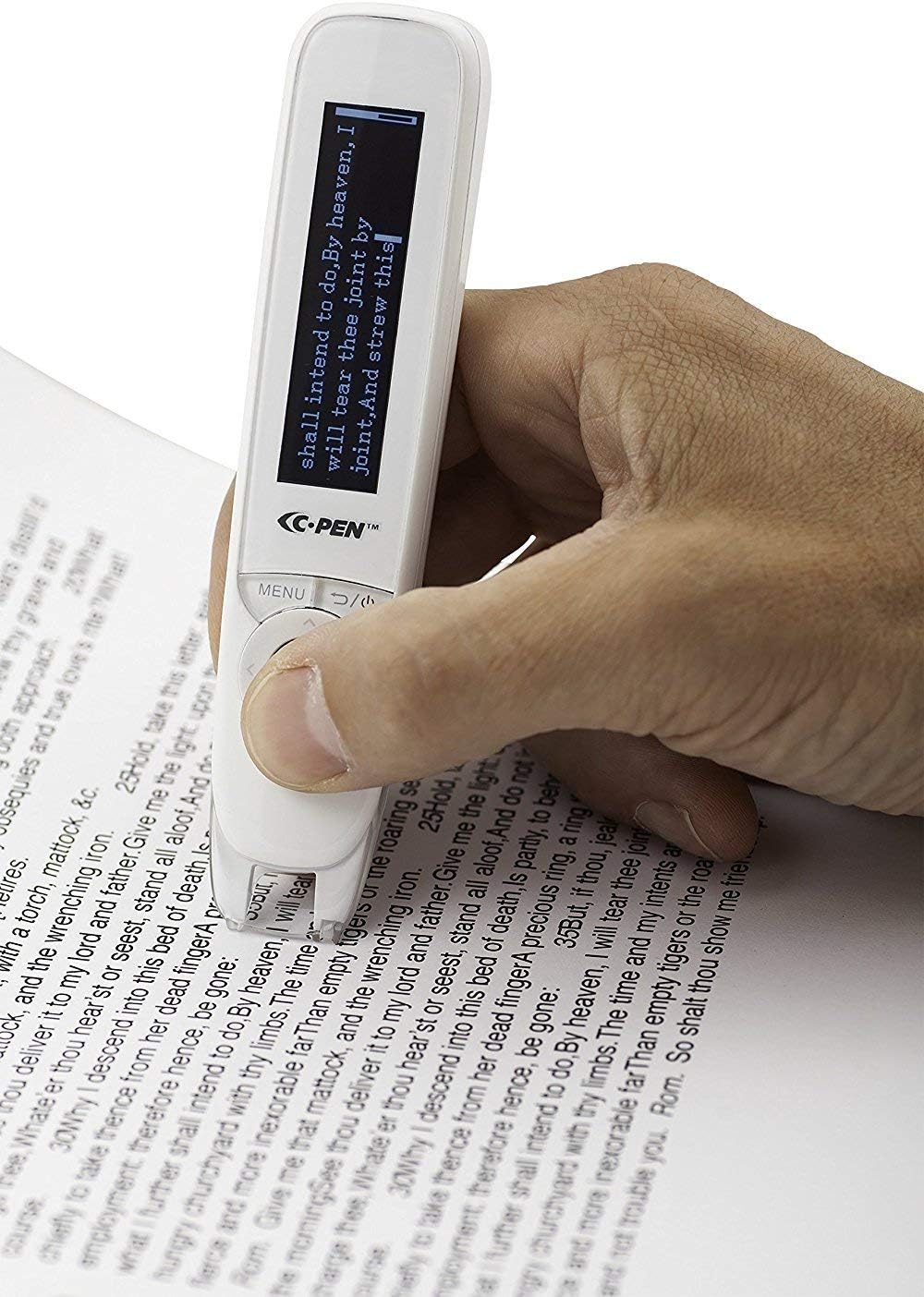
Some electronic reference devices are built around scanning, reading assistance, or language learning. Compare the input method, display, dictionary content, and suitability for the user’s reading habits. These tools may be especially relevant when quick word lookup is needed while reading printed material.
Features and specifications that matter
Language support is one of the most important comparisons. Check the exact languages, dictionaries, thesauri, phrase databases, and translation directions included. Availability of a language does not always mean the same type of support across every function.
Input and output affect everyday convenience. Look for details about physical keyboards, touch controls, microphones, speakers, scanned input, pronunciation features, and text display. Think about whether the user is more likely to type individual words, enter longer phrases, or speak naturally.
Portability and power are worth considering for travel or mobile use. Compare overall size, weight, charging or battery requirements, and controls that can be used quickly. For desk use, screen size and viewing comfort may matter more than the smallest possible design.
Interface and accessibility should match the user. Clear menus, readable text, adjustable display settings, and straightforward navigation can make frequent lookups less tiring. If several people will use the device, a simple learning curve can be valuable.
Brands represented in the catalog
The catalog includes products from Franklin Electronics, Franklin, and Franklin Electronic Publishers, along with Seiko, Sharp, C-pen, and Merriam-Webster (Editor). Portable translator options include Shenzhen Timekettle Technologies Co., Ltd, Vasco Electronics, and POCKETALK. HASLED and Birgus are also represented.
Brand names can help organize a comparison, but specifications should guide the final choice. Compare language coverage, input methods, display details, power requirements, and intended use within the specific product listing.
Related office equipment
Electronic reference tools often complement other office technology. For printed documents, browse Scanners & Accessories; for calculations, see Calculators. If the device will be part of a broader workspace, Other Office Equipment offers another relevant area to compare.
Frequently asked questions
What is the difference between an electronic dictionary and a translator?
An electronic dictionary generally focuses on definitions, spelling, pronunciation, and related word information. A translator is designed to convert words, phrases, or speech between languages, depending on its features.
How should language support be compared?
Check the exact languages and language directions listed for the functions you need. Also confirm whether support applies to typed text, spoken input, pronunciation, or phrase translation.
Are electronic dictionaries useful for students?
They can be useful for vocabulary lookup, spelling, pronunciation, synonyms, and language study. The best fit depends on the learner’s required languages, preferred input method, and reading comfort.
What should travelers look for in a translator?
Prioritize the needed languages, input options, portability, battery or charging details, screen readability, and ease of operation. A quick, familiar interface can be especially helpful while moving between locations.
Is a keyboard important on an electronic dictionary?
A keyboard can be helpful for frequent word searches and precise spelling entry. Users who mainly speak phrases or scan printed text may prefer a device built around those input methods instead.