
Amazon Basics
Amazon Basics 15-Sheet Cross-Cut Paper, CD Credit Card Office Shredder
See current price

Compare office equipment that supports document handling, labeling, organization, and everyday administrative work. Review specifications and features to find equipment suited to your workspace and workflow.
315 products in catalog
315 results
Amazon Basics
See current price


Amazon Basics
See current price



Amazon Basics
See current price

Aurora
See current price


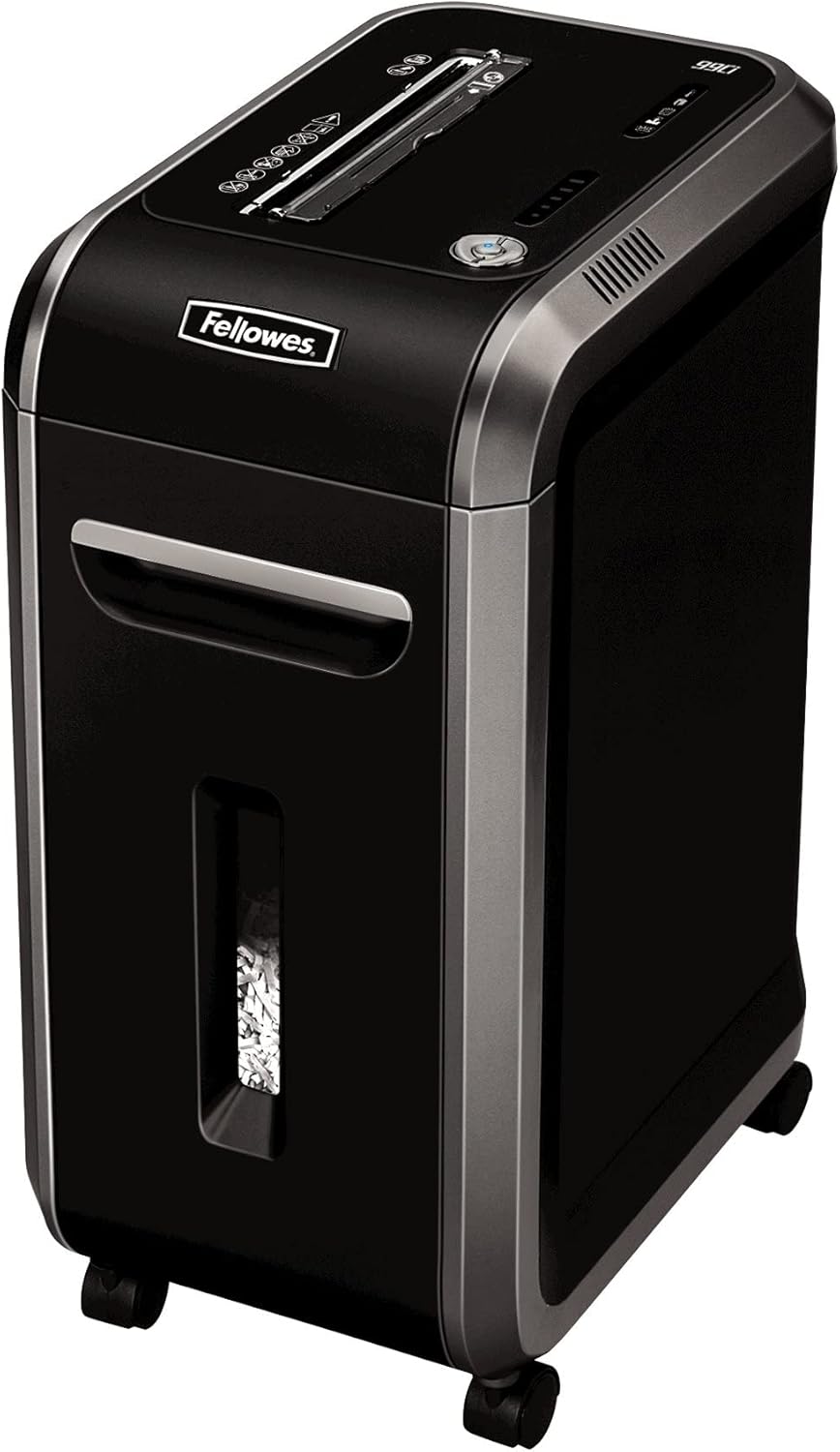


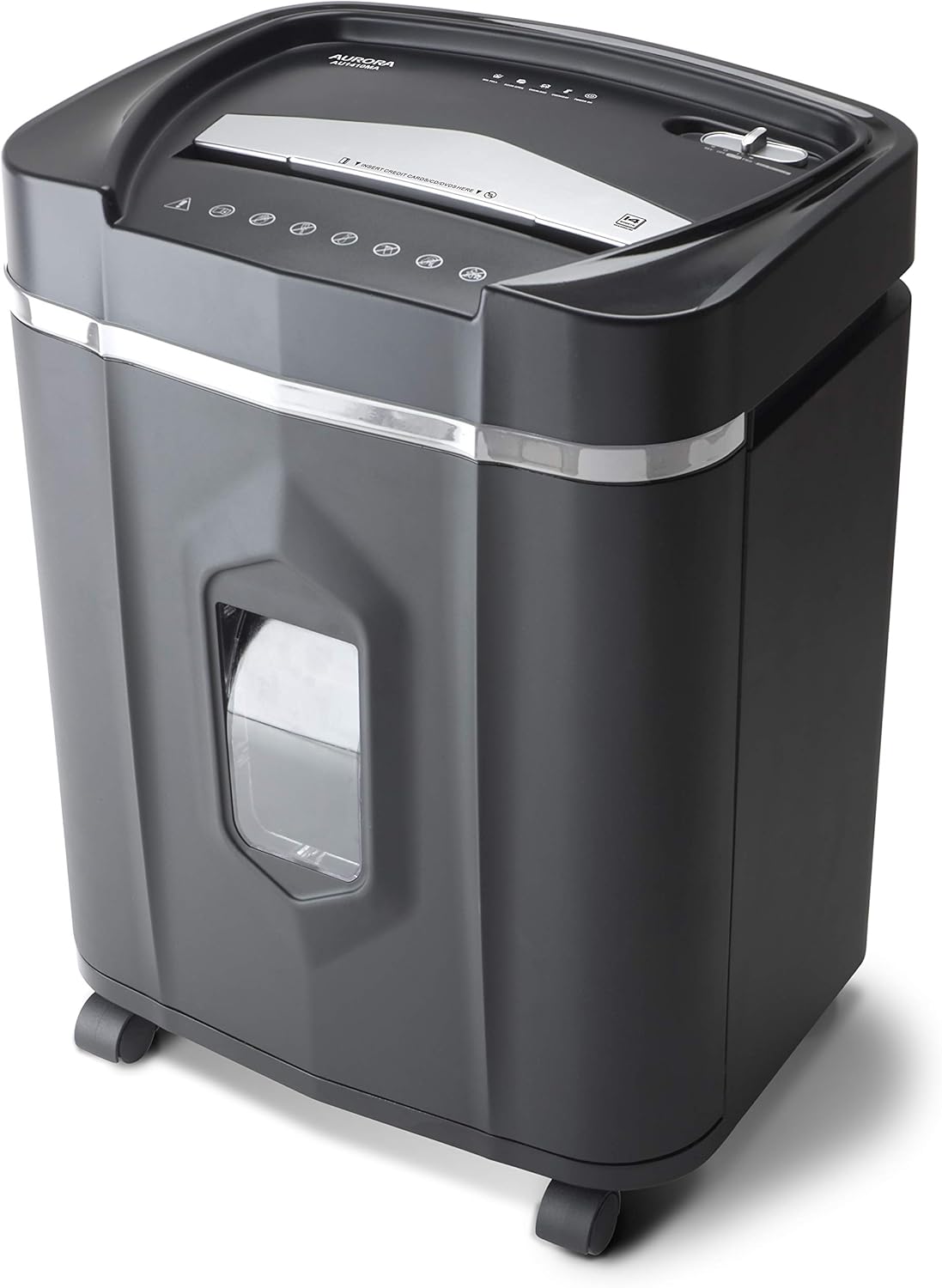


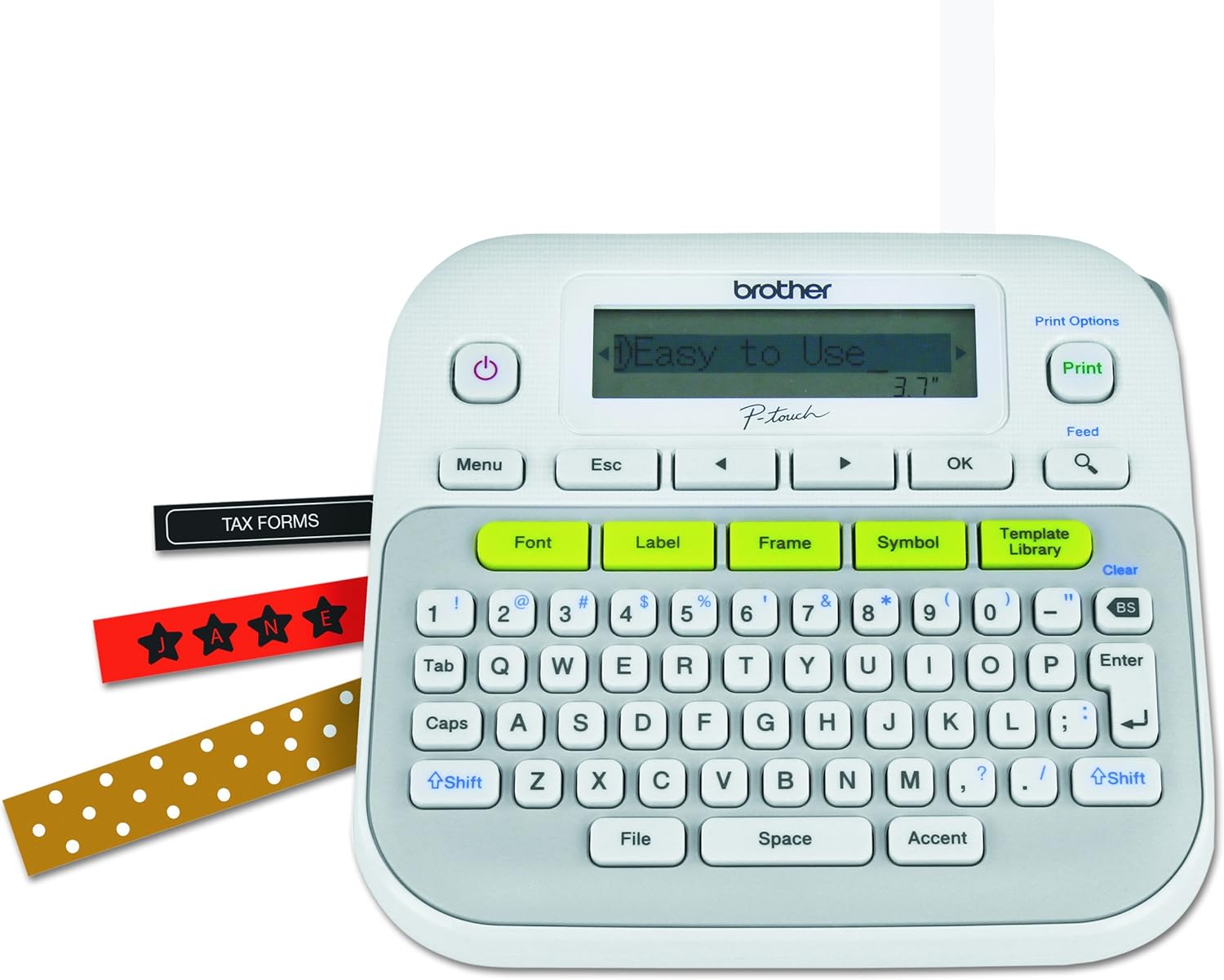
Other Office Equipment brings together practical devices that do not fit neatly into a single office electronics category. Depending on the product, this may include shredders, label makers, laminators, binding or finishing equipment, and other tools for managing documents and routine office tasks.
The right choice depends on how often the equipment will be used, what materials it must handle, and how much space is available. Use the product listings to compare specifications and features before checking the current price and purchasing through Amazon.
Start by identifying the task the equipment needs to perform. A compact device may be appropriate for occasional home-office use, while a shared workplace may need a faster machine with a larger working capacity and more durable construction.
Consider these questions before comparing models:
Because this is a broad category, products can serve very different purposes. Shredders are useful for disposing of confidential paperwork, while label makers support filing, storage, shipping, and workplace organization. Laminators can help protect frequently handled documents, signs, or reference sheets.
Some equipment is designed for finishing or organizing documents, such as binding, cutting, folding, or other preparation tasks. When comparing these products, focus on the specific workflow they support rather than choosing based only on appearance or the number of advertised functions.
For equipment that belongs to a more specific office category, browse Printers & Accessories, Telephones & Accessories, Calculators, Presentation Products, Scanners & Accessories, or Point-of-Sale (POS) Equipment. You can also explore the broader Office Electronics category for related products.
The most important specifications vary by equipment type, but several comparison points apply broadly:
Avoid comparing products on a single specification. A higher capacity may be useful for a busy office but unnecessary for occasional use, while a smaller footprint may matter more in a compact workspace.
The catalog includes office equipment from Brother, Bonsaii, Fellowes, DYMO, Aurora, Amazon Basics, Royal, Phomemo, Wolverine, Boxis, Duo, and BONSEN. These brands cover a range of office-support products and feature sets. Compare the specifications of individual products rather than treating brand presence as a substitute for checking compatibility, capacity, or intended use.
Place powered equipment on a stable, dry surface with enough clearance for ventilation and normal operation. Keep feed paths clear, avoid forcing materials that exceed the stated specifications, and follow the manufacturer’s instructions for cleaning, clearing jams, or replacing consumables.
For document-destruction equipment, consider the sensitivity of the material and the required shred or disposal format. For labeling and finishing equipment, verify media compatibility before loading supplies. Keep cords organized and position frequently used controls where they can be reached without moving the machine.
This broad category may include office-support devices such as shredders, label makers, laminators, and document-finishing or organization equipment. The available selection can change as the catalog develops.
Compare the product’s intended task, material compatibility, capacity, speed, dimensions, controls, maintenance needs, and power requirements. Give the greatest weight to the specifications that match your regular workflow.
Not necessarily. Compact products can suit limited spaces or occasional use, but a larger device may be more practical when the workload, capacity, or operating cycle is more demanding.
Confirm the supported media, document sizes, consumables, connection or power requirements, and available settings. Also check whether the device fits the intended workspace.
Use the related categories above when you need printers, scanners, telephones, calculators, presentation products, or POS equipment rather than general office-support devices.