
Headphone & In-Ear Audio Monitors
Compare headphones and in-ear monitors for studio recording, mixing, tracking, and critical listening. Review the specifications and features that affect comfort, connection, isolation, and sound.
67 products in catalog
67 results
Filters

Beyerdynamic
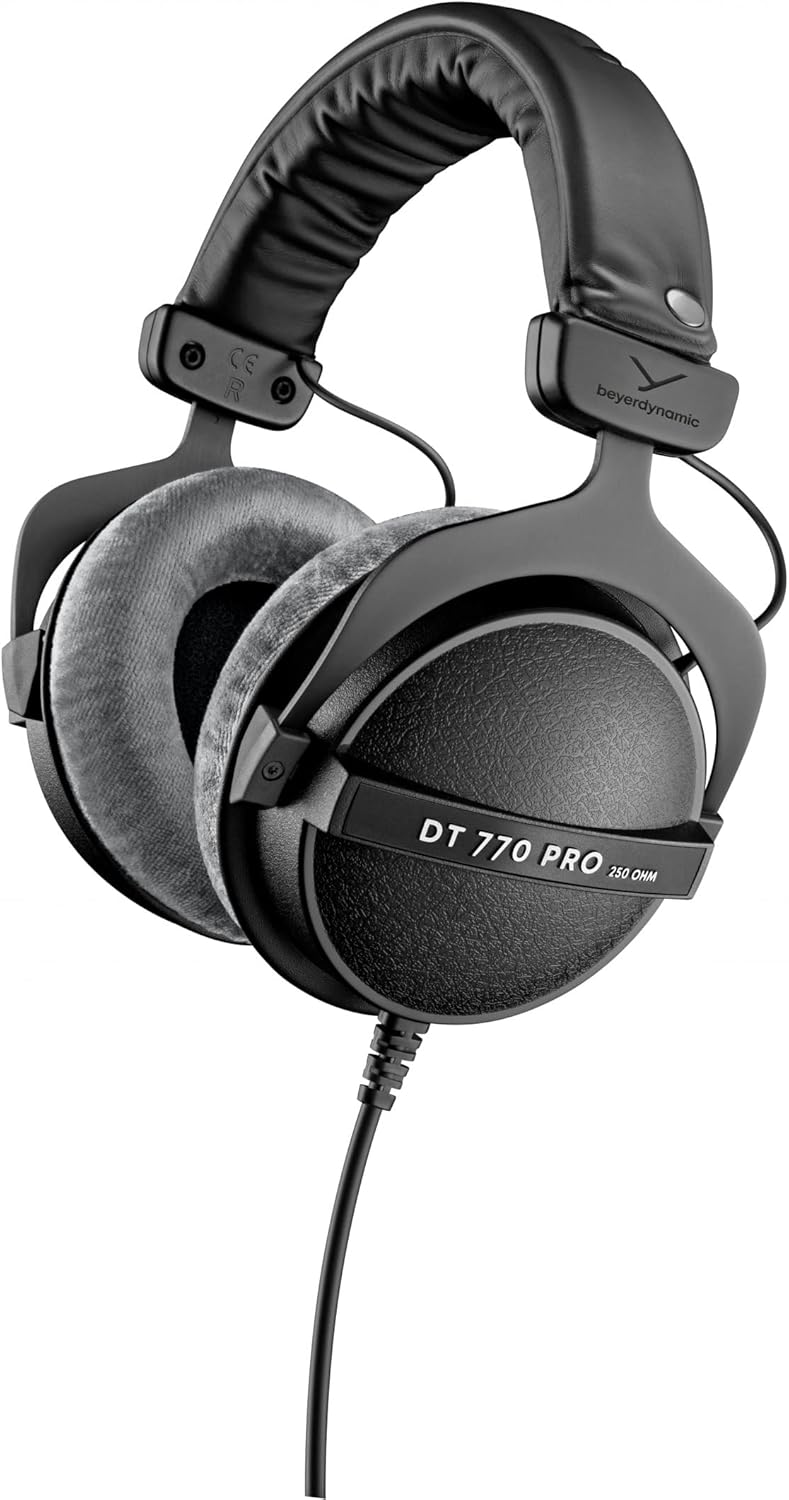
beyerdynamic DT 990 Pro 250 ohm Over-Ear Studio Headphones For Mixing, Mastering, and Editing
See current price


Beyerdynamic
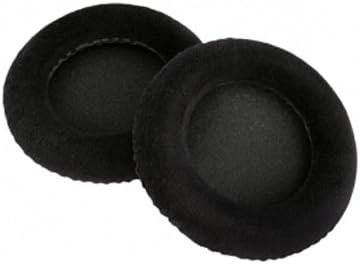
beyerdynamic EDT 770 VB Ear pad Set Velour in Black for MMX 300, Custom Studio and Other Models
See current price



AKG Pro Audio
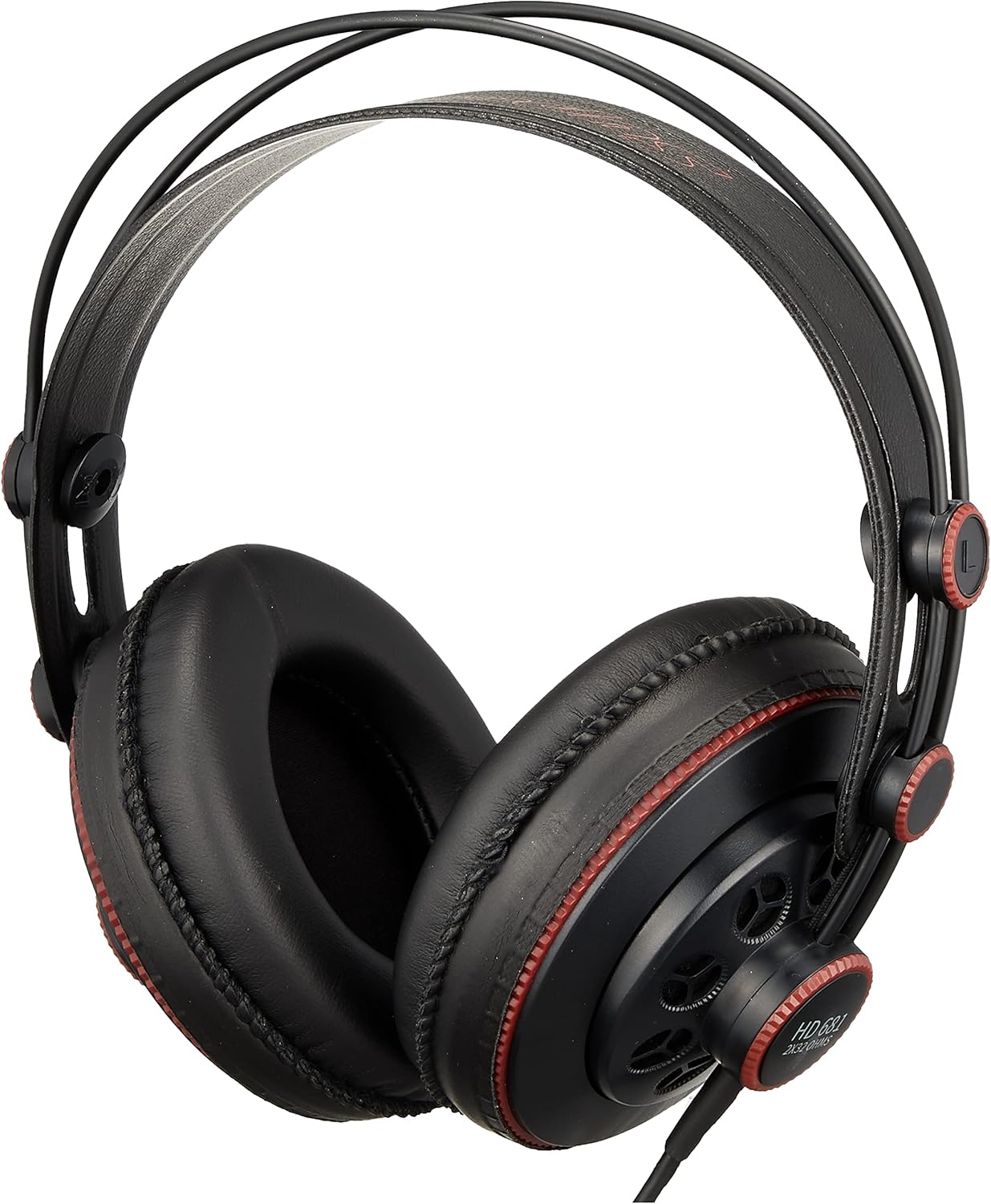
AKG Pro Audio K712 PRO Over-Ear, Open-Back, Flat-Wire, Reference Studio Headphones
See current price


AKG Pro Audio
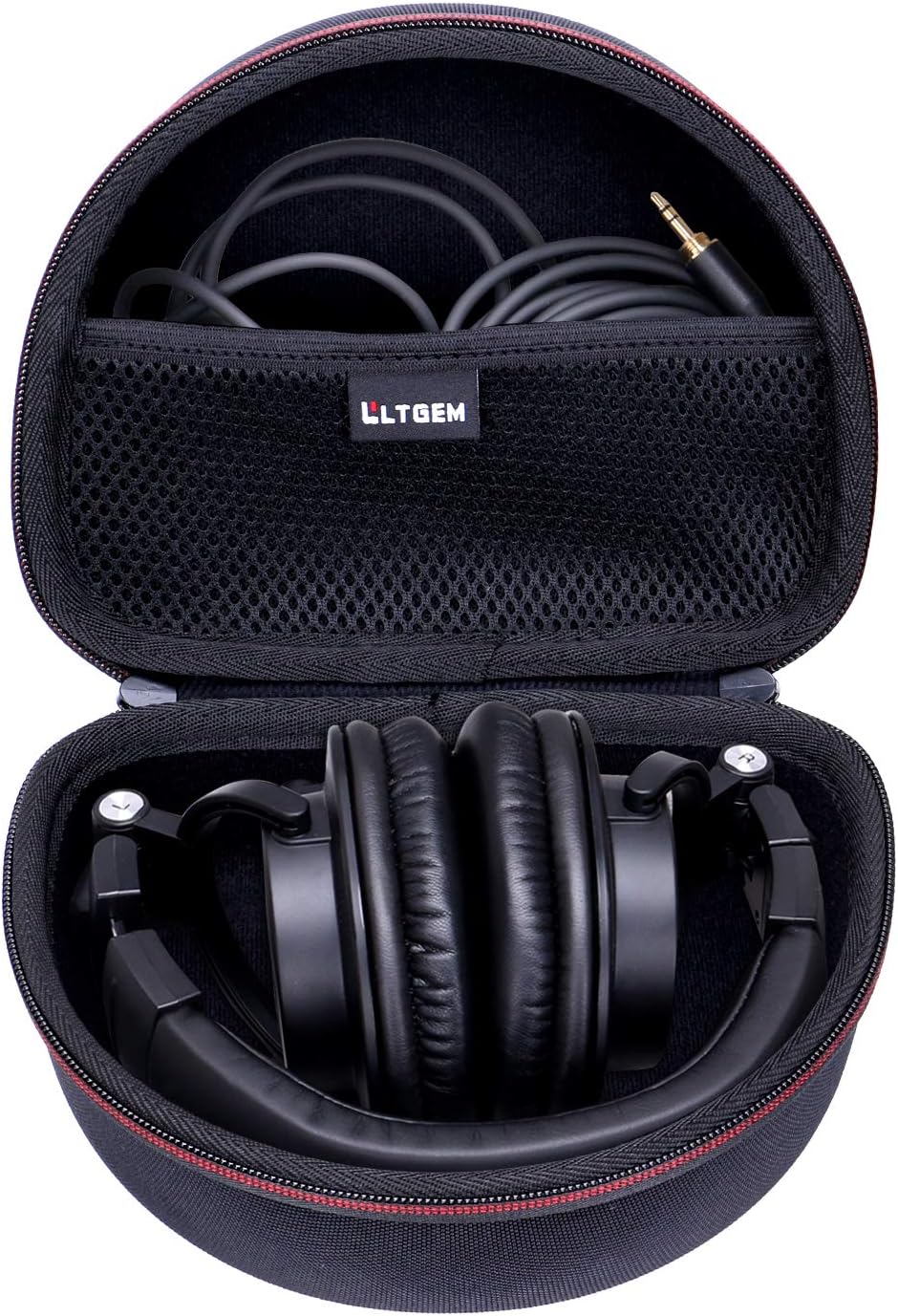
AKG Pro Audio K271 MKII Over-Ear, Closed-Back, Professional Studio Headphones
See current price

Sennheiser Pro Audio
Sennheiser Pro Audio IE 40 PRO, molded in ear dynamic monitors (Clear)
See current price


Popular brands in Headphone & In-Ear Audio Monitors
Headphone and in-ear audio monitors help musicians, producers, engineers, and creators hear recorded material without relying on room acoustics or loudspeaker placement. The right choice depends on how you record, whether you need isolation, and how long you expect to wear the monitors at a time.
This K-Catalog category is part of Studio Recording Equipment. Use the product listings to compare specifications and features across monitor styles, then check the current details on Amazon before making a purchase.
How to choose audio monitors
Start with the main task. Mixing and editing often call for a clear, consistent presentation that makes tonal changes easier to notice. Tracking and recording may place more importance on sound isolation, secure fit, and avoiding sound from the monitor bleeding into a microphone. Portable recording and live or rehearsal use can make compact in-ear designs especially convenient.
Consider your equipment, listening environment, and working habits together. A monitor that suits a quiet studio may not be the most practical choice for a shared room, travel setup, or performance. Comfort also matters: pressure from earcups, the feel of an in-ear tip, cable handling, and overall weight can all affect concentration during longer sessions.
Main types to compare
Over-ear and around-ear headphones
Over-ear headphones surround the ear with larger earcups. They can be a comfortable option for extended sessions, and their design may help create a more spacious listening experience. Compare whether a model is intended for a more open or closed listening setup, depending on your need for natural room interaction or isolation.
On-ear headphones
On-ear designs rest against the outer ear and may be smaller than around-ear alternatives. They can suit users who prefer a lighter, less enclosing form factor, but fit and clamping comfort deserve close attention because the earcups make direct contact with the ear.
In-ear monitors
In-ear monitors sit in or at the entrance of the ear canal. They are compact, easy to carry, and can provide a close-fitting listening experience when the included or compatible tips suit the user. Check the fit options, cable arrangement, and cleaning requirements carefully, especially when sharing or using them frequently.
Key specifications and features
- Connection: Check the connector type and cable length against your audio interface, mixer, recorder, computer, or other source. If an adapter is included, confirm what connections it supports.
- Impedance and sensitivity: These specifications can help indicate how readily a monitor works with a particular headphone output. Compare them with the output capabilities of your equipment rather than evaluating either specification alone.
- Frequency response: A listed range can provide useful context, but it does not fully describe the balance or detail of a monitor. Use it alongside the intended application and other specifications.
- Driver design: Driver size and construction may differ between products. Treat these details as comparison points, not as a guarantee of a particular sound.
- Isolation: Closed headphone designs and in-ear monitors may be useful when reducing outside sound or limiting monitor bleed is important. The amount of practical isolation depends on construction, seal, fit, and the surrounding environment.
- Comfort and fit: Look for adjustable headbands, replaceable cushions, included ear tips, swivel mechanisms, and other fit-related details when available.
- Durability and storage: Detachable cables, foldable construction, carrying cases, and replaceable parts can matter for mobile recording or frequent transport.
Brands represented in the catalog
The catalog includes products from Beyerdynamic, Audio-Technica, SHURE, Superlux, AKG Pro Audio, Sennheiser Pro Audio, AKG, Behringer, Samson, XTUGA, OneOdio, and Rode. These brands cover a range of headphone and in-ear monitor approaches. Compare each individual product’s specifications and included accessories rather than assuming that products from the same brand are interchangeable or intended for the same task.
Matching monitors to your setup
For computer-based work, review the headphone output and connection options on your interface or computer as well as any adapter requirements. If your setup includes Computer Recording, make sure the monitor connection fits the rest of the signal path.
When recording through microphones, isolation and fit may be more important than a broad feature list. When checking a mix, compare the monitor presentation with your Studio Monitors and listen at a sensible level. A different monitoring format can reveal balance or detail differences, but it should complement—not replace—careful listening.
Other equipment may influence the choice as well. Browse Mixers & Accessories when checking how monitors connect to a mixer, or explore Portable Recorders for compact recording setups.
Care and safe listening tips
Keep headphone cushions and in-ear components clean according to the manufacturer’s guidance. Store cables without tight bends, use a case when transporting monitors, and inspect connectors for damage before use. For in-ear models, choose a secure but comfortable seal and avoid sharing ear tips without proper cleaning.
Start playback at a low level and increase it only as needed. Long sessions at high volume can cause hearing discomfort or damage, so breaks and moderate listening levels are important for studio work.
Frequently asked questions
Are headphones or in-ear monitors better for recording?
Neither is universally better. Headphones may offer adjustable earcup styles and familiar studio handling, while in-ear monitors can provide a compact fit and useful isolation. Choose based on the performer, microphone setup, and comfort needs.
What should I check before connecting studio headphones?
Check the connector, cable, impedance, and the output specifications of your interface, mixer, recorder, or computer. Also confirm whether the product needs an adapter for your equipment.
Are closed-back monitors suitable for mixing?
They can be useful for reducing outside sound and limiting microphone bleed, particularly during tracking. For mixing, compare the monitor’s intended use and sound characteristics with your workflow rather than choosing by enclosure style alone.
How important is in-ear fit?
Fit is essential for comfort, isolation, and consistent listening. Compare the supplied tip options and choose a secure seal without excessive pressure. A poor fit can make the sound and wearing experience less consistent.
Can one pair handle recording and casual listening?
Often, a monitor can serve more than one purpose, but the best choice depends on its comfort, connection, isolation, and sound presentation. Compare the specifications with your studio and everyday listening requirements.