

Studio Monitors for Recording and Mixing
Compare studio monitors by driver size, power, frequency response, connectivity and room compatibility. This guide explains the main choices for recording, mixing and everyday music production.
48 products in catalog
48 results
Filters


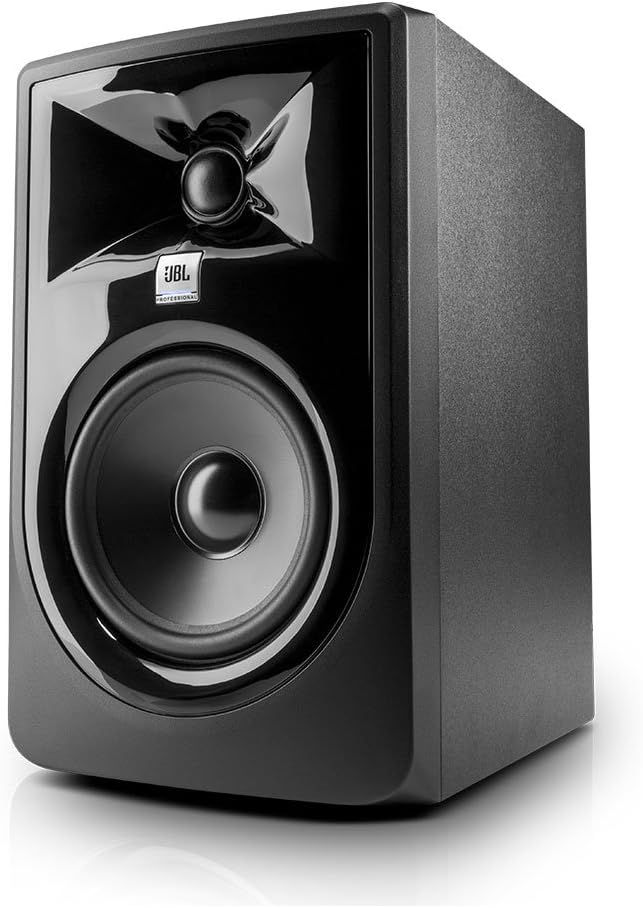
JBL Professional
JBL Professional 305P MkII Next-Generation 5-Inch 2-Way Powered Studio Monitor
See current price

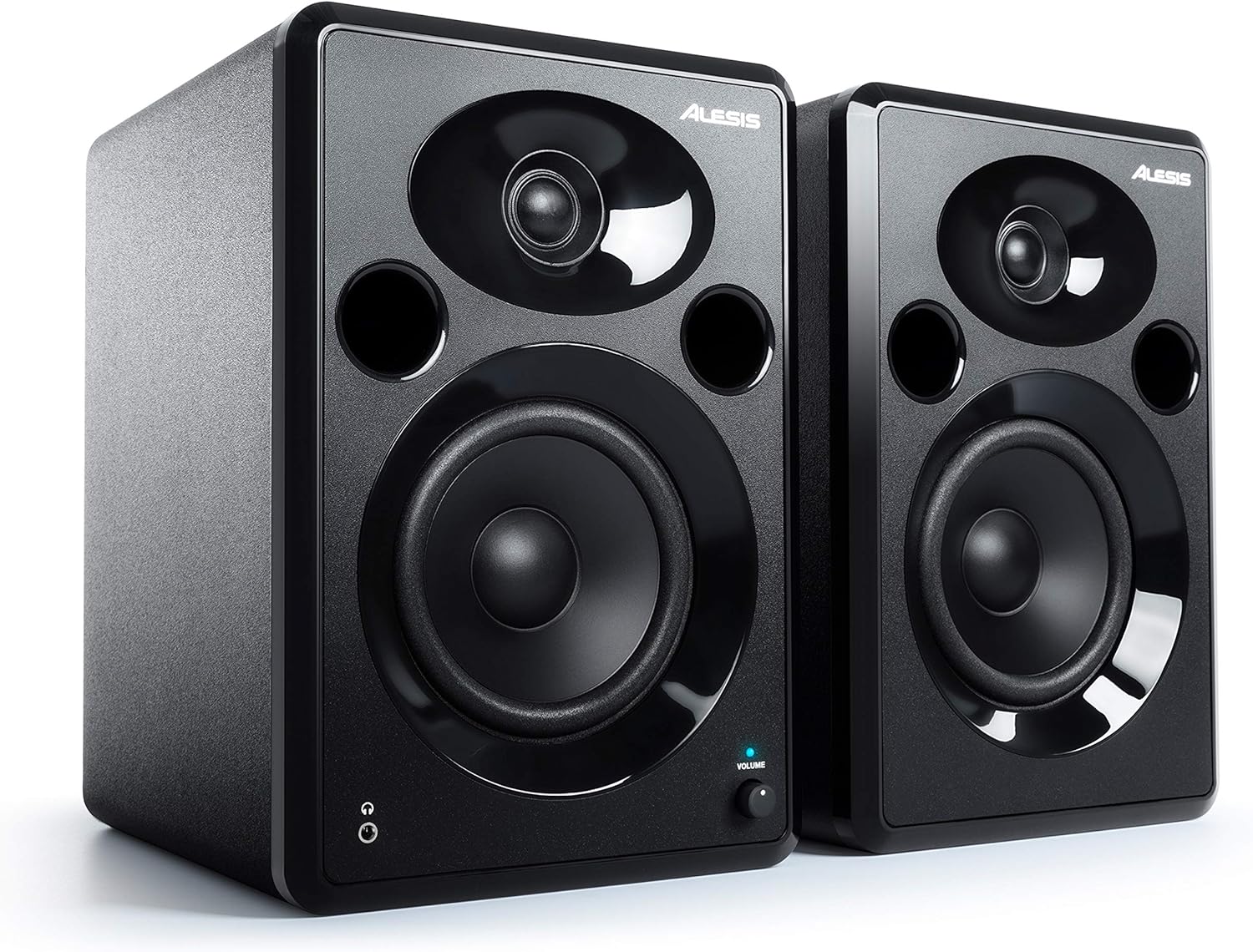

JBL Professional
JBL Professional 1 Series, 104 Compact Powered Desktop Reference Monitors (Sold as Pair), Black (JBL104)
See current price

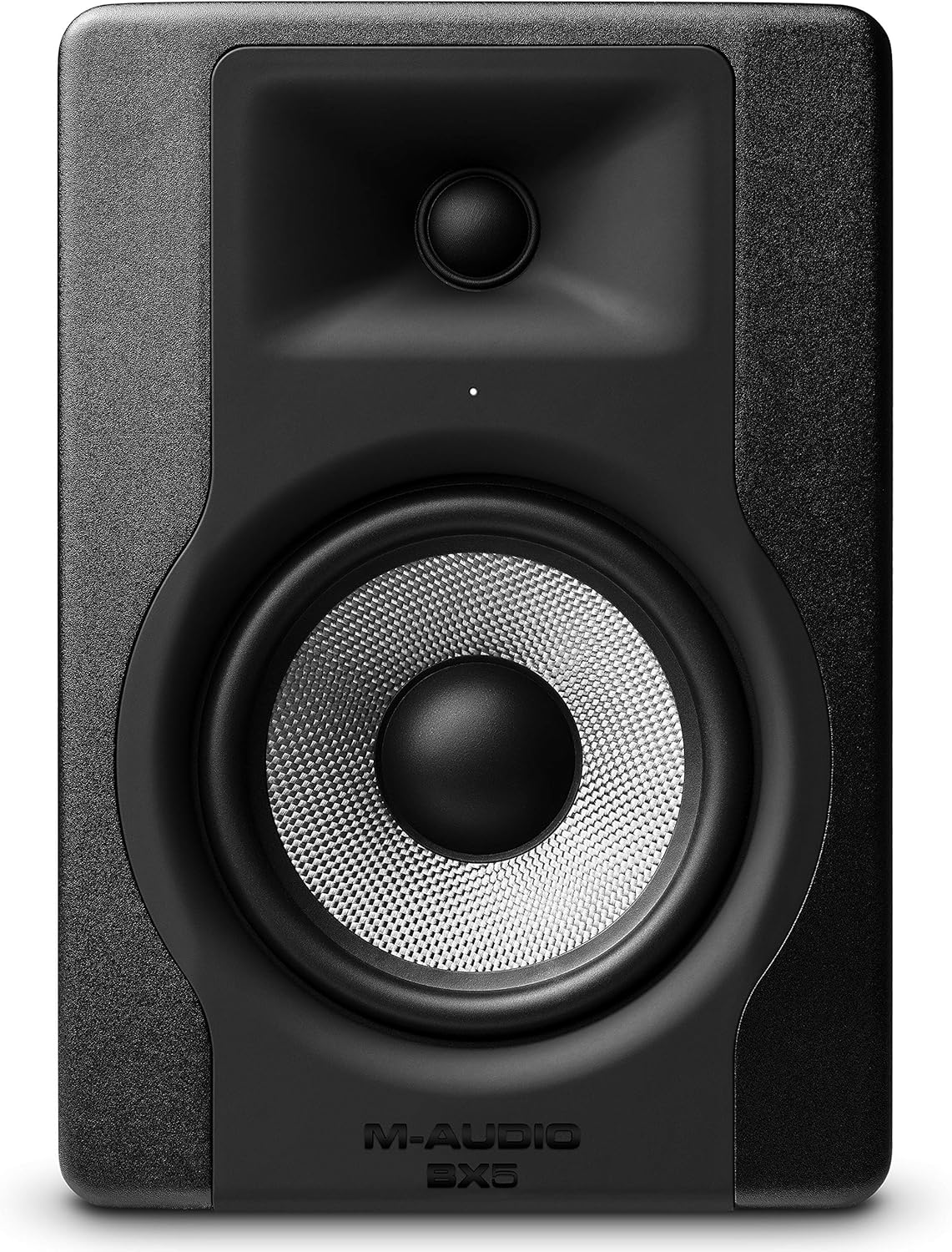


circuit city
Mackie CR3-X 3-Inch Creative Reference Multimedia Monitors Bundle with Dual 1/4" Stereo to 3.5mm Cable
See current price


Mackie
Mackie CR3-XBT Creative Reference Series 3" Multimedia Monitors with Bluetooth (Pair)
See current price


JBL Professional
JBL Professional LSR305 First-Generation 5" 2-Way Powered Studio Monitor (LSR305)
See current price


Studio Solutions
Studio Solutions High Density Studio Monitor Isolation Pads Pair For 5 Inch Monitors
See current price

Popular brands in Studio Monitors
Studio monitors are designed to give producers, musicians and engineers a consistent way to hear recorded audio while tracking, editing and mixing. The right pair depends on your room, listening distance, desk space, connections and the level of detail you need from your monitoring setup.
K-Catalog brings together studio monitor options from brands including Mackie, M-Audio, Behringer, Alesis, JBL Professional, PreSonus, Donner, KRK, Pioneer DJ, KALI AUDIO, IK Multimedia and Moukey. Compare their listed specifications and features, then check the current product details before choosing.
How to choose studio monitors
Start with the room and listening position rather than choosing solely by brand or appearance. A compact desk setup usually calls for monitors that fit comfortably beside a computer display and can be positioned near the listener. A larger room may provide more flexibility for larger cabinets, but placement and acoustic treatment still matter.
Consider these questions:
- Where will they sit? Measure the desk, stands or shelf area, including space for cables and ventilation.
- How far away will you listen? Nearfield monitors are typically used at a relatively short working distance, so the speakers should be aimed toward the listening position.
- What are you connecting? Check whether your interface, mixer or computer uses the same input type as the monitors.
- Will you work quietly? If late-night or shared-space listening is important, make sure your setup can also accommodate headphones.
For a broader selection of recording equipment, browse Studio Recording Equipment.
Common studio monitor setups
Powered monitors
Powered, or active, monitors include amplification in the speaker cabinet. This can simplify a home or project studio because the monitor does not require a separate external amplifier. Check how each speaker is powered, whether a pair is supplied together or separately, and what controls are available for adjusting the setup.
Passive monitors
Passive monitors require a compatible amplifier. They can be useful when an existing amplifier is already part of the studio, but the amplifier’s output, connections and speaker requirements need to be matched carefully. Confirm exactly what is included before ordering.
Nearfield monitoring
Nearfield monitors are intended for close-range listening and are common on desks, monitor stands and compact studio workstations. They can help make the direct sound from the speakers a larger part of what you hear, but the room, wall distance and listening angle still affect the result.
Specifications and features to compare
The most useful specifications depend on how you plan to work. Give priority to details that affect compatibility and placement:
- Woofer and tweeter size: Driver dimensions influence cabinet size and the way the monitor handles different parts of the frequency range.
- Frequency response: This describes the frequencies the manufacturer specifies for the monitor. Compare the stated range and any conditions attached to the measurement.
- Power output: Review the listed power information for the intended room and listening distance. More power is not automatically a better fit for a small workspace.
- Inputs and outputs: Look for the connection type used by your audio interface, mixer or other source. Balanced connections can be useful in setups where cable noise is a concern.
- Controls: Level, volume, bass, treble or other tuning controls can help adapt a monitor to its position and room.
- Size and weight: Confirm that your desk, shelf or stands can support the monitors safely.
- Shielding and construction: If monitors will sit near a display or other equipment, review the manufacturer’s information about cabinet design and placement requirements.
Do not compare frequency response or power figures in isolation. A monitor that fits the room and connects easily may be a more practical choice than one with specifications that are difficult to use in your setup.
Placement and room considerations
Position the monitors so the left and right speakers form an even listening arrangement with your head. Aim the tweeters toward ear level when possible, keep the speakers at a similar distance from the listening position, and avoid placing one speaker much closer to a wall or corner than the other.
The room can influence bass, reflections and stereo balance. Stands, isolation pads and basic acoustic treatment may help reduce unwanted vibration or reflections, but they do not replace careful placement. For room-focused accessories and treatment, see Studio Environment.
Brands represented in the catalog
The Studio Monitors catalog includes products from Mackie, M-Audio, Behringer, Alesis, JBL Professional, PreSonus, Donner, KRK, Pioneer DJ, KALI AUDIO, IK Multimedia and Moukey. These brands may offer different cabinet sizes, input layouts, control options and intended setups, so compare the individual specifications rather than assuming products from the same brand are interchangeable.
Build a complete monitoring setup
Studio monitors are only one part of a recording workflow. Computer Recording can help when comparing computer-based production equipment, while Headphone & In-Ear Audio Monitors is relevant for alternate or quiet monitoring. You can also explore Signal Processors for outboard processing and Mixers & Accessories for routing and studio connections.
If recording away from a fixed workstation is part of your workflow, Portable Recorders may be a useful related category to consider.
Frequently asked questions
Are studio monitors suitable for casual music listening?
They can be, but their intended purpose is monitoring recorded audio. Check the available controls, connection options and sound characteristics to decide whether they suit both production and general listening.
Do studio monitors come as a pair?
Some listings may include a pair, while others may be for a single monitor. Check the product listing carefully, especially when planning a left-and-right stereo setup.
Do I need an audio interface for studio monitors?
Not always. The required equipment depends on the monitor’s inputs and the source device. An audio interface or mixer may be useful when you need particular connections, level control or routing options.
What size studio monitors should I choose?
Choose a size that suits the room, listening distance and available space. Larger monitors are not automatically better for a compact room; placement and balanced listening are important at every size.
Should studio monitors be placed on a desk?
They can be, provided the desk is stable and the monitors are positioned securely and symmetrically. Isolation pads or stands may help limit desk vibration and place the speakers at a more suitable height.