
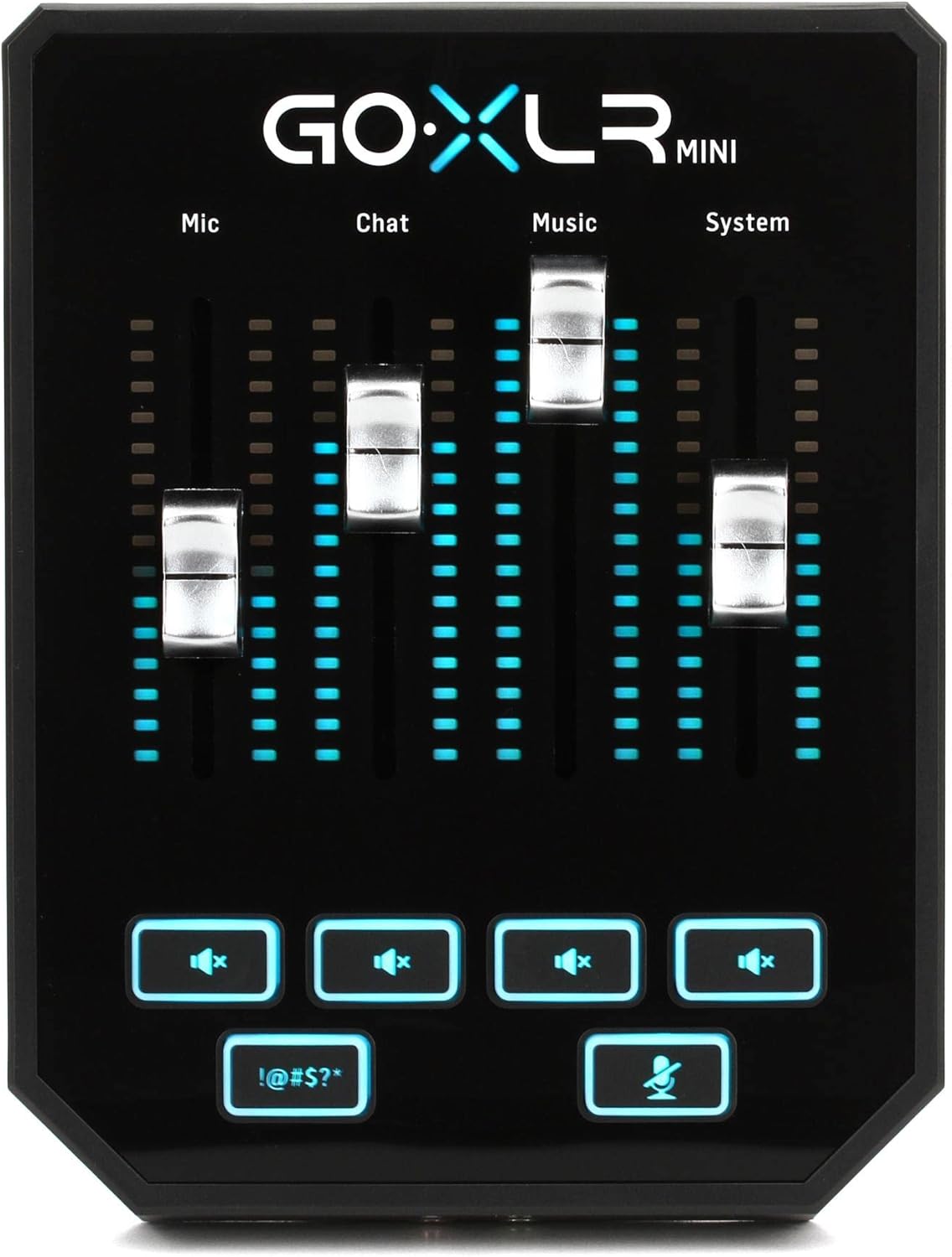
Mixers & Accessories for Studio Recording
Compare mixers and accessories for recording, monitoring, live sound, and home studios. Review channel layouts, connections, controls, and compatibility before choosing equipment.
53 products in catalog
53 results
Filters
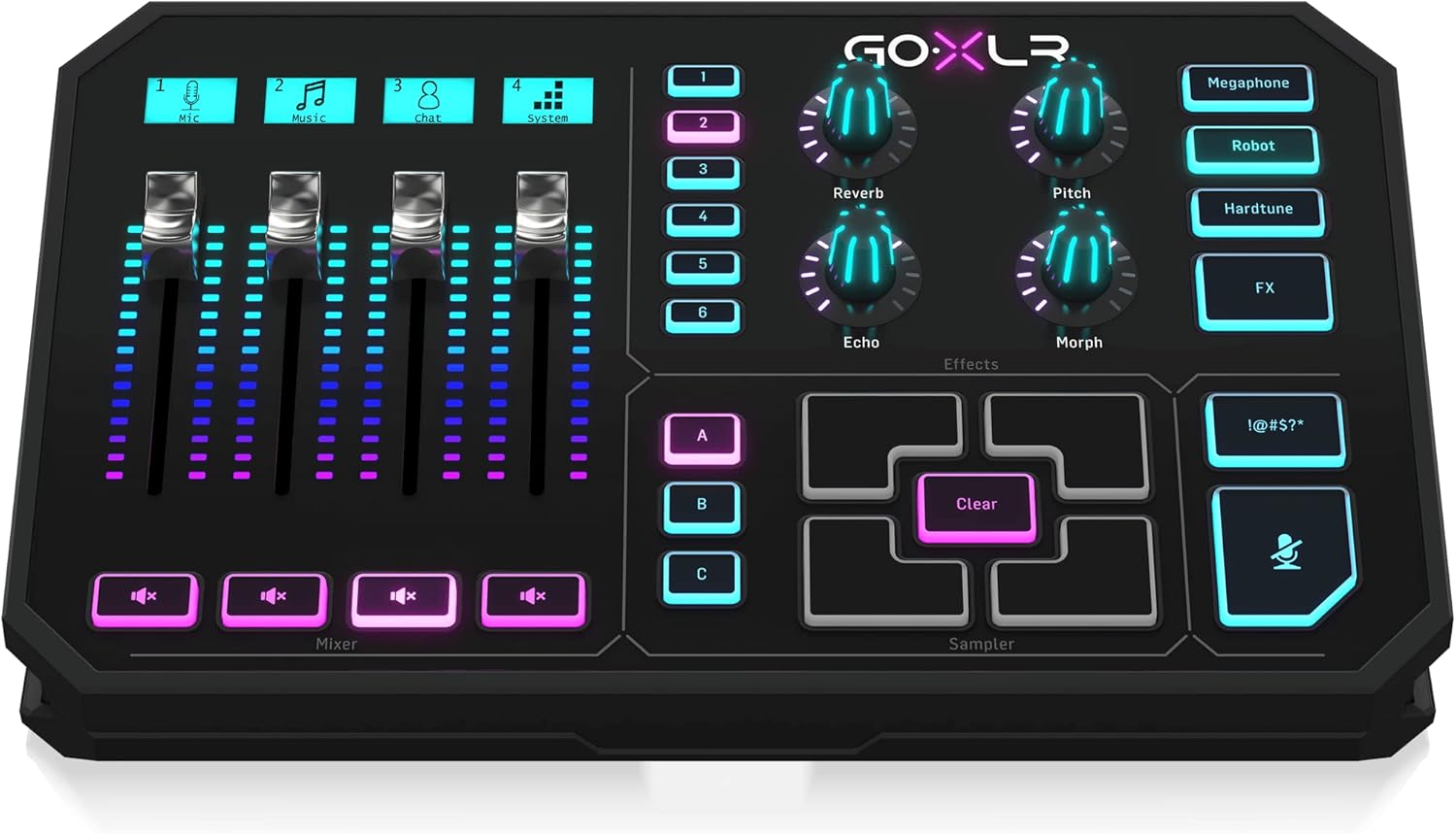
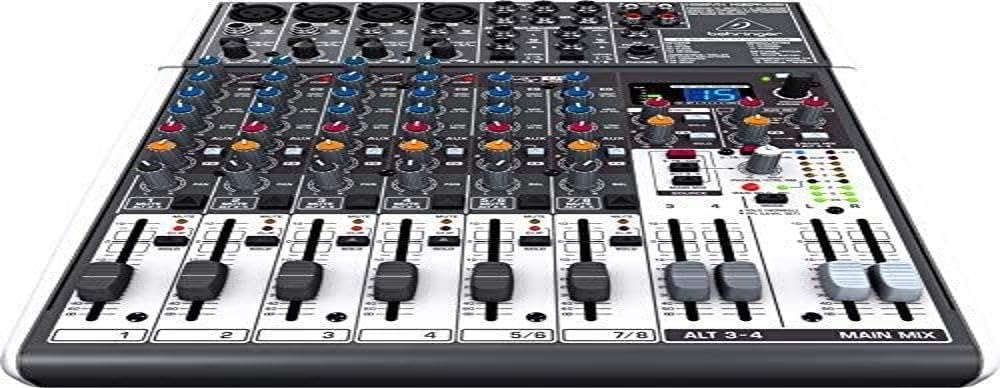

Mackie
Mackie Mix Series, 5-Channel Compact Mixer with Studio-Level Audio Quality (Mix5)
See current price
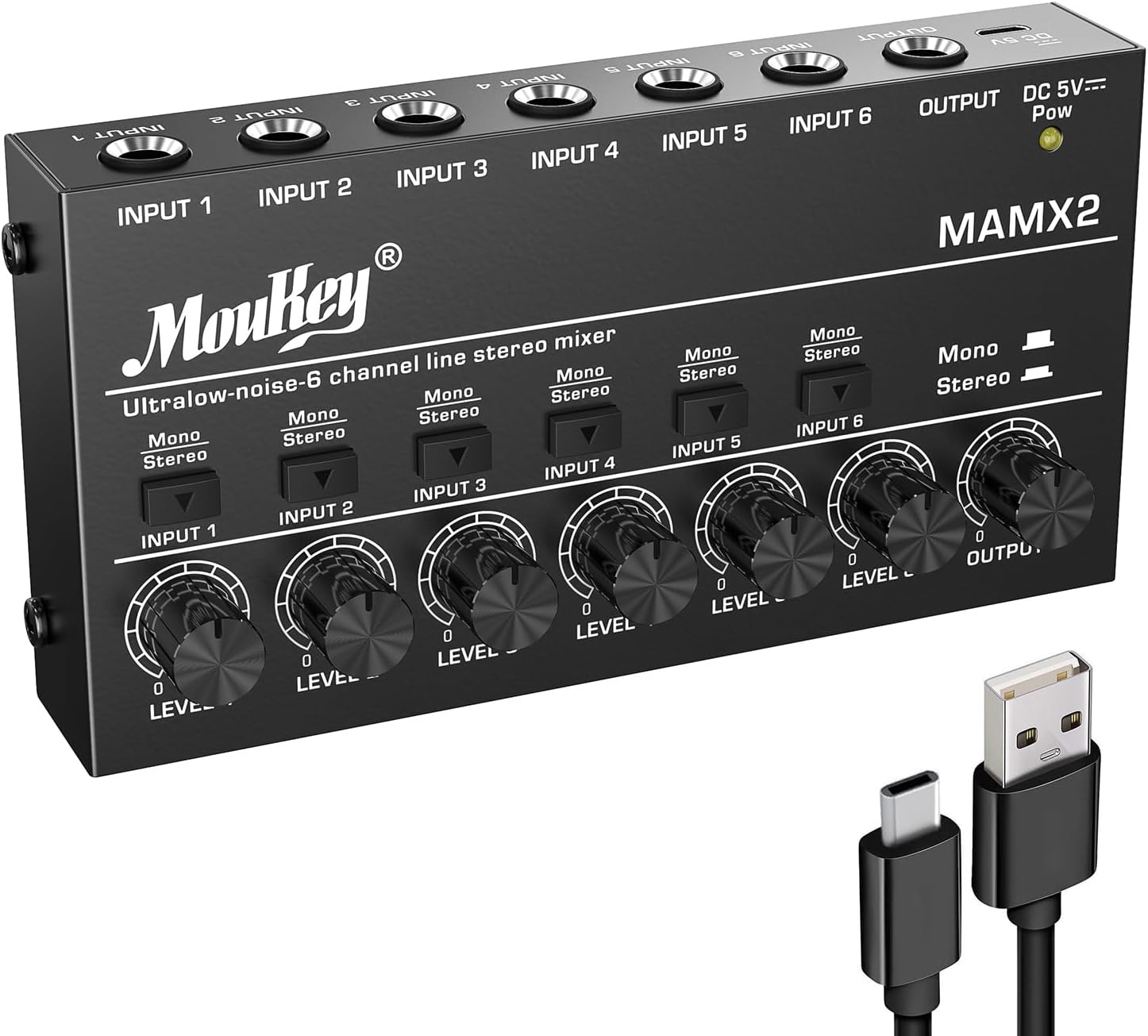


Popular brands in Mixers & Accessories
Mixers and accessories help organize microphones, instruments, playback devices, and monitor systems into a practical recording setup. The right combination depends on how many sources you need to connect, how you plan to record, and whether you need hands-on control, portability, or flexible routing.
K-Catalog brings together options from brands including Behringer, TC-Helicon, Phenyx Pro, Rejea, Gator, Yamaha, Moukey, rolls, FIFINE TECHNOLOGY, Korg, Alesis, and Creative. Compare the listed specifications and features, then check the product details on Amazon before buying.
How to choose a mixer
Start by describing your typical setup rather than choosing by appearance alone. A solo musician may need only a few inputs, while a band, podcast, rehearsal space, or production room may need several microphone and line-level connections at once.
Consider these questions:
- How many microphones, instruments, or playback sources will be connected?
- Do you need to record several channels separately, or combine them into a stereo mix?
- Will the mixer stay in one studio, travel to different locations, or be used for live sound?
- Do you need built-in effects, headphone monitoring, or computer connectivity?
- Does the available desk or rack space limit the mixer’s size?
A mixer should leave room for the way your setup may grow. Even if the current system is simple, extra inputs, auxiliary sends, and flexible routing can be useful when adding microphones, monitors, effects, or another recording device.
Mixer types and common uses
Analog mixers provide direct, hands-on control through physical knobs, faders, and switches. They can suit users who want a straightforward workflow for rehearsals, live sound, voice recording, or basic studio routing. Check the signal path, input types, equalization controls, auxiliary outputs, and monitoring options.
Digital mixers may offer deeper routing, saved settings, internal processing, and compact control layouts. They can be useful when a setup requires multiple mixes, repeatable configurations, or extensive signal management. Confirm how the controls are accessed and whether the operating workflow suits your experience.
USB and computer-connected mixers can combine mixing functions with a connection to recording software. Look closely at whether the USB connection supports the type of recording and playback you need, along with the available input and output channels. Some setups may require a separate audio interface, so confirm the complete signal path before purchasing.
Compact and portable mixers are useful for small workspaces, mobile recording, streaming, speech, and simple performances. Their smaller footprint may involve fewer inputs or controls, making it especially important to compare the connections and intended use.
Key features and specifications to compare
Input and output details are among the most important specifications. Look for the number and type of microphone, line, instrument, auxiliary, main, monitor, and headphone connections. If microphones require phantom power, verify that the mixer provides it in a way that fits your setup.
Also compare:
- Channel controls: Check for gain, equalization, pan, mute, solo, and level controls.
- Routing: Auxiliary sends, subgroup options, and separate monitor outputs can make complex setups easier to manage.
- Monitoring: Headphone volume, control-room outputs, and dedicated monitor controls affect day-to-day usability.
- Effects: If reverb, delay, compression, or other processing is important, confirm which effects are included and how they can be assigned.
- Recording connection: Check USB or other digital connectivity, supported operating systems, and whether the mixer sends individual channels or only a combined mix.
- Build and controls: Consider chassis construction, fader or knob layout, power requirements, and how easily the mixer can be transported.
For a broader studio setup, compare mixers with Computer Recording, Signal Processors, and Studio Monitors equipment. These categories can help clarify what additional hardware is needed between the sound source, mixer, computer, and speakers.
Accessories and setup considerations
Accessories can affect both reliability and convenience. Choose cables with the correct connector types and lengths, and avoid planning a setup around connections the mixer does not provide. A case or protective cover may be useful for equipment that travels between rooms or venues. A stand, rack solution, or suitable desk position can improve access to controls and help keep cables organized.
Monitoring deserves particular attention. If several people need to listen at once, check the available headphone outputs and determine whether a separate headphone distribution solution is required. For room-based listening, Headphone & In-Ear Audio Monitors and Studio Environment equipment are related areas to consider.
Before connecting equipment, turn down channel and monitor levels. Confirm cable routing, power requirements, and the correct input type for each source. Keep gain levels controlled to reduce unwanted noise and distortion, and label cables or channels when multiple sources are involved.
Brands in the catalog
The catalog includes mixers and related equipment from Behringer, TC-Helicon, Phenyx Pro, Rejea, Gator, Yamaha, Moukey, rolls, FIFINE TECHNOLOGY, Korg, Alesis, and Creative. These brands are well represented in this catalog, but the right choice depends on the individual product’s inputs, routing, connectivity, dimensions, and intended application rather than the brand name alone.
For recording away from a fixed studio, compare the mixer setup with Portable Recorders. The broader Studio Recording Equipment category can also help when building a complete signal chain.
Frequently asked questions
Do I need a mixer for computer recording?
Not always. A computer recording setup may use an audio interface instead, while a mixer can add hands-on level control, multiple inputs, monitoring, or routing flexibility. Compare the required connections and recording workflow.
How many mixer inputs should I choose?
Choose enough inputs for all sources you expect to connect at the same time, then allow room for occasional additions. Count microphones, instruments, playback devices, and any return channels from external equipment.
What is the difference between a mixer and an audio interface?
A mixer primarily combines and routes audio, while an audio interface connects audio equipment to a computer for recording and playback. Some mixers include computer connectivity, but their channel routing and recording functions vary.
Are mixer accessories interchangeable?
Not always. Cables, power supplies, cases, stands, and adapters must match the mixer’s connectors, voltage requirements, dimensions, and intended use. Check the product specifications before pairing accessories.
Should I choose analog or digital controls?
Analog controls can offer a direct, easy-to-see workflow. Digital mixers may provide more routing, processing, and recall options. Consider which control style fits your setup, technical comfort, and need for repeatable configurations.