
Computer Recording Equipment
Compare computer recording equipment by connections, compatibility, controls, and workflow. Review specifications and features to find gear that fits your studio setup.
270 products in catalog
270 results
Filters





![Novation Launchkey 49 [MK3] MIDI Keyboard Controller for Ableton Live](https://m.media-amazon.com/images/I/71vCWeTszNL._AC_SL1500_.jpg)


Focusrite
Focusrite Scarlett Solo (2nd Gen) USB Audio Interface with Pro Tools | First
See current price
Focusrite
Focusrite Scarlett Solo (2nd Gen) USB Audio Interface with Pro Tools | First
See current price



Popular brands in Computer Recording
Computer recording equipment connects instruments, microphones, monitoring gear, and software into a practical studio workflow. The right choice depends less on having the most features and more on matching the equipment to how you record, monitor, produce, and perform.
This K-Catalog category focuses on gear used with computer-based recording setups. Browse specifications before clicking through to Amazon to check the current product details and availability.
How to choose computer recording gear
Start by identifying the role the equipment will play in your setup. A solo musician may prioritize simple connections and fast controls, while a producer or small studio may need more inputs, flexible routing, or hardware that supports multiple devices.
Consider these questions before comparing products:
- What are you recording? Voice, instruments, electronic instruments, and line-level sources can require different inputs and connections.
- How many sources are needed at once? Input and output counts affect whether the equipment suits solo overdubs, live tracking, or collaborative sessions.
- What software and computer will you use? Check operating-system support, connection type, and any required drivers or software.
- How will you monitor? Headphones, studio monitors, or both may influence the outputs and controls you need.
- Will the setup stay in one place? Desktop equipment and portable gear serve different working environments.
If you are building a complete recording space, computer recording equipment is one part of the broader Studio Recording Equipment category.
Main types of computer recording equipment
Computer recording is a broad category rather than one single product type. Listings may serve different parts of the signal chain and production workflow.
Audio interfaces and input hardware
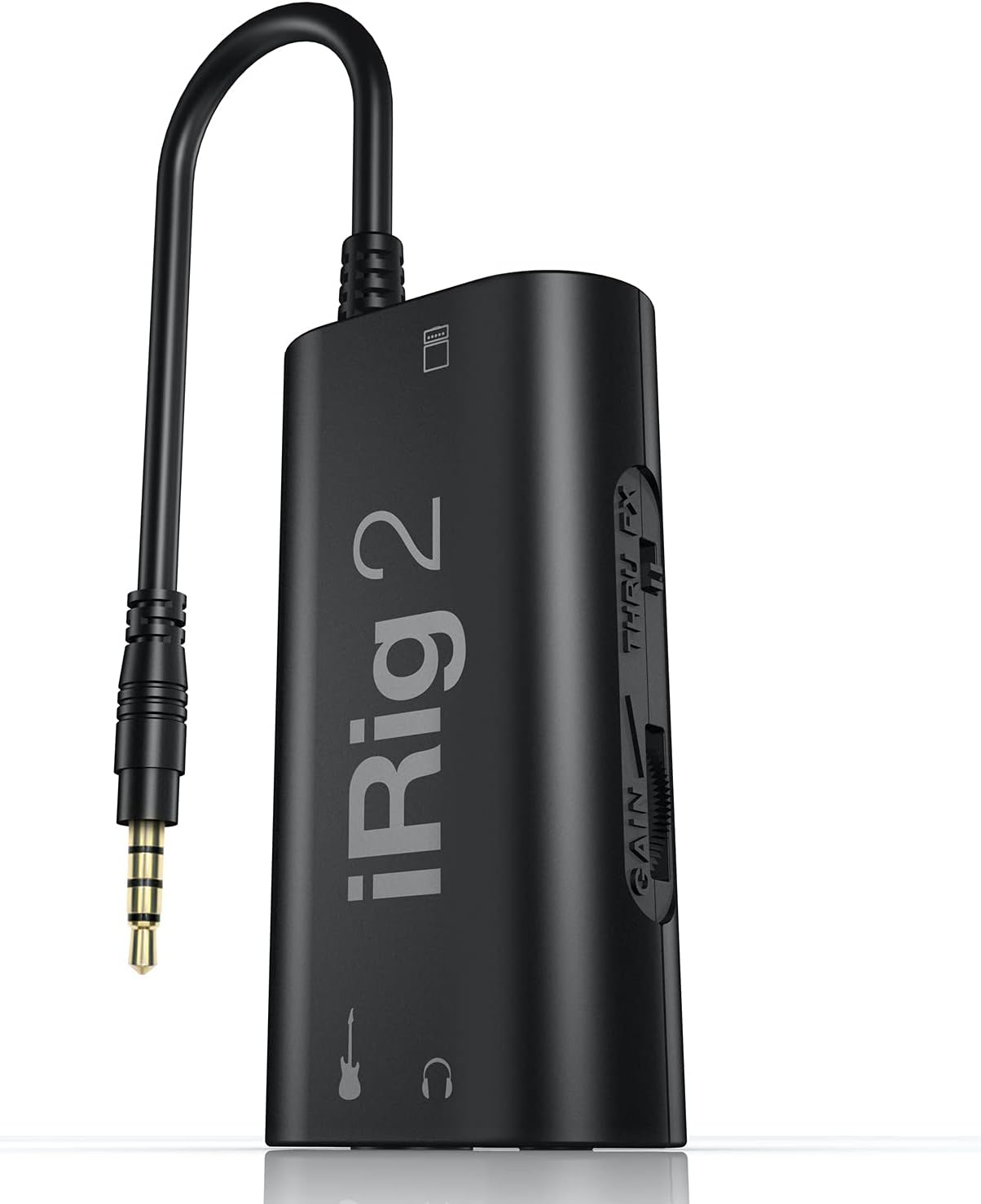
An audio interface provides a connection between microphones, instruments, other audio sources, and a computer. Compare input types, input and output quantities, connection format, monitoring controls, and support for the recording software you plan to use.
MIDI controllers and keyboard equipment
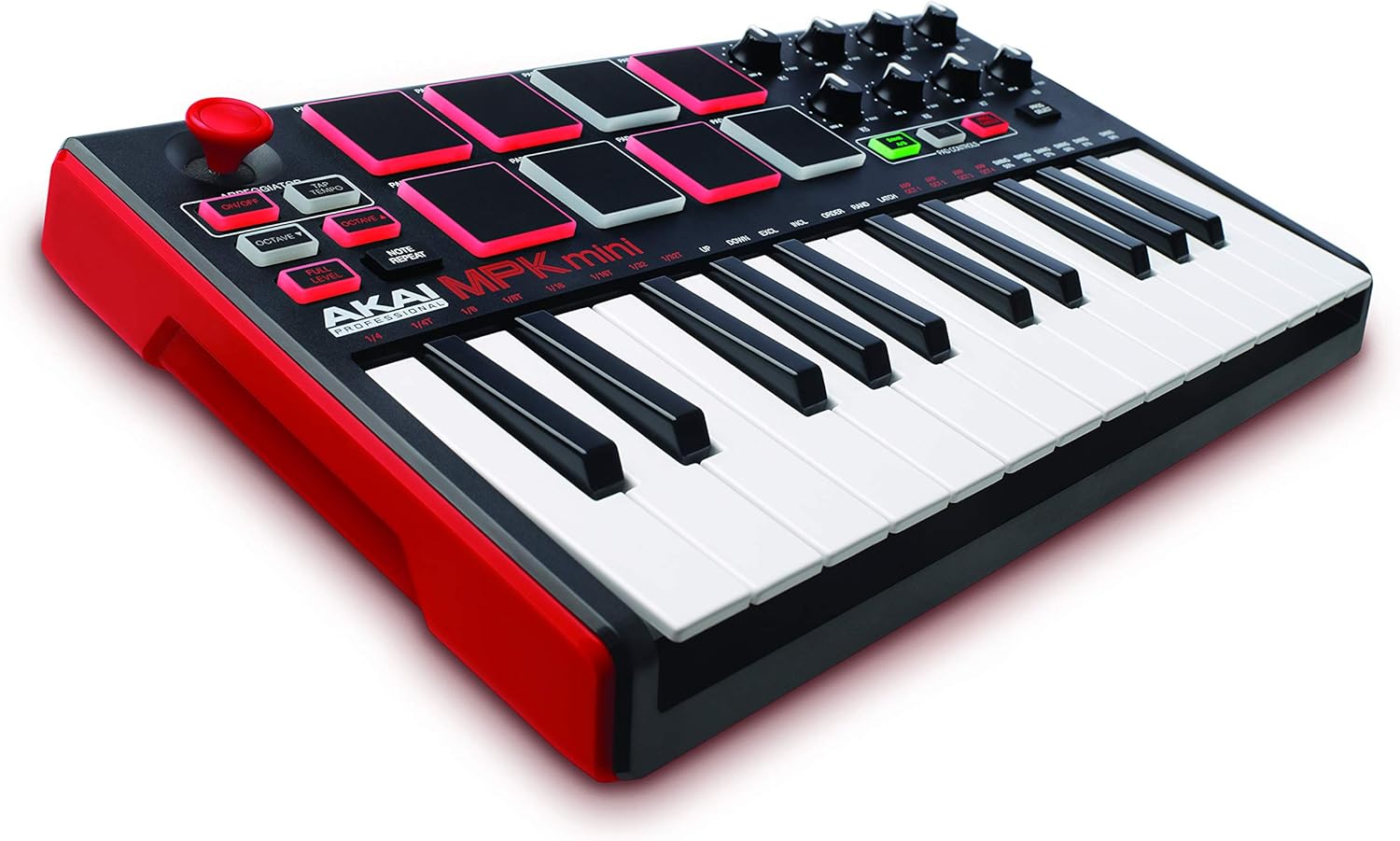
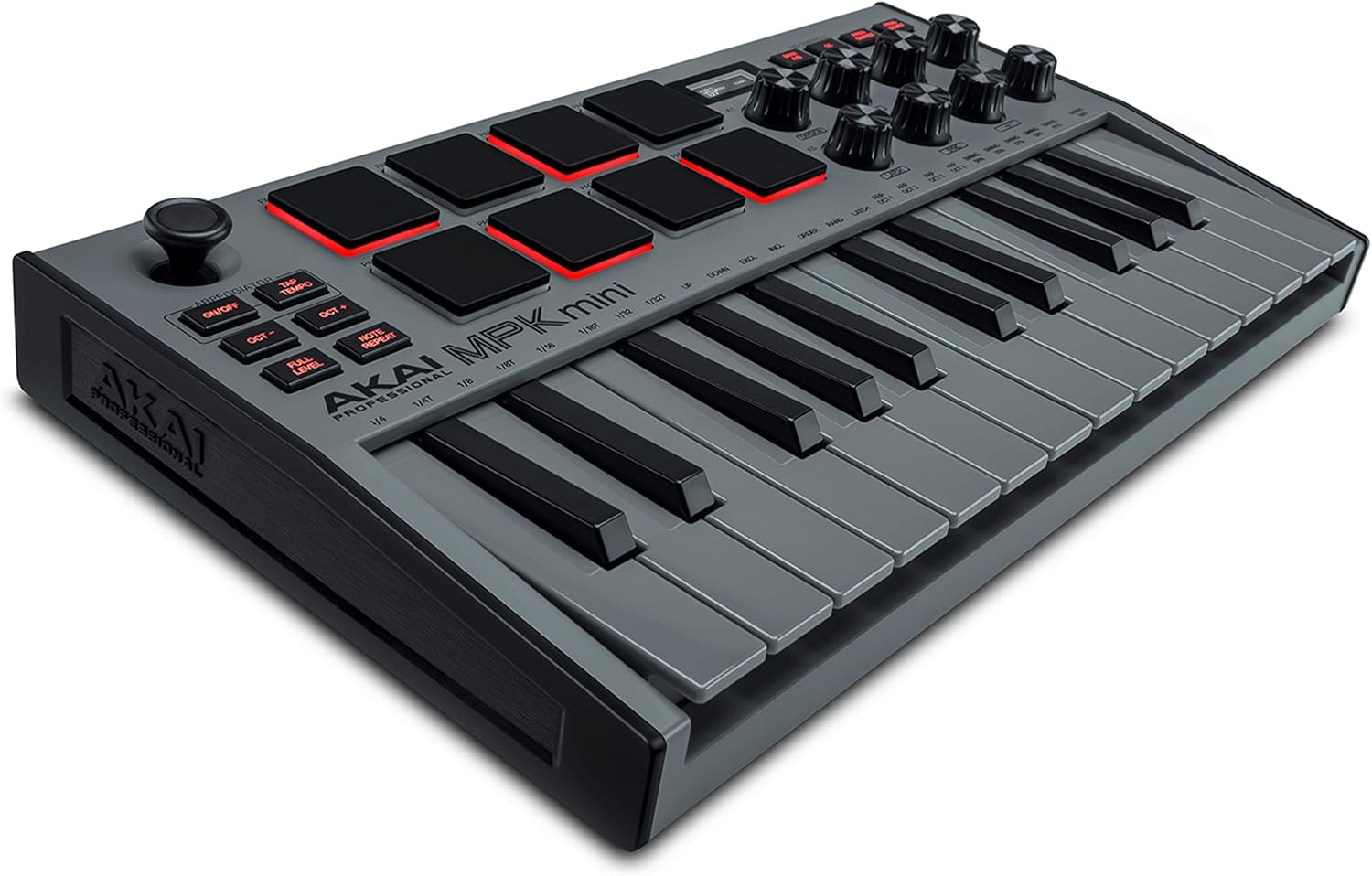
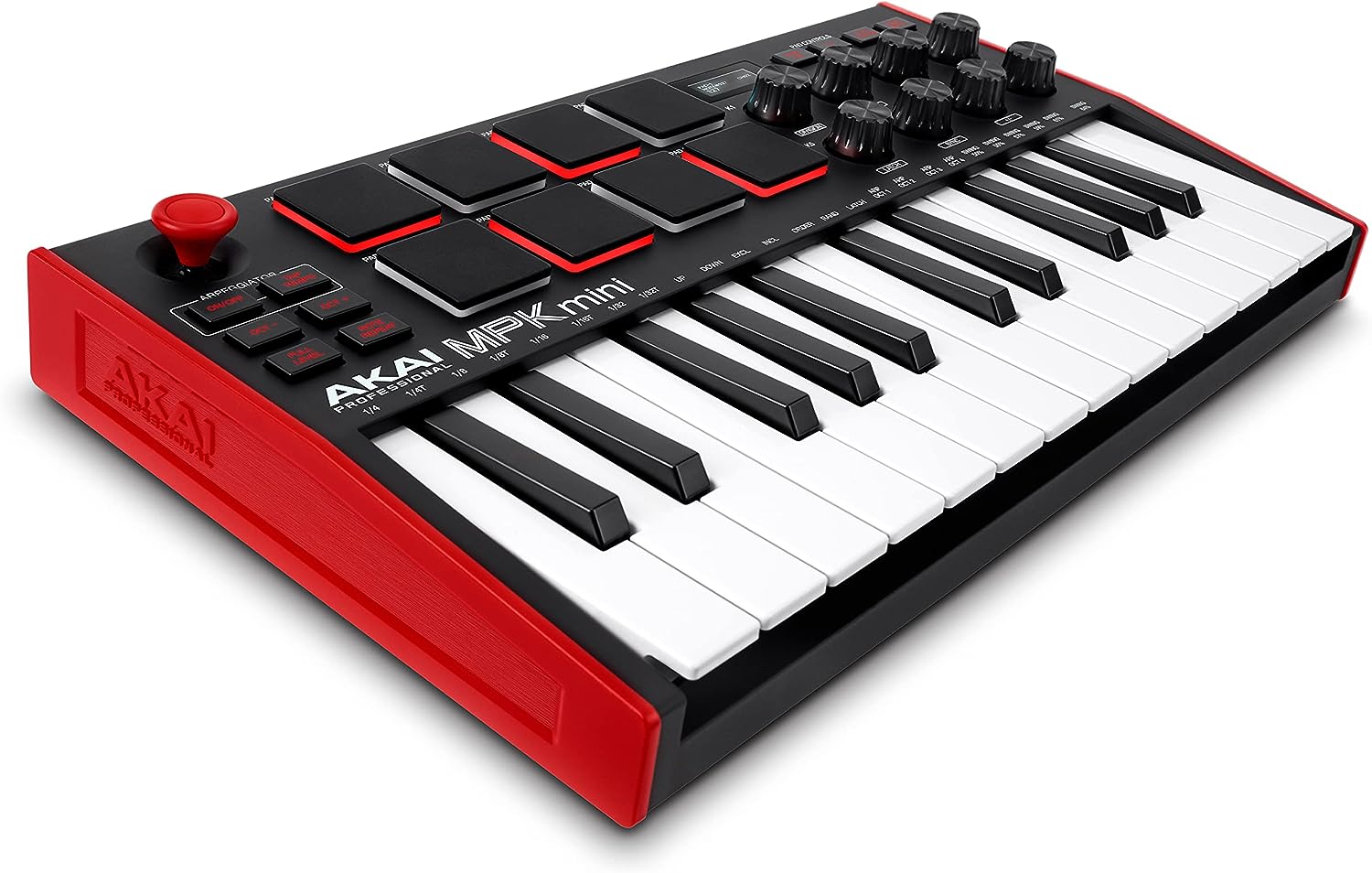
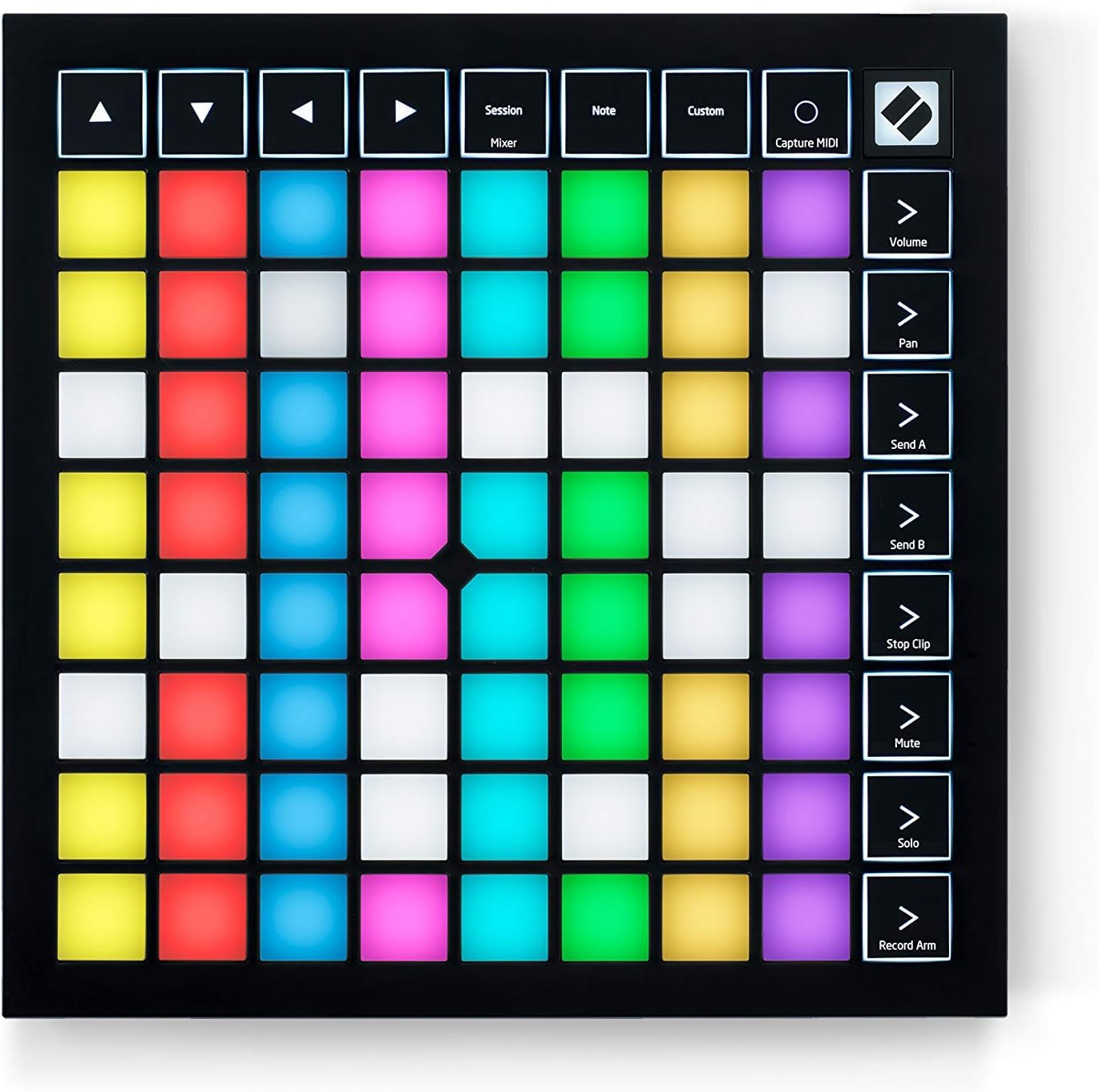
MIDI controllers can provide hands-on control for virtual instruments, software mixing, sequencing, and live performance. Compare the control layout, key or pad arrangement, knobs and faders, connectivity, and how easily the device fits your preferred software workflow.
Computer-based production tools
Some equipment is designed to make arranging, beat production, sound design, or software control more direct. The best fit depends on whether you prefer keyboard performance, pad-based triggering, physical controls, or a compact desktop setup.
For a wider view of the surrounding equipment, related areas include Mixers & Accessories, Signal Processors, and Portable Recorders.
Specifications and features to compare
Product specifications can look similar at first, so focus on the details that affect everyday use:
- Connectivity: Check the computer connection, audio connections, MIDI support, and compatibility with other studio equipment.
- I/O configuration: Input and output types determine what can be connected and how signals can be routed.
- Monitoring controls: Look for headphone connections, monitor outputs, level controls, and options that support comfortable tracking.
- Latency and performance: For real-time monitoring or software instruments, examine the product information for supported low-latency features and system requirements.
- Power requirements: Some devices draw power from the computer, while others may require a separate power connection.
- Physical design: Dimensions, controls, mounting style, and portability matter when desk space or mobile use is important.
- Software compatibility: Confirm that the hardware works with your computer and recording application before buying.
Brands represented in the catalog
The catalog includes computer recording products from Focusrite, M-Audio, AKAI, IK Multimedia, ARTURIA, Behringer, PreSonus, Novation, Midiplus, Nektar, Audient, and Alesis. Treat brand as one comparison point, then review the individual product’s connections, supported systems, control layout, and intended workflow rather than assuming every product from a brand serves the same purpose.
Build a practical recording workflow
Plan the signal path before choosing equipment. A typical setup may involve an input device, computer software, monitoring equipment, and accessories that keep levels and connections manageable. Make sure the selected hardware has the appropriate connections for every device you expect to use.
For monitoring choices, compare this category with Headphone & In-Ear Audio Monitors and Studio Monitors. Room placement and listening conditions can also affect the usefulness of monitoring equipment, making Studio Environment a relevant area to explore.
Keep cable routing simple, leave room for ventilation, and label connections if several devices are involved. Before installation, check the manufacturer’s compatibility information and follow the setup instructions for drivers, firmware, and software permissions.
Frequently asked questions
What is computer recording equipment?
It is hardware used to connect audio or MIDI sources with a computer-based recording and production setup. The exact function varies by product, from capturing sound to controlling software instruments or mixing tasks.
Do I need an audio interface for computer recording?
It depends on the sources and workflow. An interface can be useful when you need dedicated microphone or instrument connections, external monitoring, or more control over recording inputs and outputs.
How many inputs should I choose?
Choose enough inputs for the sources you plan to record at the same time, with some consideration for future expansion. Solo recording and multi-source tracking can require different configurations.
Are MIDI controllers audio recording devices?
A MIDI controller generally sends performance or control information rather than recording an audio signal directly. It can still be an important part of a computer-based production workflow when used with compatible software.
What should I check before connecting new gear?
Confirm computer and software compatibility, connection type, power requirements, available ports, and the cables needed for your setup. Also check whether drivers or additional software are required.