
Amazon Basics
Amazon Basics Clear Thermal Laminating Plastic Paper Laminator Sheets - 11.5 x 9.0-Inch, 100-Pack
See current price

Compare presentation products by format, compatibility, portability, and ease of use. K-Catalog helps you review specifications and features before visiting Amazon to check current availability.
410 products in catalog
410 results
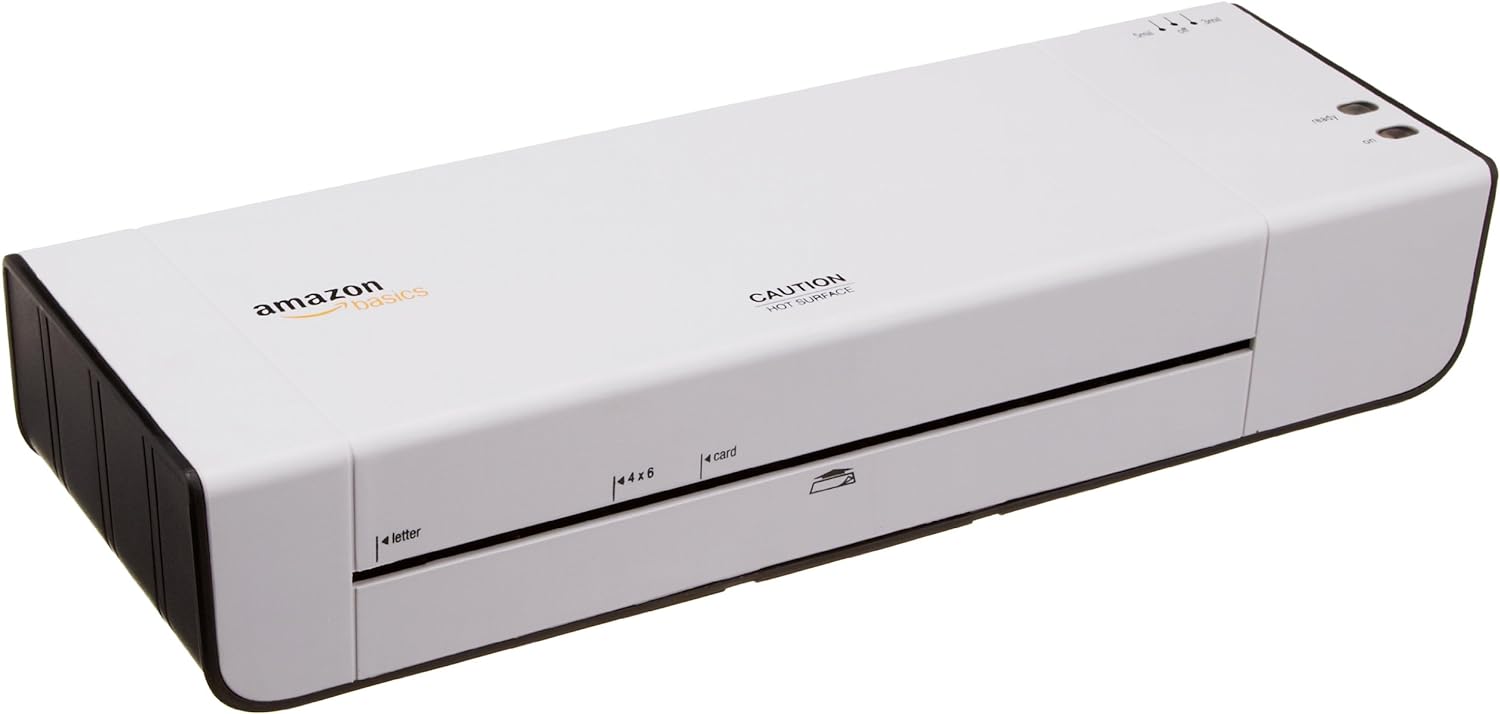
Amazon Basics
See current price




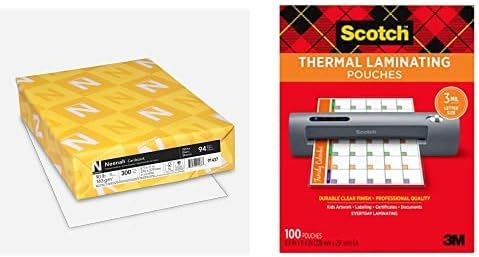


Fellowes
See current price

Shenzhen Qixun Space Technology Co., Ltd
See current price


logitech
See current price


Amazon Basics
See current price


Presentation products help turn information into a clear, organized visual experience for meetings, training sessions, classrooms, sales demonstrations, and events. The right choice depends on how you present, where you present, and whether you need a reusable display, a hands-on visual aid, or an electronic control tool.
This category sits within Office Electronics, alongside equipment that supports everyday workplace communication and organization. Use the catalog to compare product details rather than choosing by appearance alone.
Start with the setting and audience. A small meeting room may call for a compact, easy-to-carry accessory, while a classroom, conference room, or event space may require a larger visual surface or equipment that remains visible from a distance.
Consider these questions before comparing products:
Presentation products can cover several practical roles, and the best option depends on the job the product needs to perform.
If you are also arranging printed handouts or documents, browse Printers & Accessories for related office equipment. For digitizing presentation materials, Scanners & Accessories may be relevant.
The most important specification varies by product type, but several details are broadly useful:
The catalog includes presentation products from brands such as Scotch, Fellowes, Swingline, Amazon Basics, Apache, KNORVAY, GBC, DinoFire, logitech, Universal, voriah, and BONSEN. Brand availability can vary by product type, so compare the specifications, included components, compatibility details, and intended use of each individual listing rather than relying on the brand name alone.
Before an important presentation, test the complete setup in the room where it will be used. Check visibility from the back of the room, confirm that cables or wireless controls work as expected, and make sure any batteries or required accessories are ready.
Keep reusable surfaces clean according to the manufacturer’s instructions, and store foldable or electronic products in a way that protects hinges, connectors, screens, and controls. Avoid forcing adjustable parts or folding equipment when materials are still attached. For products used with computers or projectors, verify connection standards and software requirements before the event rather than assuming universal compatibility.
For other office needs, related categories include Telephones & Accessories, Calculators, Other Office Equipment, and Point-of-Sale (POS) Equipment.
Match the product to the presentation format, room, audience, and equipment already in use. Then compare size, portability, durability, compatibility, setup, and included accessories.
No. Presentation products can also support printed visuals, whiteboard work, demonstrations, brainstorming, training, and physical displays.
Review the required connections, software, operating systems, power source, and included accessories in the product specifications. Compatibility should be confirmed with the computer or display used for the presentation.
Prioritize manageable weight, compact storage, protective packaging or a case, durable construction, and a setup process that is easy to repeat in different locations.
Clean it as directed, protect moving parts and connectors, remove or maintain batteries when appropriate, and keep the product in a dry storage location away from unnecessary pressure or impact.
Use K-Catalog to compare listed specifications and features, then follow a product listing to Amazon to check its current availability and purchase details.