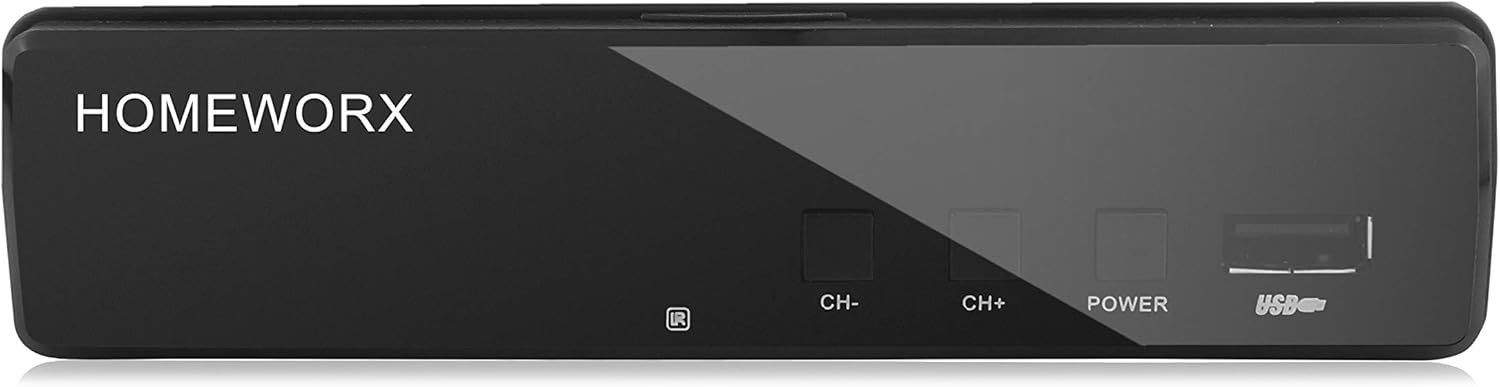
Mediasonic
Mediasonic ATSC Digital Converter Box with Recording / Media Player / TV Tuner Function (HW130STB)
See current price

Compare DTV converter boxes for receiving over-the-air digital broadcasts on compatible televisions. Review tuner, connection, display, recording, and remote-control features before choosing.
69 products in catalog
69 results
Mediasonic
See current price


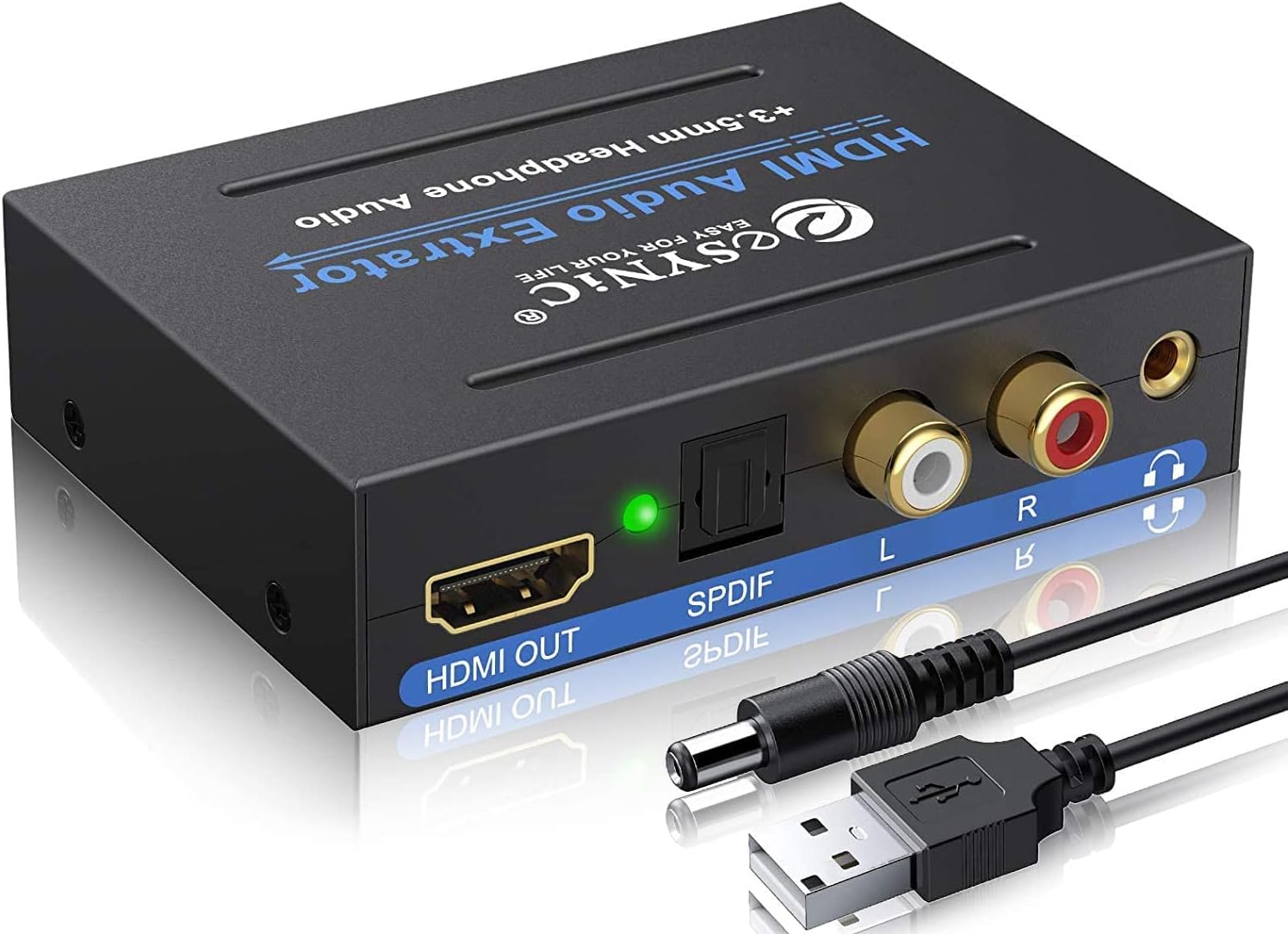


Analog-to-digital DTV converters, often called digital converter boxes, are designed to receive digital over-the-air television signals and send them to a compatible TV. They can be useful when a television does not include the tuner needed for antenna-based digital broadcasts.
The right choice depends on your TV’s available inputs, the antenna setup, and whether you want basic viewing or added functions such as recording and media playback. Use this category to compare specifications and features across models before checking the current listing details.
Start by identifying the type of television and antenna connection involved. Older TVs commonly use composite RCA inputs, while some newer or replacement displays may offer HDMI. A converter needs an output that matches the television, or you may need a separate compatible adapter.
Also consider how the antenna signal will reach the box. Most broadcast converter boxes are intended for digital terrestrial TV received through an antenna, not for cable or satellite service. Confirm that the product supports the signal source you plan to use.
Important buying considerations include:
Picture format support is important when pairing a converter with an older display. Some models are intended for standard-definition televisions, while others can pass higher-resolution broadcasts to a compatible screen. Check the supported output formats rather than assuming every converter works the same way.
A built-in electronic program guide can help identify current and upcoming broadcasts. Closed-caption support may also be valuable for accessibility. If the box will be used in a household with several viewers, menu clarity and remote responsiveness are worth considering alongside tuner specifications.
Some DTV converters include USB-based functions. Depending on the model, these may support recording broadcasts to compatible storage, pausing live television, or playing personal media files. Read the individual specification details carefully because supported file types, storage devices, and recording functions can vary.
The main difference between models is usually the balance between basic reception and additional features. A straightforward converter may suit a secondary or older TV when the goal is simply to receive antenna channels. A model with a program guide, recording tools, or media playback may be more appropriate for a primary viewing setup.
For televisions without modern digital inputs, prioritize the available analog connections. For a display with HDMI, an HDMI-equipped converter can help simplify the connection and may offer more flexible output settings. If you are trying to convert an old video source such as a VCR or camcorder rather than receive antenna broadcasts, verify the product’s purpose carefully; a DTV tuner is not automatically a general analog-video converter.
Related equipment may also be useful. Browse Televisions when selecting a display, or compare Accessories for cables and other television components. For internet-based viewing rather than antenna reception, Streaming Media Players belong to a different product category.
The catalog includes DTV converter options from eXuby, IVIEW, Viewtv, Mediasonic, UBISHENG, Leelbox, Funai Corp., Tivax, 1 BY ONE, SINDAVE, ZJBOX, and Koramzi. Brand availability can vary by model, so compare the specifications of the individual listing rather than relying on the brand name alone.
Pay particular attention to included accessories, supported connections, tuner features, and the manufacturer’s compatibility information. This is especially important when connecting an older television or integrating the converter with an existing antenna and audio setup.
Place the antenna where it can receive a clear broadcast signal, then connect the antenna to the converter’s RF input and the converter to the TV’s matching input. Select the correct input on the television and run the channel scan from the converter’s menu. If channels are missing, check the antenna connection and repeat the scan after repositioning the antenna.
Keep the remote control available during setup because channel scanning, output selection, captions, and guide functions are typically managed through the converter menu. If a recording feature is important, confirm storage compatibility and available recording controls before purchase.
For a more complete living-room setup, you can also compare Home Theater Systems. Separate playback equipment, including DVD Players & Recorders and Blu-ray Players & Recorders, may require different connections and does not replace the converter’s broadcast tuner.
It receives digital over-the-air television broadcasts through an antenna and converts the signal into a format a compatible television can display.
Many are designed for older TVs, but compatibility depends on the television’s available video and audio inputs. Check the converter’s output connections before choosing one.
Not necessarily. Review the individual listing to determine whether an antenna is included or whether an existing antenna must be connected separately.
These products are generally intended for antenna-based digital broadcasts. Cable compatibility depends on the specific tuner and service, so verify the listing details rather than assuming cable support.
No. Recording and USB media functions vary by model. Check for recording support, storage requirements, and compatible file formats if those features are important.
Match the converter’s video and audio outputs to the TV’s inputs, confirm the antenna connection, and review supported broadcast and display formats.