

Data Storage for Computers and Devices
Compare data storage options by capacity, speed, connection, durability, and compatibility. Find storage for everyday files, backups, system upgrades, gaming, and portable use.
2,818 products in catalog
2,818 results
Filters
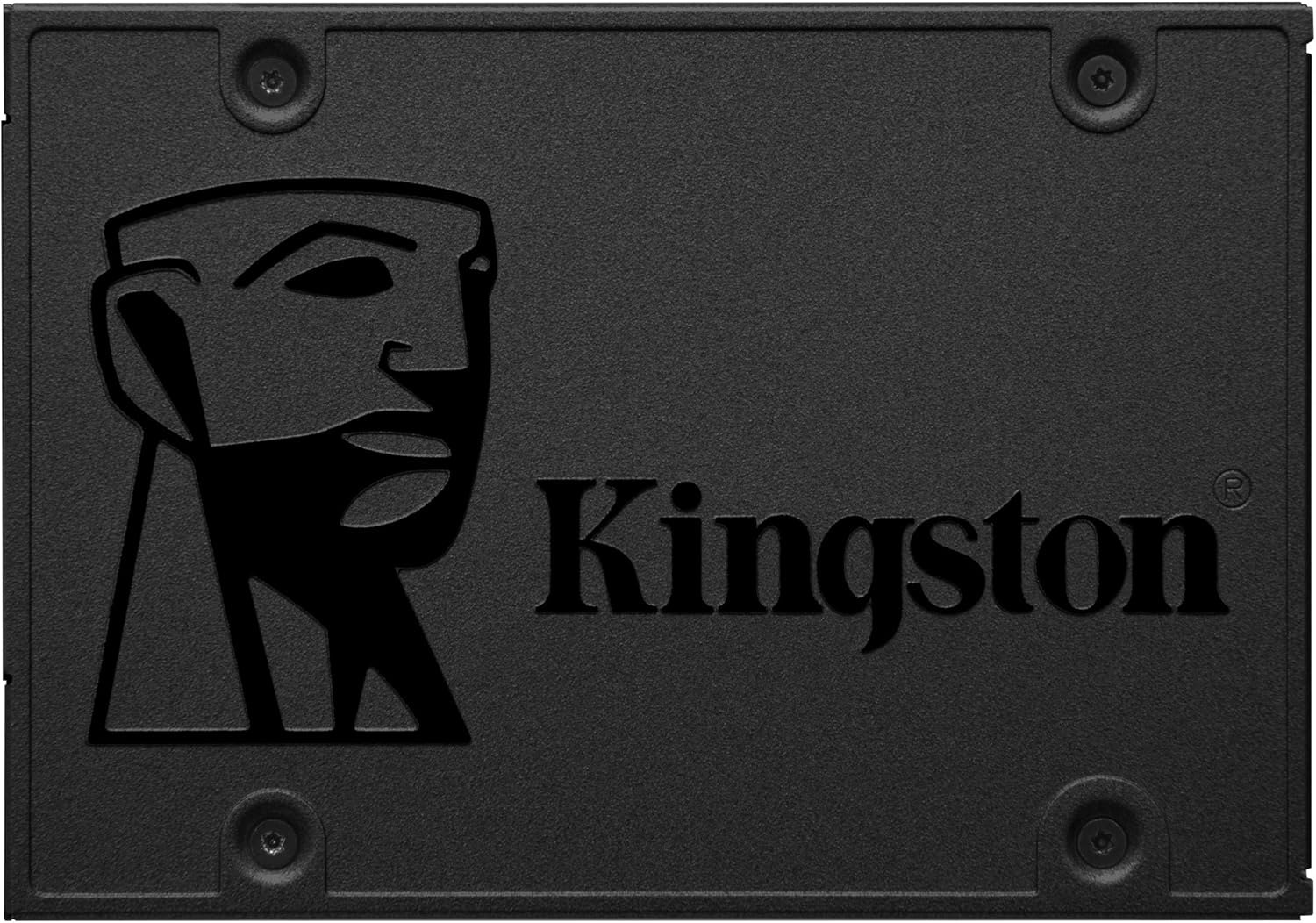
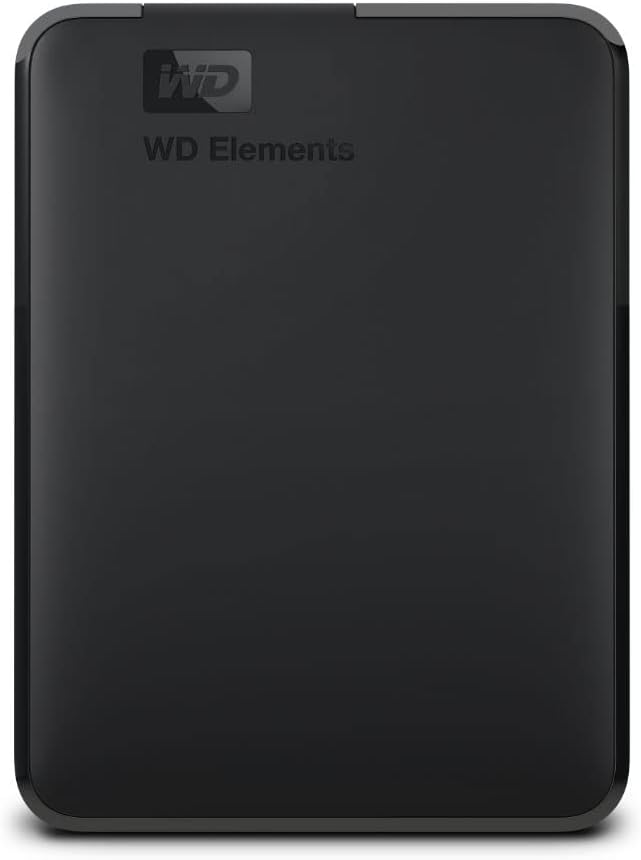
Western Digital
WD 2TB Elements Portable HDD, External Hard Drive, USB 3.0 for PC & Mac, Plug and Play Ready - WDBU6Y0020BBK-WESN
See current price


Toshiba
Toshiba Canvio Basics 1TB Portable External Hard Drive 2.5 Inch USB 3.0 - Black - HDTB310EK3AA
See current price

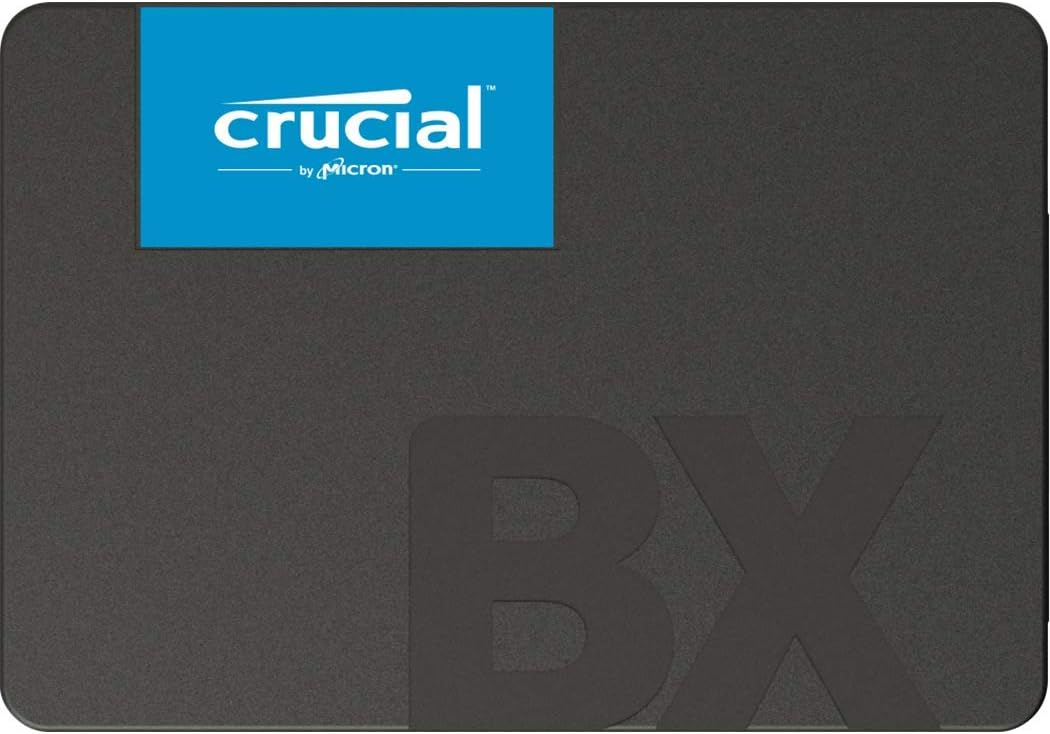
Crucial
Crucial BX500 1TB 3D NAND SATA 2.5-Inch Internal SSD, up to 540MB/s - CT1000BX500SSD1
See current price

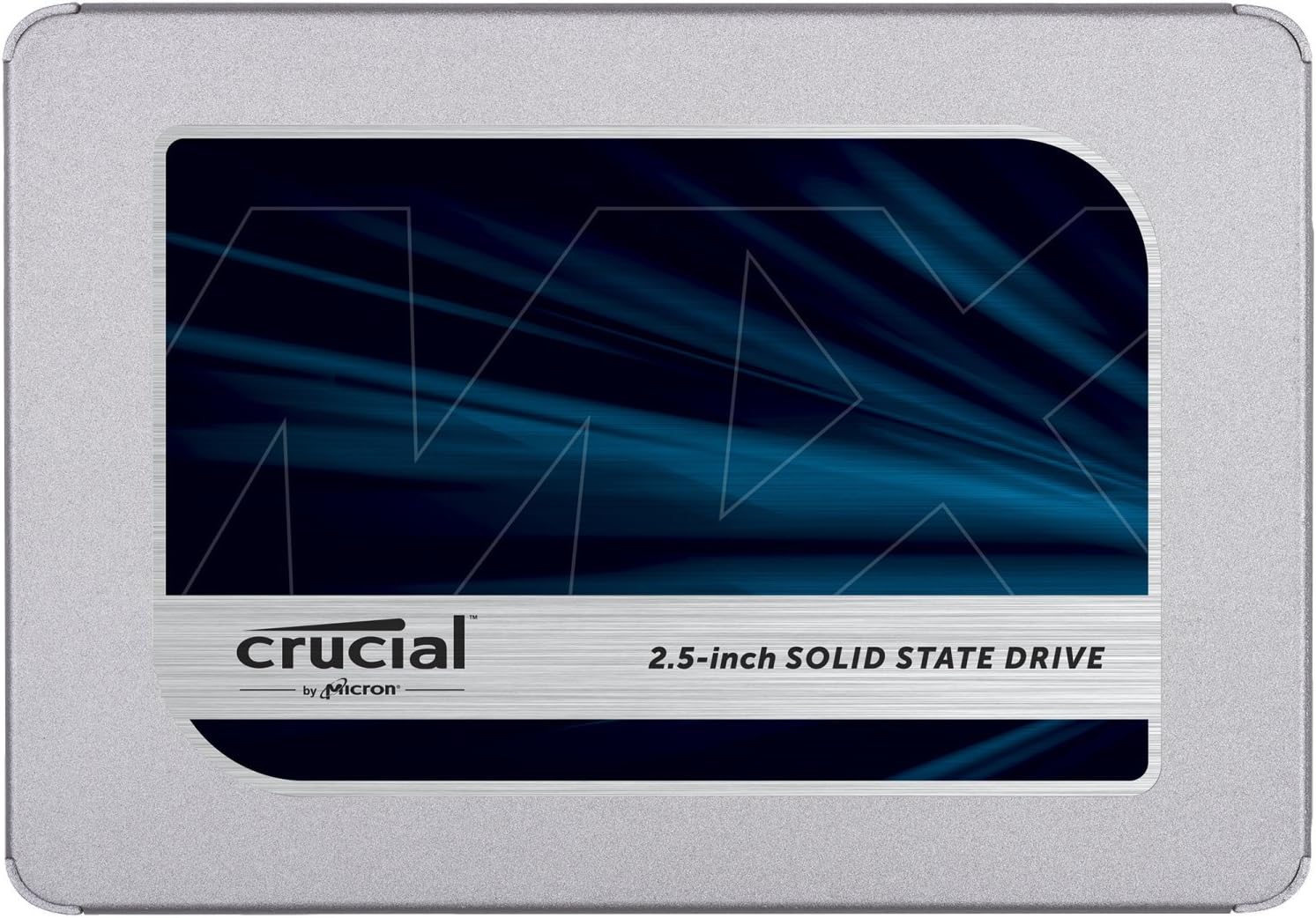
Crucial
Crucial MX500 1TB 3D NAND SATA 2.5 Inch Internal SSD, up to 560MB/s - CT1000MX500SSD1
See current price
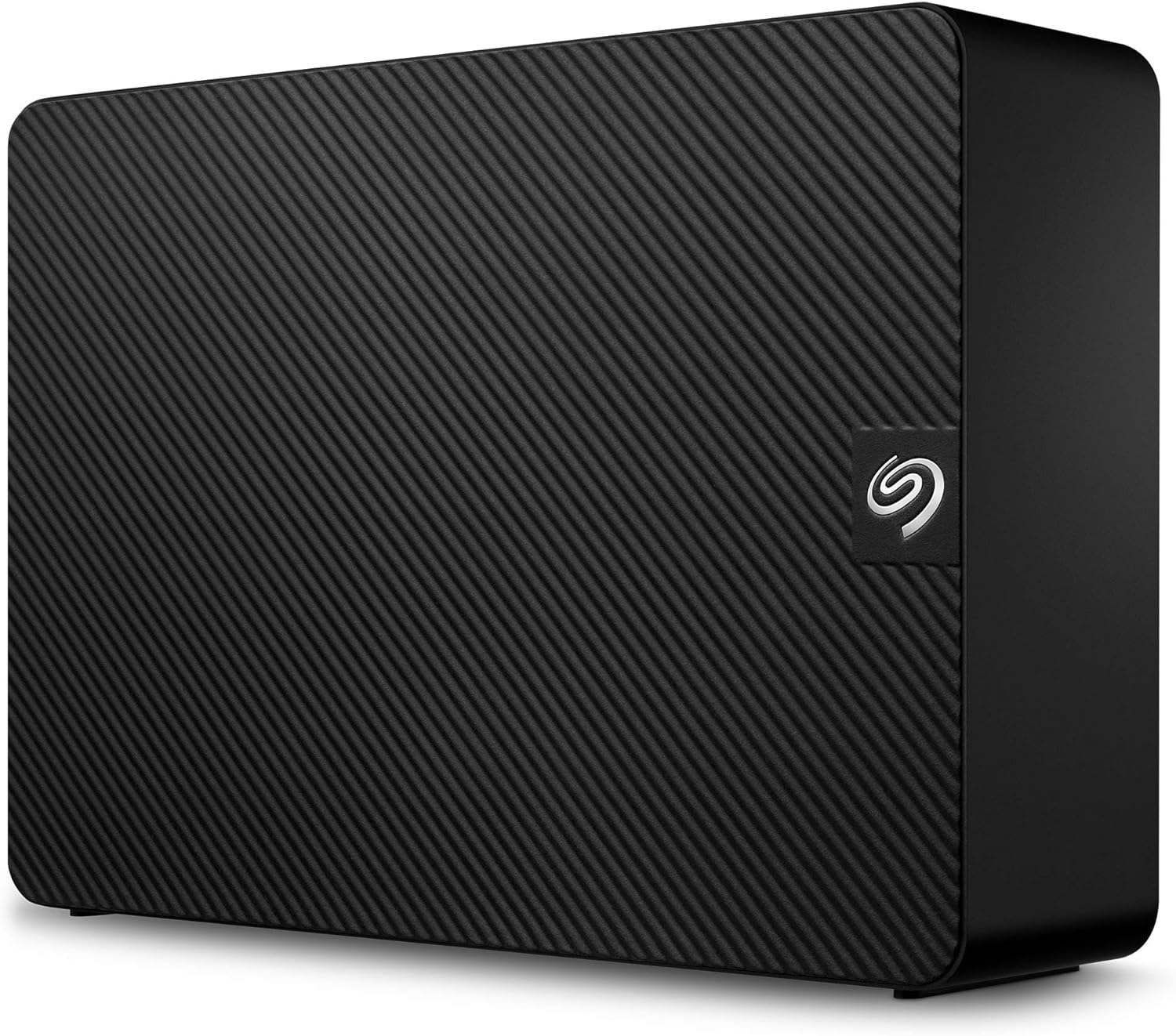
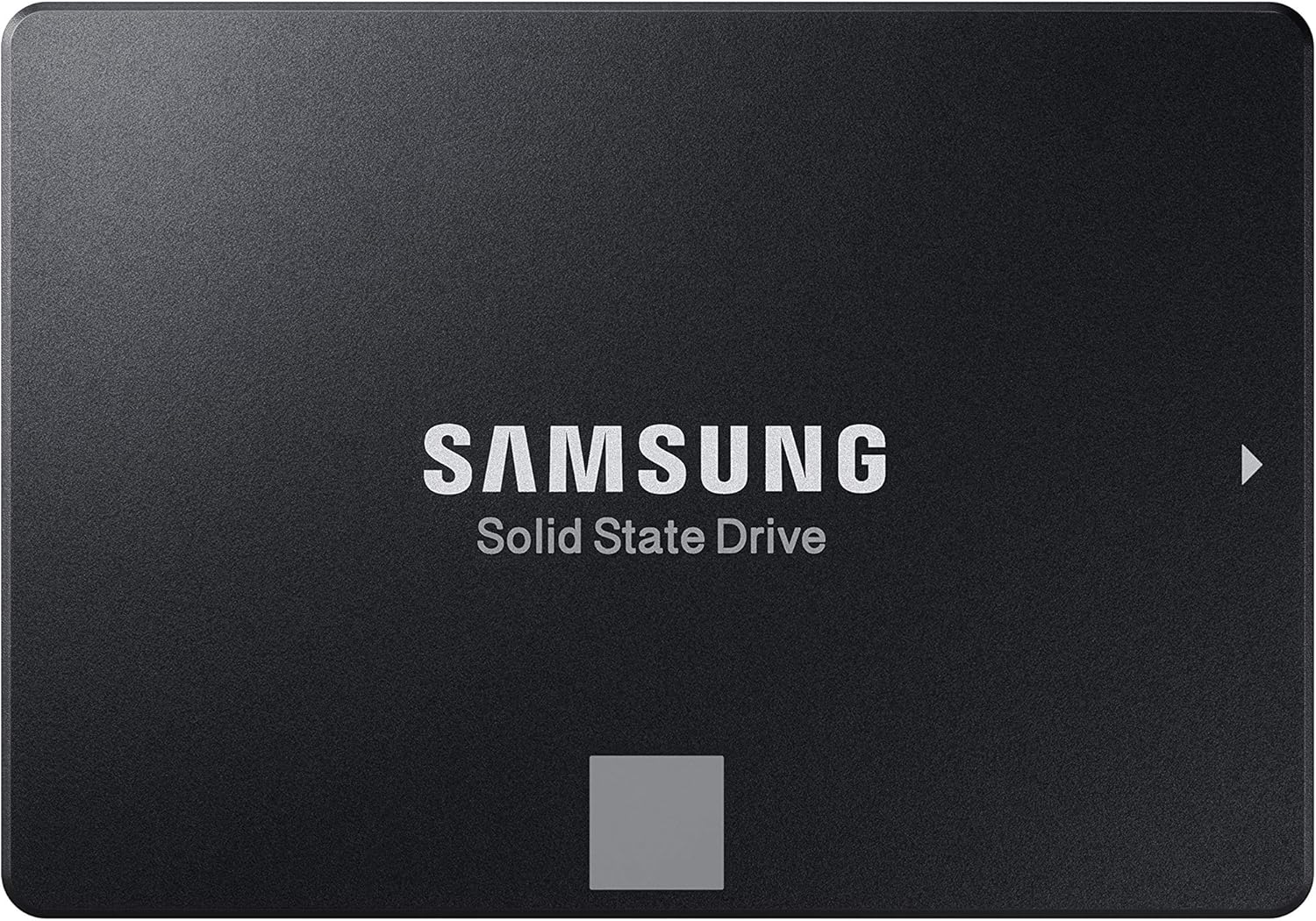


SanDisk
SanDisk SSD PLUS 1TB Internal SSD - SATA III 6 Gb/s, 2.5"/7mm, Up to 535 MB/s - SDSSDA-1T00-G26
See current price


Toshiba
Toshiba Canvio Basics 1TB Portable External Hard Drive USB 3.0, Black - HDTB510XK3AA
See current price


Western Digital
WD 5TB My Passport Portable External Hard Drive with backup software and password protection, Black - WDBPKJ0050BBK-WESN
See current price


SanDisk
SanDisk 256GB Ultra Dual Drive USB Type-C - USB-C, USB 3.1 - SDDDC2-256G-G46
See current price


Popular brands in Data Storage
Data storage covers the hardware and memory products used to save operating systems, applications, documents, photos, videos, and other digital files. The right choice depends on where the storage will be used, how quickly it needs to transfer data, and whether portability or long-term backup matters most.
This K-Catalog selection brings together storage products from brands such as Western Digital, Seagate, SanDisk, Kingston, Samsung, Toshiba, Transcend, D-CLICK, Corsair, SP Silicon Power, PNY, and Adata. Compare specifications and features before clicking through to Amazon to check compatibility and the current purchase details.
How to choose data storage
Start by identifying the device and purpose. A desktop upgrade may call for an internal drive, while a laptop user may need a compact external or portable option. Storage used for backups has different priorities from a drive intended for an operating system, applications, gaming, or frequent file transfers.
Consider these factors:
- Capacity: Choose enough room for current files plus future growth. Photos, video projects, games, and system backups can require substantially more space than documents alone.
- Speed: Transfer rates and access performance affect boot times, application loading, and large file transfers. Match the drive’s performance to the workload rather than paying for speed that the device cannot use.
- Connection or interface: Confirm that the storage uses a port or internal interface supported by the computer, enclosure, tablet, or other host device.
- Form factor: Internal drives must physically fit the computer or enclosure. Portable products should suit the available space and how they will be carried.
- Durability: If a drive will travel frequently, look for features suited to portable use, such as a compact design or protection against everyday handling.
Common data storage types
Internal storage is installed inside a desktop, laptop, or other compatible computer. It can be useful for replacing an aging drive, expanding available space, or separating the operating system from larger media files. Check the computer’s supported form factor, interface, and installation requirements before choosing one.
External and portable storage connects to a computer through a cable or other supported connection. These products are convenient for backups, moving files between devices, expanding capacity without opening a computer, or keeping a separate copy of important data.
Flash storage and memory cards are designed for devices that use removable or compact memory. Compatibility is especially important because cameras, tablets, handheld devices, and other electronics may require a particular card format, capacity range, or performance class.
USB flash drives provide a small way to carry documents and other files between compatible devices. They are convenient for quick transfers, but important files should also have a separate backup rather than existing in only one location.
Features and specifications to compare
Read the full specification list instead of relying on a product name alone. Capacity is only one part of the decision. For an external drive, check the connector type, included cable, operating-system compatibility, and whether the enclosure is designed for the intended drive type.
For internal storage, compare the interface, physical dimensions, installation method, and compatibility with the computer or motherboard. A drive may be technically capable but unsuitable if the host system lacks the required slot or connection.
For memory cards and flash drives, check the supported format, rated transfer performance, and the device manufacturer’s compatibility requirements. If storing large media files, faster sustained performance may be more important than peak transfer claims. For backups, consider whether the storage will remain connected, travel with the user, or be stored separately from the main computer.
Brands represented in the catalog
The catalog includes data storage products from Western Digital, Seagate, SanDisk, Kingston, Samsung, Toshiba, Transcend, D-CLICK, Corsair, SP Silicon Power, PNY, and Adata. Each brand may offer products for different form factors, interfaces, and use cases, so compare the individual specifications rather than choosing by brand name alone.
Data storage can also be considered alongside Computer Accessories & Peripherals, Computer Components, and Computers & Tablets. For device-specific needs, Tablet Accessories and Laptop Accessories may help complete a compatible setup.
Backup, installation, and compatibility tips
Keep more than one copy of files that cannot be replaced. A backup drive is most useful when it is available, properly connected when needed, and separated from the primary device when practical. Before installation, back up important data and confirm that the new storage is compatible with the computer’s operating system and hardware.
When moving an existing system to a new drive, check whether data migration or operating-system installation is required. For portable products, safely eject the drive before disconnecting it, and avoid interrupting transfers. If storage will be used across several devices, verify that the file system and connection work with each one.
Frequently asked questions
Is internal or external storage better?
Neither is best for every situation. Internal storage suits upgrades and primary computer use, while external storage is convenient for backups, file transfers, and expansion without opening the device.
How much storage capacity should I choose?
Choose based on the files and applications you expect to keep, then allow room for future growth. Video, games, and full-device backups generally need more space than documents and light office files.
Does a faster drive improve every computer?
Not necessarily. The computer’s interface, internal slot, operating system, and workload can limit performance, so confirm that the host device supports the drive’s capabilities.
Can one storage device work with every computer?
Compatibility varies by connector, interface, operating system, file system, and physical format. Check the specifications for both the storage product and each device you plan to use.
Should important files be stored on one drive?
Important files should not exist in only one location. Keep a separate backup and verify that files can be accessed when needed.