

Desks & Workstations for Home and Office
Compare desks and workstations by layout, adjustability, storage, materials, and cable management to find a practical fit for working, studying, or creating.
240 products in catalog
240 results
Filters




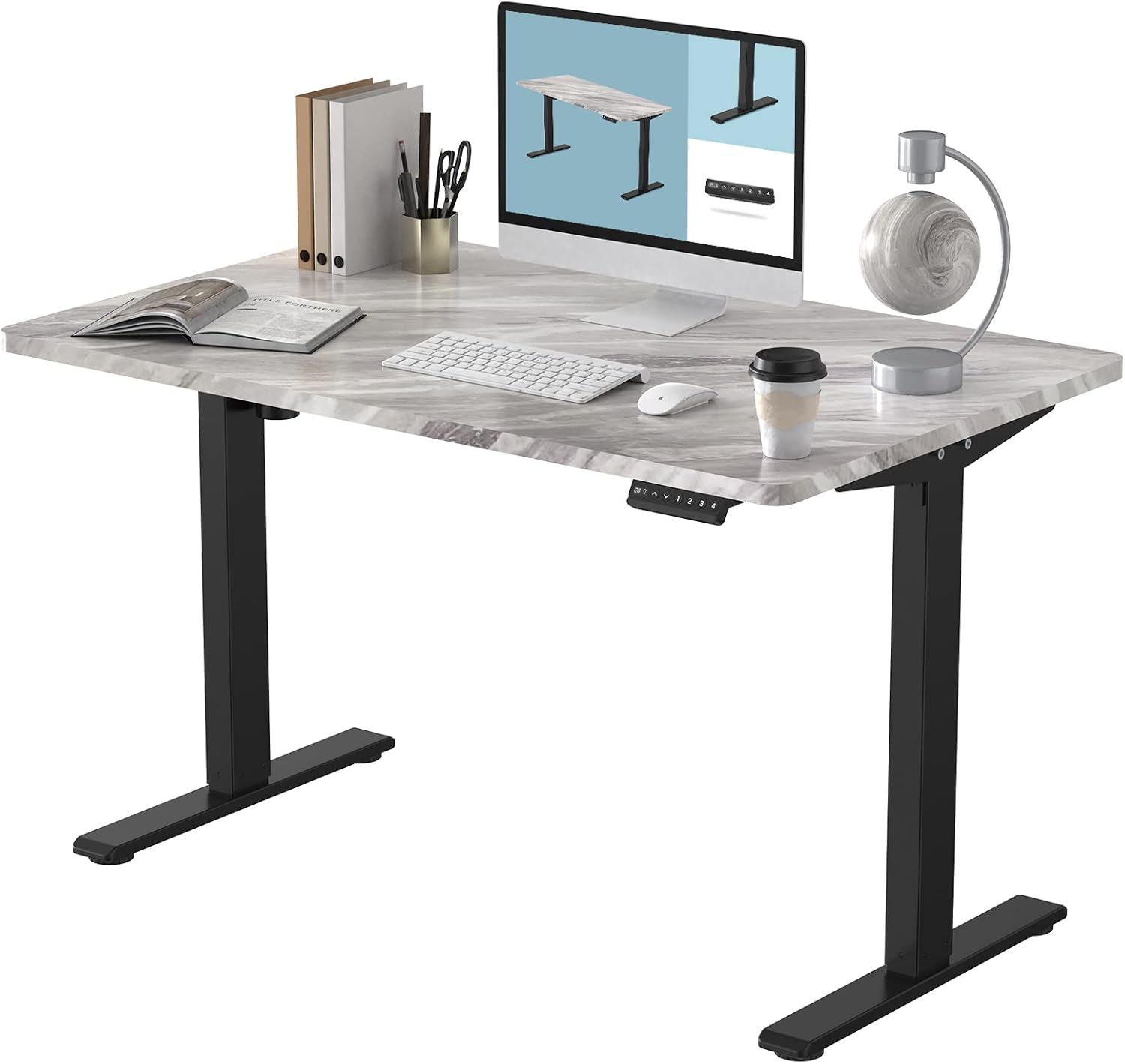
TOPSKY
TOPSKY Dual Motor Electric Adjustable Standing Computer Desk for Home and Office (Grey)
See current price






Popular brands in Desks & Workstations
A desk or workstation affects how comfortably and efficiently a room functions. The right choice depends on available floor space, the equipment you use, how long you sit or stand, and whether you need built-in storage or a clean, flexible surface.
K-Catalog helps shoppers compare listed specifications and features across desks and workstations before visiting Amazon for current product details. Use the information on each product page to check dimensions, construction, adjustment options, and compatibility with your setup.
How to choose a desk or workstation
Start by measuring the intended area, including clearance for a chair, drawers, doors, and walking paths. Compare the desk’s overall width, depth, and height with the space available, then consider how much room your monitor, keyboard, documents, and accessories require.
Think about how the workstation will be used:
- Home office work: Prioritize a stable surface, comfortable height, and space for your computer and everyday supplies.
- Studying or writing: A compact design may be sufficient, while drawers or shelves can help keep materials organized.
- Gaming or creative work: Look for enough depth for displays and peripherals, plus strong cable-management options.
- Shared or flexible spaces: Adjustable or movable designs can be easier to adapt when the room serves multiple purposes.
Desk types to compare
Traditional writing desks offer a straightforward surface and can suit bedrooms, offices, and multipurpose rooms. Computer desks may include monitor shelves, keyboard trays, storage compartments, or dedicated cable openings. L-shaped and corner designs can make use of otherwise awkward areas while separating different tasks.
Standing desks and height-adjustable workstations are designed for users who want to alternate between seated and standing positions. Compare the adjustment method, height range, control layout, stability, and whether the frame and desktop are supplied together. Some designs are complete desks, while others are frames intended to support a compatible desktop.
For more room-planning ideas, browse Tables and Chairs & Sofas as related office furniture categories. Carts & Stands may also help when equipment needs to move independently of the main desk.
Key features and specifications
Dimensions and capacity: Check the assembled dimensions and available working area rather than judging size from product photos. Weight capacity matters when placing multiple monitors, speakers, computers, or other equipment on the surface.
Height adjustment: For sit-stand desks, compare electric, crank, pneumatic, or manual adjustment systems. Check how controls work and whether the adjustment is intended for the entire desktop or only a monitor platform.
Stability and construction: Look for the listed frame material, desktop material, leg design, and support structure. A thicker or heavier construction may feel more substantial, but the best choice depends on the room, equipment, and ease of assembly required.
Storage and organization: Drawers, shelves, cabinets, monitor risers, and under-desk compartments can reduce clutter. Cable grommets, channels, hooks, and trays are useful when several devices need to remain connected.
Assembly and maintenance: Review what assembly is required, which components are included, and whether the design can be reconfigured. Follow the manufacturer’s care guidance for the desktop finish, and avoid exceeding the stated load limit.
Brands represented in the catalog
The catalog includes desks and workstation products from VIVO, FEZIBO, FAMISKY, Vari, FLEXISPOT, Stand Steady, farexon, Mount-It!, Seville Classics, S Stand Up Desk, HAIAOJIA, and DEVAISE. Brand availability can vary by product type, so compare the specifications of individual listings rather than relying on the brand name alone.
When evaluating a specific desk, pay attention to the complete configuration. A listing may show a desktop, frame, shelves, accessories, or a combination of these, and included components can differ between designs.
Related office organization
A desk works best when the surrounding storage and accessories match its function. Furniture Accessories can help with organization and workstation add-ons, while Cabinets, Racks & Shelves provide options for storing files, supplies, and equipment away from the desktop. You can also browse the broader Office Furniture & Lighting category for complementary products.
Frequently asked questions
What type of desk is best for a small room?
A compact writing or computer desk may be easier to fit, while a corner or L-shaped design can use otherwise unused space. Confirm the full assembled dimensions and clearance before choosing.
Are standing desks adjustable for both sitting and standing?
Many are, but adjustment methods and height ranges vary. Check the product specifications to confirm whether the desk supports the positions you need and how the height is changed.
How much desk space is needed for a monitor?
Measure the monitor base, keyboard, mouse, and any accessories you plan to use. A deeper surface may be more comfortable for larger displays, while monitor stands or arms can free desktop space.
What should be checked for a computer workstation?
Compare desktop dimensions, weight capacity, cable management, monitor support, storage, frame stability, and the included components. These details are more useful than appearance alone.
Do desks usually include a chair?
Desk listings generally describe the desk or workstation itself, so check the included-items list carefully. A compatible chair can be explored separately in Chairs & Sofas.