
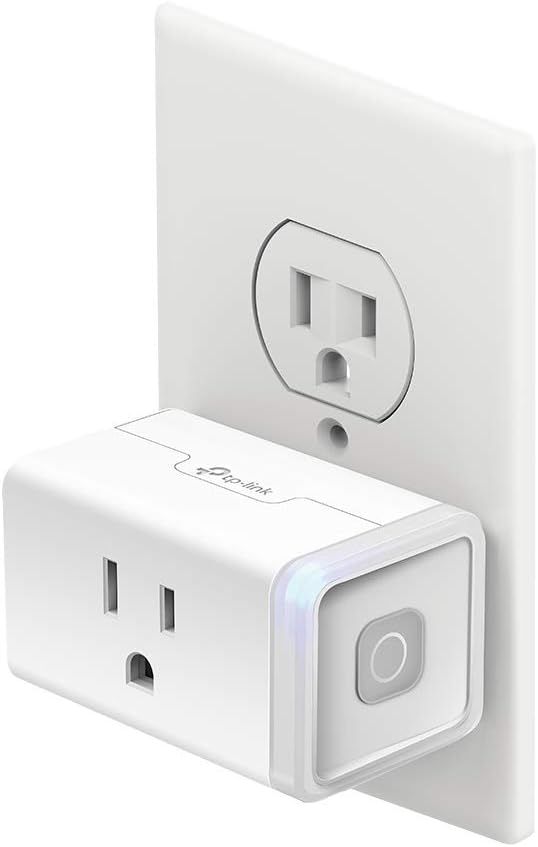
Home Automation Devices
Compare home automation devices by connectivity, compatibility, control methods and installation requirements. K-Catalog helps you review specifications and features before visiting Amazon.
95 products in catalog
95 results
Filters


August Home
August Home Connect Wi-Fi Bridge, Remote Access, Alexa Integration for Your August Smart Lock, white
See current price


Samsung
Samsung SmartThings GP-U999SJVLAAA Door & Window Multipurpose Sensor, White, 1 Count (Pack of 1)
See current price


Hangzhou BroadLink Technology Co., Ltd
BroadLink Wi-Fi Smart Remote Hub with Sensor Cable, IR RF All in One Automation Learning Universal Remote Control, With a Mini Smart Plug, Compatible with Alexa, Google Home, IFTTT (RM4proS+SP4M)
See current price

logitech
Logitech Harmony Elite Remote Control, Hub and App - Discontinued by Manufacturer
See current price
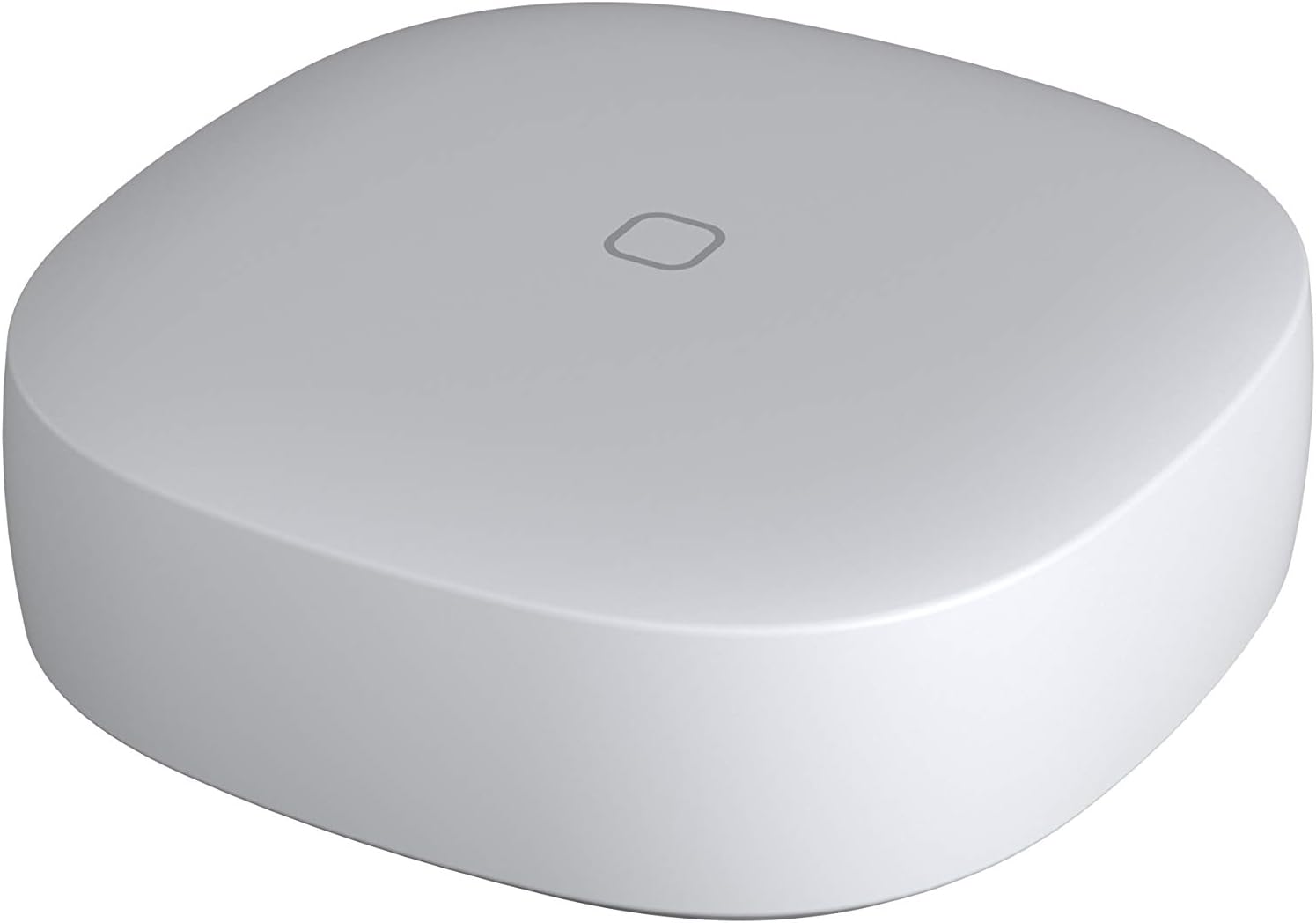
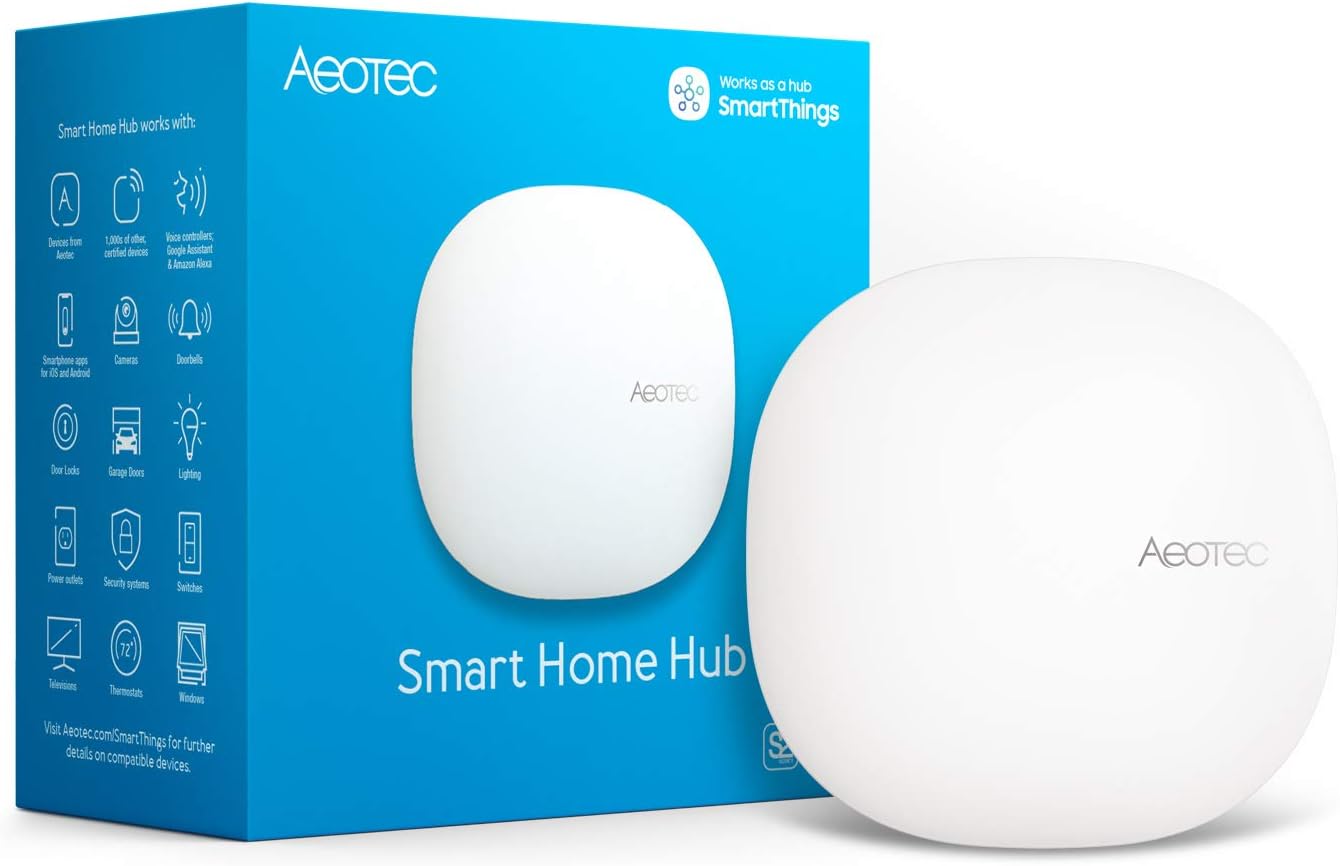

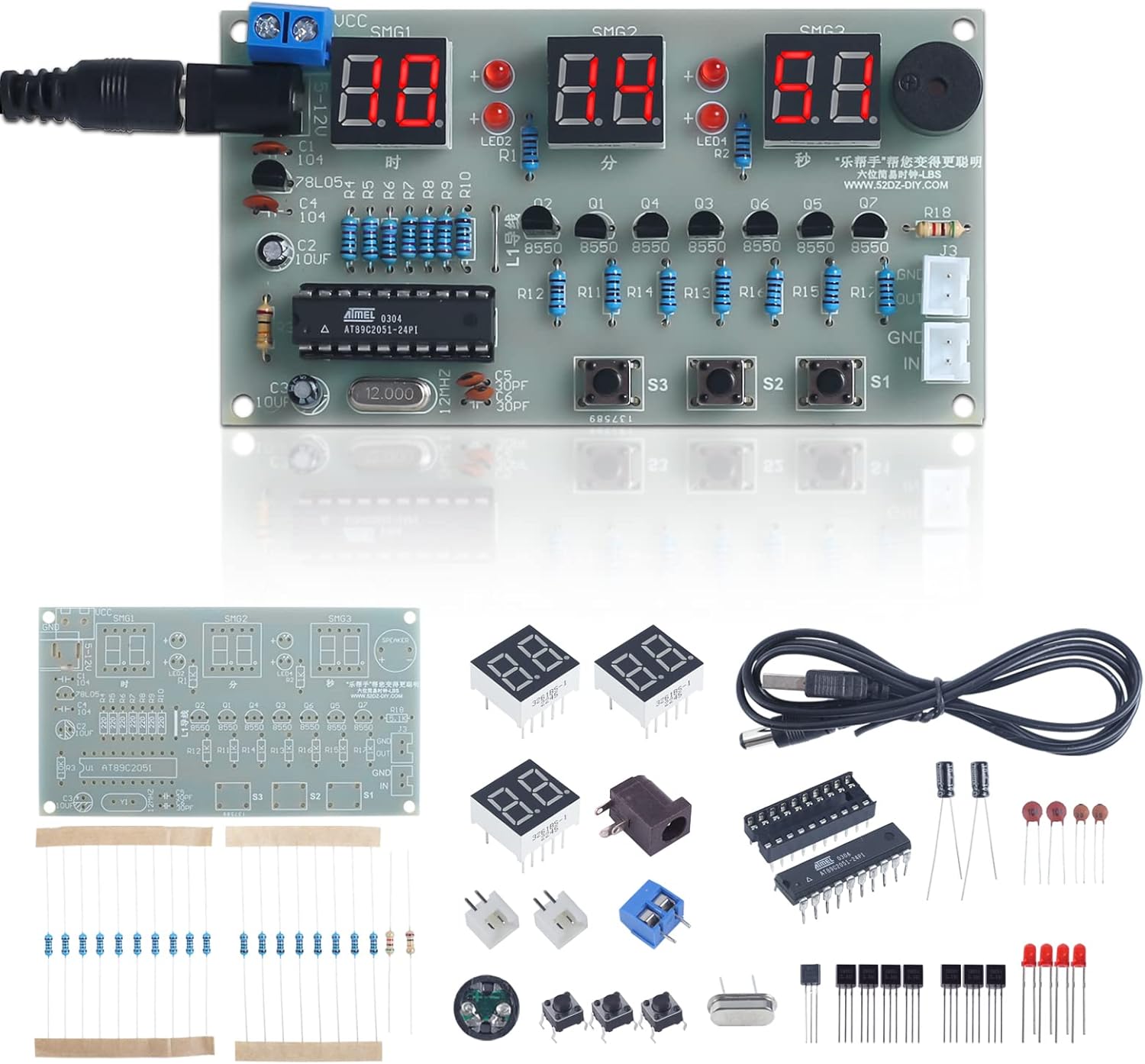


Popular brands in Home Automation Devices
Home automation devices can make lighting, appliances, sensors and other electrical equipment easier to monitor and control. The right choice depends less on a single feature than on how well a device fits your existing network, smart-home platform and daily routines.
Use this category to compare specifications and features across home automation products. Consider whether you need a central hub, a simple plug-in device, a sensor, or a control that connects directly to your home network.
How to choose home automation devices
Start by identifying what you want to automate and how you expect to control it. A smart plug may be suitable for switching a compatible appliance on and off, while a sensor can trigger actions based on motion, contact, temperature or another condition. A hub or controller may be useful when several devices use different communication standards or need centralized management.
Before choosing, check:
- Compatibility: Confirm support for your preferred smart-home ecosystem, operating system and voice assistant if applicable.
- Connectivity: Compare Wi-Fi, Bluetooth, Zigbee, Z-Wave or other supported protocols, along with whether a separate hub is required.
- Control options: Look for app control, schedules, scenes, automation triggers, physical buttons or remote access as needed.
- Installation: Determine whether the product plugs in, mounts to a surface, replaces existing electrical hardware or requires wiring.
- Power requirements: Check whether it uses mains power, batteries, USB power or another source, and consider how maintenance will fit your routine.
Common types to compare
Hubs and controllers
A hub or controller coordinates compatible devices and can serve as the central point for automations. Compare supported protocols, ecosystem compatibility, local versus cloud-dependent operation, setup requirements and the types of routines it can manage.
Smart plugs and outlet controls
These devices can add remote switching or scheduling to compatible appliances without replacing the appliance itself. Check the electrical specifications, outlet format, load requirements, physical size and whether the plug blocks neighboring outlets.
For related electrical accessories, browse Cords, Adapters & Multi-Outlets and Outlets & Accessories.
Smart switches, dimmers and lighting controls
Wall-mounted controls can provide app-based or automated control while retaining a physical switch. Compare dimming support, bulb compatibility, neutral-wire requirements, wiring method, load type and whether a hub is necessary. Installation may involve working with household wiring, so follow the product instructions and applicable safety requirements. See Switches & Dimmers for adjacent options.
Sensors and automation triggers
Motion, contact, temperature, humidity, leak and other sensors can initiate automations or send alerts. Compare detection range, placement limitations, battery type, alert methods, response time and compatibility with the devices you want to trigger.
Remote controls and connected accessories
Remote buttons, bridges and other accessories can extend control to devices that do not connect directly to your preferred platform. Check which products they can operate, how they communicate and whether they need a hub or account.
Features and specifications that matter
A device’s communication method affects setup, range and interoperability. Wi-Fi products may connect directly to a home network, while other protocols may require a compatible hub. Look for clear information about supported standards rather than assuming that devices from the same general category will work together.
Also compare physical dimensions, mounting method, operating environment and power source. For battery-powered products, placement and battery access can be especially important. For installed controls, verify box compatibility, wiring requirements and the type of electrical load before purchase.
Security and privacy features deserve attention as well. Review account requirements, permissions, firmware-update procedures and whether automation continues if internet access is interrupted. These details can affect reliability and convenience over time.
Brands in the catalog
The catalog includes products from Aqara, Broadlink, Samsung, AEOTEC, Eve, Sengled, Gearwoo, SONOFF, Inovelli, Wink, micasaverde and ZOOZ. Compare each product by its own specifications rather than choosing solely by brand, since connectivity, installation method and ecosystem support can vary across product lines.
For complementary electrical hardware, Wall Plates & Accessories may help when planning a wall-control installation. Door Chimes & Bells is another related category for entry notifications and alert devices.
Planning and installation tips
Map your intended automations before buying. For example, decide which sensor should trigger an action, which device should respond and whether the routine must work when your phone or internet connection is unavailable. This can reveal the need for a hub or an additional bridge.
If replacing a switch or installing a wired product, turn off power at the appropriate circuit and verify the installation requirements. When the wiring, electrical box or load is unclear, consult a qualified professional. For troubleshooting or confirming circuits, compare relevant tools in Testers.
Keep device names and automation rules easy to understand, and document which hub or account manages each product. This makes future changes simpler and helps avoid duplicate or conflicting routines.
Frequently asked questions
Do all home automation devices work together?
No. Compatibility depends on communication protocols, supported ecosystems, hubs, apps and device-specific requirements. Check the complete compatibility information for every product.
Is a hub required for home automation?
Some devices connect directly to a home network or phone, while others require a hub or bridge. The product specifications should identify the required equipment.
What should be checked before installing a smart switch?
Check wiring requirements, electrical box space, load and bulb compatibility, neutral-wire needs, installation method and whether professional installation is appropriate.
Are battery-powered sensors practical?
They can be useful where wiring is inconvenient. Compare battery access, power requirements, placement limits and the maintenance involved in replacing or recharging batteries.
How can shoppers compare similar devices?
Compare connectivity, ecosystem support, control methods, power source, installation, dimensions, automation features and operating requirements side by side. Then verify the current product details before purchasing.