
Bill Martin Jr. (Author), John Archambault (Author), Lois Ehlert (Illustrator)
Chicka Chicka Boom Boom (Chicka Chicka Book, A)
See current price

Compare lighting and studio equipment for portraits, product photography, video, streaming, and creative projects. Review specifications and features to find gear that fits your setup.
4,011 products in catalog
4,011 results
Bill Martin Jr. (Author), John Archambault (Author), Lois Ehlert (Illustrator)
See current price


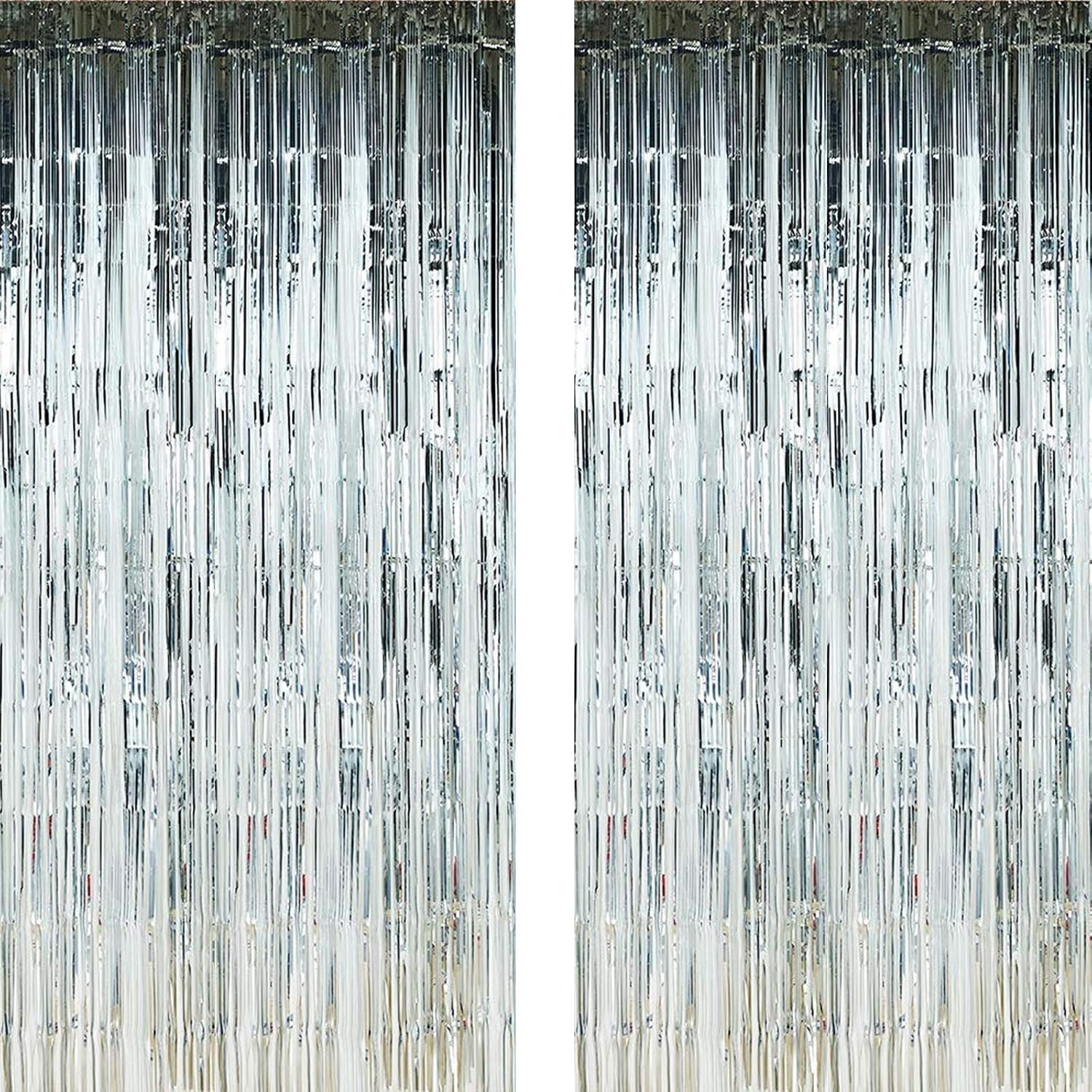


LS LIMO STUDIO LIMOSTUDIO
See current price


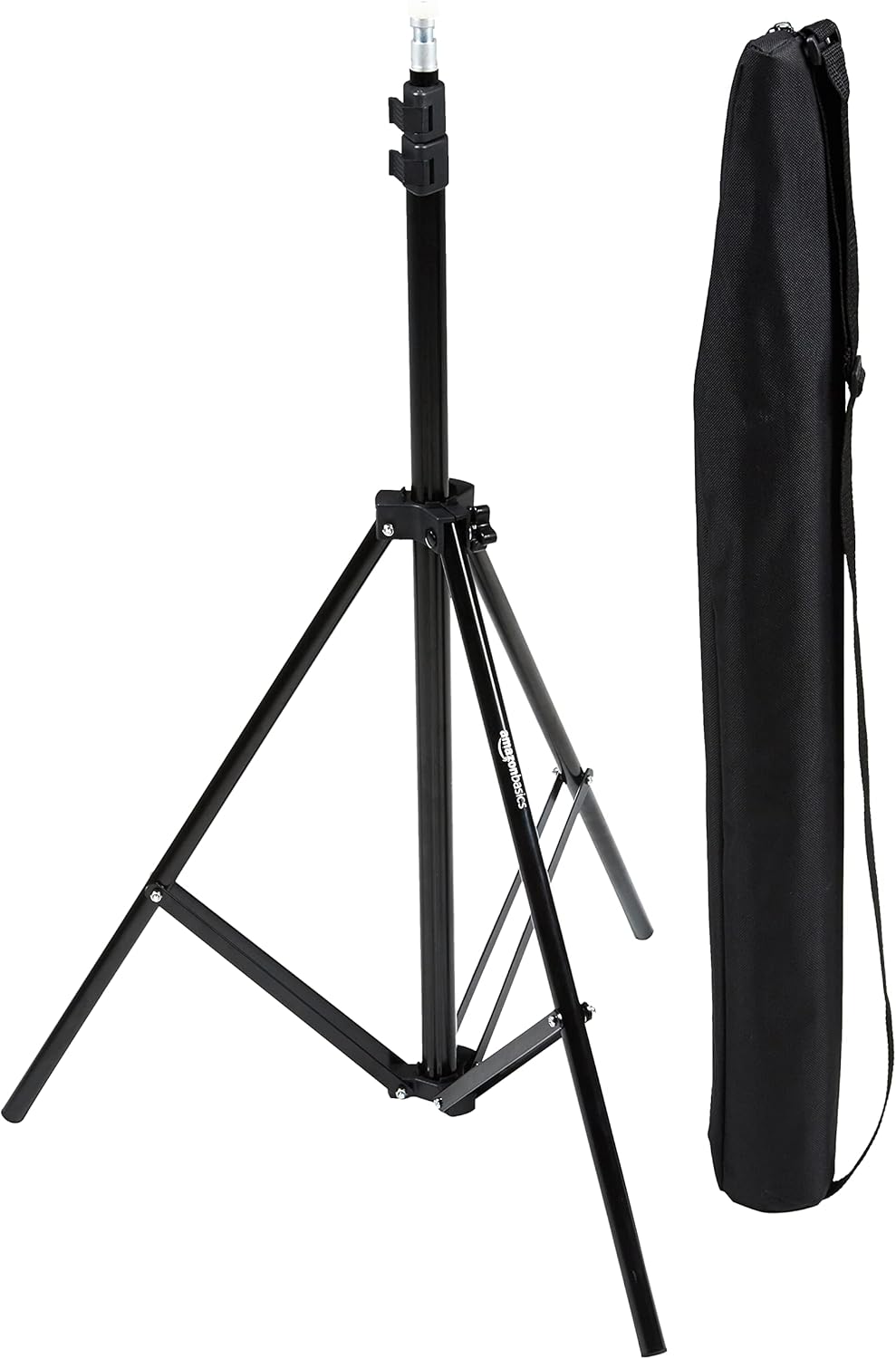
Amazon Basics
See current price


Lighting shapes exposure, color, contrast, and the overall mood of a photograph or video. The right equipment depends on your subject, shooting space, camera, and whether you need a portable setup or a more permanent studio arrangement.
Browse this category alongside Camera & Photo equipment, then compare the details that affect control, compatibility, portability, and day-to-day use.
Start by identifying the type of work you do most often. Portraits may call for a soft, flattering light source and a way to control shadows. Product photography benefits from consistent illumination and repeatable positioning. Video creators often prioritize continuous light, quiet operation, adjustable brightness, and color control so the lighting remains visible while recording.
Your available space also matters. Compact lights and collapsible modifiers can suit a desk, small room, or travel kit. Larger stands, backdrops, and multi-light arrangements may be more useful when you have dedicated studio space. Consider how often the equipment will be moved, stored, or assembled before choosing heavier or more specialized pieces.
Lighting and studio collections can include several complementary types:
For lights, review output controls, brightness adjustment, color temperature, color modes, power source, and control method. Some setups are designed for wall power, while others support batteries or another portable arrangement. Check whether the stated controls are manual, remote, app-based, or dependent on an included controller.
For flashes, verify compatibility with your camera system and any required transmitter or receiver. Mount type, sync options, power adjustment, and flash head movement can affect how easily the unit fits into a multi-light setup.
Modifiers should be compared by size, shape, mounting system, and intended effect. A larger modifier can create a broader source, while a grid or flag can help limit spill. For stands and supports, examine height adjustment, footprint, load guidance, folded size, and the connection standard used by your other equipment.
A simple setup may begin with one light, a stand, and a modifier. A reflector can help soften shadows without requiring another powered light. As your needs grow, a second light can provide separation, background illumination, or more control over the subject and scene.
Keep compatibility in mind across the entire system. A light may require a particular mount for a softbox, while a stand or bracket may use a different connection than your camera accessories. If you record video, listen for fan noise and consider whether the controls are easy to adjust without interrupting the shot.
For safety, place stands on a stable surface, spread their legs fully, keep cables organized, and avoid positioning equipment where it can be knocked over. Follow the manufacturer’s guidance for power, heat, batteries, and mounting limits.
Brands represented in this catalog include Neewer, Allenjoy, Mocsicka, Blulu, Godox, EMART, Funnytree, Avezano, Fanghui, Sumind, LS LIMO STUDIO LIMOSTUDIO, and Tatuo. Compare each product’s specifications and included components rather than choosing by brand name alone, since products within a brand can serve different kinds of photography and video work.
Depending on your project, you may also need Accessories for camera and lighting support, Tripods & Monopods for stable positioning, or Digital Cameras to complete a still-image setup. For transporting equipment, see Bags & Cases. Video Surveillance is a separate category for monitoring equipment rather than general-purpose creative lighting.
Continuous lighting is easier to preview and is often convenient for video, streaming, and learning. Flash can provide a powerful burst for still photography, but it requires attention to synchronization and exposure settings.
A softbox spreads and diffuses light, helping create softer illumination and smoother shadows. Its size, shape, internal diffusion, and mounting system affect the result and compatibility.
Not always. One light combined with a reflector or careful positioning can handle many scenes. Additional lights become useful when you want separate control over the subject, background, hair, or edge lighting.
Review the product’s trigger, sync, mount, and control compatibility, then compare those details with your camera and existing accessories. Some systems may require separate transmitters, receivers, or adapters.
Compare the stand’s height range, folded size, footprint, connection type, and stated load guidance. Also consider whether it will be used indoors, transported frequently, or placed near people and valuable equipment.