

Networking Products for Home and Office
Compare networking products by connection type, coverage, ports, compatibility, and management features. Use the specifications to narrow options for home, office, gaming, streaming, and connected devices.
3,396 products in catalog
3,396 results
Filters
![SABRENT 4 Port USB 2.0 Data Hub with Individual LED lit Power Switches [Charging NOT Supported] for Mac & PC (HB-UMLS)](https://m.media-amazon.com/images/I/61ndTZ01HHL._AC_SL1500_.jpg)


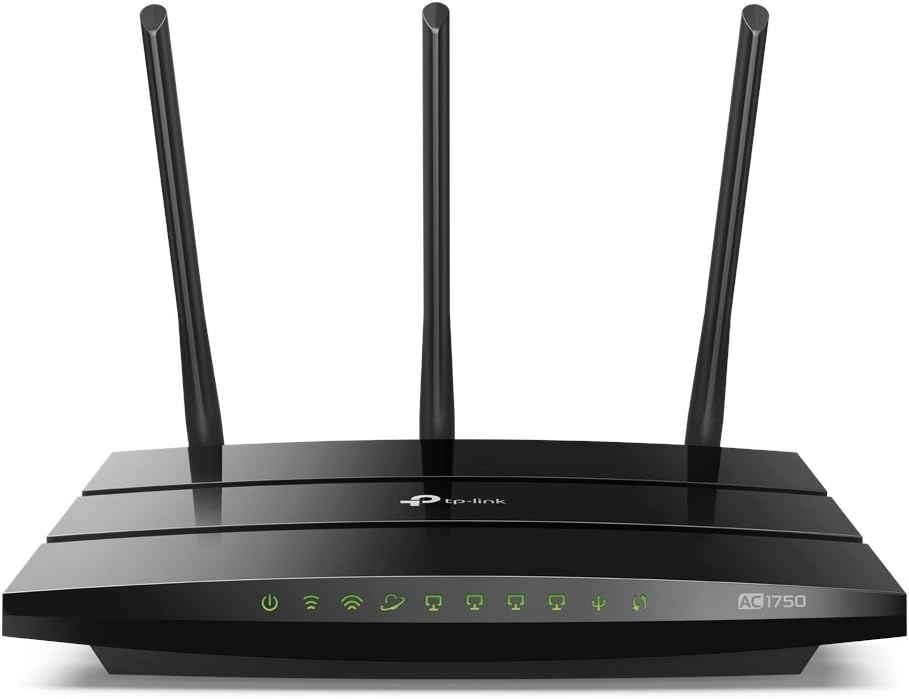


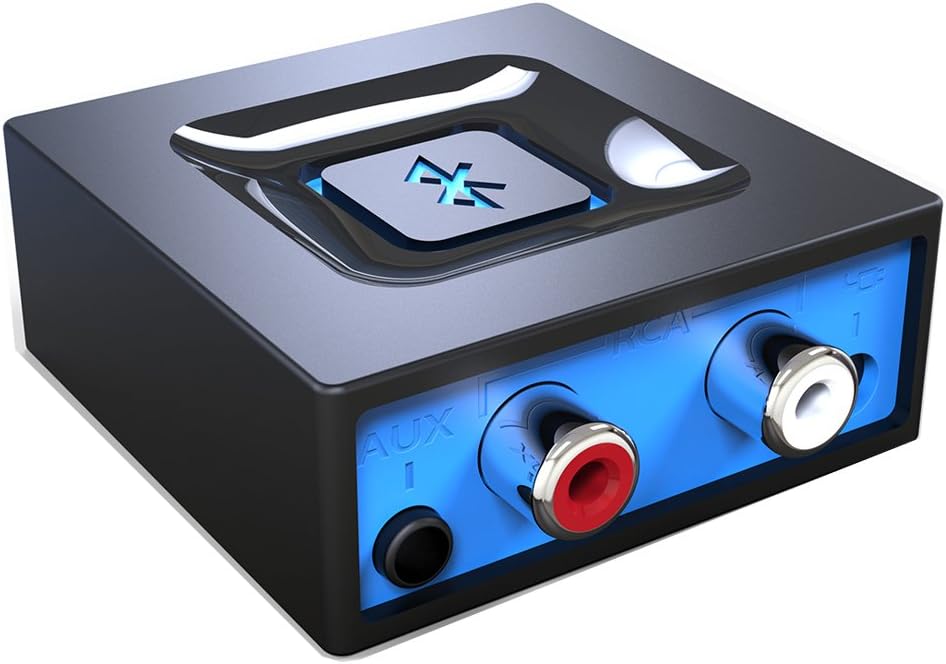


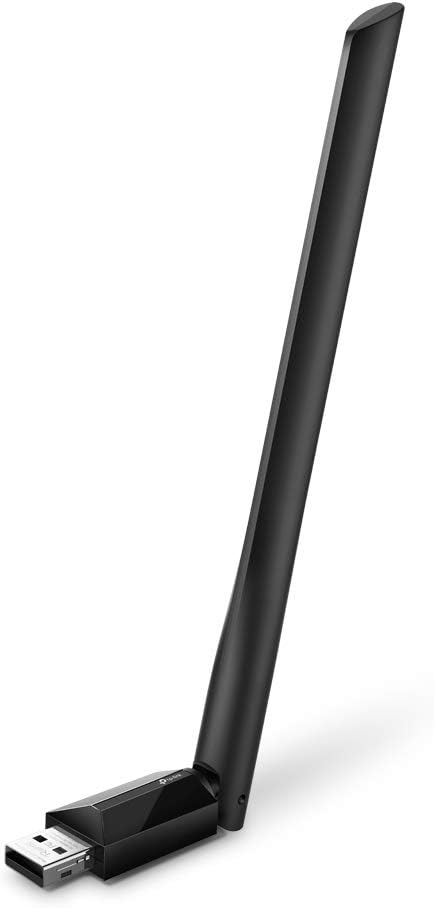
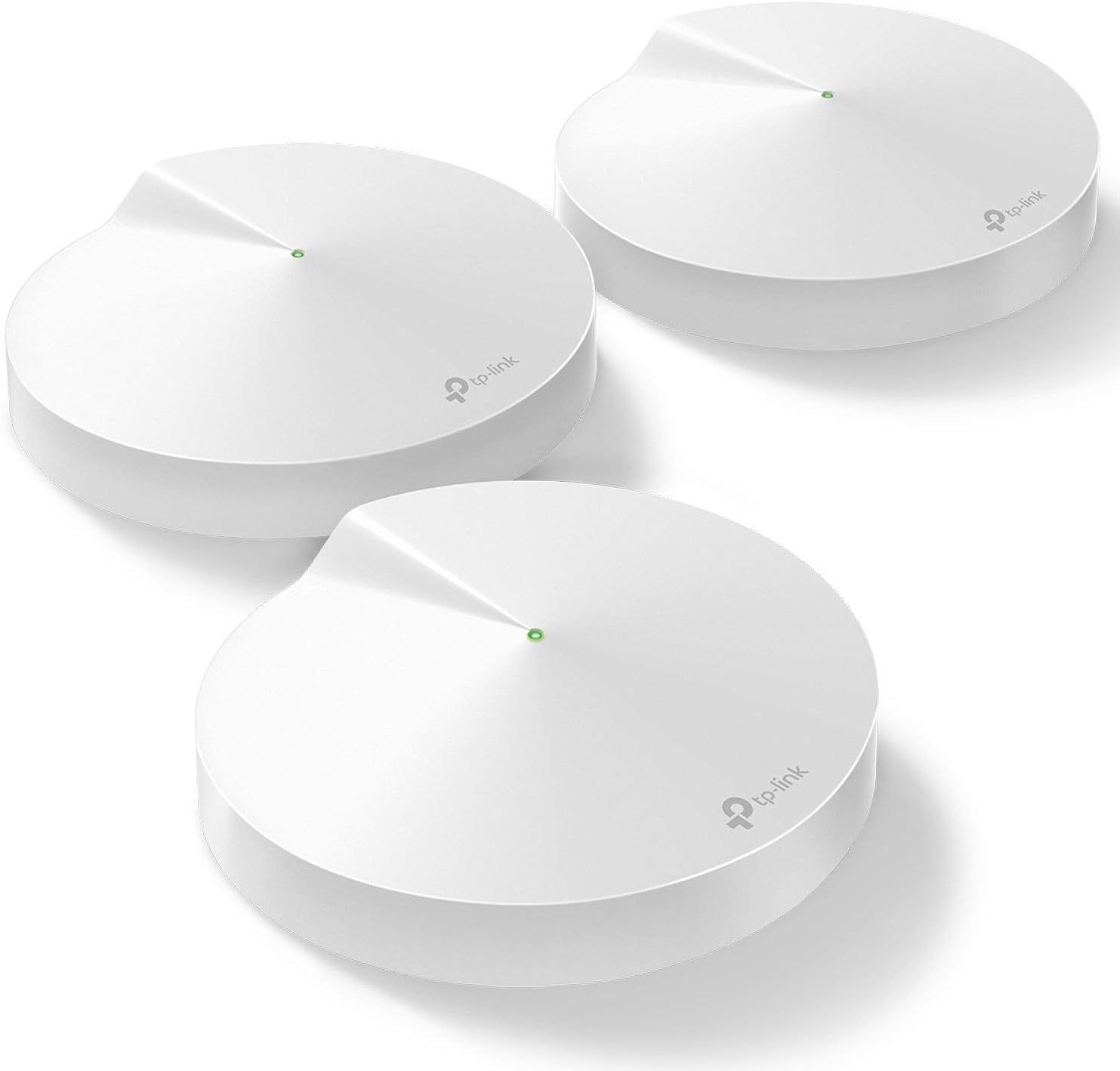




TP-Link
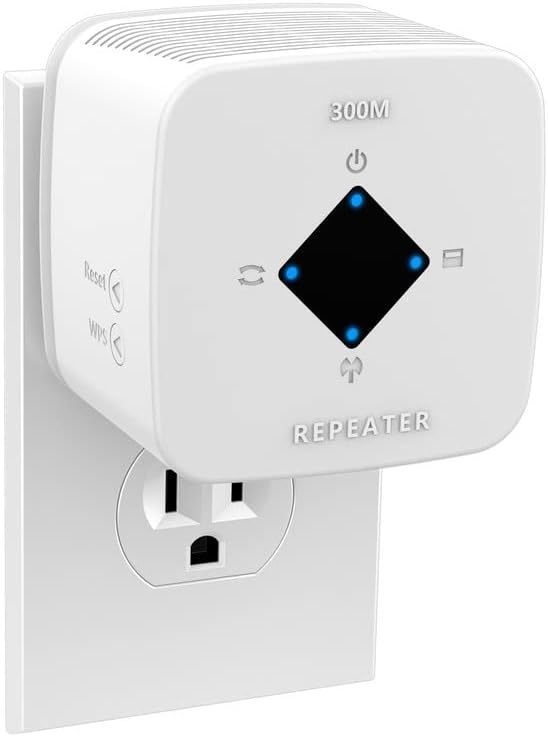
TP-Link RE200 IEEE 802.11ac 750 Mbit/s Wireless Range Extender - ISM Band - UNII Band
See current price


Popular brands in Networking Products
A reliable network starts with choosing equipment that matches your internet service, space, devices, and technical preferences. This Networking Products catalog brings together options for building or upgrading wired and wireless connections, from straightforward home setups to more configurable office networks.
Before choosing, identify whether you need to extend wireless coverage, connect devices with Ethernet, replace an internet gateway, or create a more managed network. Check the full specifications carefully, since products that look similar can differ significantly in compatibility, ports, wireless standards, and setup requirements.
How to choose networking equipment
Start by mapping out your existing setup. Determine whether your internet provider supplies a modem, router, gateway, or another required device. Some products are designed to work alongside existing equipment, while others combine multiple networking functions in one unit.
Consider the size and layout of the area you need to cover, the materials between rooms, and the number and type of connected devices. A compact home network may prioritize simple setup, while a busy household, home office, or small business may need stronger traffic management, additional Ethernet ports, or broader coverage.
It is also useful to plan for how devices connect:
- Wireless devices: Phones, tablets, smart-home products, and many laptops depend on wireless coverage and compatible standards.
- Wired devices: Desktop computers, game consoles, televisions, access points, and other equipment may benefit from Ethernet connections.
- Mixed networks: Many homes and offices combine wireless convenience with wired connections for fixed or bandwidth-sensitive devices.
Common types of networking products
Networking equipment can be grouped by its role rather than its appearance. A router directs traffic between your local network and the internet and often provides wireless access. A modem connects to the service provider’s network, although many internet gateways combine modem and router functions.
Access points add or improve wireless coverage and are often used with a separate router. Wi-Fi range extenders can help reach areas where the signal is weak, but placement and compatibility affect their usefulness. Network switches add Ethernet connections for wired devices and may be available with different port configurations or power features.
Mesh systems use multiple coordinated units to provide coverage across a larger or more challenging layout. They may suit multi-room homes, while a conventional router or access point can be a better fit for a smaller space or a more customized installation. Adapters and bridges can connect devices or network segments that use different connection methods.
Specifications and features to compare
The most important specification depends on the role of the product. Compare these details before selecting an option:
- Connection standards: Check whether the wireless or wired standards match your existing devices and internet equipment.
- Wireless bands and throughput: Multi-band support can help separate devices and reduce congestion, but real-world performance also depends on distance, interference, and client hardware.
- Coverage and expandability: Look at the manufacturer’s coverage guidance and whether additional units, access points, or compatible extenders can be added.
- Ports: Review the number and type of Ethernet ports, their supported speeds, and whether they meet the needs of computers, switches, storage, or entertainment devices.
- Security: Look for current encryption options, guest networking, automatic updates, firewall functions, and parental or access controls when those features matter.
- Management: App-based setup may be convenient, while web interfaces, VLAN support, monitoring, or centralized administration may be more important for advanced users.
- Power requirements: Access points, switches, and other network devices may use different power arrangements. Check whether the installation needs a nearby outlet or supports power over Ethernet.
Brands represented in the catalog
The catalog includes networking products from TP-Link, Netgear, Linksys, D-Link, ASUS, Ubiquiti Networks, ARRIS, Cisco, TRENDnet, Tenda, WAVLINK, and Belkin. These brands cover a range of home, office, wired, wireless, and managed-network equipment. Compare each product by its stated specifications and intended use rather than selecting by brand alone.
Setup and compatibility tips
Confirm compatibility with your internet service before replacing a modem or gateway. Provider approval, supported connection technology, and activation requirements can affect whether a product works with your plan.
For wireless equipment, placement is just as important as the advertised capabilities. Position the primary unit in an open, central location when possible, and avoid enclosing it near large appliances or dense obstructions. If using multiple units, follow the manufacturer’s guidance for placement and wired backhaul options.
Keep firmware current and change default administrator credentials during setup. Use a separate guest network for visitors or compatible smart-home devices when appropriate. For wired installations, measure cable routes and verify that the connector type and cable category suit the intended connection.
You may also want to browse Computer Accessories & Peripherals, Computer Components, or Data Storage when planning a complete computer or home-office setup. Computers & Tablets and Laptop Accessories can help when networking needs are tied to specific client devices.
Frequently asked questions
Do I need a modem and a router?
It depends on your internet service and existing equipment. Some setups use separate devices, while others use a combined gateway. Check provider compatibility before buying replacement equipment.
Is wired or wireless networking better?
Neither is universally better. Wired connections are often useful for fixed devices and consistent performance, while wireless connections provide convenience and mobility. Many networks use both.
How can I improve wireless coverage?
Start with better placement of the primary unit. If coverage remains limited, consider an access point, extender, or mesh system that is compatible with your layout and existing equipment.
What should I check when buying a network switch?
Compare the number and type of ports, supported connection speeds, power requirements, management features, and whether the switch supports any power or network functions you need.
Are all routers compatible with every internet provider?
No. Compatibility can depend on the service technology, provider approval, and required modem or gateway features. Review the provider’s equipment requirements before choosing a router or modem.