
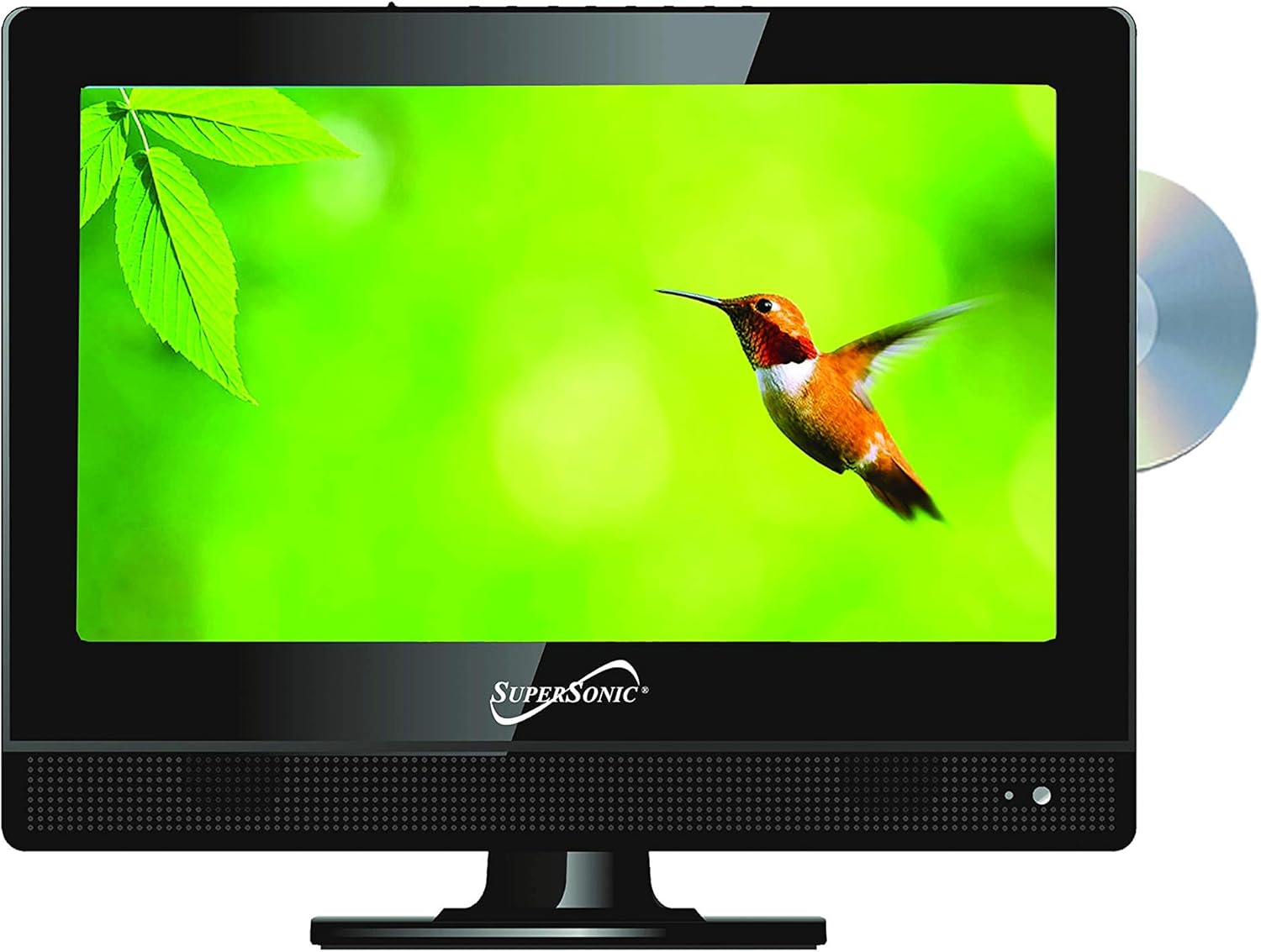
TV-DVD Combos for Convenient Home Viewing
Compare TV-DVD combos by screen size, playback features, connectivity, and placement needs. Find a practical all-in-one setup for bedrooms, guest spaces, kitchens, and more.
27 products in catalog
27 results
Filters


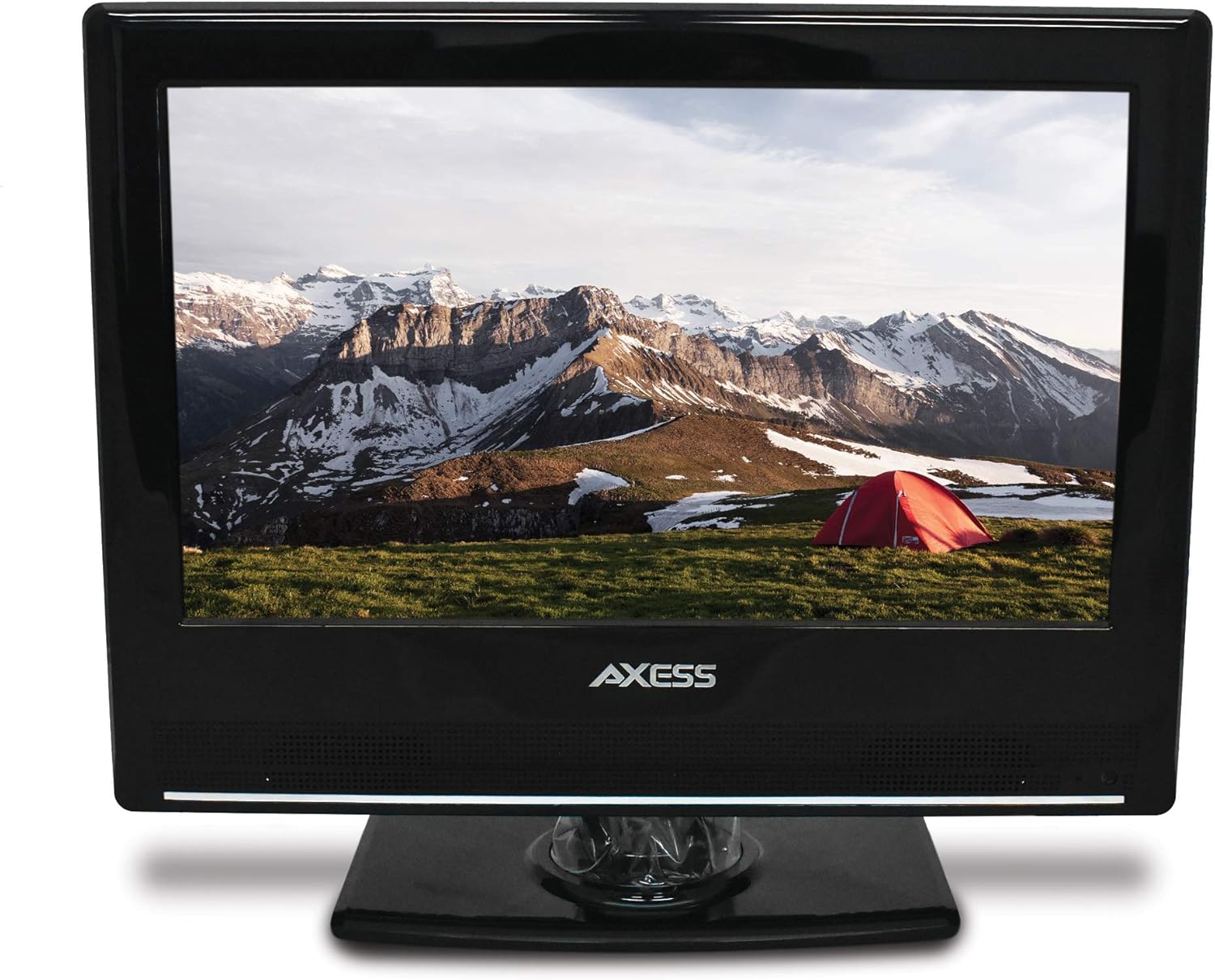


Venturer
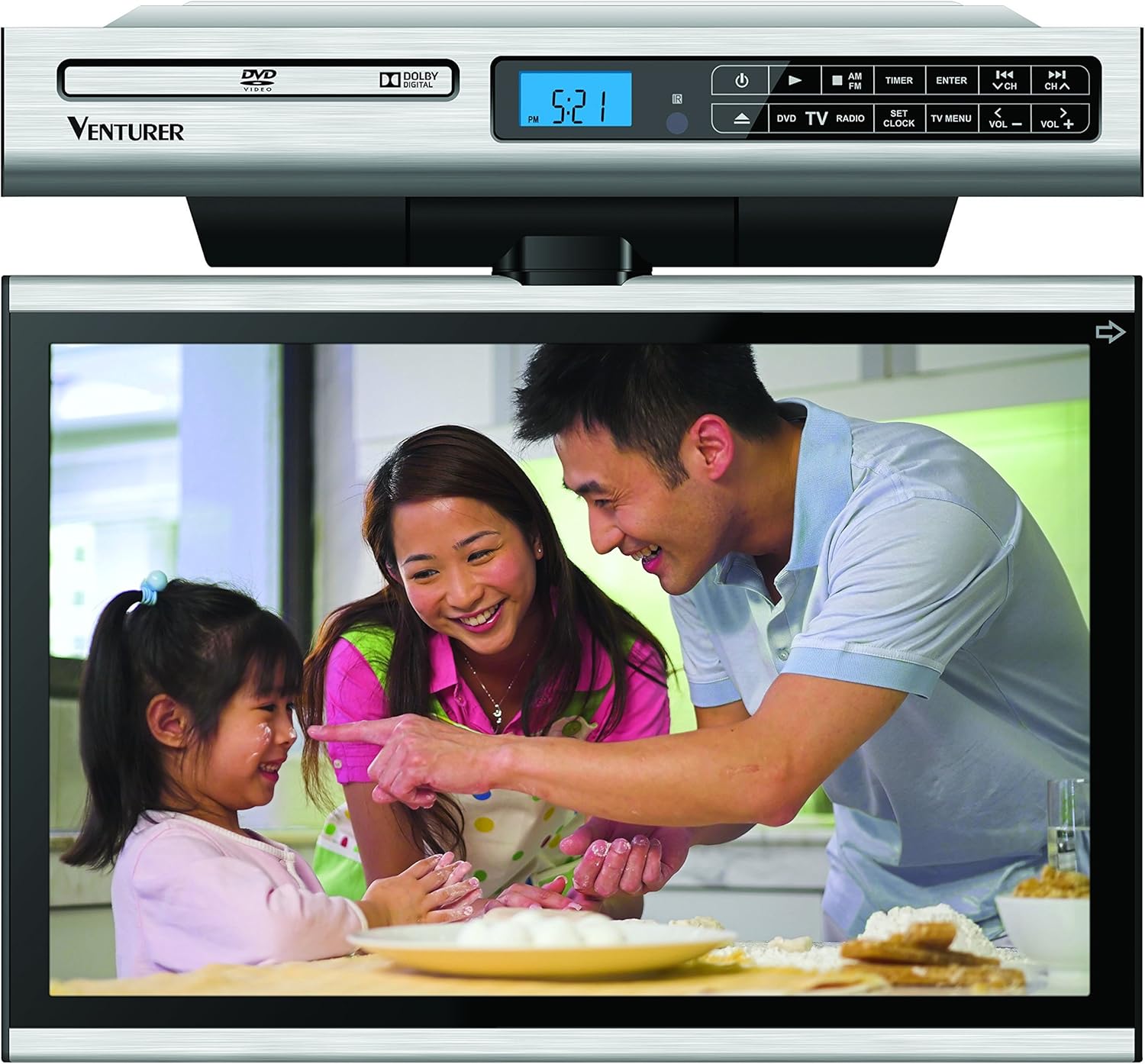
Venturer KLV3915 15.4-Inch 720p Undercabinet Kitchen LCD TV/DVD Combo (No HDMI / No AV input)
See current price




Sceptre
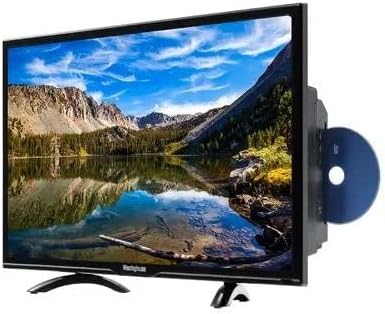
Sceptre E325BD-SR 32" Class - HD, LED TV - 720p, 60Hz with Built-in DVD Player
See current price
Sceptre
Sceptre E325BD-SR 32" Class - HD, LED TV - 720p, 60Hz with Built-in DVD Player
See current price
Popular brands in TV-DVD Combos
TV-DVD combos combine a television and DVD player in one unit, making them a practical choice when space, simplicity, or fewer cables matters. Instead of pairing separate components, shoppers can compare one device for everyday viewing and disc playback.
The right model depends on where it will be used and how you watch content. Consider screen size, available inputs, disc compatibility, sound, mounting options, and whether you need newer streaming or broadcast equipment alongside the built-in player.
How to choose a TV-DVD combo
Start with the room and viewing distance. A compact screen may suit a bedside table, countertop, office, or guest room, while a larger display may be more comfortable for shared viewing. Check the product dimensions, including depth and stand footprint, before selecting a location.
Think about how the unit will be used most often:
- Simple disc playback: Prioritize accessible controls, clear menus, and support for the disc formats you own.
- Secondary-room viewing: Look for a compact design, flexible inputs, and straightforward setup.
- Wall or cabinet placement: Confirm mounting compatibility, ventilation clearance, and access to the disc slot and controls.
- Mixed-source viewing: Compare HDMI, composite, USB, headphone, antenna, and other connections based on your equipment.
A TV-DVD combo is especially useful when reducing component clutter is more important than having the most specialized features in each separate device.
Features and specifications to compare
Screen and picture: Compare display size, resolution, aspect ratio, and picture-adjustment controls. Resolution affects image detail, while aspect ratio can influence how older DVDs and television content appear on screen. Check whether the listed picture specifications suit your seating distance and content sources.
DVD functionality: Built-in players can differ in the disc types and file formats they recognize. Check the specifications for DVD, CD, recordable disc, and media-file support rather than assuming every format will play. Look for convenient features such as chapter navigation, resume playback, parental controls, and remote-control operation when they matter to your household.
Connectivity: Inputs determine what else can connect to the television. HDMI is useful for many modern devices, while composite connections may help with older equipment. USB ports, headphone outputs, audio outputs, and antenna connections can also affect compatibility. Count the connections you need now and leave room for likely additions.
Sound: Compare speaker output and audio settings if the television will be used without an external sound system. A headphone connection may be helpful for private listening in a bedroom or shared home. If you plan to connect a soundbar or receiver, confirm that the available audio output matches the equipment.
Controls and power: A clear remote, accessible front-panel buttons, sleep settings, and an easy-to-read on-screen interface can make daily use more convenient. Also check whether the unit supports the broadcast or external source setup you plan to use.
TV-DVD combos versus separate components
An all-in-one unit saves space and simplifies cable management, but separate products can offer more upgrade flexibility. A standalone television paired with a DVD Players & Recorders device may be preferable if you want to replace either component independently. A separate player can also be useful when you need specialized playback or recording capabilities.
For newer content sources, compare the television’s connections with a Streaming Media Players device. Shoppers who want higher-resolution disc playback may instead consider Blu-ray Players & Recorders. These alternatives can complement a TV-DVD combo or help clarify whether an all-in-one model fits your needs.
Brands represented in the catalog
The catalog includes TV-DVD combos from Sceptre, Westinghouse, Pyle, OCOSMO, Axess, RCA, Venturer, Norcent, Supersonic, BEFORE, PROSCAN, and Sylvania. Treat brand as one comparison point, then review the individual specifications carefully because screen size, connections, playback support, and physical design can vary between products.
For a broader look at display options, compare the Televisions category. Related Accessories may help with mounting, cables, remotes, or other setup requirements.
Setup and compatibility tips
Measure the available space before ordering, including clearance around the ventilation openings and room for cables. Keep the disc slot and remote sensor unobstructed. If the unit will be wall-mounted, verify the mounting pattern, hardware requirements, and manufacturer guidance rather than relying on the screen size alone.
Check the source devices you already own. Older game systems, antennas, cable equipment, and external players may use different connectors. If your television needs to receive a digital over-the-air signal through older equipment, review whether an Analog-to-Digital (DTV) Converters option is relevant.
Handle discs by their edges, keep them clean, and store them in cases. Avoid blocking vents or placing the television near heat, moisture, or unstable surfaces.
Frequently asked questions
What is a TV-DVD combo?
A TV-DVD combo is a television with an integrated DVD player. It combines two commonly used components in one enclosure to simplify placement and connections.
Are all DVDs compatible with every combo unit?
No. Supported disc types and file formats vary by model. Review the specifications for the discs and media files you plan to play.
Can a TV-DVD combo connect to other devices?
Many models include one or more external inputs, but the selection varies. Check for the specific HDMI, composite, USB, audio, antenna, or headphone connections you need.
Is a TV-DVD combo suitable for streaming?
The built-in DVD player does not necessarily provide streaming. If streaming is important, verify smart features or plan to connect a compatible streaming device through an available input.
What should be checked before wall mounting?
Confirm mounting compatibility, the required hardware, the unit’s dimensions and weight, ventilation clearance, and access to the disc slot and connections.