

Desk Accessories & Workspace Organizers
Compare desk accessories and workspace organizers by function, size, materials, and compatibility. Find practical ways to sort supplies, manage cables, protect your work surface, and make everyday tasks easier.
7,395 products in catalog
7,395 results
Filters


Simple Houseware
Simple Houseware Mesh Desk Organizer with Sliding Drawer, Double Tray and 5 Upright Sections, Black
See current price




SteelSeries
SteelSeries QcK Gaming Surface - XXL Thick Cloth - Mouse Pad - Sized to Cover Desks
See current price
![MROCO Mouse Pad 2 Pack [30% Larger] with Non-Slip Rubber Base, Premium-Textured & Waterproof Mousepads Bulk with Stitched Edges for Computers, Laptop, PC, Office & Home, 8.5 x 11 in, Black](https://m.media-amazon.com/images/I/71dVQ1ZydDS._AC_SL1500_.jpg)



Amazon Basics
Amazon Basics Rectangular Gel Computer Mouse Pad with Wrist Support Rest, Small, Black
See current price



Popular brands in Desk Accessories & Workspace Organizers
A well-organized desk can make frequently used supplies easier to find and help keep limited workspace under control. Desk accessories and workspace organizers range from simple holders and trays to larger systems for sorting paperwork, devices, stationery, and personal items.
K-Catalog brings together options for home offices, classrooms, shared work areas, reception desks, and traditional offices. Compare specifications and features to find organizers that fit your available space, work habits, and the supplies you use most often. For more categories across the broader office-supply range, visit Office & School Supplies.
How to choose desk accessories and organizers
Start by identifying the items that create the most clutter. Pens, charging cables, documents, notebooks, small tools, and accessories may each need a different type of storage. An organizer that works well for stationery may not be suitable for papers or larger devices.
Consider these questions before comparing products:
- What needs to be stored? Check whether the organizer is intended for writing tools, documents, electronics, personal items, or a combination of supplies.
- Where will it sit? Measure the available width, depth, and height, including clearance beneath shelves or cabinets.
- How often will items be used? Open compartments and desktop trays are convenient for daily-use supplies, while drawers or covered containers can keep less frequently used items out of sight.
- Will the workspace change? Lightweight organizers are easier to move between desks, classrooms, and workstations. Larger systems may be more suitable for a fixed setup.
- What appearance fits the room? Materials, colors, finishes, and visual layout can matter when the organizer remains in view throughout the day.
A useful setup often combines accessible storage for everyday items with a separate place for backup supplies and documents. This helps avoid filling the entire desktop with containers that are only occasionally needed.
Common types of workspace organizers
Desktop trays and document organizers
Desktop trays can help separate incoming paperwork, items requiring action, and documents ready for filing. Tiered organizers make use of vertical space, while flat trays may be easier to access when papers are frequently added or removed. Compare the intended paper orientation and the amount of clearance needed for each section.
Pen, pencil, and small-supply holders
Cups, divided containers, and compartment organizers are useful for writing instruments, scissors, rulers, clips, erasers, and other small supplies. Look for compartments that match the types of items being stored. A tall section can hold longer tools, while smaller sections may reduce loose items collecting at the bottom.
For related writing tools and correction products, browse Writing & Correction Supplies. Paper itself is covered in the Paper category.
Drawer and compartment organizers
Drawer inserts can divide a larger area into sections for office supplies, craft materials, personal items, or electronic accessories. Before choosing one, compare the interior dimensions of the drawer with the organizer’s external dimensions. Removable or adjustable sections may provide more flexibility as storage needs change.
Cable and device management accessories
Workspaces with computers, chargers, lamps, and other electronics may benefit from accessories that route, group, or store cables. Compare the type of cables or devices an organizer is designed to accommodate, how it attaches to the desk, and whether it leaves connectors accessible. Adhesive, clip-on, freestanding, and under-desk designs may suit different surfaces and layouts.
Desk pads and surface accessories
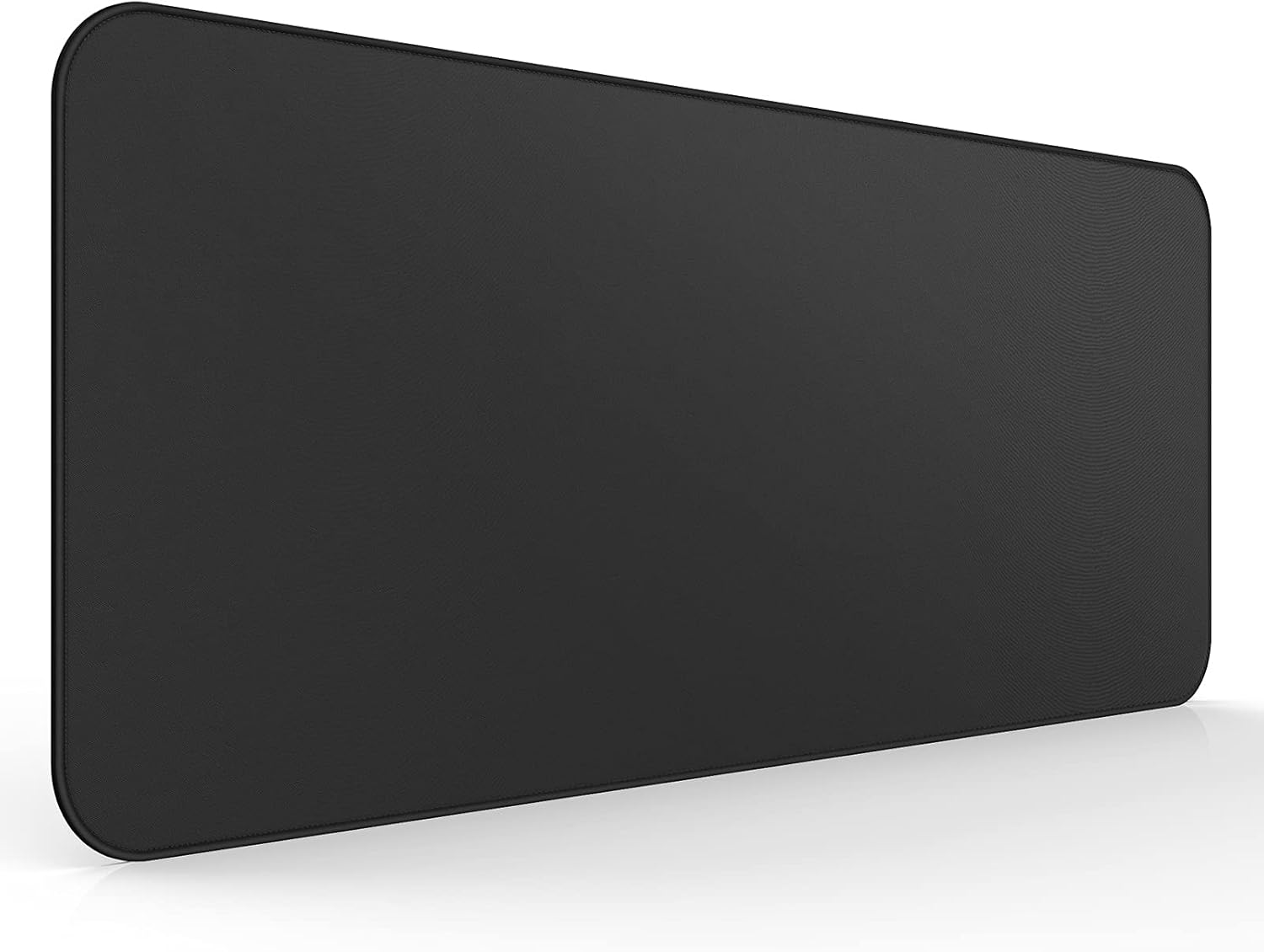
Desk pads can define a working area and provide a smooth surface for writing, keyboard use, or general desk tasks. Compare dimensions, surface texture, thickness, edge construction, and cleaning requirements. Make sure the pad leaves enough room for the keyboard, mouse, notebooks, and other items used regularly.
Portable lap and workstation accessories
Some accessories are designed for flexible work away from a conventional desk. When comparing portable options, consider carrying convenience, usable surface area, device support, storage compartments, and how easily the item can be placed on a lap, table, or other stable surface.
Features and specifications to compare
The most important feature is usually fit: an organizer must hold the intended items without taking over the workspace. Pay attention to the following specifications and design details:
- Dimensions and capacity: Compare outside measurements for desk fit and interior measurements for usable storage. Capacity descriptions should be considered alongside the size of the items being stored.
- Material: Plastic, metal, wood-based materials, fabric, mesh, and combinations of materials can differ in weight, rigidity, appearance, and cleaning needs.
- Stability: A broad base, non-slip feet, weighted construction, or secure attachment may help an organizer stay in place. Consider how often supplies will be removed and replaced.
- Access: Open bins provide quick visibility, while drawers, lids, and enclosed compartments can make the area look tidier and help shield contents from dust.
- Assembly: Check whether the item arrives ready to use or requires assembly. For assembled products, consider the tools and space needed during setup.
- Portability: Handles, lightweight construction, foldable parts, or compact dimensions can be helpful for shared work areas and changing locations.
- Maintenance: Smooth surfaces are generally easier to wipe down, while fabric or mesh may have different care requirements. Check the manufacturer’s care guidance before cleaning.
- Compatibility: For device stands, cable holders, drawer inserts, and desk-mounted accessories, compare the product’s intended fit with the desk, drawer, device, or cable arrangement.
Avoid choosing solely by the number of compartments. A layout that looks versatile may be less useful if sections are too narrow, too shallow, or difficult to reach.
Brands represented in the catalog
The catalog includes desk and workspace products from DOOKE, MaxGear, AOFFLY, Tislly, YSAGi, Cheliz, Fellowes, LapGear, French KOKO, Amazon Basics, Acrimet, and Smooffly. These brands are represented across the category, giving shoppers additional product pages to compare by construction, dimensions, layout, and intended use. Brand selection should be considered alongside the specifications of the individual item, since products within a single brand can serve different workspace needs.
Building a practical desk setup
Organize by frequency of use rather than placing every supply within arm’s reach. Keep daily-use items in an open holder or shallow tray, then move backup supplies to a drawer or covered container. Place documents in a system that reflects the next action, such as filing, reading, signing, or recycling.
Leave clear space around the keyboard, mouse, writing area, or other primary tools. A compact organizer with fewer sections may be more useful than a large unit that crowds the work surface. For shared desks, portable or easy-to-move accessories can make it simpler to reset the area at the end of a work session.
Labels, dividers, and marking tools can make storage systems easier to maintain; related options are available in Labels, Indexes & Stamps. If the goal is planning rather than general storage, compare Calendars, Planners & Personal Organizers. Shipping and mailing tasks may call for Envelopes, Mailers & Shipping Supplies, while classroom and project work may benefit from Education & Crafts.
Frequently asked questions
What should be stored in a desk organizer?
Store items that are used often and are easy to misplace, such as pens, pencils, scissors, clips, notes, charging accessories, and small tools. Choose compartments based on the size and quantity of those supplies.
How do I choose the right organizer size?
Measure the available desk, drawer, shelf, or cabinet space first. Then compare those measurements with the organizer’s external dimensions and check its interior capacity for the items you plan to store.
Are open or enclosed organizers better?
Open organizers make frequently used supplies visible and easy to reach. Enclosed drawers, bins, and boxes can create a cleaner appearance and may suit backup supplies or items used less often.
What features help keep an organizer stable?
A wide base, non-slip feet, heavier construction, or a secure mounting method can improve stability. The best choice depends on the desk surface and how often contents are accessed.
How can I organize a small workspace?
Use vertical storage, narrow compartments, drawer inserts, and accessories that attach to or sit beneath the desk. Keep only daily-use items on the desktop and move extras to nearby storage.
What should I compare for cable organizers?
Check compatibility with the cable types and devices in your setup, attachment method, available space, and whether connectors remain accessible. Consider whether cables need to be grouped, routed, or stored.