
ExcelMark
Custom Self-Inking Stamp - Up to 3 Lines - 11 Color Choices and 17 Font Choices (Extra Large)
See current price

Compare labels, indexes, and stamps by format, material, application, and intended use. Explore catalog specifications and features to find practical supplies for offices, classrooms, mailrooms, and home workspaces.
7,022 products in catalog
7,022 results
ExcelMark
See current price


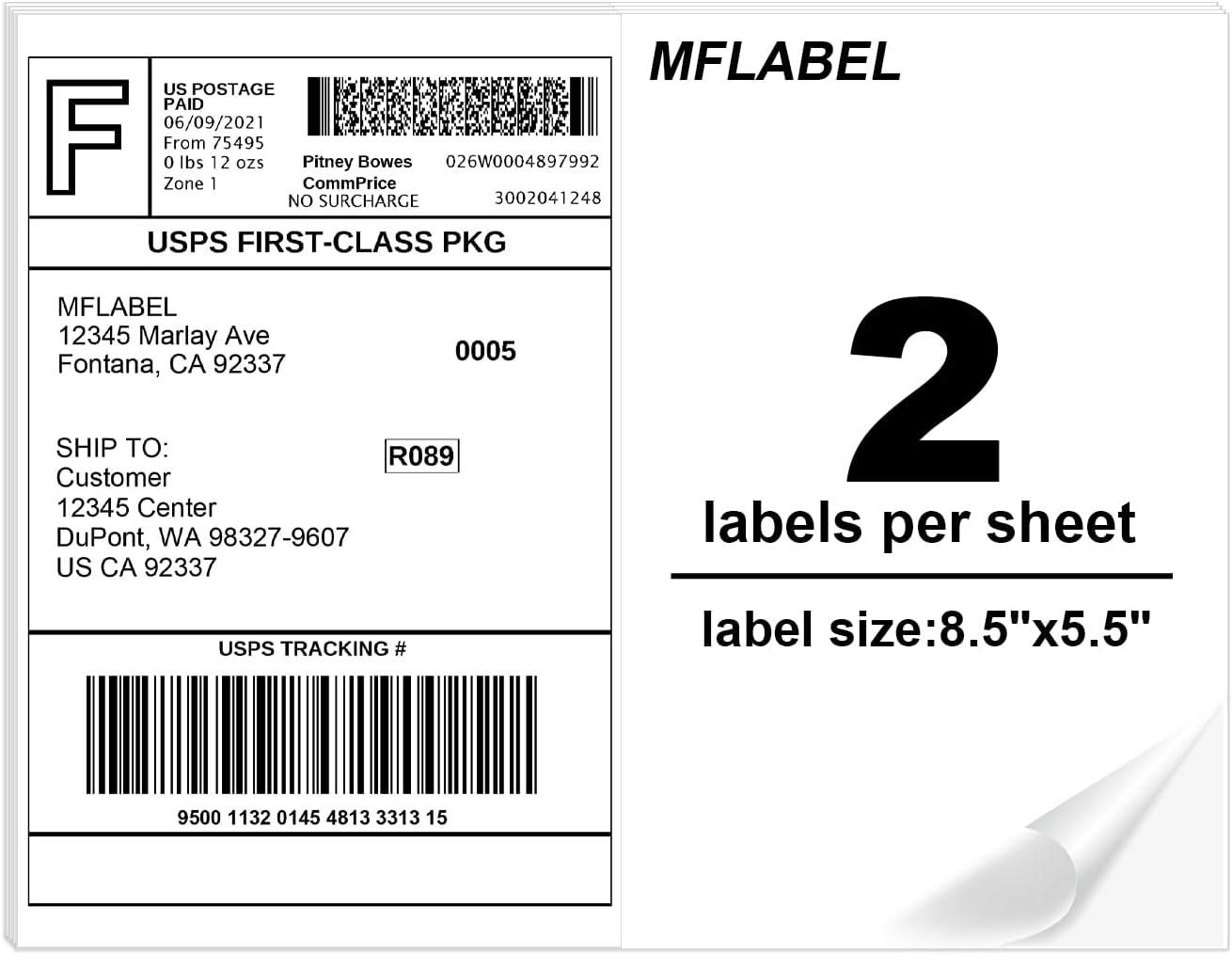

Avery
See current price


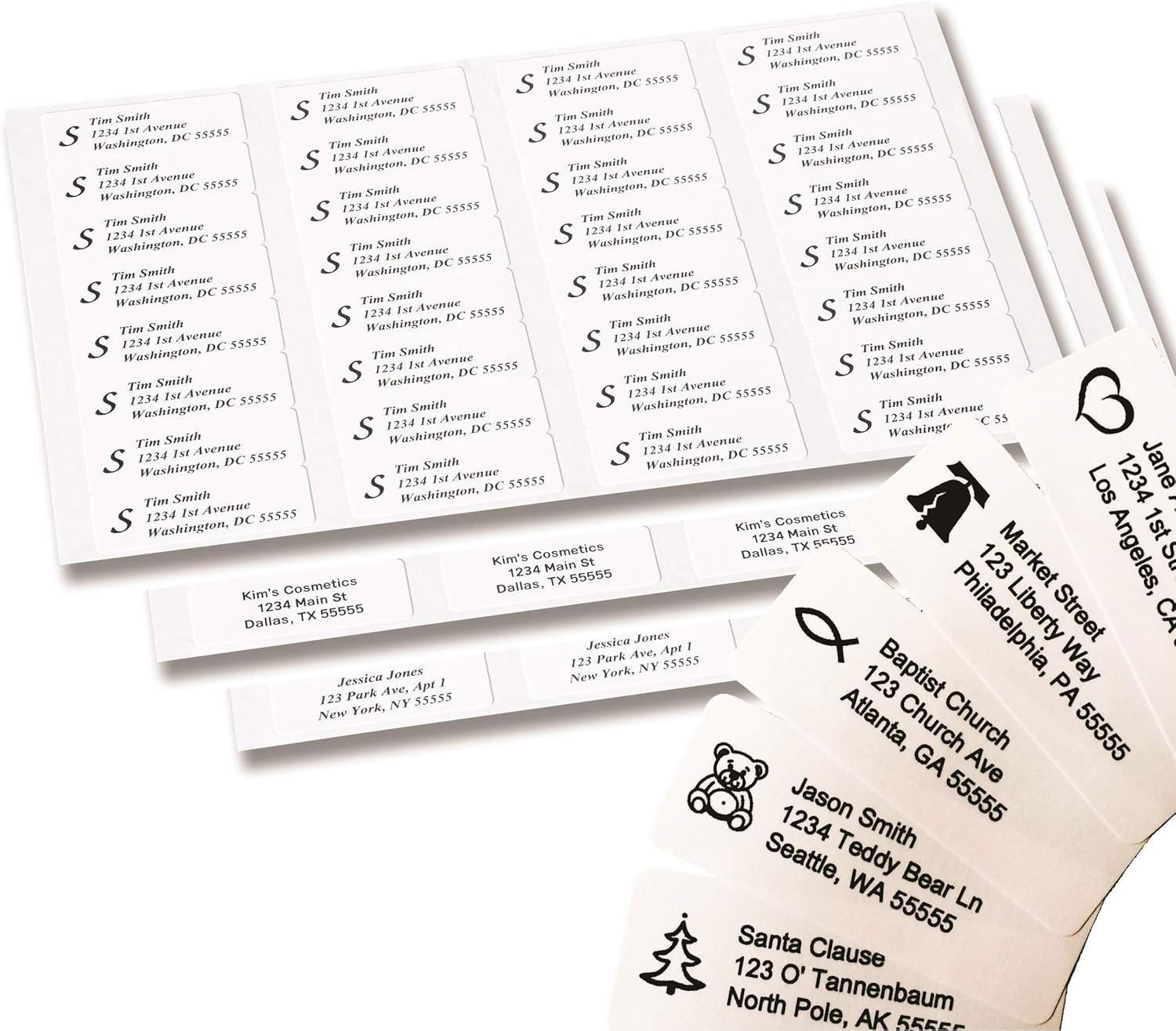


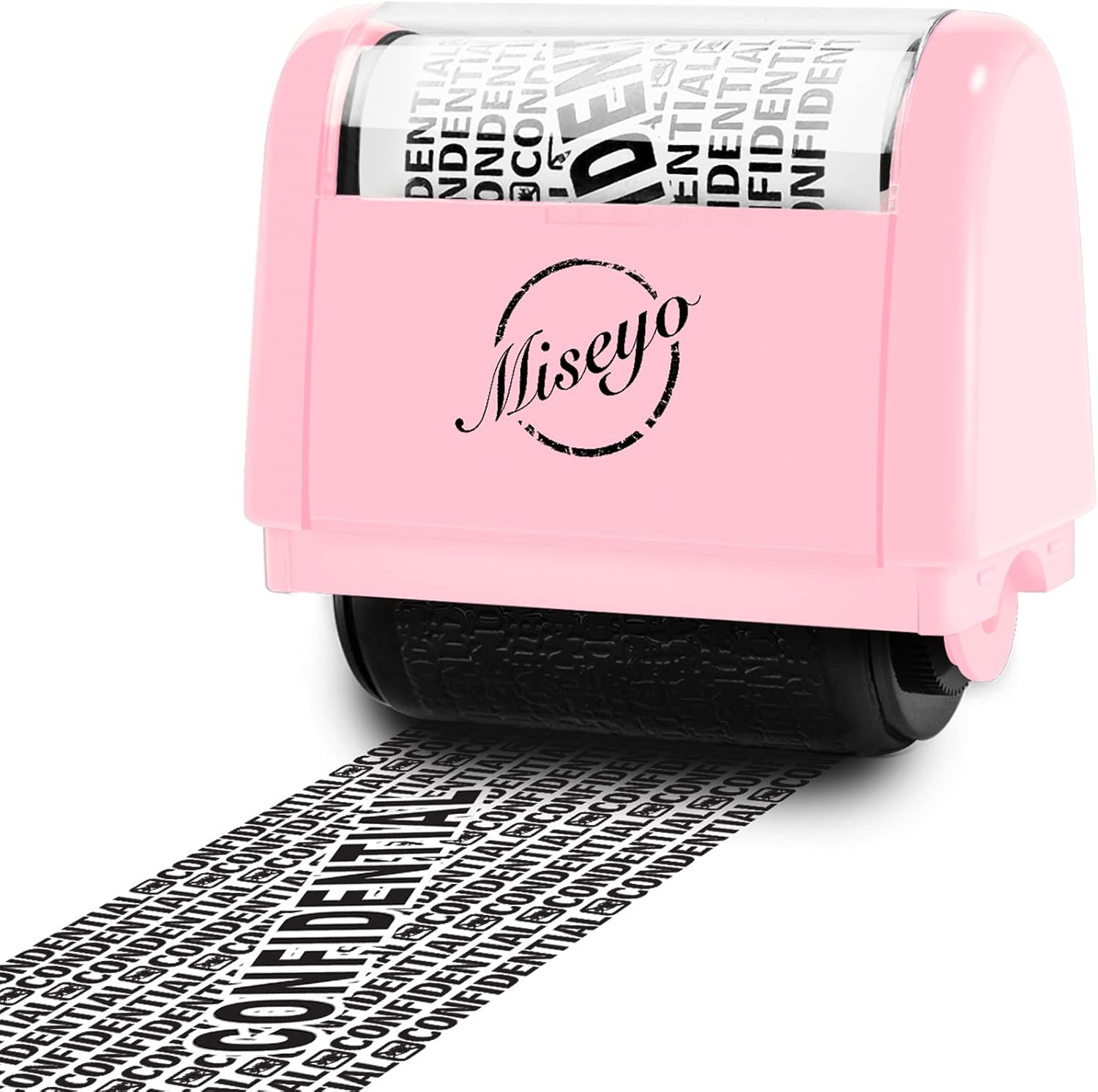

Avery
See current price


Garage Sale Pup
See current price


Garage Sale Pup
See current price

Labels, indexes, and stamps help organize information, identify belongings, direct paperwork, and add repeatable markings to everyday documents. The right choice depends on where the item will be used, how long it needs to stay in place, and whether the mark must be removable, durable, or highly visible.
Use this catalog to compare product details and features before visiting Amazon to check the current price and complete a purchase. For broader office-supply browsing, see Office & School Supplies.
Start with the task rather than the appearance. A label for a file folder has different requirements from one used on a storage bin, envelope, package, notebook, or piece of equipment. Index tabs may need to be repositionable, while an identification label may need a stronger bond and a surface that stays readable over time.
Consider these questions:
If the label is part of a mailing or fulfillment process, also browse Envelopes, Mailers & Shipping Supplies for related packaging items.
Self-adhesive labels are useful for file folders, storage containers, shelves, bins, notebooks, name identification, and general office organization. Compare the adhesive strength, backing style, surface finish, and whether the label is intended for indoor or more demanding environments.
Writable labels are convenient when information changes frequently. Printed or designed labels can provide a more consistent appearance for recurring tasks. Some formats are intended for handwriting, while others may be suitable for printing; check the product description and compatibility details before purchasing.
Index tabs make reports, binders, manuals, planners, and reference materials easier to navigate. Compare tab placement, writing space, material, and whether the tabs can be moved without damaging the page. For frequently handled documents, look for a construction that is easy to see and comfortable to turn.
The best format depends on how the pages are organized. Simple tabs can separate a small set of sections, while divider-style products may be better for larger binders or recurring filing systems. Match the tab style to the document size and binding method.
Stamps can speed up repetitive office tasks such as marking forms, identifying documents, organizing paperwork, or adding a standard message. Compare the stamp type, impression size, ink arrangement, handle or housing design, and the clarity of the intended wording.
For regular use, consider how easy the stamp is to position consistently and whether replacement ink or a compatible ink pad is required. If documents may be scanned, select a clear, sufficiently sized impression that will remain legible without overwhelming the page.
Some labels, bands, and marking products are designed for personal identification, events, classrooms, workplaces, or specific organizational routines. Check the intended user, closure or attachment method, writing area, and material before selecting one. A product designed for temporary identification may not be appropriate for archival filing or outdoor exposure.
Product descriptions can vary considerably, so compare the details most relevant to your application:
When labels will be attached to paper products, compare the available options in Paper as well. For handwriting and correction tools used alongside labels or forms, visit Writing & Correction Supplies.
The catalog includes products from Avery, ExcelMark, Outus, Specialist ID, Goldistock, Bioworld, Scrubs and Stuff LLC, Zonon, Reminderband, HYBSK, Amazon Basics, and ChromaLabel. These brands cover a range of labeling, indexing, identification, and stamping formats. Compare each individual product by its stated materials, dimensions, adhesive or ink details, application method, and intended use rather than choosing by brand name alone.
For a more organized workstation, related products can be found in Desk Accessories & Workspace Organizers. Planning and scheduling materials are available in Calendars, Planners & Personal Organizers, while classroom and project uses may benefit from Education & Crafts.
Create a consistent naming or color-coding system before applying labels. Use the same terminology across folders, bins, shelves, and digital records when possible. This makes information easier to find and reduces duplicate labeling.
Clean and dry a non-paper surface before applying an adhesive label, and smooth the label from one edge to the other to reduce bubbles or lifting. For paper documents, test placement on a similar sheet if repositioning or removal could matter.
Keep stamps clean and capped or covered when they are not in use. Before marking an important document, test the impression on scrap material to confirm alignment, wording, and ink coverage. Store labels flat and protected from excessive heat or moisture when the product instructions call for it.
A label identifies or describes an item, surface, or document. An index tab extends from a page, divider, or folder so a section can be found quickly.
Choose permanent labels for long-term identification and removable or repositionable labels for temporary projects, changing contents, or items that may need to be reused.
No. Check the product specifications for writing surfaces, ink compatibility, printer compatibility, and any recommended application method before buying.
Compare the impression size, wording, clarity, stamp construction, ink setup, and how easily it can be aligned on the page. The best fit depends on the documents and frequency of use.
Review the stated surface compatibility and adhesive type. Clean, dry, smooth surfaces generally provide a better starting point, but the product description should guide the final selection.
Use consistent labels, clear section names, and a repeatable color or position system. Leave enough writing space for updates and choose tabs or dividers that match the document format.