
VTech
VTech CS6719-15 DECT 6.0 Phone with Caller ID/Call Waiting, 1 Cordless Handset, Blue
See current price

Compare telephones and accessories for offices, home workspaces, reception areas, and specialized communication needs. Review connection types, features, compatibility, and accessibility details before choosing.
722 products in catalog
722 results
VTech
See current price


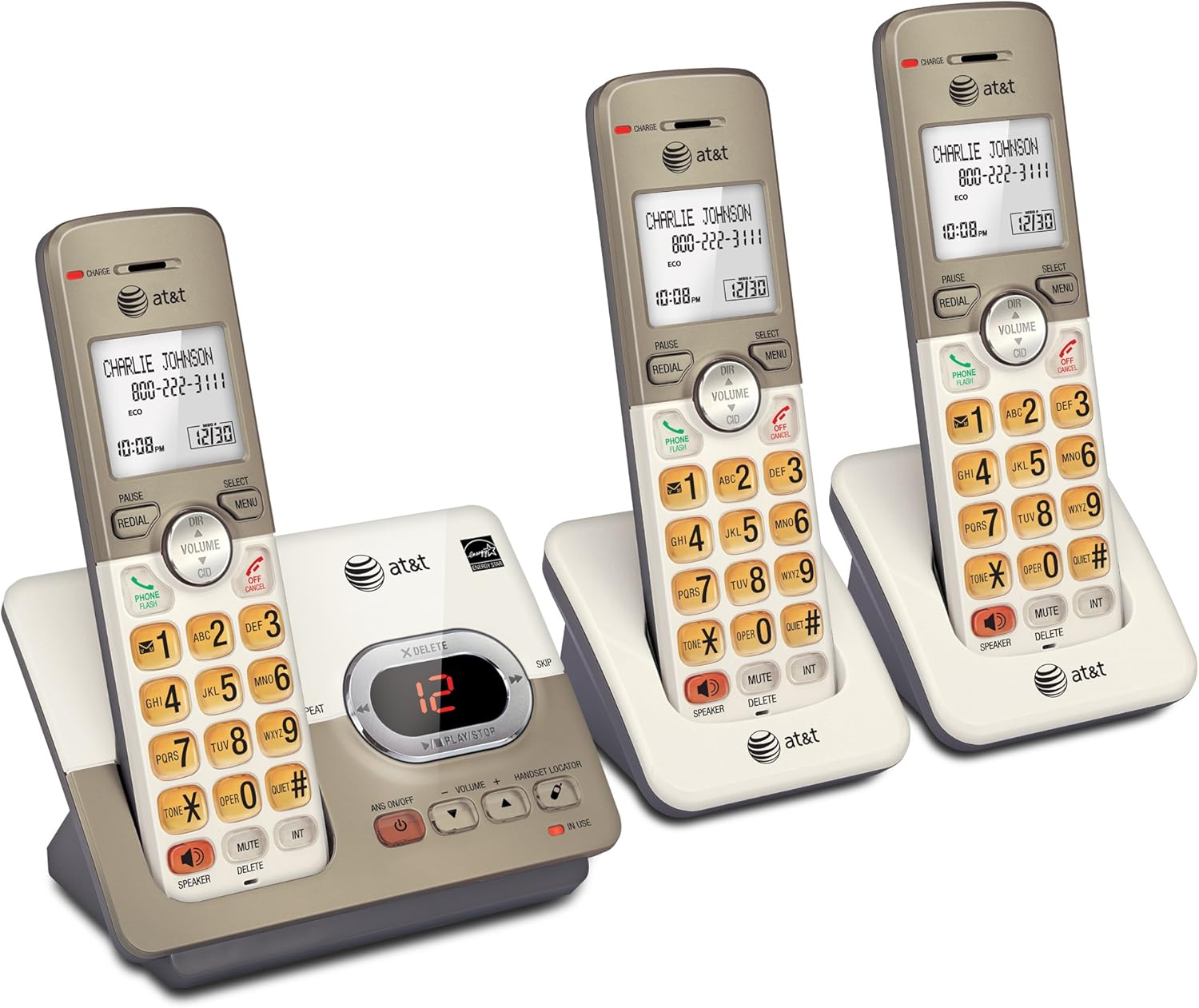


AT&T
See current price


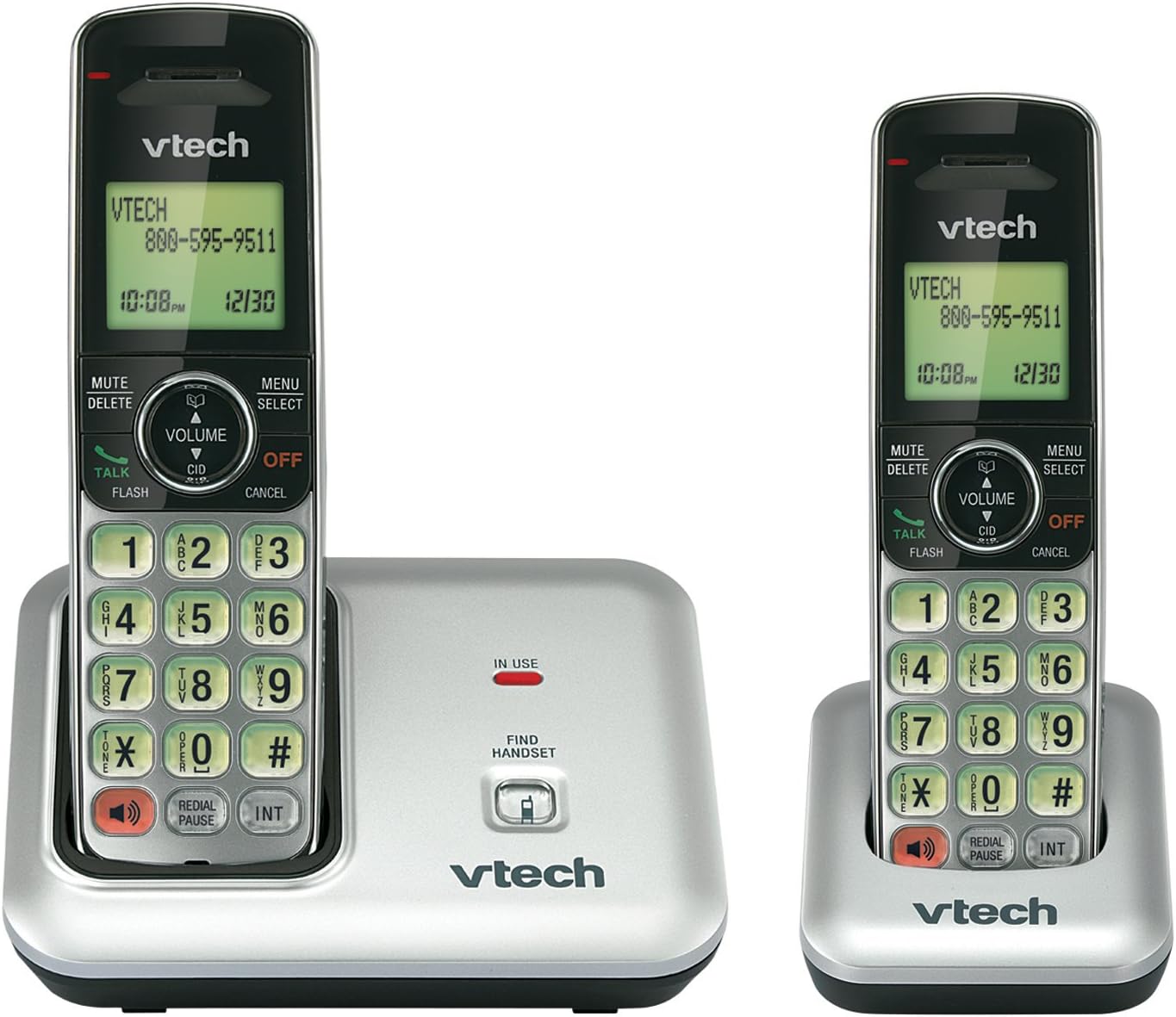
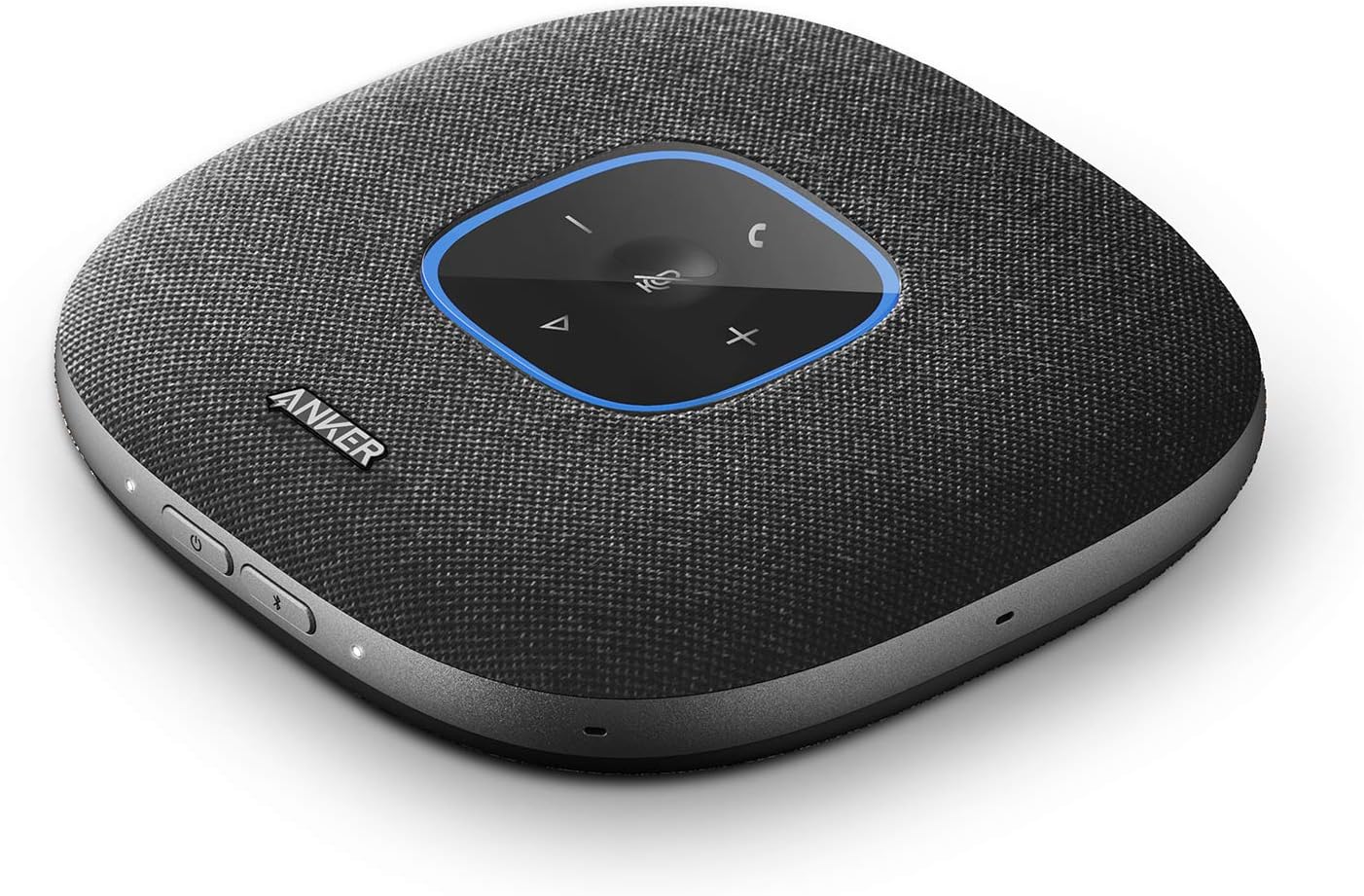


Telephones remain useful wherever dependable voice communication, a dedicated business line, or accessible controls matter. This category includes options for home offices, reception desks, conference areas, retail environments, and traditional landline setups.
Use the catalog to compare specifications and features across telephone styles. Pay close attention to the connection method, handset design, controls, and compatibility with the phone service or equipment already in place.
Start by identifying how the phone will connect. A corded telephone can be a practical choice for a fixed desk or location, while a cordless system offers more freedom of movement. Business users may need an IP phone that connects to a VoIP service, network, or compatible business phone system.
Consider the environment as well. A reception desk may benefit from visible controls, hands-free calling, and easy access to frequently used functions. A home office may prioritize a compact design, cordless flexibility, or an integrated answering feature. For users with hearing, vision, or dexterity needs, large buttons, amplified sound, clear displays, and straightforward controls can be especially important.
Although this category does not have listed subcategories, telephone products generally fall into several useful groups:
The right type depends less on appearance than on the service, wiring, network, and daily calling habits it must support.
Review the technical details rather than relying only on product photos. Important points include:
The catalog includes telephones and accessories from Panasonic, AT&T, VTech, Uniden, CLARITY, Grandstream, Yealink, RCA, Motorola, CORTELCO, GPO, and Golden Eagle. These brands cover a range of traditional, cordless, accessible, business, and specialty telephone designs. Compare each product’s specifications directly, since features and compatibility can differ between product lines from the same brand.
Before ordering, identify the phone service and connector available at the installation location. A telephone designed for an analog line may not work as a direct replacement for an IP phone, and a VoIP model may require account configuration or network access. For business use, confirm support for the intended phone system, calling platform, headset, and power method.
Measure the available desk or wall space and check cable routing before choosing a location. If the phone will be shared, prioritize controls that are easy for different users to understand. For cordless products, consider where the base will sit and whether the handset can be charged conveniently.
For a broader look at workplace technology, browse Office Electronics. Related catalog sections include Printers & Accessories, Calculators, Presentation Products, Other Office Equipment, Scanners & Accessories, and Point-of-Sale (POS) Equipment.
It depends on the phone service and workflow. A corded phone may suit a fixed desk, while a business or VoIP phone may be more appropriate for a networked office system with transfer, hold, or programmable calling features.
No. Compatibility depends on the base connection, phone service, power requirements, and any included system components. Check the product specifications against the line or service being used.
Consider large or high-contrast buttons, a readable display, adjustable volume, amplified audio, clear ringer controls, and a layout that is comfortable for the intended user.
Some models support wall installation, while others are intended only for desktop use. Confirm the mounting style, required hardware, and outlet or cable location before installation.
Verify compatibility with the office phone system or VoIP platform, network and power requirements, headset support, programmable functions, and the calling features needed by the user.