

Point-of-Sale (POS) Equipment
Compare point-of-sale equipment by connection type, compatibility, workflow, and everyday usability. Explore catalog products by specifications and features before checking current availability on Amazon.
159 products in catalog
159 results
Filters
Availability
Brand
Price


WoneNice
WoneNice USB Laser Barcode Scanner Wired Handheld Bar Code Scanner Reader Black
See current price




Popular brands in Point-of-Sale (POS) Equipment
Point-of-sale equipment helps businesses manage checkout, product identification, receipts, and payment workflows. The right setup depends on the type of transactions you process, the devices you already use, and how much space is available at the counter.
K-Catalog organizes POS products within Office Electronics so shoppers can compare specifications and features across equipment types. Use the details below to identify the capabilities that matter before choosing individual products.
How to choose POS equipment
Start with the job each device needs to perform. A small counter may need a compact scanner and receipt printer, while a busier checkout area may benefit from equipment designed for repeated use and quick handoffs between staff members.
Consider these questions:
- What is your checkout workflow? Decide whether you need barcode scanning, receipt printing, payment acceptance, cash handling, or a combination of these functions.
- Which devices must work together? Check operating-system support, connection methods, software compatibility, and the interfaces available on your computer, tablet, or POS terminal.
- Where will the equipment sit? Countertop space, cable routing, viewing angles, and access to power can affect which form factor is practical.
- Who will use it? A shared retail counter may call for simple controls and durable construction, while a mobile setup may prioritize low weight and wireless connectivity.
- What do you need later? Leave room for adding a printer, scanner, cash drawer, or other accessory if the business workflow changes.
Common POS equipment types
POS equipment is a broad category rather than a single device type. Product descriptions may cover separate tools or accessories that work together in a checkout environment.
- Barcode scanners: Useful for reading product labels and reducing manual item entry. Compare scanning method, supported barcode formats, connection type, and handheld or presentation-style design.
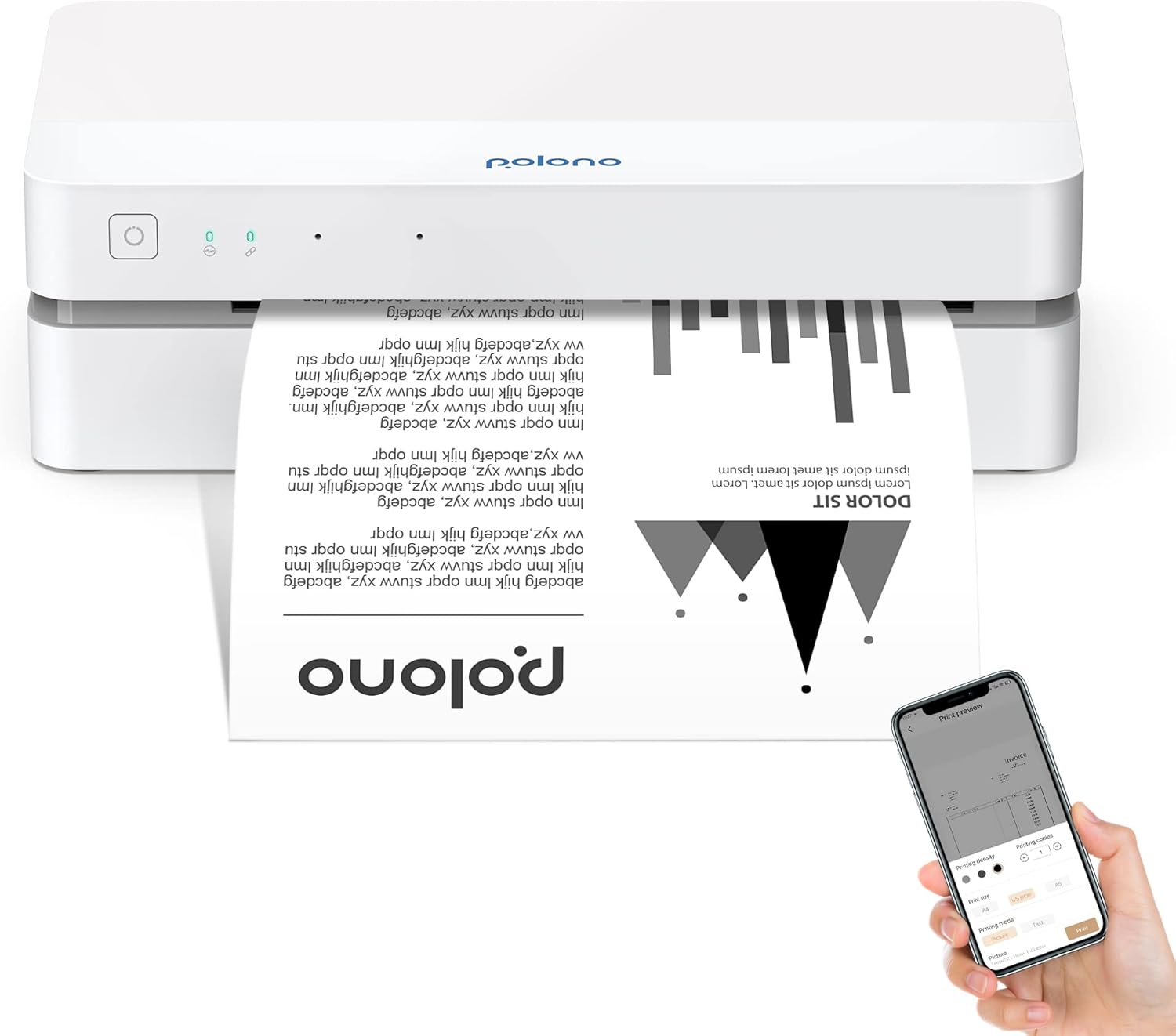
- Receipt printers: Thermal receipt printers are common in checkout settings because they are designed for printed transaction records without traditional ink cartridges. Check paper format, print connection, software support, and available placement options. Related Printers & Accessories may also help when comparing printing equipment.
- Payment devices: Payment hardware should be evaluated for the payment methods it supports, its connection to the POS system, and the software or account setup it requires. Confirm compatibility with the payment platform before buying.
- Mobile and compact POS tools: Smaller devices can suit pop-up shops, service counters, markets, and businesses that need to move equipment between locations. Battery operation, wireless connectivity, and protective design may be important here.
- Supporting office equipment: Depending on the setup, Calculators or Scanners & Accessories may complement a POS station, although they serve different functions from dedicated checkout hardware.
Key specifications and features to compare
Connectivity is one of the most important specifications. USB, Bluetooth, Wi-Fi, and other connection methods have different setup requirements. Wired devices can offer a consistent connection at a fixed counter, while wireless equipment can reduce cable clutter and support more flexible placement.
For scanners, compare scan range, aiming method, supported barcode types, and whether the device is intended for handheld or hands-free operation. For receipt printers, examine paper compatibility, print speed information when provided, supported interfaces, and whether the printer fits the available counter space.
Also check power requirements, included cables, mounting or stand options, indicator lights, control layout, and compatibility notes. A product that appears suitable on its own may not work with a specific POS application or host device, so review the complete system requirements.
Brands represented in the catalog
The POS equipment catalog includes products from Phomemo, Symcode, Eyoyo, NETUM, NADAMOO, Square, Tera, Epson, Star Micronics, SUMUP, NetumScan, and Symbol. These brands may appear across different equipment types and connection styles. Compare each product’s specifications directly rather than selecting by brand name alone, since compatibility and intended use can vary between products.
Setup and compatibility tips
Before ordering, identify the POS software, host device, and payment service that the equipment must support. Look for documentation covering drivers, app compatibility, operating-system requirements, and connection procedures. If the setup includes a receipt printer, confirm the paper format and replacement-supply availability.
Plan the counter layout before installation. Keep scanners easy to reach, position displays where staff can see them, and route cables away from areas where they could snag or become unplugged. For mobile equipment, consider how it will be charged, stored, and protected between uses.
Keep transaction equipment separate from general office devices when possible. Telephones & Accessories and Presentation Products may belong in the same office environment but do not necessarily integrate with a POS workflow. Other Office Equipment can provide additional comparison options for broader workplace needs.
Frequently asked questions
What equipment is commonly used in a POS setup?
A setup may include a barcode scanner, receipt printer, payment device, display or host computer, and other supporting accessories. The exact combination depends on the business and POS software.
Should a POS scanner be wired or wireless?
Wired scanners suit fixed counters and consistent connectivity. Wireless scanners can offer more freedom of movement, but shoppers should compare battery needs, charging, range, and compatibility with the host system.
What should I check before buying a receipt printer?
Confirm the printer’s paper format, connection type, software and operating-system compatibility, power requirements, and available counter space. Also verify that it works with the intended POS application.
Can any payment device work with any POS system?
No. Payment devices may depend on a specific service, application, account, or connection method. Check the manufacturer and payment-platform compatibility requirements before choosing one.
Is POS equipment suitable for a mobile business?
Some compact or wireless products may suit markets, pop-up shops, and service businesses. Compare portability, battery operation, connectivity, durability, and the availability of a reliable internet or device connection.